

Mainwp Maintenance Extension
/Year
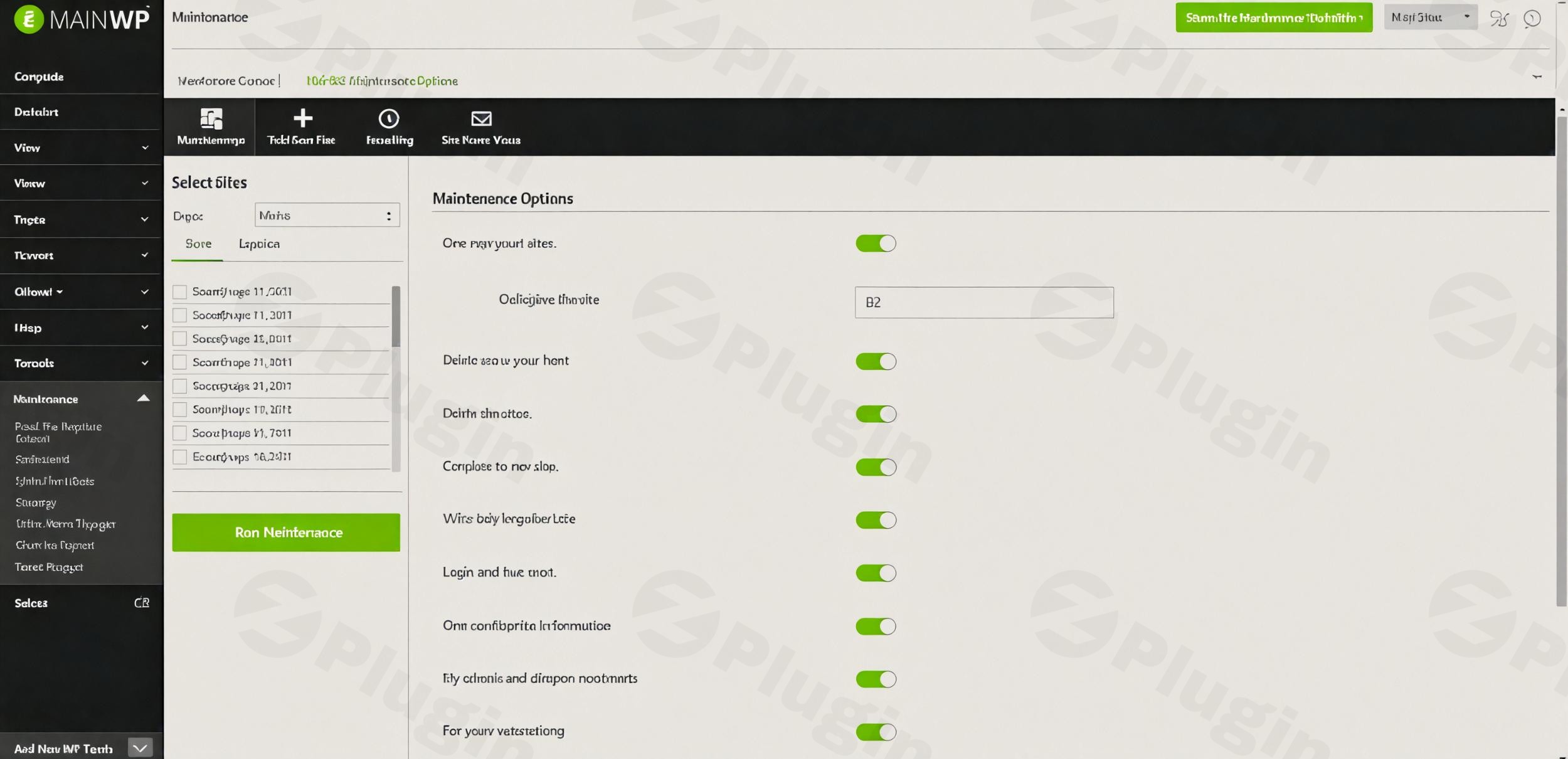
Managing a single WordPress site involves routine upkeep, but when you are managing dozens or even hundreds of sites, manual maintenance becomes impossible. The MainWP Maintenance Extension is a dedicated tool designed to automate and simplify these tasks across your entire network. By focusing on WordPress database cleanup and optimization, this extension ensures your child sites remain fast, lean, and efficient without requiring you to log into each site individually.
In this guide, we will explore how to leverage the MainWP Maintenance Extension to automate WordPress maintenance, improve site performance, and keep your databases clutter-free.
Key Features: Beyond Simple Database Cleaning
The MainWP Maintenance Extension is more than just a “delete” button; it is a comprehensive health tool for your WordPress network. Here is a breakdown of its core capabilities and the benefits they provide:
1. Comprehensive Database Cleaning
Over time, WordPress databases accumulate “bloat”—data that is no longer needed but continues to take up space. This extension allows you to perform a thorough WordPress database cleanup by removing:
- Post Revisions & Auto-Drafts: Clear out old versions of posts that clutter the
wp_poststable. - Spam & Trash: Instantly delete spam comments, pending comments, and posts sitting in the trash.
- Orphaned Content: Automatically remove tags and categories that have no associated posts, keeping your taxonomy structure clean.
2. Database Table Optimization
Cleaning data is the first step; optimization is the second. The extension optimizes your database tables to reduce storage space and increase I/O efficiency. For site owners, this translates directly to faster loading times and a more responsive backend experience.
3. Automated Maintenance Scheduling
One of the strongest unique selling points is the ability to automate WordPress maintenance. You can set a recurring schedule (daily, weekly, or monthly), and the MainWP Dashboard will execute the cleanup tasks across all selected child sites automatically. This ensures consistent upkeep without manual intervention.
4. “Run Now” On-Demand Cleaning
For moments when you’ve just finished a bulk content import or a major site overhaul, the “Run Now” tab allows you to trigger an immediate maintenance session. This is the best way to optimize WordPress databases for multiple sites instantly before taking a backup or moving to production.
Installation & Setup: A Step-by-Step Guide
Setting up the MainWP Maintenance Extension is straightforward and does not require third-party APIs or external plugins.
- Install the Extension: Navigate to your MainWP Dashboard > Extensions page. Search for “Maintenance” and click install. Ensure your MainWP Dashboard is updated to the latest version for full compatibility.
- Activate on Child Sites: Ensure the MainWP Child plugin is active on all sites you wish to manage. You do not need to install any extra plugins on the child sites; the extension communicates directly with the MainWP Child plugin.
- Access the Maintenance Tab: Once activated, a new “Maintenance” menu item will appear in your MainWP Dashboard sidebar.
- Configure Global Settings: Go to the “Settings” tab within the Maintenance extension. Here, you can select which specific cleanup tasks (revisions, spam, orphaned tags, etc.) you want to enable by default.
- Set Your Schedule: Choose your frequency (e.g., Weekly) and save the settings. The extension will now handle the heavy lifting in the background.
Practical Usage & Best Practices
To get the most out of this MainWP extension, consider these professional workflows:
Ideal for Agencies Managing Multiple Clients
If you manage 50+ sites, manual cleanup is a massive time sink. Use the scheduling feature to run a “Quiet Hours” maintenance task every Sunday at 2:00 AM. This ensures that when your clients log in on Monday morning, their sites are performing at their peak.
Post-Migration or Bulk Content Updates
When moving a site from staging to live, or after importing thousands of products into WooCommerce, your database will be riddled with revisions and auto-drafts. Using the “Run Now” feature is the most efficient way to prune this data before the site goes live.
Improving Backup Efficiency
Large databases take longer to back up and consume more cloud storage space. By regularly using the MainWP Maintenance Extension to remove trash and optimize tables, you keep your backup files small and your recovery times fast.
FAQ & Troubleshooting
What does the MainWP Maintenance Extension do?
The MainWP Maintenance Extension is an automation tool that cleans and optimizes the databases of all your WordPress child sites from a central dashboard. It removes unnecessary data like post revisions, spam comments, and orphaned tags, while also optimizing database tables for better performance.
Can the MainWP Maintenance Extension optimize databases?
Yes. Beyond just deleting old data, the extension includes a specific optimization function that reorganizes database storage to improve I/O efficiency. This helps reduce the physical size of the database and can lead to faster query response times.
Is the MainWP Maintenance Extension compatible with the latest WordPress?
Yes, MainWP regularly updates its extensions to ensure full compatibility with the latest versions of WordPress and PHP (including PHP 8+). It is specifically designed to work seamlessly with the MainWP Dashboard 5.0 and later.
What happened to the 404 Error Monitoring feature?
The 404 monitoring feature was a legacy tool in older versions. Due to the high volume of emails it generated, it has been phased out for new users. For specialized 404 tracking, it is recommended to use a dedicated redirection or SEO plugin on the individual child site.
Final Verdict: Is it Worth It?
For any professional managing a network of sites, the MainWP Maintenance Extension provides an immediate Return on Investment (ROI) by saving hours of manual labor. It is a lightweight, self-hosted solution that prioritizes data privacy and site performance.
By integrating WordPress database cleanup directly into your MainWP workflow, you ensure that your sites remain fast and your server remains uncluttered. If you are looking for the best MainWP plugin for site maintenance, this extension is an essential addition to your toolkit.
For more tips on managing your WordPress network, visit wppick.com.
I. Download Limits & Account Benefits
- Free Downloads: Each email address receives 3 downloads per day for free products
- Upgrade Benefits: Purchase any paid product to increase your daily download limit by 3 for each paid product
- No Account Required: You can download immediately by receiving the download link via email
- Account Recommended: Create an account for easier access to your order history and direct update downloads
II. Understanding GPL vs Official Versions
Important: The products available on WPPick are GPL-licensed versions, which differ from official developer versions. Before purchasing, please read our comprehensive guide: Understanding GPL & Official Differences at WPPick
Key Points:
- GPL versions may not include premium support from original developers
- Updates may be delayed compared to official releases
- Some premium features might have limitations
- Always consider your specific needs and support requirements
III. Support & Assistance
We’re here to help through multiple channels:
- Email Support: Direct email assistance for all inquiries
- Live Chat: Real-time support during business hours
- Comprehensive Documentation: Detailed guides and tutorials
IV. Order Tracking
Access your complete purchase history and download links anytime: Order History
V. Account Access
New to WPPick? Login or Create Account to manage your downloads and orders efficiently.
VI. Refund Protection
We stand behind our products with a clear refund policy. Review our terms: Refund Policy
VII. Privacy & Security
Your data security is our priority. Learn how we protect your information: Privacy Policy
VII. Terms of Service
Understanding our service terms ensures a smooth experience: Terms of Use
Quick Tips for Best Experience
- Verify Compatibility: Check plugin/theme compatibility with your WordPress version
- Backup First: Always backup your site before installing new plugins or themes
- Test Environment: Consider testing on a staging site first
- Stay Updated: Regularly check for updates in your account dashboard
- Read Documentation: Review any included documentation for optimal setup
Need Help?
If you have questions about downloads, licensing, or need technical assistance, don’t hesitate to contact our support team. We’re committed to ensuring you have the best possible experience with WPPick products.
Ready to get started? Your download adventure begins with just one click!
- Updated file encoding to prevent potential errors on plugin load.