

Max Mega Menu Pro
/Year
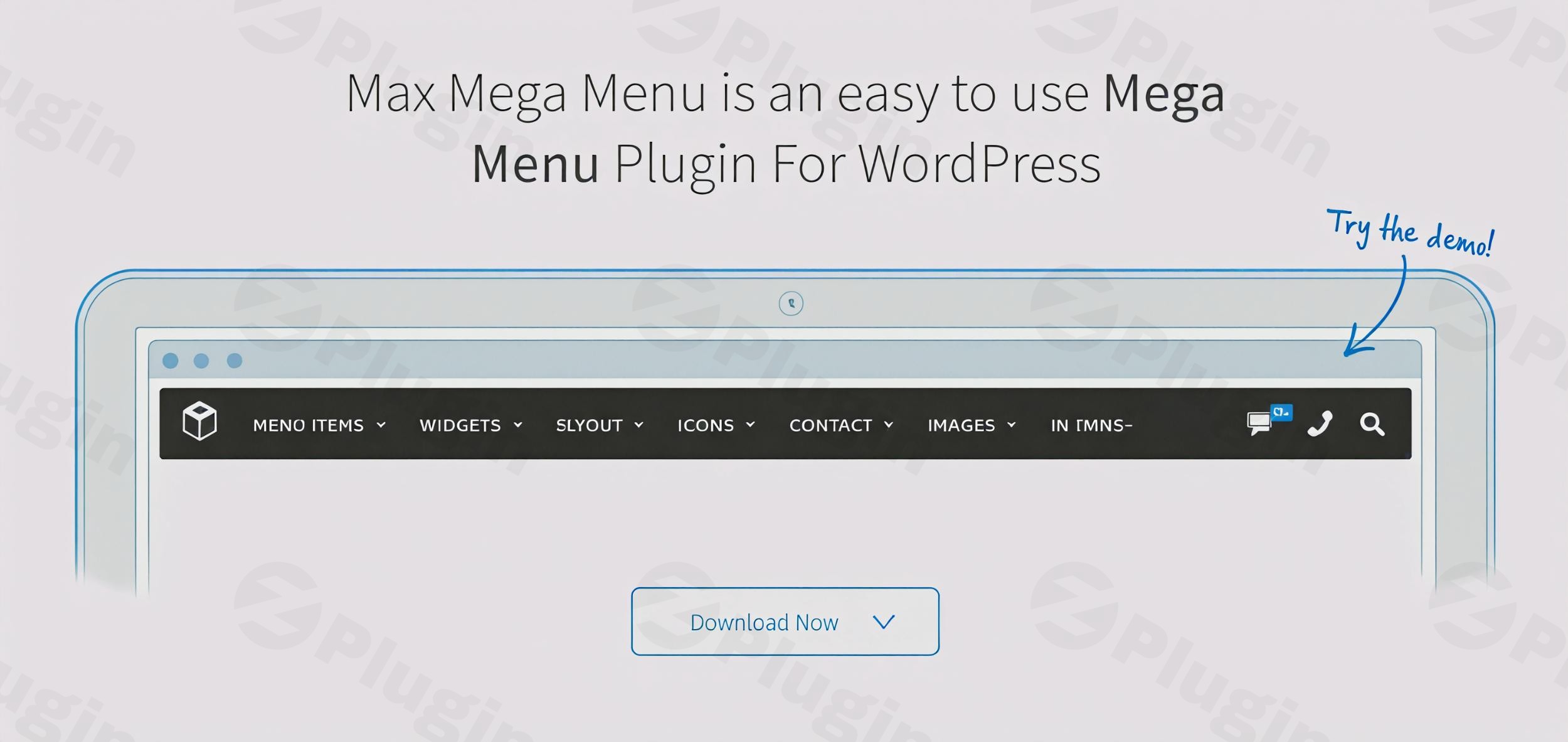
Upgrade to Professional WordPress Navigation
Max Mega Menu Pro seamlessly extends the standard WordPress menu management layout, turning any basic layout into an asset-rich navigation system. For digital stores, content hubs, and multi-page portals, a standard dropdown often fails to handle complex site layouts. This plugin integrates with your active theme configuration to offer comprehensive control over alignment, multi-column widgets, custom icons, and visual effects without technical development overhead.
What It Does
The Pro version operates alongside the free core engine to supply layout structures and item behaviors. It alters traditional navigation links by injecting multi-column drop-down wrappers that can hold fully interactive block elements. Admin users gain visual configuration options that allow them to drop standard WordPress widgets, layout tabs, image banners, and interactive forms straight into their sub-menus.
Who It Is For
This extension targets WordPress site builders, e-commerce store managers, and web agencies requiring detailed control over user flow and navigation design. It is especially suited for WooCommerce webmasters who need to display organized product category matrices, thumbnail images, and search tools right in the main header layout. Enterprise websites with deep architectures rely on it to ensure clear readability and simple pathways for end users.
Key Capabilities
- Drag-and-Drop Editor: Assemble multi-column sub-menus visually using any registered core or plugin widget.
- Tabbed Navigation: Condense heavy category maps into elegant, left- or right-aligned vertical tabs within a single menu block.
- Mobile Optimization: Activate off-canvas panels, customize break-points, and assign horizontal sliding panels optimized for touch gestures.
- Advanced Components: Embed custom search bars, brand logos, custom typography, and dynamic eye-catching badges to direct user actions.
- Access Controls: Use integrated user role settings to restrict the visibility of specific menu options to designated membership levels or roles.
- Custom Element Styling: Modify font weights, margins, hover actions, borders, and background properties on an individual menu item level.
Practical WordPress Use Cases
For large e-commerce stores, the extension allows the deployment of a wholesale mega menu featuring category blocks alongside interactive product search fields and promotional banners. Editorial magazine layouts use the grid space to showcase recent articles via post widgets. Corporate portals deploy the tabbed structure to group customer support tools, client account links, and team directories into one compact, organized layout block.
Setup and Compatibility Context
Installation follows standard plugin procedures; the extension acts as a modern feature layer on top of the free core version. It maintains full structural compatibility with both classic themes and modern Block Themes using Full Site Editing. Key page builders like Elementor, Divi, Bricks, and Breakdance support it natively, allowing seamless styling alignment with your brand style kit. After deploying updates, it is recommended to clear the internal plugin CSS cache via the tools dashboard to ensure accurate theme file generation.
Reasons to Choose It on WPPick
Acquiring this navigation kit on WPPick lets you access robust premium capabilities under an open-source development model. It serves as an optimal alternative for staging servers, multi-site deployments, or localized agency trials where budget efficiency is a priority. Every archive matches the official developer package distribution exactly, ensuring clean performance, lightweight execution, and complete safety across all WordPress environments.
Latest Version Context
The release of Max Mega Menu Pro version 2.5 expands modern mobile capabilities and refines user control panels. A notable upgrade is the introduction of horizontal sliding panel animations for off-canvas mobile menus, allowing child items to transition smoothly across touchscreens. This release also incorporates Font Awesome 6 icon structures, providing enhanced support for contemporary design frameworks. Admin panels have been streamlined to drop older script frameworks in favor of optimized native selectors, improving loading stability behind the scenes.
Frequently Asked Questions
Does this plugin replace my existing WordPress menu?
No, it acts as a layout upgrade. It layers over your existing standard WordPress menus and positions, converting existing lists into editable mega menu structures while retaining your assigned menu structure and links.
Can I include images and product filters inside the dropdown rows?
Yes. Because the visual builder accepts any standard WordPress widget or shortcode, you can insert WooCommerce product grids, custom image blocks, category filters, and contact forms inside the sub-menu layout panels.
How does the system perform on responsive smartphones?
The plugin is designed for touch interactions and responsiveness. It converts large desktop grids into a optimized mobile toggle block, supporting modern off-canvas behaviors, toggle breaks, and finger-swipe sliding sub-panels.
Is it necessary to write custom CSS code to adjust the layouts?
No custom development is required. The integrated theme configuration manager lets you control typography, padding, color sets, border styles, and hover behaviors visually through simple point-and-click options.
Are the dropdown elements accessible for screen readers?
Yes, structural code focus is a priority. The underlying system incorporates ARIA attributes, key navigation hooks, and keyboard entry controls to ensure compliance with digital accessibility guidelines.
I. Download Limits & Account Benefits
- Free Downloads: Each email address receives 3 downloads per day for free products
- Upgrade Benefits: Purchase any paid product to increase your daily download limit by 3 for each paid product
- No Account Required: You can download immediately by receiving the download link via email
- Account Recommended: Create an account for easier access to your order history and direct update downloads
II. Understanding GPL vs Official Versions
Important: The products available on WPPick are GPL-licensed versions, which differ from official developer versions. Before purchasing, please read our comprehensive guide: Understanding GPL & Official Differences at WPPick
Key Points:
- GPL versions may not include premium support from original developers
- Updates may be delayed compared to official releases
- Some premium features might have limitations
- Always consider your specific needs and support requirements
III. Support & Assistance
We’re here to help through multiple channels:
- Email Support: Direct email assistance for all inquiries
- Live Chat: Real-time support during business hours
- Comprehensive Documentation: Detailed guides and tutorials
IV. Order Tracking
Access your complete purchase history and download links anytime: Order History
V. Account Access
New to WPPick? Login or Create Account to manage your downloads and orders efficiently.
VI. Refund Protection
We stand behind our products with a clear refund policy. Review our terms: Refund Policy
VII. Privacy & Security
Your data security is our priority. Learn how we protect your information: Privacy Policy
VII. Terms of Service
Understanding our service terms ensures a smooth experience: Terms of Use
Quick Tips for Best Experience
- Verify Compatibility: Check plugin/theme compatibility with your WordPress version
- Backup First: Always backup your site before installing new plugins or themes
- Test Environment: Consider testing on a staging site first
- Stay Updated: Regularly check for updates in your account dashboard
- Read Documentation: Review any included documentation for optimal setup
Need Help?
If you have questions about downloads, licensing, or need technical assistance, don’t hesitate to contact our support team. We’re committed to ensuring you have the best possible experience with WPPick products.
Ready to get started? Your download adventure begins with just one click!
- New: Sliding Panels - when the Mobile Menu type is set to Off Canvas, sub menus can now animate horizontally as sliding panels
- New: Font Awesome 6 icons can now be used for menu arrows, mobile close and mobile toggle icons
- Improvement: All Pro toggle block styling updated to match Max Mega Menu 3.10
- Improvement: Admin icon selectors updated to replace legacy Select2 usage
- Improvement: FontAwesome 6 icon tab position now correctly accounts for Material Symbols and Dashicons
- Improvement: Overlay attributes are only output when overlay is actually enabled
- Fix: HTML toggle block editor now uses CodeMirror
- Fix: Logo toggle block PHP notice when attachment image src is unavailable
- Fix: Badge tab insertion now preserves string array keys
- Use new color picker introduced in Max Mega Menu v3.6
- Sticky menu height when using Flex CSS option
- Sticky menu options get reset when saving the menu data on nav-menus.php
- Tab Height on mobile
- Allow sub menu background images to be applied to sub menus within mega menus
- "Tab Content" tab incorrectly shows on child items when parent settings haven't been saved yet
- Add min-width to custom icons when flex styling is used
- Flex CSS Styling option now respects custom icon vertical align setting