

Media File Renamer Pro
/Year
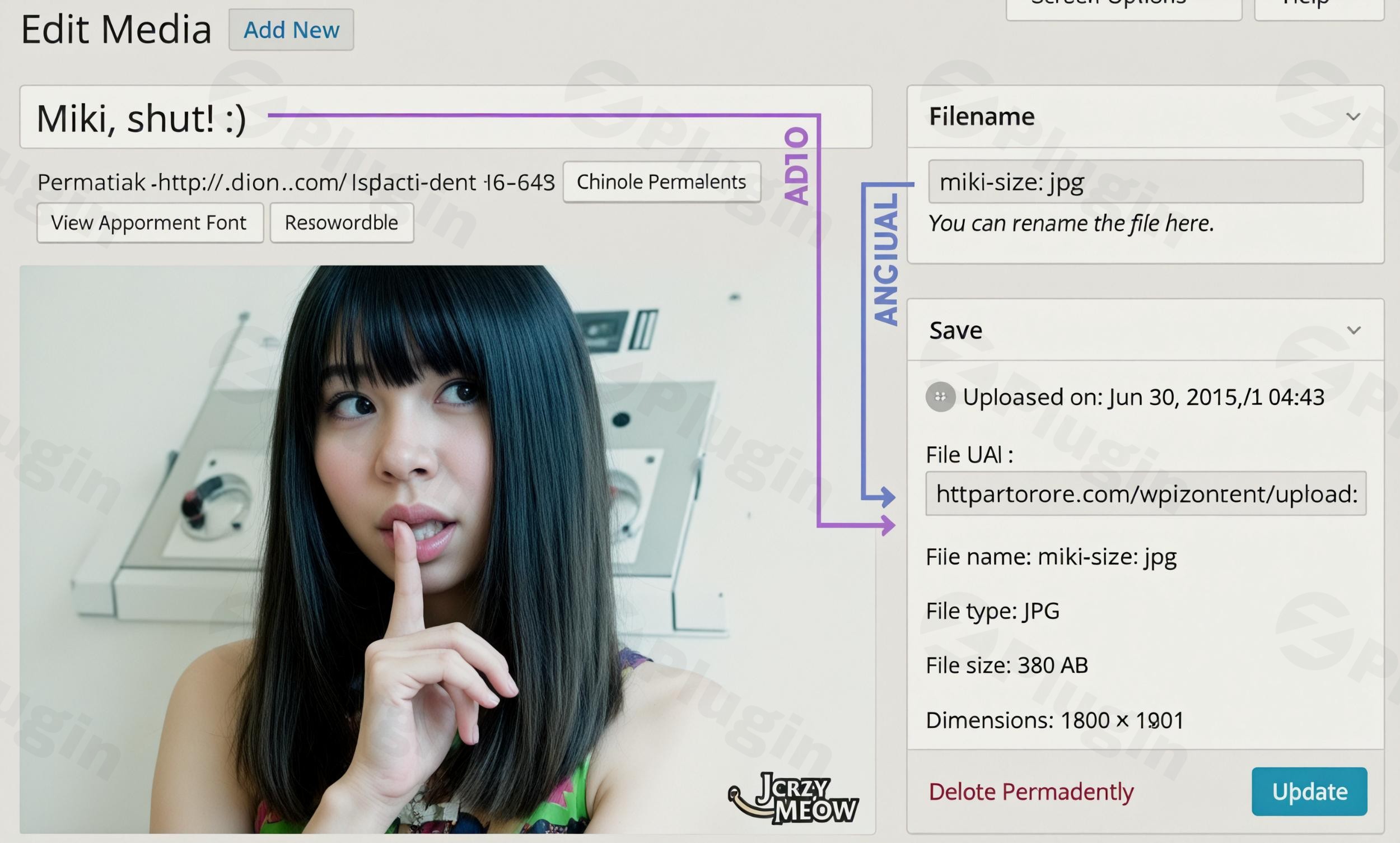
Streamline Your WordPress Media Structure for Maximum SEO
Managing media files in WordPress can quickly become chaotic as a website grows. Uploading files with default, unoptimized camera names or generic titles hurts your search engine optimization (SEO) efforts and makes finding assets inside the backend difficult. Media File Renamer Pro provides a powerful, automated solution to rename files intelligently based on their post titles, alternative text, or targeted keywords. Crucially, the plugin updates every reference in your database to ensure that links, posts, pages, and custom post types remain perfectly intact without broken images.
What Media File Renamer Pro Does
The core functionality revolves around keeping your physical uploads directory in sync with your media titles or customized naming structures. When you modify an image title or update a post, the plugin renames the physical file on your server. It scans your content, metadata, and custom fields to locate where that specific file is used and replaces the old URL with the newly generated structure. This eliminates the risk of human error when attempting to perform manual filename migrations via FTP or command-line tools.
Who is This Plugin For?
This tool is built for content creators, agency developers, and e-commerce store managers handling large volumes of visual content. Large blogs that migrate content or update old articles benefit significantly from keeping filenames fresh and accurate. E-commerce platforms with thousands of product images can use structural renaming rules to clean up chaotic supplier filenames into searchable, brand-focused assets. Web development agencies can deploy it across client sites to maintain professional file pathways and ensure optimal site health.
Key Capabilities and Features
- Automated Renaming Methods: Automatically switch filenames upon upload or when changing titles, utilizing clean patterns that align with search engine best practices.
- Manual Renaming Dashboard: Control everything from a centralized workspace where you can review proposed name updates, inspect current states, and edit individual files directly.
- AI-Powered Suggestions: Leverage advanced AI tools to analyze image contents and metadata, helping generate contextually accurate filenames.
- Database Reference Synchronization: Update posts, pages, custom post types, metadata, excerpts, and custom fields so no broken link issues occur.
- Locking Mechanisms: Secure specific media entries to prevent accidental renaming loops or automatic changes on predefined files.
- Bulk Operations: Update hundreds of media entries simultaneously with filters designed to identify pending, renamed, or locked assets.
Practical WordPress Use Cases
Consider an e-commerce catalog featuring product images originally named with serial numbers like IMG_98234.jpg. By configuring the plugin, those files can be automatically restructured to match the actual product title, transforming into descriptive URLs that ranking algorithms crawl easily. Another common use case involves restructuring photography portfolios where old, unoptimized images need clear alternative keywords. The tool safely updates every single page layout, gallery block, and theme option where those specific images were embedded.
Setup and Compatibility Notes
The plugin is designed to operate efficiently across modern WordPress setups, maintaining compatibility with advanced performance plugins, WebP engines, and custom storage setups. It is essential to generate a complete backup of your database and uploads directory prior to running bulk renaming operations, as physical file movements permanently alter server structures. Certain visual builders that encrypt structural data layouts or hardcode absolute URLs may require specialized filters to ensure thorough link replacement.
Reasons to Choose Media File Renamer Pro on WPPick
Acquiring this optimization solution via WPPick provides you with fully verified, clean plugin packages ready for production deployments. It allows developers and administrators to manage multiple staging or client environments effectively without restrictive setup blocks. You receive reliable asset files designed to maximize database efficiency and site speed while preserving standard core WordPress behaviors.
Latest Version Context and Updates
The current release addresses structural usability and security adjustments to improve the media handling workflow. The visual controls for AI enhancements are now situated directly inside the media modal fields, offering an intuitive editing loop. Additionally, critical validation checks have been implemented to ensure all folder creations and file movements are confined safely within your official uploads directory, preventing directory crossing vulnerabilities.
Frequently Asked Questions
Does renaming files break existing images on my posts?
No. The plugin is specifically designed to parse your database and update all references across pages, posts, and meta fields to prevent broken layout elements.
Can I revert changes if I make a naming mistake?
Yes, the dashboard includes historical tracking features and simple undo operations to safely return files back to their previous naming states if required.
Is a full site backup necessary before using this plugin?
Yes, because renaming modifies physical server files and database entries, a comprehensive backup is standard practice to safeguard your setup from unexpected server timeouts.
Does it work with alternative image types like WebP or PDF thumbnails?
Yes, the plugin supports various file extensions and handles specialized variants like re-scaled responsive image sizes and associated PDF thumbnail attachments smoothly.
Can I prevent specific files from being automatically renamed?
Yes, you can utilize individual lock features on specific files to isolate them from bulk processes or automatic upload triggers.
I. Download Limits & Account Benefits
- Free Downloads: Each email address receives 3 downloads per day for free products
- Upgrade Benefits: Purchase any paid product to increase your daily download limit by 3 for each paid product
- No Account Required: You can download immediately by receiving the download link via email
- Account Recommended: Create an account for easier access to your order history and direct update downloads
II. Understanding GPL vs Official Versions
Important: The products available on WPPick are GPL-licensed versions, which differ from official developer versions. Before purchasing, please read our comprehensive guide: Understanding GPL & Official Differences at WPPick
Key Points:
- GPL versions may not include premium support from original developers
- Updates may be delayed compared to official releases
- Some premium features might have limitations
- Always consider your specific needs and support requirements
III. Support & Assistance
We’re here to help through multiple channels:
- Email Support: Direct email assistance for all inquiries
- Live Chat: Real-time support during business hours
- Comprehensive Documentation: Detailed guides and tutorials
IV. Order Tracking
Access your complete purchase history and download links anytime: Order History
V. Account Access
New to WPPick? Login or Create Account to manage your downloads and orders efficiently.
VI. Refund Protection
We stand behind our products with a clear refund policy. Review our terms: Refund Policy
VII. Privacy & Security
Your data security is our priority. Learn how we protect your information: Privacy Policy
VII. Terms of Service
Understanding our service terms ensures a smooth experience: Terms of Use
Quick Tips for Best Experience
- Verify Compatibility: Check plugin/theme compatibility with your WordPress version
- Backup First: Always backup your site before installing new plugins or themes
- Test Environment: Consider testing on a staging site first
- Stay Updated: Regularly check for updates in your account dashboard
- Read Documentation: Review any included documentation for optimal setup
Need Help?
If you have questions about downloads, licensing, or need technical assistance, don’t hesitate to contact our support team. We’re committed to ensuring you have the best possible experience with WPPick products.
Ready to get started? Your download adventure begins with just one click!
- Moved the AI Suggest buttons inside the fields in the Edit Media modal.
- Changed the Auto and Edit buttons back to normal case and made the Auto label translatable.
- Hotfix — Fixed a path traversal issue in the Move and Create Folder operations, keeping all file actions inside the uploads directory.
- New filters to let you modify original and new image URLs during DB updates.
- Corrected the PDF renaming/moving process and ensured size metadata is fully updated after changes.
- Resolved file renaming and moving issues for alternative extensions such as PDF thumbnails.
- Improved the Move interface display, corrected root uploads handling in the move hierarchy.
- New WP-CLI commands (for metadata).
- Newly uploaded images are now correctly marked as pending even when no “On Upload” method is selected.
- Resolved an issue where enabling the Post Meta option could double folder paths by excluding the _wp_attached_file meta from updates.
- Revamped the plugin description in readme.txt with clearer wording and proper links.
- Refreshed the Meow Common library to improve multisite support and overall stability.
- Discuss with others about Media File Renamer on the Discord.
- Keep us motivated with a little review here. Thank you!
- If you want to help us, check our Patreon. Thank you!
- Pending item counts now correctly exclude locked items when the "Hide Locked" option is enabled.
- Validate and refresh security tokens to prevent failures.
- Side Updates column in the Workflow table.
- Bulk "Keep Filenames" button in the Dashboard "Pending" filter to quickly mark multiple files as fine.
- Visual workflows overview and an Expert Mode toggle in Settings, simplifying the UI for beginners or for when everything is set up.
- Intro Message checkbox to hide the introductory notice.
- Reworked the Pending system with a scanner, proposed filenames and history tracking.
- Replaced the "Logs & Debug" tab with a "Dev Tools" tab that’s disabled by default and can be enabled via Advanced settings, and reorganized related options including renaming the "Lock on Rename" settings.
- Improve Dashboard performance by caching proposed filenames, optimizing media counts, etc. So much faster on large libraries!
- Fixed issues related to the Pending system.
- Adjusted display logic to avoid visual glitches.
- Support for using regular expressions to replace filenames in Advanced Rules.
- Fallback to plain text suggestions when vision features are disabled.
- Improved logging.
- Prevent the text-based rename workflow from being used when the vision feature is unavailable.
- Ensure manual prompts are preserved.