

Media Grid – WordPress Responsive Portfolio Plugin (bundle Pack)
/Year
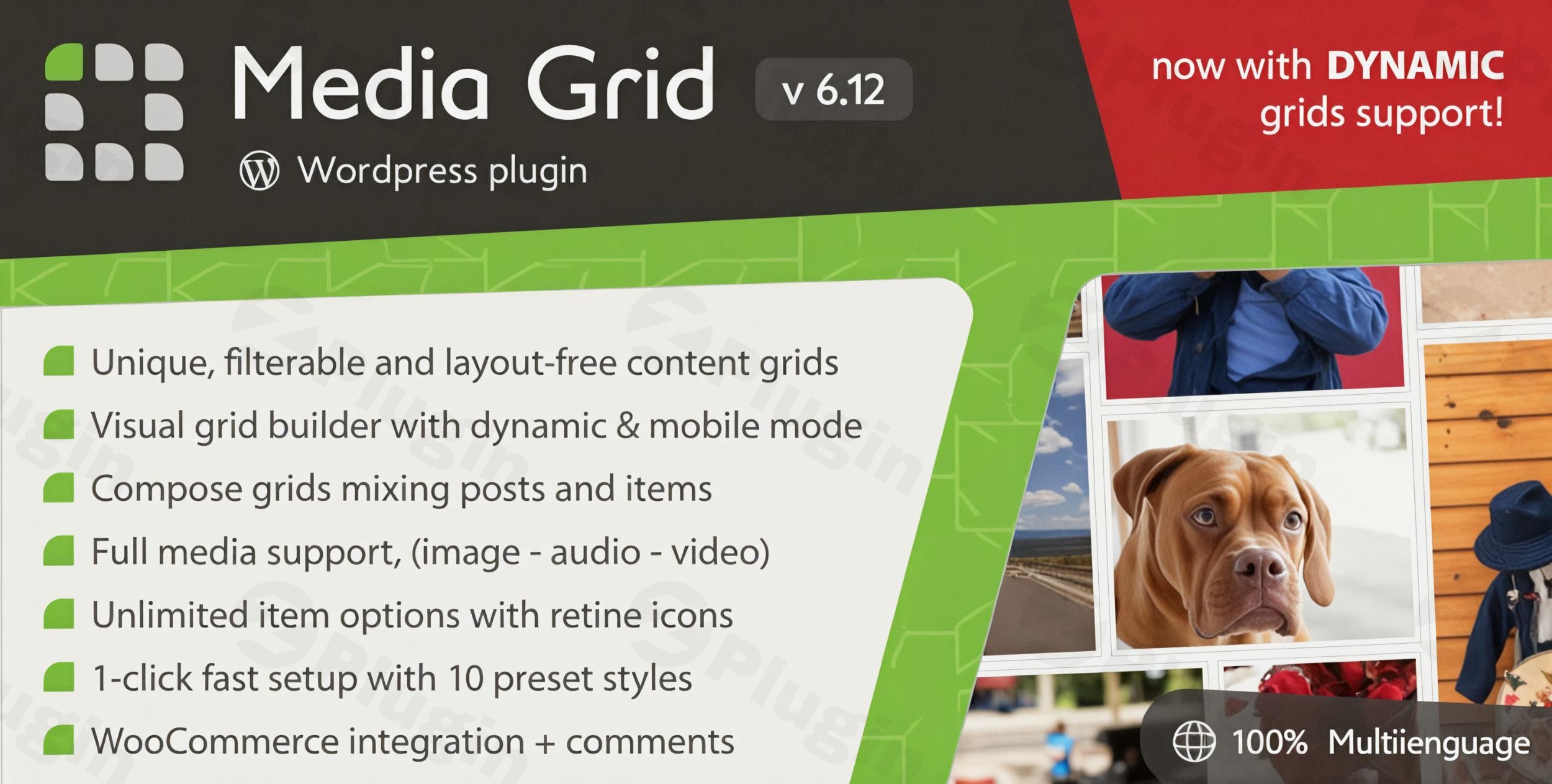
Transform your WordPress site into a hub of engaging visual content with Media Grid – WordPress Responsive Portfolio Plugin (bundle Pack). This premium, all-in-one solution provides the most flexible grid system available, designed for creating stunning portfolios, dynamic galleries, and diverse content displays with unparalleled customization and performance. Whether you’re a seasoned developer or a non-technical marketer, Media Grid empowers you to showcase your work, products, and content beautifully across all devices.
Why Media Grid is Your Go-To Premium WordPress Plugin
Media Grid goes beyond a simple gallery plugin. This comprehensive bundle includes the core Media Grid plugin along with two powerful add-ons: the Overlay Manager and Advanced Filters. This synergistic combination provides everything you need to build sophisticated, filterable content grids with exceptional ease, ensuring a professional and engaging user experience. Its robust feature set and continuous updates position it as a reliable, high-value investment for any WordPress site seeking advanced content presentation capabilities.
Expertise & Professional Design at Your Fingertips
Built with a focus on user experience and flexibility, Media Grid is recognized for its intuitive visual drag-and-drop builder. This eliminates the need for coding knowledge, allowing users to effortlessly design and manage portfolios. With 10 professionally designed presets, you can kickstart your project instantly, while extensive customization options ensure your grids perfectly align with your brand’s aesthetic.
Key Features: Unleashing the Power of Your Content
Media Grid’s robust feature set is meticulously crafted to offer flexibility, performance, and aesthetic appeal.
Core Media Grid Plugin: Foundations of Dynamic Display
The heart of the bundle, the core Media Grid plugin, provides the essential tools for creating stunning content grids.
- Responsive Design & Mobile Optimization: Your portfolios will automatically adapt to any device, from desktops to tablets and smartphones, ensuring optimal viewing experiences. The plugin includes a system that automatically switches to a simpler, mobile-optimized mode on smaller screens for peak performance.
- Visual Grid Builder with Dynamic Layouts: Design unlimited, unique content grids using an intuitive visual builder. Choose from various grid layouts, including Masonry, Justified, and Square grids, that can be customized to fit your specific needs. Dynamic grids support repeating base layouts or shuffling elements for fresh presentations.
- Comprehensive Media Support: Seamlessly integrate various media types, including images, videos (YouTube, Vimeo, Dailymotion, self-hosted), and audio (SoundCloud, self-hosted). It also supports animated GIFs, inline image sliders, and the Ken Burns effect for visually captivating displays.
- Dual Lightbox Modes: Enhance content presentation with a built-in lightbox feature for images and videos. Choose between media-focused or text-focused modes, offering multiple content layouts and command styles for a polished overlay display. The revolutionary AJAX lightbox supports HTML and shortcodes for unparalleled flexibility.
- Flexible Content Integration: Combine existing WordPress posts, custom items, and images directly from your media library into a single, cohesive grid. Features like “in-grid item searching” and “image zoom” further enhance user interaction.
- Extensive Customization: Personalize every aspect of your grids with options for colors, margins, borders, font sizes, and font families. Access 675 retina-ready icons to customize filters and item overlays, ensuring your grids reflect your unique brand identity.
- SEO Friendly: Designed with SEO best practices, Media Grid includes a complete deep-linking system that tracks lightbox, filters, search, and pagination, helping your portfolios rank better in search engine results.
Overlay Manager Add-on: Elevate Item Interactions
The Overlay Manager add-on provides precise control over how users interact with individual grid items.
- Unlimited Custom Overlays: Design and assign unlimited custom overlays to grid items, creating hundreds of unique hover combinations.
- Advanced Hover Behaviors & Animations: Control precise hover behaviors and animations, adding a dynamic and interactive layer to your content.
- Content Shortening & Presets: Automatic content shortening ensures clean displays, while 15 ready-to-use overlay presets offer quick customization options.
- Social Sharing: Integrate built-in social sharing buttons directly into overlays, making it easy for visitors to share your content.
Advanced Filters Add-on: Empowering Content Discovery
The Advanced Filters add-on enhances user experience by enabling efficient content navigation.
- Unlimited Filtering Options: Implement unlimited filtering options to help visitors quickly find specific content within your grids.
- Multiple Filter Layouts: Choose from four distinct filter layouts (top, button, left, right) to best suit your site’s design.
- Diverse Filter Types: Create single or multiple-option filters, or include numeric range filters for categories like pricing or dates, providing precise control over content discovery.
- Filter Summary Bar: Enhance user convenience with a filter summary bar, clearly showing active filters.
- Deep Linking Integration: Benefit from complete deep linking integration for filters, improving SEO and shareability of filtered results.
Seamless Integration & Technical Prowess
Media Grid is engineered for maximum compatibility and performance, making it a reliable choice for any WordPress environment.
- WooCommerce Integration: Create stunning product grids to showcase your online store’s offerings, enhancing the visual appeal of your e-commerce platform. The Advanced Filters add-on further supports enhanced WooCommerce product filtering.
- WPML Compatibility: Make your portfolios multilingual with full WPML compatibility, expanding your reach to a global audience.
- Page Builder Integration: Enjoy seamless integration with popular page builders like Visual Composer, Elementor, and Cornerstone. It also boasts native integration with the WordPress Block Editor (Gutenberg) and Divi Builder, ensuring flexibility in your workflow.
- Robust Technical Specifications: The plugin is 100% CSS-based for item shaping, ensuring fast performance. Its fully responsive design guarantees optimal viewing on all devices. Other features include comments integration and “right-click” image protection.
Trusted Solution from ZeroPlugin.com
When you acquire Media Grid through ZeroPlugin.com, you are guaranteed a product that adheres to the highest standards of quality and trustworthiness. This includes:
- 100% Genuine GPL-Licensed Software: Ensuring legal compliance and peace of mind.
- Regular Updates: Providing ongoing compatibility with the latest WordPress versions and security enhancements.
- VirusTotal Verified Clean Source Files: Protecting your site from malicious code.
- Safe, Scanned Dependencies: Ensuring all components are secure and reliable.
- Reliable Performance and Full Functionality: Delivering on the promise of a premium plugin experience.
Real-World Benefits for Every User
Media Grid is designed to deliver tangible benefits for both technical and non-technical users:
- For Developers & Designers: Leverage the extensive customization options, powerful add-ons, and page builder integrations to create bespoke, high-performance content displays with efficient workflows.
- For Marketers & Content Creators: Easily build visually appealing portfolios and galleries to highlight products, services, or creative work without needing to write a single line of code. The SEO-friendly features help improve content visibility.
- For E-commerce Stores: Enhance product presentation with beautiful WooCommerce product grids and advanced filtering, driving engagement and sales.
Conclusion: Elevate Your WordPress Content Today
Media Grid stands out as a versatile, feature-rich solution among WordPress portfolio plugins, praised for its flexibility, customizability, and integration capabilities. Its continuous updates and responsive support further solidify its position as a leading choice for anyone looking to create dynamic, engaging, and professional content grids.Elevate your WordPress site with this comprehensive grid solution that combines flexibility, performance, and professional results. Choose Media Grid – WordPress Responsive Portfolio Plugin to present your content in a way that truly captivates your audience.
I. Download Limits & Account Benefits
- Free Downloads: Each email address receives 3 downloads per day for free products
- Upgrade Benefits: Purchase any paid product to increase your daily download limit by 3 for each paid product
- No Account Required: You can download immediately by receiving the download link via email
- Account Recommended: Create an account for easier access to your order history and direct update downloads
II. Understanding GPL vs Official Versions
Important: The products available on WPPick are GPL-licensed versions, which differ from official developer versions. Before purchasing, please read our comprehensive guide: Understanding GPL & Official Differences at WPPick
Key Points:
- GPL versions may not include premium support from original developers
- Updates may be delayed compared to official releases
- Some premium features might have limitations
- Always consider your specific needs and support requirements
III. Support & Assistance
We’re here to help through multiple channels:
- Email Support: Direct email assistance for all inquiries
- Live Chat: Real-time support during business hours
- Comprehensive Documentation: Detailed guides and tutorials
IV. Order Tracking
Access your complete purchase history and download links anytime: Order History
V. Account Access
New to WPPick? Login or Create Account to manage your downloads and orders efficiently.
VI. Refund Protection
We stand behind our products with a clear refund policy. Review our terms: Refund Policy
VII. Privacy & Security
Your data security is our priority. Learn how we protect your information: Privacy Policy
VII. Terms of Service
Understanding our service terms ensures a smooth experience: Terms of Use
Quick Tips for Best Experience
- Verify Compatibility: Check plugin/theme compatibility with your WordPress version
- Backup First: Always backup your site before installing new plugins or themes
- Test Environment: Consider testing on a staging site first
- Stay Updated: Regularly check for updates in your account dashboard
- Read Documentation: Review any included documentation for optimal setup
Need Help?
If you have questions about downloads, licensing, or need technical assistance, don’t hesitate to contact our support team. We’re committed to ensuring you have the best possible experience with WPPick products.
Ready to get started? Your download adventure begins with just one click!
- new better WP functions usage to support eventual WP library CDNs
- new main overlay's glass effect proportionally reduced for better scalability
- fixed inline javascript not printed if wp_footer action was already fired
- Fixed grid shortcode - removed forgotten HTML line in inline javascript code.
- Added slider's min-height field for woocommerce product sliders.
- Added lightbox preview with media-focused mode.
- Added ability to save items as draft.
- New dynamic inline JS properly enqueued and optimized.
- Updated settings engine.
- Fixed grid preview in Divi builder.
- Fixed lightbox preview button not shown.
- added "contain image + blur background" mode for lightbox slider
- added zoom-on-hover option for sliders
- new improved HTML code accessibility
- new global code overhaul to comply with modern standards
- updated LC Select script
- updated Dike licensing engine
- fixed top filters not filling the 100% of the grid's width
- fixed slider "flashing" after having changed subject
- fixed item attributes removal in settings
- fixed images/audio picker emptying chosen elements after having managed the WP media