

MemberPress – All-In-One Membership Plugin for WordPress
/Year
Build a Sustainable Recurring Revenue Stream on WordPress
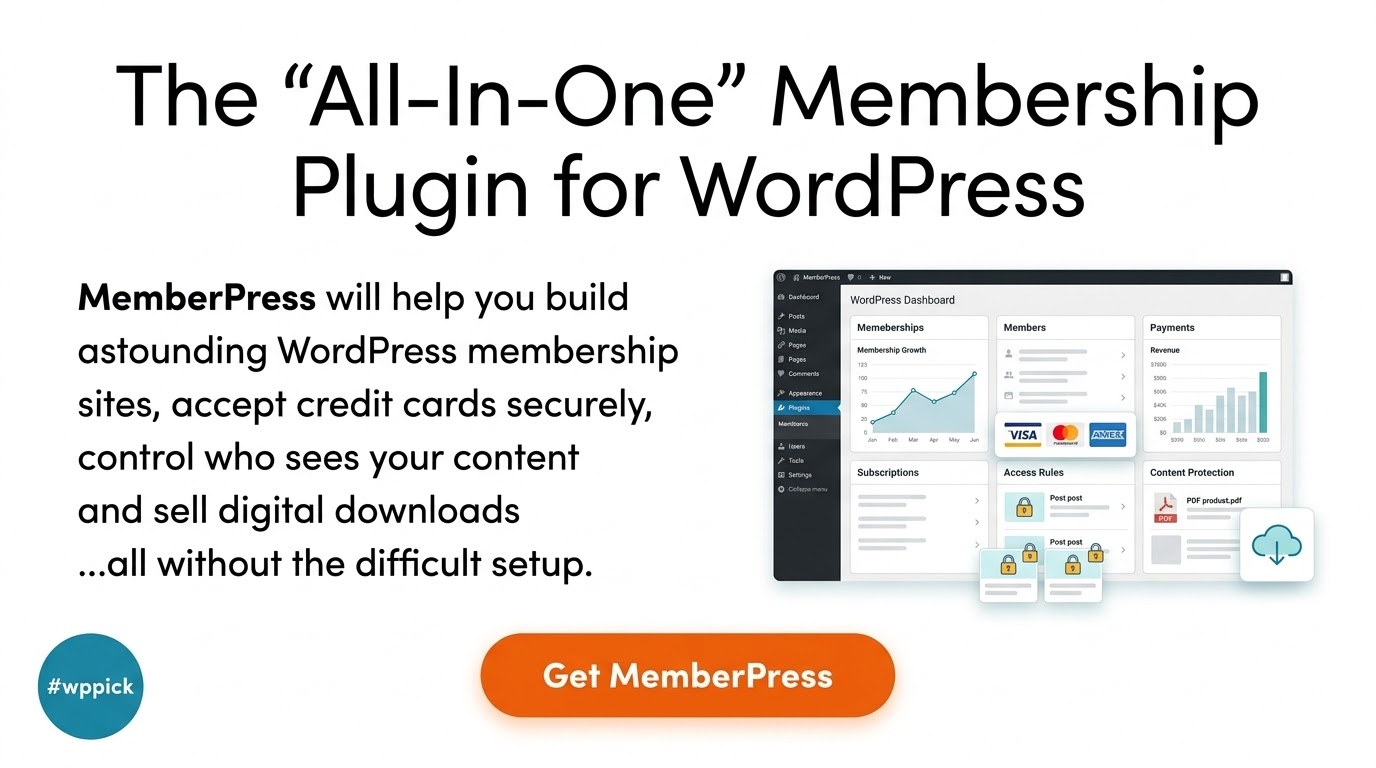
MemberPress is a premier membership and monetization plugin designed to transform any standard WordPress website into a fully functioning membership platform. It addresses a critical requirement for digital entrepreneurs, content creators, and educators: the ability to restrict access to premium resources and automate subscription billing without technical complexity. By providing an all-in-one architecture, MemberPress eliminates the need to stitch together disparate tools for user registration, access rules, payment gateways, and content delivery.
What MemberPress Does
At its core, MemberPress allows site administrators to create tiered membership levels, manage user access, and accept credit card payments securely. The plugin handles the technical heavy lifting of access control. When an unauthorized visitor attempts to view a restricted page, post, category, or file, MemberPress intercepts the request and elegantly redirects them to a registration or pricing page. Additionally, it automates recurring subscription management, handling renewals, upgrades, downgrades, and cancellations directly through the WordPress dashboard.
Who It Is For
MemberPress is engineered for a diverse range of digital publishers and online business owners. It serves as an essential tool for:
- Online Educators and Course Creators: Individuals looking to host structured learning tracks, manage students, and lock quizzes behind paywalls.
- Digital Publishers and Subscription Newsletters: Bloggers, journalists, and media outlets who want to implement a paywall for premium articles or exclusive multimedia.
- Community Leaders and Forums: Club organizers or niche specialists establishing restricted forums, private social networks, or member directories.
- SaaS and Service Providers: Agencies or developers offering monthly service packages, software downloads, or client portals.
Key Capabilities
- Granular Access Rules: Create highly specific restrictions based on categories, tags, child pages, custom post types, or individual URLs.
- Built-In Course Creator: The MemberPress Courses add-on provides a visual, drag-and-drop builder to construct lessons, modules, and progress tracking indicators.
- Content Dripping and Expiration: Schedule when restricted content becomes visible to a member based on their registration date, and set expiration limits on access.
- Dynamic Pricing Pages: Generate clean, conversion-focused pricing tables automatically, allowing users to compare membership tiers easily.
- Automated Billing and Reminders: Configure automated email notifications for upcoming card expirations, successful renewals, and subscription cancellations.
Practical WordPress Use Cases
Consider a fitness professional launching a virtual training studio. Using MemberPress, they can create a “Basic Plan” that unlocks entry-level workout articles and a “Premium Plan” that grants access to advanced video streams and downloadable meal guides. Another practical use case is an corporate training platform where corporate entities purchase group memberships. Through corporate accounts, a single manager can distribute sub-accounts to their entire staff, keeping onboarding streamlined while safeguarding corporate training resources.
Setup and Compatibility Notes
MemberPress installs directly as a standard WordPress plugin and integrates cleanly with modern block editors, page builders, and standard themes. For maximum security and checkout conversions, a valid SSL certificate is mandatory on the host server. The plugin maintains native integration with major payment processors like Stripe and PayPal. When deploying caching layers on the server (such as Varnish, Redis, or heavy page caching plugins), administrators must exclude the account, checkout, and login pages from the cache to prevent session mixing and checkout technical errors.
Reasons to Choose It on WPPick
Acquiring MemberPress via WPPick provides developers and site owners with a reliable, verified asset for staging environments, client prototyping, and direct production builds. This packaging ensures clean, uncompromised performance free from hidden modifications, allowing you to test complex membership workflows, dynamic content rules, and course layouts extensively before scaling your recurring revenue business.
Latest Version Context
Detailed release notes for version 1.12.2 are not available from the provided sources. Because official vendor updates and changelogs vary across public documentation branches, exact changelog entries for this precise build cannot be verified at this time.
Frequently Asked Questions
Can I sell corporate or team memberships with MemberPress?
Yes. By utilizing corporate account extensions, MemberPress allows a single purchasing administrator to buy a multi-seat membership plan. That parent user can then distribute access links or sub-accounts to team members, making it ideal for business-to-business training portals and professional organizations.
How does MemberPress handle content dripping?
Content dripping is managed via the Rules settings interface. You can specify that certain pages or modules unlock sequentially—such as 7 days after signup or upon a specific calendar date. This structured distribution ensures users stay engaged over a prolonged period rather than consuming all material at once.
Does MemberPress store credit card data directly on my server?
No. MemberPress conforms to modern PCI compliance guidelines by offloading card processing tasks to secure payment gateways such as Stripe or PayPal via official APIs. Card processing happens on the gateway side, keeping your local server insulated from storing sensitive financial records.
Can I integrate MemberPress with existing forum plugins?
Yes. MemberPress provides clean, native compatibility with popular forum solutions like bbPress. By applying access rules to your forum URLs or custom post types, you can restrict specific community threads and discussion boards exclusively to paying tiers.
I. Download Limits & Account Benefits
- Free Downloads: Each email address receives 3 downloads per day for free products
- Upgrade Benefits: Purchase any paid product to increase your daily download limit by 3 for each paid product
- No Account Required: You can download immediately by receiving the download link via email
- Account Recommended: Create an account for easier access to your order history and direct update downloads
II. Understanding GPL vs Official Versions
Important: The products available on WPPick are GPL-licensed versions, which differ from official developer versions. Before purchasing, please read our comprehensive guide: Understanding GPL & Official Differences at WPPick
Key Points:
- GPL versions may not include premium support from original developers
- Updates may be delayed compared to official releases
- Some premium features might have limitations
- Always consider your specific needs and support requirements
III. Support & Assistance
We’re here to help through multiple channels:
- Email Support: Direct email assistance for all inquiries
- Live Chat: Real-time support during business hours
- Comprehensive Documentation: Detailed guides and tutorials
IV. Order Tracking
Access your complete purchase history and download links anytime: Order History
V. Account Access
New to WPPick? Login or Create Account to manage your downloads and orders efficiently.
VI. Refund Protection
We stand behind our products with a clear refund policy. Review our terms: Refund Policy
VII. Privacy & Security
Your data security is our priority. Learn how we protect your information: Privacy Policy
VII. Terms of Service
Understanding our service terms ensures a smooth experience: Terms of Use
Quick Tips for Best Experience
- Verify Compatibility: Check plugin/theme compatibility with your WordPress version
- Backup First: Always backup your site before installing new plugins or themes
- Test Environment: Consider testing on a staging site first
- Stay Updated: Regularly check for updates in your account dashboard
- Read Documentation: Review any included documentation for optimal setup
Need Help?
If you have questions about downloads, licensing, or need technical assistance, don’t hesitate to contact our support team. We’re committed to ensuring you have the best possible experience with WPPick products.
Ready to get started? Your download adventure begins with just one click!
- PayPal IPN’s not being received properly, causing missed renewal transaction reporting in MemberPress. If affected, resend IPN’s from missed timeframe.
- Intermittent issue with “eye” icon on password fields
- do_thankyou_url missing parameter
- PHP closing tag showing on login forms
- Broken password “eye” icon on registration forms
- Currency for Mauritania
- Not subscribed to any membership permission added to memberships
- Filter out protected posts in API search discoveries
- Permissions fix with Stripe Checkout + Gifting Add-on
- Show/Hide password icon not working with LastPass browser extension
- Authorize.net CVC field fix
- Spacing of ReadyLaunch™ templates on smaller screens
- Auto-updated card details on Stripe Subscriptions
- Security audit and hardening
- Escape XML properly in Authorize.net gateway
- New sites showing members migration warning
- Duplicate transactions in Order Bumps add-on in rare cases
- Date validations for international formats
- Fix wrong transaction amounts in offline gateway when taxes inclusive
- ReadyLaunch™ account page unauthorized message/excerpt layout
- Two-Factor integration not appearing correctly in account page
- Upgrading with 100% off coupon that also had trial override causing fatal error
- Other minor fixes and performance enhancements
MemberPress is legit… totally recommend it for anyone tryna do memberships on WP. 🔥💯
Been using MemberPress for my client’s site for a bit now… pretty solid. Does everything u need for memberships. 😊
This plugin works great. Was able to get my membership site running fast. No complaints.
MemberPress is a game changer fr! Super easy to set up memberships, ngl it just works perfectly. 👍