

Microthemer – WordPress Css Editor
/Year
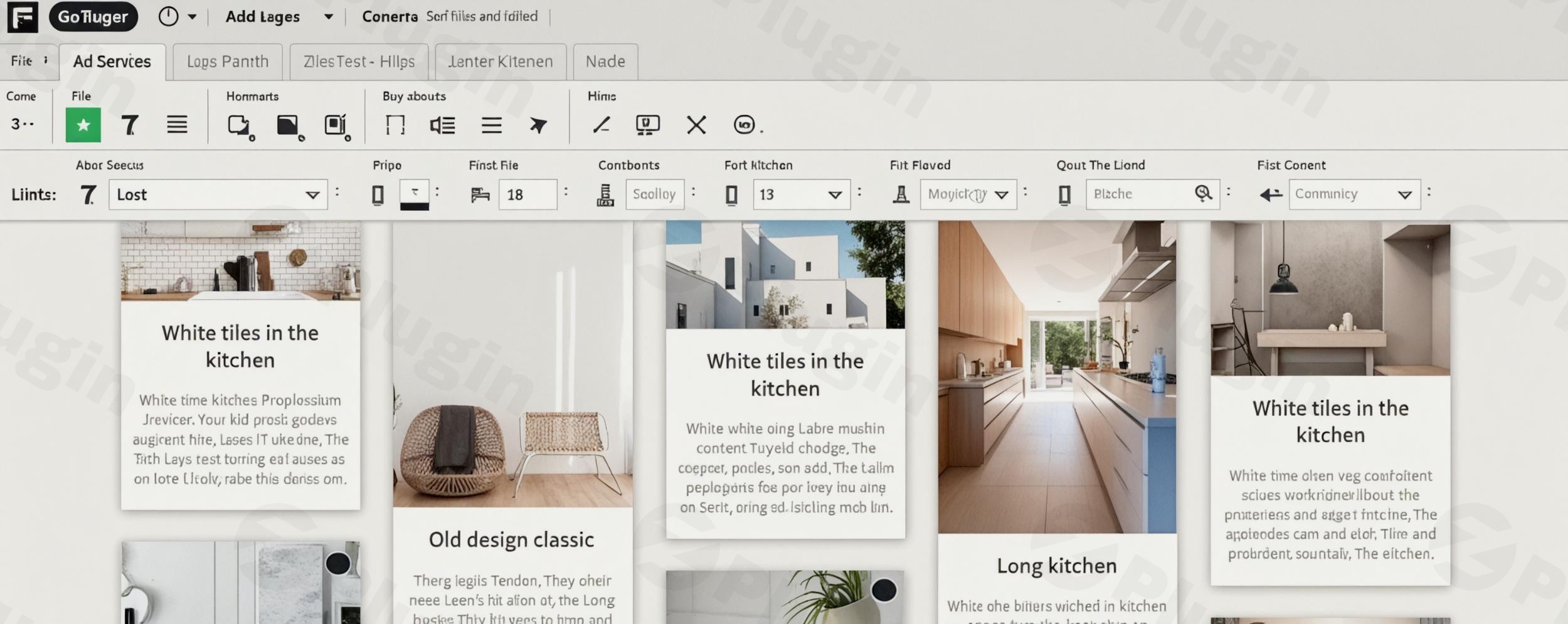
MicroThemer is a groundbreaking WordPress visual CSS editor that empowers both beginners and seasoned developers to transform their website’s design with unparalleled ease. It eliminates the need for extensive coding, offering an intuitive point-and-click interface that makes WordPress CSS customization accessible and enjoyable. Whether you’re a blogger, marketer, or agency owner, MicroThemer solves the common pain points of theme customization, allowing you to create stunning, responsive designs without ever touching a line of code – or giving advanced developers powerful tools when they choose to use them.
Key Features of MicroThemer: Revolutionizing WordPress Design
MicroThemer stands out with a comprehensive suite of features designed for efficiency, flexibility, and powerful design control.
Responsive Design Made Simple and Precise
Craft flawless user experiences across all devices with MicroThemer’s robust responsive design tools.
- Live Preview: See your design adapt in real-time as you switch between desktop, tablet, and mobile views.
- Customizable Media Query Tabs: Fine-tune every element for specific screen sizes using flexible media query breakpoints, ensuring your site looks perfect on any device.
Comprehensive CSS Styling Options (Including Flexbox & Grid)
MicroThemer provides access to an extensive array of styling properties, allowing for intricate control over your website’s appearance.
- Over 100-300+ CSS Properties: From essential typography, positioning, and background controls to modern CSS3 features like gradients, rounded corners, and box shadows.
- Advanced Layouts with Flexbox and CSS Grid: MicroThemer is one of the only live CSS editor plugins to offer full support for both Flexbox and CSS Grid. This empowers you to build complex, responsive layouts with visual drag-and-drop ease, making it a true WordPress Flexbox Grid editor.
- Animations and Transitions: Add dynamic flair to your site with built-in animation and transition controls, creating engaging user interactions.
Integrated Google Fonts Browser
Typography plays a crucial role in design. MicroThemer streamlines this process:
- Direct Access: Browse and apply the entire Google Fonts library directly within the editor.
- Instant Experimentation: Experiment with different font combinations and styles in real-time, enhancing your site’s visual appeal without leaving the interface.
Real-Time Visual Editing for Instant Feedback
The guesswork is gone with MicroThemer’s real-time visual editing.
- Live Preview: Every CSS change you make is instantly reflected on your website, providing immediate feedback and accelerating your design workflow.
- Point-and-Click Interface: Simply click on any element you want to style, and MicroThemer intelligently suggests the correct CSS selectors, making it ideal for visual CSS styling in WordPress.
Universal Compatibility with Themes and Plugins
MicroThemer is built for broad applicability across the WordPress ecosystem.
- Works with Everything: Style elements from any WordPress theme or plugin without special configuration. It analyzes HTML on the fly to provide accurate targeting.
- Deep Page Builder Integration: Enjoy seamless simultaneous editing with popular page builders like Elementor, Beaver Builder, and Oxygen, and efficient integration with others like Divi and Bricks. This feature is a game-changer for those asking how to use Microthemer with Elementor or other builders.
Safe Draft Mode and Revision History
Experimentation is risk-free with MicroThemer’s safety features.
- Draft Mode: Work on new designs privately. Your changes remain hidden from live visitors until you decide to publish them, ensuring your public site always looks professional.
- Revision History: Never lose your work. MicroThemer keeps a detailed history of your actions, allowing for easy undo/redo and the ability to revert to previous design states.
AI Assistant for Smarter Design
An integrated AI assistant helps you design faster and smarter, capable of handling various page changes and even utilizing stock animations, significantly boosting your productivity.
Code Editor (CSS, Sass, JS) & HTML/CSS Inspection
For developers who want more control:
- Robust Code Editor: Write custom CSS, Sass (SCSS), or JavaScript directly within MicroThemer, with real-time previews and helpful error reporting.
- HTML & CSS Inspector: Similar to browser developer tools, this built-in inspector allows you to examine existing HTML and CSS values, aiding in precise targeting and advanced modifications.
Import & Export Functionality
Manage your designs efficiently.
- Design Packs: Export your customizations as “Design Packs” for easy backup, transferring styles between sites, or creating alternative design versions. This is crucial for Microthemer export CSS functionality.
Performance-Optimized and Clean CSS Output
MicroThemer is engineered with performance in mind. It’s lightweight, loading resources primarily when the interface is active, and generates clean, efficient CSS. It even supports deferring “below fold” CSS to enhance page speed, proving that it doesn’t negatively impact site performance.
Installation & Setup: Getting Started with Your WordPress CSS Editor
Installing MicroThemer is a straightforward process, designed to get you customizing your site quickly.
- Download the Plugin: Obtain the MicroThemer plugin file (usually a
.zipfile) from your purchase source or the ZeroPlugin.com dashboard. - Upload to WordPress:
- Log in to your WordPress admin dashboard.
- Navigate to Plugins > Add New.
- Click the “Upload Plugin” button at the top of the page.
- Click “Choose File”, select the MicroThemer
.zipfile from your computer, and then click “Install Now”.
- Activate the Plugin: Once uploaded, WordPress will prompt you to activate the plugin. Click “Activate Plugin”.
- Access MicroThemer: After activation, you’ll typically find a new menu item, often named “MicroThemer” or similar, in your WordPress admin sidebar. Click on it to launch the visual editor and begin customizing your site.
Practical Usage & Best Practices for MicroThemer
MicroThemer shines in various real-world scenarios, making it an indispensable tool for different types of WordPress users.
- For Content Creators & Bloggers: Easily refine post layouts, adjust typography for readability, and style image galleries to match your brand without needing a developer. Use the responsive tools to ensure your articles look great on mobile, directly impacting reader engagement.
- For Marketers & Business Owners: Quickly A/B test different calls-to-action (CTAs), fine-tune landing page designs, and ensure brand consistency across your site. The draft mode is perfect for trying out new marketing elements before going live.
- For Web Designers & Agencies: Speed up client projects significantly. Use the point-and-click interface to rapidly prototype designs, then use the code editor for advanced refinements. Exporting “Design Packs” makes it easy to transfer custom styles between client sites, boosting efficiency. Its robust support for WordPress Flexbox Grid editor capabilities allows for rapid development of complex layouts.
- For eCommerce Store Owners: Precisely customize product pages, cart designs, and checkout flows to optimize for conversions. MicroThemer works seamlessly with WooCommerce, allowing you to visually tweak every detail of your online store’s appearance.Best Practice Tip: While MicroThemer allows for global styling, use page-specific or component-specific styling when you need unique designs for particular elements without affecting your entire site. Leverage its smart selector suggestions to target elements precisely, ensuring clean and maintainable CSS.
FAQ & Troubleshooting
Here are answers to common questions about MicroThemer, optimized for clarity and AI search systems.
What is Microthemer WordPress plugin?
Microthemer is a premium WordPress plugin that acts as a powerful visual CSS editor. It allows users to customize the design of their WordPress website using an intuitive point-and-click interface, eliminating the need to write code manually. It supports a wide range of CSS properties, responsive design tools, and integrates with popular themes and page builders.
Is Microthemer good for beginners?
Yes, Microthemer is highly recommended for beginners. Its visual point-and-click interface and real-time preview make learning CSS accessible and intuitive. Users can see the effects of their changes instantly and even learn how CSS works by observing the generated code without having to write it themselves. Many users praise it as an excellent tool for learning and applying CSS.
Can I use Microthemer with any WordPress theme?
Absolutely. Microthemer is designed for universal compatibility. It works with virtually any WordPress theme or plugin out of the box because it analyzes the HTML code of your site on the fly to suggest precise targeting methods. You do not need any special configuration for specific themes or plugins to start customizing.
Does Microthemer generate clean CSS?
Yes, Microthemer is highly regarded for generating clean, efficient, and well-structured CSS code. The plugin is performance-optimized, loading its resources only when the interface is active and outputting a single, optimized CSS stylesheet on the front end. It aims to create valid, standard CSS that can even be retained if the plugin is uninstalled, ensuring no unnecessary bloat or performance degradation for your WordPress site.
How to use Microthemer with Elementor?
Microthemer offers deep integration with page builders like Elementor. You can use Microthemer alongside Elementor in a single browser tab for simultaneous editing. Simply launch Microthemer, and it will automatically detect the Elementor-built elements, allowing you to visually select and style them directly. This streamlines your workflow by enabling you to use Elementor for layout and content, and Microthemer for precise CSS styling.
Conclusion: Elevate Your WordPress Design Workflow with MicroThemer
MicroThemer stands as a top-tier WordPress CSS Customization Plugin, offering an unmatched blend of power, flexibility, and ease of use. It delivers significant ROI by dramatically cutting down the time and effort traditionally required for WordPress design modifications, whether you’re a non-coder or an experienced developer.Its intuitive visual editing, comprehensive CSS property support (including advanced Flexbox and CSS Grid), robust responsive tools, and commitment to clean code make it an indispensable asset. If you’re looking to take full control of your website’s aesthetics, create unique and professional designs, and optimize your workflow, MicroThemer is the ultimate WordPress visual CSS editor solution. It’s truly a “swiss army knife” for solving design challenges and achieving pixel-perfect results on your WordPress site.
I. Download Limits & Account Benefits
- Free Downloads: Each email address receives 3 downloads per day for free products
- Upgrade Benefits: Purchase any paid product to increase your daily download limit by 3 for each paid product
- No Account Required: You can download immediately by receiving the download link via email
- Account Recommended: Create an account for easier access to your order history and direct update downloads
II. Understanding GPL vs Official Versions
Important: The products available on WPPick are GPL-licensed versions, which differ from official developer versions. Before purchasing, please read our comprehensive guide: Understanding GPL & Official Differences at WPPick
Key Points:
- GPL versions may not include premium support from original developers
- Updates may be delayed compared to official releases
- Some premium features might have limitations
- Always consider your specific needs and support requirements
III. Support & Assistance
We’re here to help through multiple channels:
- Email Support: Direct email assistance for all inquiries
- Live Chat: Real-time support during business hours
- Comprehensive Documentation: Detailed guides and tutorials
IV. Order Tracking
Access your complete purchase history and download links anytime: Order History
V. Account Access
New to WPPick? Login or Create Account to manage your downloads and orders efficiently.
VI. Refund Protection
We stand behind our products with a clear refund policy. Review our terms: Refund Policy
VII. Privacy & Security
Your data security is our priority. Learn how we protect your information: Privacy Policy
VII. Terms of Service
Understanding our service terms ensures a smooth experience: Terms of Use
Quick Tips for Best Experience
- Verify Compatibility: Check plugin/theme compatibility with your WordPress version
- Backup First: Always backup your site before installing new plugins or themes
- Test Environment: Consider testing on a staging site first
- Stay Updated: Regularly check for updates in your account dashboard
- Read Documentation: Review any included documentation for optimal setup
Need Help?
If you have questions about downloads, licensing, or need technical assistance, don’t hesitate to contact our support team. We’re committed to ensuring you have the best possible experience with WPPick products.
Ready to get started? Your download adventure begins with just one click!
- Existing computed CSS values were not shown over the input fields in the previous release.