
Modal Popup Box Elementor Addon
/Year
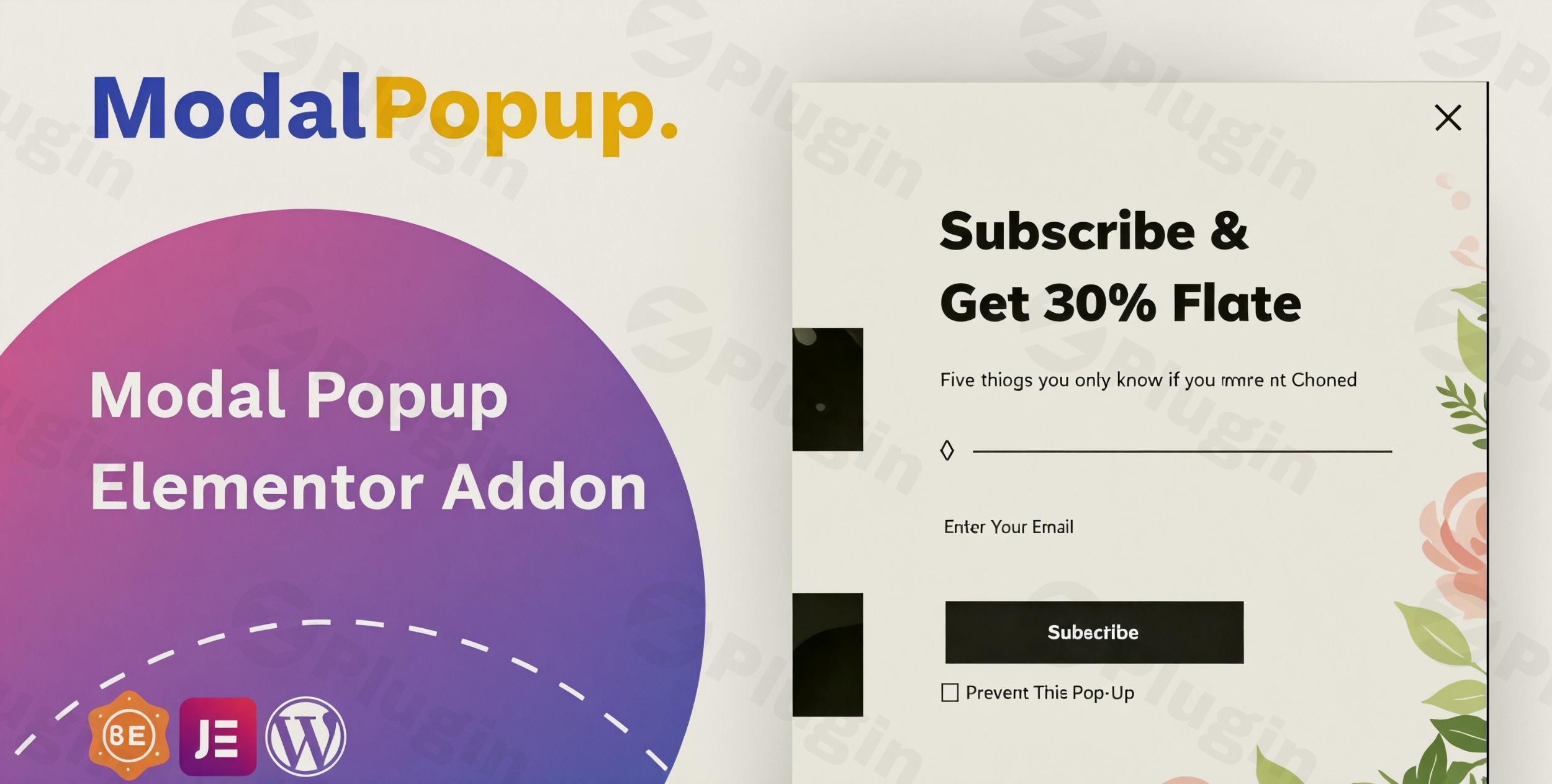
In today’s competitive online landscape, captivating your audience and guiding them towards specific actions is crucial. The Modal Popup Elementor Addon is a powerful WordPress plugin designed to help you achieve just that, enabling you to create highly customizable and engaging popup windows directly within the familiar Elementor Page Builder interface. This dedicated Elementor Modal Popup Widget provides an intuitive drag-and-drop experience, allowing users of all skill levels to design unlimited popups tailored to their unique website needs, significantly boosting user engagement and conversion rates.Whether you’re looking to announce a flash sale, collect email leads, showcase a new product, or simply direct visitors to important content, this addon offers the versatility and control required to make your popups stand out without writing a single line of code.
Key Features to Enhance Your WordPress Site
The Modal Popup Elementor Addon by themesflat is packed with functionalities that make it a robust Elementor popup builder. It goes beyond basic popups, offering a comprehensive suite of tools for design, display, and integration.
Customization & Design Freedom
The core strength of this WordPress modal popup plugin lies in its unparalleled design flexibility. You can create truly custom Elementor popups that perfectly match your brand’s aesthetic.
- Unlimited Designs: Craft as many unique popup designs as you need, each with its own configurations and styling.
- Adjustable Dimensions & Effects: Precisely control the width of your popup and choose from various appearance effects to make them visually appealing.
- Customizable Overlay & Close Button: Design the overlay background color and personalize the close button to ensure a seamless user experience.
- Content Padding & Typography: Fine-tune the spacing around your content and select from a wide range of typography options to ensure readability and visual harmony.
Versatile Content Options for Any Message
This addon supports a multitude of content types, making it incredibly versatile for various marketing and informational purposes. You can display almost anything inside your popups, ensuring your message is delivered effectively.
- Diverse Content Support: Embed text, images, videos (YouTube, Vimeo), iframes, custom HTML, and even entire saved Elementor sections or pages directly into your popups.
- Dynamic Messaging: Easily showcase discount offers, new product announcements, coupon codes, contact forms, or subscription fields, all within a visually engaging modal. This flexibility is key for effective lead generation and promotional campaigns.
Intelligent Display & Trigger Options
Beyond aesthetics, the Modal Popup Elementor Addon provides smart options for how and when your popups appear, optimizing their impact without annoying your visitors. These sophisticated triggers are essential for an effective Elementor exit intent popup for lead generation.
- Automatic Display: Set popups to appear automatically when a page loads, perfect for immediate announcements.
- Exit-Intent Detection: Capture the attention of leaving visitors by triggering a popup just as they are about to exit your site, a highly effective strategy for recovering abandoned carts or presenting last-minute offers.
- Timed Popups: Display popups after a specified number of seconds, allowing visitors to engage with your content first before being presented with an offer.
- Cookie-Based Control: Utilize cookie settings to control how often a popup is shown to individual users, preventing over-exposure and improving user experience.
Seamless Compatibility & Ease of Use
Designed with the user in mind, this addon prioritizes ease of integration and operation, making it accessible for both novices and seasoned developers.
- Elementor Integration: Enjoy seamless integration as a dedicated Elementor lightbox addon, working perfectly within the Elementor Page Builder interface.
- No Coding Required: Create professional-grade popups with simple drag-and-drop actions, making it ideal for beginners and experts alike.
- Widget & Shortcode Support: Use the plugin as an Elementor widget or embed popups into sidebars and posts using simple shortcodes, offering maximum flexibility.
- Fully Responsive & Browser Compatible: Your popups will look great and function flawlessly across all devices (desktop, tablet, mobile) ensuring a responsive modal popup Elementor mobile friendly experience, and across all major web browsers.
Installation & Setup: Get Your Modal Popups Running
Installing and configuring the Modal Popup Elementor Addon is a straightforward process, even if you’re new to WordPress plugins. Here’s how to create a modal popup in Elementor with custom content quickly:
- Purchase & Download: First, purchase the Modal Popup Elementor Addon from a trusted source like ZeroPlugin.com. You’ll receive a downloadable .zip file.
- Upload the Plugin:
- Log in to your WordPress admin dashboard.
- Navigate to Plugins > Add New.
- Click on the “Upload Plugin” button at the top of the page.
- Click “Choose File”, select the .zip file you downloaded, and then click “Install Now”.
- Activate the Plugin: Once installed, click “Activate Plugin”.
- Start Building with Elementor:
- Ensure Elementor Page Builder is already installed and activated on your site (it’s a prerequisite).
- Create a new page or edit an existing one with Elementor.
- In the Elementor editor, search for the “Modal Popup” widget in the elements panel.
- Drag and drop the widget onto your canvas.
- Begin customizing your popup using the extensive settings available in the Elementor sidebar. You can add images, videos, text, or even embed a saved Elementor template (section or page) as your popup content.
Practical Usage & Best Practices for Maximizing Engagement
The Modal Popup Elementor Addon is a versatile tool that can be leveraged across various use cases to significantly enhance your website’s performance. Here are some practical ways to integrate it into your workflow:
- Boost Lead Generation with Exit-Intent Offers:
- Use Case: Implement an Elementor exit intent popup for lead generation to capture visitors who are about to leave your site. Offer an exclusive discount code, a free ebook, or a subscription to your newsletter in exchange for their email address.
- Best Practice: Keep the offer compelling and the form simple. Use a clear call-to-action (CTA) and highlight the value proposition immediately.
- Promote Sales & Announcements Effectively:
- Use Case: Automatically display a popup on page load or after a few seconds to announce a new product launch, a limited-time sale, or an important update.
- Best Practice: Design eye-catching popups with high-quality images or videos. Use strong, action-oriented headlines. Ensure the popup is easy to close for users who aren’t interested.
- Enhance User Experience with Contextual Content:
- Use Case: For specific pages (e.g., product pages), use popups triggered by a button click or a scroll percentage to provide additional information like a detailed size guide, customer testimonials, or a video demonstration. This is an example of an Elementor popup triggers on scroll.
- Best Practice: Ensure the popup content is highly relevant to the page and provides genuine value to the user, improving their decision-making process.
- Showcase Media & Portfolios:
- Use Case: Use a popup as a lightbox to display high-resolution images, video galleries, or project details in a portfolio. Trigger these popups from image clicks or portfolio item buttons.
- Best Practice: Optimize media for fast loading to maintain a smooth user experience. Ensure your responsive modal popup Elementor mobile friendly design adapts perfectly to smaller screens.
FAQ & Troubleshooting
Here are answers to common questions about the Modal Popup Elementor Addon to help you get the most out of it.
Is Modal Popup Box Elementor Addon compatible with Elementor Pro?
Yes, the Modal Popup Box Elementor Addon is designed for seamless integration with the Elementor Page Builder, including Elementor Pro. While Elementor Pro has its own popup builder, this addon offers a specialized, dedicated widget experience that complements your existing Elementor Pro toolkit, particularly for those seeking focused modal popup functionality.
How to add a video to an Elementor modal popup?
To add a video to your Elementor modal popup, first drag the “Modal Popup” widget onto your Elementor canvas. In the widget settings, locate the content options. You’ll typically find an option to embed video content. You can usually paste a YouTube or Vimeo video URL, or choose to upload a self-hosted video. The addon supports various content types, including videos, to ensure you can display rich media effectively.
How to customize Elementor modal popup close button?
The Modal Popup Elementor Addon provides extensive customization options for the close button. After adding the “Modal Popup” widget, go to its settings panel in Elementor. You’ll find options under sections like “Style” or “Close Button” to change its color, background, icon, size, position, and even hover effects. This allows you to style the close button to perfectly match your popup and website design.
What is the best Elementor popup addon?
While many excellent Elementor popup solutions exist, including Elementor Pro’s built-in builder and other popular addon suites, the Modal Popup Elementor Addon stands out as a dedicated and highly customizable Elementor modal popup widget. Its strength lies in its focused approach to creating unlimited, versatile, and engaging popups with easy-to-use drag-and-drop functionality and extensive design controls. For users prioritizing a specialized, robust modal popup solution directly within Elementor, it is an excellent choice.
Conclusion
The Modal Popup Elementor Addon is an indispensable tool for any WordPress user looking to enhance user engagement and drive conversions through impactful popups. With its intuitive Elementor integration, extensive customization options, versatile content support, and smart display triggers, it empowers you to create professional-grade popups without any coding.From lead generation and sales announcements to contextual content delivery, this WordPress modal popup plugin provides the flexibility and control you need. Its reliability, responsiveness, and continuous updates make it a trustworthy addition to your website toolkit. If you’re aiming to capture attention, inform visitors, or boost your marketing efforts, the Modal Popup Elementor Addon offers a high return on investment, making it a must-have for an optimized user experience.
I. Download Limits & Account Benefits
- Free Downloads: Each email address receives 3 downloads per day for free products
- Upgrade Benefits: Purchase any paid product to increase your daily download limit by 3 for each paid product
- No Account Required: You can download immediately by receiving the download link via email
- Account Recommended: Create an account for easier access to your order history and direct update downloads
II. Understanding GPL vs Official Versions
Important: The products available on WPPick are GPL-licensed versions, which differ from official developer versions. Before purchasing, please read our comprehensive guide: Understanding GPL & Official Differences at WPPick
Key Points:
- GPL versions may not include premium support from original developers
- Updates may be delayed compared to official releases
- Some premium features might have limitations
- Always consider your specific needs and support requirements
III. Support & Assistance
We’re here to help through multiple channels:
- Email Support: Direct email assistance for all inquiries
- Live Chat: Real-time support during business hours
- Comprehensive Documentation: Detailed guides and tutorials
IV. Order Tracking
Access your complete purchase history and download links anytime: Order History
V. Account Access
New to WPPick? Login or Create Account to manage your downloads and orders efficiently.
VI. Refund Protection
We stand behind our products with a clear refund policy. Review our terms: Refund Policy
VII. Privacy & Security
Your data security is our priority. Learn how we protect your information: Privacy Policy
VII. Terms of Service
Understanding our service terms ensures a smooth experience: Terms of Use
Quick Tips for Best Experience
- Verify Compatibility: Check plugin/theme compatibility with your WordPress version
- Backup First: Always backup your site before installing new plugins or themes
- Test Environment: Consider testing on a staging site first
- Stay Updated: Regularly check for updates in your account dashboard
- Read Documentation: Review any included documentation for optimal setup
Need Help?
If you have questions about downloads, licensing, or need technical assistance, don’t hesitate to contact our support team. We’re committed to ensuring you have the best possible experience with WPPick products.
Ready to get started? Your download adventure begins with just one click!
- Fixed bug on Latest version Elementor Page Builder