

Modal Survey – Best WordPress Poll, Survey & Quiz Plugin
/Year
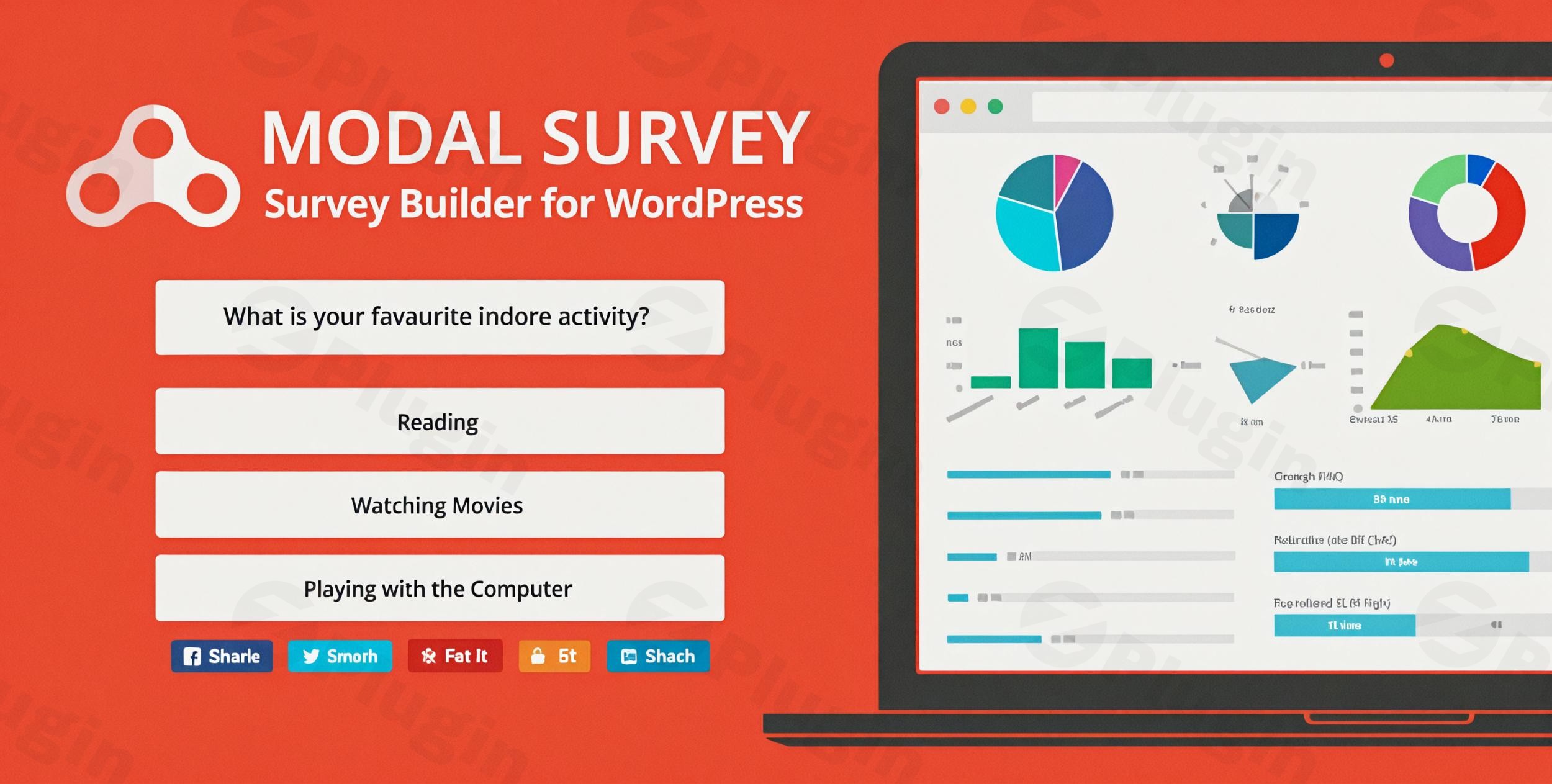
What is Modal Survey?
Modal Survey is an advanced WordPress plugin designed for building interactive polls, questionnaires, quizzes, and market research surveys. It allows site administrators to engage visitors using attention-grabbing visual elements, comprehensive graphical data outputs, and flexible display modes ranging from inline content embedding to attention-focused modal popups.
What Does Modal Survey Do?
The plugin provides comprehensive tooling to capture user feedback, score quizzes, and analyze responses directly inside the WordPress dashboard. Key features include animated charts, conditional branching, automated newsletter integrations, customizable answer options, and export capabilities across multiple file formats such as PDF, CSV, and JSON.
Who Is Modal Survey For?
Modal Survey is built for website owners, digital marketers, educators, and enterprise teams seeking deep audience insights. It suits content creators running interactive quizzes, businesses gathering customer satisfaction metrics, and researchers conducting structured user feedback collection.
Key Capabilities
- Visual builder interface with live preview capabilities for rapid setup.
- Multiple display modes including embedded shortcodes and modal screen overlays.
- Rich data visualization options featuring pie charts, progress bars, radar charts, and line graphs.
- Conditional logic routing to direct users based on individual answers.
- Comprehensive participant tracking with individual result breakdowns.
Practical WordPress Use Cases
Site administrators utilize Modal Survey to boost user engagement through personality tests, grade student assessments with automatic correct-answer scoring, gather client feedback via post-purchase questionnaires, and gate content behind mandatory survey overlays to collect email signups.
Setup and Compatibility Notes
Modal Survey integrates natively into the WordPress editor via a built-in shortcode manager. It supports major browsers and works seamlessly across standard themes, requiring no advanced programming knowledge for basic or intermediate deployment.
Reasons to Choose Modal Survey on WPPick
Selecting Modal Survey through WPPick ensures access to a structured, reliable plugin package optimized for interactive engagement. Its combination of robust reporting tools, flexible styling parameters, and straightforward configuration makes it an efficient solution for data-driven websites.
Latest Version Context
Version 2.0.2.3 includes important bug fixes addressing PHP 8.x compatibility on the Saved Surveys administration page, ensuring stable operation when managing legacy questionnaire data.
Frequently Asked Questions
Can I display surveys as popups?
Yes, Modal Survey supports modal popup modes that can overlay content or trigger upon specific user interactions.
Does the plugin support quiz grading?
Yes, you can mark specific answers as correct and automatically assign scores to calculate final quiz results.
Can survey results be exported?
Results can be exported easily into multiple standard formats including CSV, PDF, and XLS.
Are interactive charts included?
The plugin includes multiple default chart types such as pie charts, bar charts, and progress bars to display real-time results.
Can I connect submissions to email marketing lists?
Modal Survey integrates with popular newsletter services to subscribe users automatically after survey completion.
I. Download Limits & Account Benefits
- Free Downloads: Each email address receives 3 downloads per day for free products
- Upgrade Benefits: Purchase any paid product to increase your daily download limit by 3 for each paid product
- No Account Required: You can download immediately by receiving the download link via email
- Account Recommended: Create an account for easier access to your order history and direct update downloads
II. Understanding GPL vs Official Versions
Important: The products available on WPPick are GPL-licensed versions, which differ from official developer versions. Before purchasing, please read our comprehensive guide: Understanding GPL & Official Differences at WPPick
Key Points:
- GPL versions may not include premium support from original developers
- Updates may be delayed compared to official releases
- Some premium features might have limitations
- Always consider your specific needs and support requirements
III. Support & Assistance
We’re here to help through multiple channels:
- Email Support: Direct email assistance for all inquiries
- Live Chat: Real-time support during business hours
- Comprehensive Documentation: Detailed guides and tutorials
IV. Order Tracking
Access your complete purchase history and download links anytime: Order History
V. Account Access
New to WPPick? Login or Create Account to manage your downloads and orders efficiently.
VI. Refund Protection
We stand behind our products with a clear refund policy. Review our terms: Refund Policy
VII. Privacy & Security
Your data security is our priority. Learn how we protect your information: Privacy Policy
VII. Terms of Service
Understanding our service terms ensures a smooth experience: Terms of Use
Quick Tips for Best Experience
- Verify Compatibility: Check plugin/theme compatibility with your WordPress version
- Backup First: Always backup your site before installing new plugins or themes
- Test Environment: Consider testing on a staging site first
- Stay Updated: Regularly check for updates in your account dashboard
- Read Documentation: Review any included documentation for optimal setup
Need Help?
If you have questions about downloads, licensing, or need technical assistance, don’t hesitate to contact our support team. We’re committed to ensuring you have the best possible experience with WPPick products.
Ready to get started? Your download adventure begins with just one click!
- Fixed fatal PHP 8.x TypeError (Unsupported operand types: string / int) on line 546 of settings_savedforms.php, which crashed the Saved Surveys page when opening a survey whose options array did not contain a stored animation speed (options[11]) or end delay (options[23]). This affected older surveys that pre-dated these settings. The fix adds numeric defaults (400ms and 0ms respectively) in the options initialisation block so division by 1000 is always safe.
- Fix data saving
- Fix output method for social metas
- Fixed the deletion of the survey data
- Fix input values processing
- Updated Chart.js to v4.5.1