

Motopress Hotel Booking WordPress Plugin
/Year
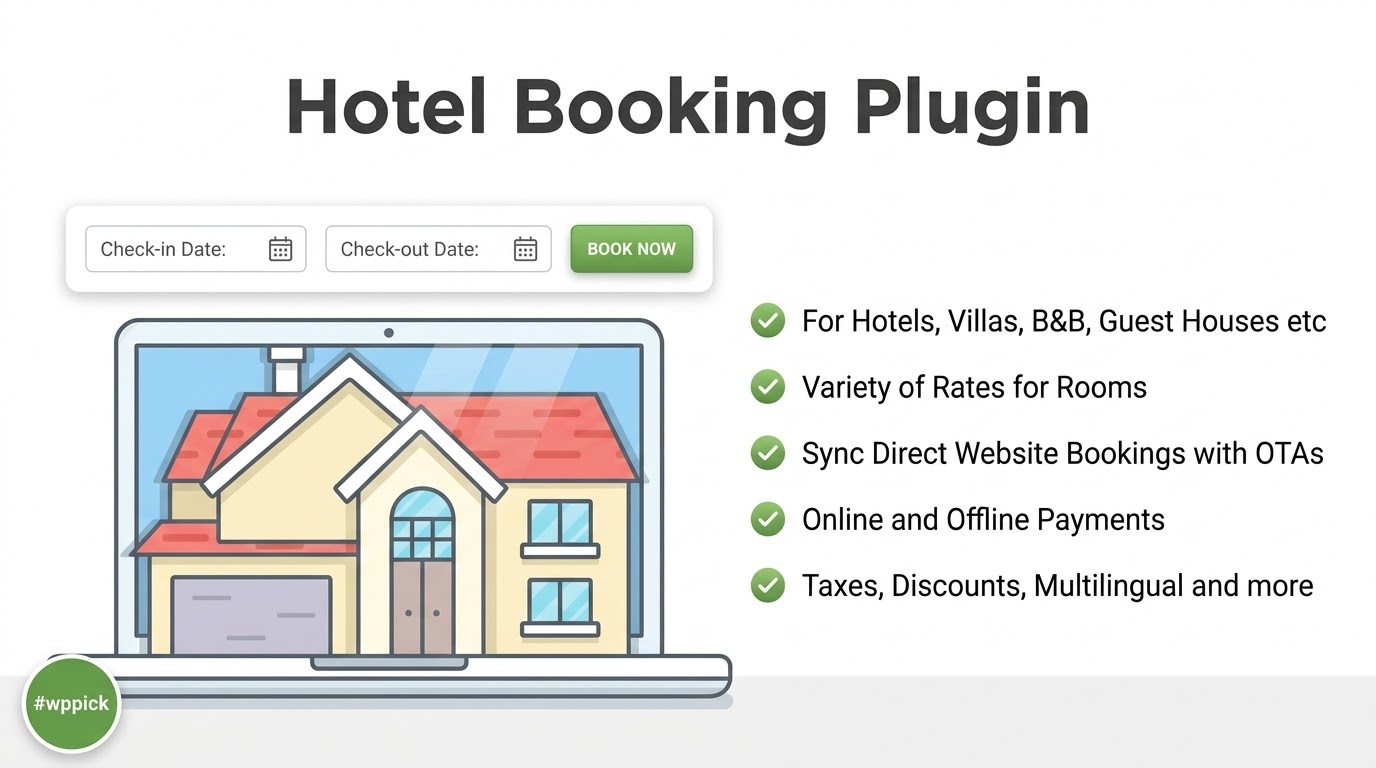
The digital age has transformed how travelers find and book accommodation. For hotels, vacation rentals, hostels, and B&Bs, having a robust online booking system is no longer a luxury but a necessity. The MotoPress Hotel Booking WordPress Plugin stands out as a powerful, all-in-one solution designed to transform any WordPress website into a fully functional property rental platform. This comprehensive WordPress hotel booking plugin empowers hospitality businesses to manage accommodations, reservations, and guest services efficiently, helping you streamline operations, boost direct bookings, and maximize revenue without hefty commissions.
Key Features of MotoPress Hotel Booking Plugin
The MotoPress Hotel Booking Plugin offers a comprehensive suite of features, allowing you to create a professional booking website that rivals major online travel agencies (OTAs) in functionality, but with the distinct advantage of commission-free direct bookings. Let’s delve into the core capabilities that make the MotoPress Booking Plugin Features so effective.
Seamless Online Booking Experience
Provide your guests with an intuitive and mobile-friendly 3-step reservation process, ensuring a smooth user journey from search to confirmation:
- Check-in/Check-out Selection: Guests easily choose their desired dates using a clear calendar interface.
- Accommodation Choice: They browse available properties or rooms that match their criteria.
- Booking Completion: Guests finalize their reservation by providing personal details and selecting payment options.The real-time availability search and smart search algorithm can even recommend the best set of accommodations based on the number of guests, enhancing the user experience.
Comprehensive Accommodation Management
Effectively manage all your properties with detailed listings. This includes:
- Unlimited Properties: List an unlimited number of rooms, apartments, or entire villas.
- Detailed Listings: Create rich descriptions, highlight unique amenities (Wi-Fi, air conditioning, spa services), specify bed types, maximum occupancy, and property size.
- Stunning Galleries: Showcase your WordPress accommodation booking options with multiple images and photo galleries to attract more bookings.
- Generate Multiple Rooms: For properties with identical room types, easily generate multiple “real rooms” under one accommodation type, saving valuable time.
- Bookable Extras & Services: Offer additional paid or free services (e.g., airport transfer, car rental) that guests can add during checkout, with flexible pricing options (per stay, daily, per guest).
Smart Pricing & Rate Management
Take full control of your revenue with flexible and dynamic pricing strategies, crucial for any dynamic pricing for hotels WordPress plugin:
- Seasonal & Variable Pricing: Implement different pricing rates based on seasons, specific days of the week, holidays, number of guests, or length of stay.
- Complex Rates: Support per-person rates, per extra guest fees, and rates based on property facilities.
- Special Offers & Discounts: Create targeted discount coupons (percentage, per-stay, or per-day) with expiration dates and specific conditions to boost occupancy during slower periods or reward loyal customers.
- Tax and Fee Management: Accurately apply compulsory taxes and fees to the base property rate, ensuring transparency.
Advanced Booking & Calendar System
Manage all reservations centrally with an intuitive calendar interface, preventing overbooking and providing a clear overview of your operations:
- Centralized Admin Calendar: View all booking requests and their statuses (booked, pending, cancelled) in one place, sortable by dates, accommodation, or status.
- Availability Calendars: Easily display individual room and property availability calendars for guests.
- Manual Booking Records & Editing: Your staff can manually add new reservations from the backend and edit existing booking details like dates, services, and accommodations.
- Flexible Booking Rules: Set minimum/maximum stay requirements, block specific check-in/check-out dates, and create buffer times between bookings.
Multi-Channel Distribution & OTA Sync
Expand your property’s visibility and reach a broader audience by connecting with Online Travel Agencies (OTAs) while maintaining centralized control:
- iCal Synchronization: Automatically synchronize bookings and availability with popular OTAs like Airbnb, Booking.com, TripAdvisor, and HomeAway via iCal. This OTA Sync WordPress Plugin functionality is crucial for preventing double bookings and ensuring your availability is always up-to-date across all platforms.
Flexible Payment Options
Provide guests with a range of secure and convenient payment methods:
- Online Payments: Accept payments via built-in gateways like PayPal, Stripe, 2Checkout, Braintree, and Beanstream/Bambora.
- Offline Payments: Offer options for guests who prefer to pay upon arrival or via direct bank transfer.
- WooCommerce Payments Integration: Extend your gateway options further with a premium add-on that integrates with WooCommerce, unlocking even more payment possibilities and enhanced financial management.
- Flexible Payment Modes: Configure options for guests to pay the full amount or a deposit (fixed or percentage) online, with choices for instant or manual booking confirmation.
Professional Add-ons & Extensions
While feature-rich, the core MotoPress Hotel Booking plugin can be extended with premium add-ons for specific needs, such as PDF Invoices, Currency Switcher, Payment Request, Notifier (for event-driven emails), and Checkout Fields customization. This modular approach ensures the plugin can grow with your business.
Installation & Setup: How to Set Up the MotoPress Hotel Booking Plugin
Getting started with the MotoPress Hotel Booking plugin is straightforward, even for non-developers. Here’s a step-by-step guide on how to set up MotoPress Hotel Booking plugin:
- Purchase and Download: First, acquire the MotoPress Hotel Booking plugin from ZeroPlugin.com or the official MotoPress website. You’ll receive a
.zipfile. - Upload the Plugin:
- Log in to your WordPress dashboard.
- Navigate to Plugins > Add New.
- Click on the “Upload Plugin” button at the top of the page.
- Click “Choose File”, select the
.zipfile you downloaded, and click “Install Now”.
- Activate the Plugin: Once installed, click the “Activate Plugin” button. You’ll now see a new menu item, typically “Accommodation” or “Bookings,” in your WordPress sidebar.
- Initial Configuration (General Settings):
- Go to Accommodation > Settings.
- Start by configuring general settings like currency, date and time formats, and default booking statuses.
- Add Your Accommodations:
- Navigate to Accommodation > Accommodation Types.
- Click “Add New” to create your first room, apartment, or property type.
- Fill in details like title, description, capacity, amenities, and upload engaging images.
- Specify how many “real rooms” of this type you have.
- Set Up Rates and Seasons:
- Go to Accommodation > Rates to set up your base pricing.
- Visit Accommodation > Seasons to define different pricing periods (e.g., “High Season,” “Low Season,” “Holiday Rates”) and apply specific price adjustments for these periods.
- Configure Payment Gateways:
- Under Accommodation > Settings > Payments, enable your preferred online payment gateways (PayPal, Stripe, etc.) by entering the required API keys or credentials.
- Set up offline payment methods like “Pay on Arrival” if desired.
- Create Essential Pages: The plugin often automatically creates necessary pages (e.g., Search Results, Checkout, Booking Confirmation). Ensure these pages are correctly set up and linked from your navigation menu. You can customize them if needed.
- Embed the Search Form: To allow guests to search for availability, embed the booking search form on your homepage or a dedicated booking page using the provided shortcode (e.g.,
[mphb_search_form]) or a dedicated block in the Gutenberg editor.By following these steps, you’ll have a functional Hotel Booking WordPress system up and running, ready to accept reservations.
Practical Usage & Best Practices: Maximizing Your WordPress Hotel Booking System
The MotoPress Hotel Booking plugin is incredibly versatile, catering to a wide array of hospitality businesses. Here’s how various users can leverage its power:
For Vacation Rental Owners & Airbnb Hosts
If you manage a WordPress vacation rental plugin setup, the MotoPress Hotel Booking plugin is ideal. You can list each unique property (a villa, a beach house, a cabin) as an “Accommodation Type.”
- Showcase with Detail: Utilize detailed listings with high-quality photos, specific amenities (e.g., “private pool,” “mountain view”), and local attractions in the description to attract discerning guests.
- Flexible Pricing: Implement seasonal pricing for peak tourist times, or offer weekly/monthly discounts to encourage longer stays. Use the “per-guest” pricing for larger groups.
- OTA Sync for Seamless Management: Crucially, set up iCal synchronization with platforms like Airbnb and HomeAway to prevent double-bookings and manage all availability from your WordPress dashboard. This is a game-changer for independent rental owners.
For Boutique Hotels & Guesthouses
For a small hotel or guesthouse, the plugin offers a professional, commission-free booking solution.
- Manage Room Inventory: Define your room types (e.g., “Standard Double,” “Deluxe Suite”) and specify the number of available rooms for each.
- Offer Guest Accounts: Encourage repeat bookings by allowing guests to create accounts, where they can view past and upcoming reservations.
- Customizable Email Notifications: Set up personalized email confirmations, reminders, and follow-ups to enhance the guest experience and build brand loyalty.
- Utilize Discount Coupons: Run promotions like “Early Bird Discount” or “Weekend Getaway Deal” using the discount coupon system to fill rooms during quieter periods.
For Apartment Agencies & Property Managers
If you manage multiple properties for various owners, the MotoPress Hotel Booking plugin acts as a central property management system.
- Centralized Booking Calendar: Keep track of all bookings across all managed properties in one intuitive calendar, making coordination effortless.
- Manual Booking Records: Easily add bookings received via phone or email directly into the system, ensuring all reservations are consolidated.
- Analytics Dashboard: Monitor booking trends, client data, and revenue through the plugin’s analytics, helping you make informed business decisions.
Best Practices for Optimal Performance:
- Regular Updates: Always keep the plugin and WordPress core updated to ensure security and compatibility.
- Test Thoroughly: Before going live, thoroughly test the booking process, payment gateways, and email notifications.
- Optimize Images: Use optimized images for your accommodation listings to ensure fast page loading times, which are crucial for user experience and SEO.
- Clear Policies: Clearly state your booking policies, cancellation terms, and check-in/check-out times on your website.
FAQ & Troubleshooting
Is MotoPress Hotel Booking free?
The MotoPress Hotel Booking Plugin offers both free and premium versions. While a free version might be available with limited features, the comprehensive and professional functionalities discussed in this article, such as advanced payment gateways, iCal sync, and full accommodation management, are part of the premium plugin. The premium version provides a complete, commission-free booking system for your WordPress site, available with GPL licensing from trusted sources like ZeroPlugin.com, ensuring full functionality and regular updates.
What payment gateways does MotoPress Hotel Booking support?
Out of the box, MotoPress Hotel Booking supports several popular payment gateways: PayPal, Stripe, 2Checkout, Braintree, and Beanstream/Bambora. It also provides options for offline payments such as “Pay on Arrival” and “Direct Bank Transfer.” For even more flexibility and a broader range of local and international payment methods, a premium add-on is available that integrates the plugin seamlessly with WooCommerce Payments.
How to sync Airbnb with your WordPress booking plugin?
You can easily sync Airbnb and other Online Travel Agencies (OTAs) with the MotoPress Hotel Booking plugin using its built-in iCal synchronization feature. To do this, you’ll typically:
- Export iCal Feed from Airbnb: Go to your Airbnb listing settings and find the option to export the iCal calendar link.
- Import to MotoPress: In your WordPress dashboard, navigate to Accommodation > Sync (or similar section in the plugin settings), and paste the Airbnb iCal URL to import its bookings into your MotoPress calendar.
- Export iCal Feed from MotoPress: Get the iCal export link generated by MotoPress Hotel Booking for your specific accommodation.
- Import to Airbnb: Go back to Airbnb and import the MotoPress iCal link into your Airbnb calendar settings.This two-way synchronization ensures that bookings from either platform update the availability on the other, preventing overbooking.
Can I manage multiple properties with MotoPress Hotel Booking?
Yes, absolutely. MotoPress Hotel Booking is designed to manage an unlimited number of accommodations. Whether you have a single vacation rental, a small guesthouse with multiple rooms, or an agency managing numerous diverse properties, the plugin can handle it. You can create different “Accommodation Types” and even generate multiple “real rooms” under one type, making it highly scalable for various hospitality business models.
Is MotoPress Hotel Booking compatible with popular page builders like Elementor?
Yes, MotoPress Hotel Booking is built to be compatible with virtually any WordPress theme and works seamlessly with popular page builders. For Elementor users, a free add-on is available to provide seamless visual integration, allowing you to drag and drop booking-related elements directly onto your pages. Similarly, a free add-on for Divi transforms plugin shortcodes into native Divi modules, and it works flawlessly with the native WordPress block editor (Gutenberg).
Conclusion: Why MotoPress Hotel Booking is the Ultimate WordPress Hotel Booking Solution
The MotoPress Hotel Booking WordPress Plugin is an unparalleled solution for any hospitality business looking to establish a professional, efficient, and commission-free online reservation system. It’s an “all-in-one” property management system, booking software, and channel manager packed into a single plugin. With its comprehensive features—from seamless online booking and dynamic pricing to multi-channel OTA synchronization and flexible payment options—it provides the tools necessary to compete with larger platforms.For businesses of all sizes, from individual WordPress vacation rental plugin users to multi-property managers, MotoPress Hotel Booking delivers a robust, reliable, and user-friendly experience. It empowers you to maximize direct bookings, streamline operations, and enhance guest satisfaction without incurring recurring per-booking fees. Upgrade your property management today and unlock the full potential of your online presence with this trusted WordPress hotel booking plugin.
I. Download Limits & Account Benefits
- Free Downloads: Each email address receives 3 downloads per day for free products
- Upgrade Benefits: Purchase any paid product to increase your daily download limit by 3 for each paid product
- No Account Required: You can download immediately by receiving the download link via email
- Account Recommended: Create an account for easier access to your order history and direct update downloads
II. Understanding GPL vs Official Versions
Important: The products available on WPPick are GPL-licensed versions, which differ from official developer versions. Before purchasing, please read our comprehensive guide: Understanding GPL & Official Differences at WPPick
Key Points:
- GPL versions may not include premium support from original developers
- Updates may be delayed compared to official releases
- Some premium features might have limitations
- Always consider your specific needs and support requirements
III. Support & Assistance
We’re here to help through multiple channels:
- Email Support: Direct email assistance for all inquiries
- Live Chat: Real-time support during business hours
- Comprehensive Documentation: Detailed guides and tutorials
IV. Order Tracking
Access your complete purchase history and download links anytime: Order History
V. Account Access
New to WPPick? Login or Create Account to manage your downloads and orders efficiently.
VI. Refund Protection
We stand behind our products with a clear refund policy. Review our terms: Refund Policy
VII. Privacy & Security
Your data security is our priority. Learn how we protect your information: Privacy Policy
VII. Terms of Service
Understanding our service terms ensures a smooth experience: Terms of Use
Quick Tips for Best Experience
- Verify Compatibility: Check plugin/theme compatibility with your WordPress version
- Backup First: Always backup your site before installing new plugins or themes
- Test Environment: Consider testing on a staging site first
- Stay Updated: Regularly check for updates in your account dashboard
- Read Documentation: Review any included documentation for optimal setup
Need Help?
If you have questions about downloads, licensing, or need technical assistance, don’t hesitate to contact our support team. We’re committed to ensuring you have the best possible experience with WPPick products.
Ready to get started? Your download adventure begins with just one click!
- Fixed issues with accommodations related to empty capacity, media display, and REST API data.
- Added beta integration with Google Hotels Prices (Phase 1). This first phase collects your property data. Submit via Accommodation > Google Hotels to give your direct booking site a chance to appear in Google Search and Maps.
- Fixed a checkout issue in version 5.4.0 when confirmation by admin or customer was enabled.
- Added the ability to apply gateway-specific transaction fees to bookings (PayPal, Stripe, 2Checkout, Braintree, and Beanstream/Bambora) to pass payment processing costs onto the guest.
- Search results now include only accommodations that can host the full number of requested guests when the “Limit search results based on the requested number of guests” option is enabled.
- Minor bugfixes and improvements.
- Fixed an issue with user roles that could affect new plugin installations.
- Added support for PayPal in the Hotel Booking Accommodation-Based Payments add-on.
- Fixed compatibility issues with other plugins that occurred when connecting to the Stripe library