
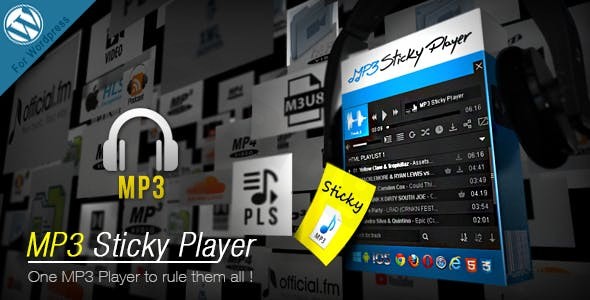
Mp3 Sticky Player WordPress Plugin
/Year
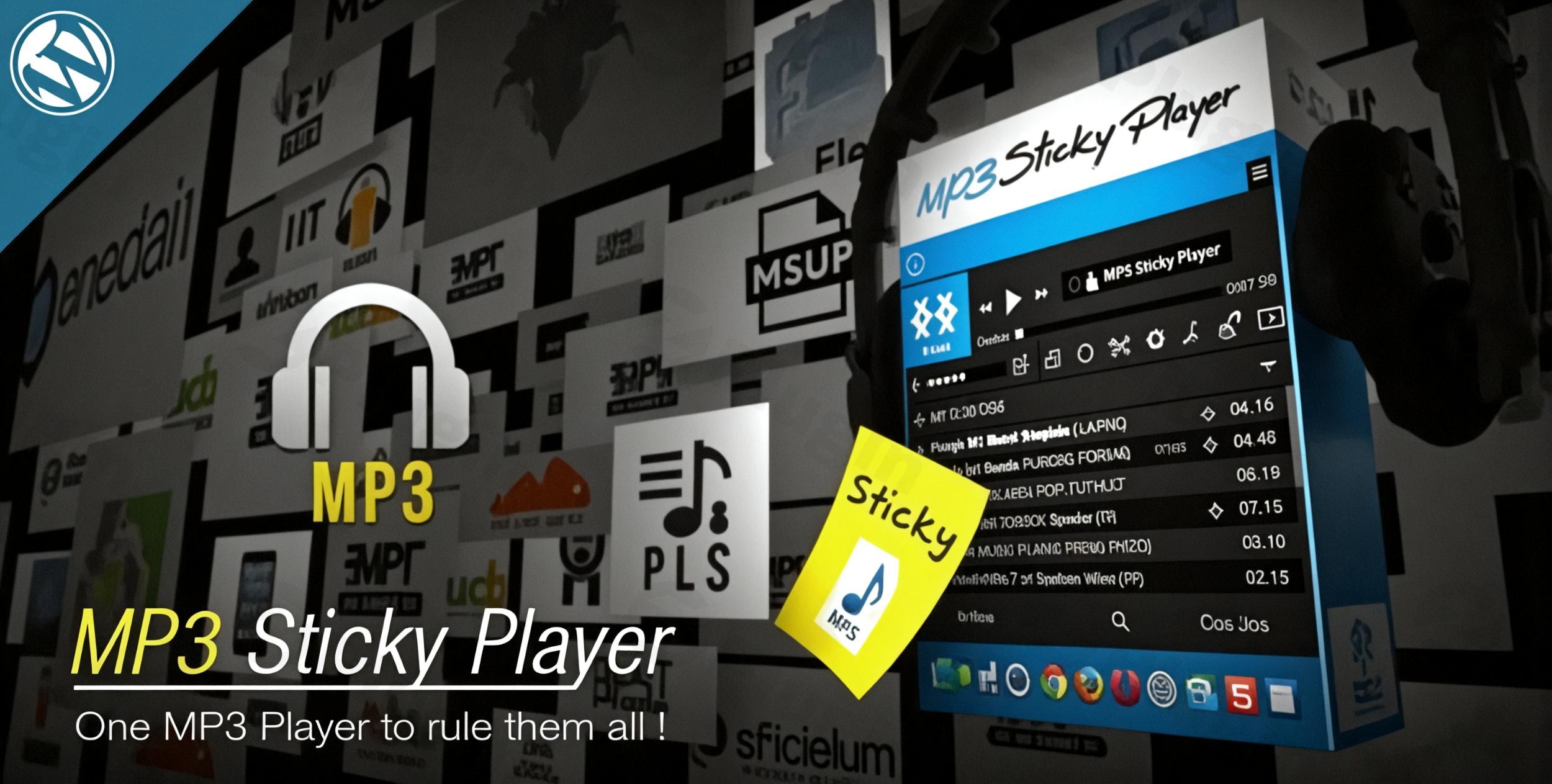
Continuous Media Streaming for WordPress Websites
Mp3 Sticky Player WordPress Plugin provides a robust solution for site owners who want to offer continuous audio or video playback without interruption as users navigate between different pages. By anchoring itself to the top or bottom of the viewport, this plugin ensures that your playlists, podcast episodes, or video feeds remain available and active throughout the entire browsing session. Built with full responsiveness in mind, it adapts cleanly to mobile devices, tablets, and desktop displays to preserve user experience across all form factors.
What the Plugin Does
The core objective of this software is to eliminate the jarring audio drops that typically happen when a visitor clicks a link or changes pages on a standard WordPress installation. It manages complex media feeds from multiple native and external sources, compiling them into organized playlists. The interface runs in a sticky layout, meaning it occupies a fixed position on the screen, keeping control elements like play, pause, volume, and track selection accessible to the audience at all moments.
Ideal Users and Target Audiences
This media management tool is built specifically for digital creators who rely on auditory or visual content to connect with their public. Musicians, music bands, and record labels can showcase full albums or single tracks directly on their web portal. Podcasters can distribute recent episodes directly to listeners without forcing them onto external platforms. Additionally, radio stations, voiceover artists, and background music providers will find value in the persistent playback architecture to increase average session duration and user engagement.
Key Capabilities and Features
- Comprehensive media compatibility supporting self-hosted MP3 audio files, local video paths, and external YouTube streams.
- Continuous playback logic designed to remember track positions and resume seamlessly across page transitions.
- Unlimited playlist management options allowing categorizations by genre, album, artist, or episode type.
- Flexible display positions with a toggle switch to fix the primary interface at the top or the bottom of the page.
- Deep external platform integration capabilities to stream tracks smoothly from third-party services like SoundCloud.
- Granular design controls to customize interface layout, colors, and button styling to complement your active theme.
Practical WordPress Use Cases
Consider a community podcast portal utilizing this tool to retain listeners. When a visitor lands on an article and starts playing an episode, they can freely explore background notes, browse the blog archive, or visit the contact page while the audio continues to play from the bottom bar. Another practical application is for independent musical artists who want a persistent music player present during promotional campaigns, enabling fans to audition an album stream while reading tour dates or checking merchandise pages.
Setup and Compatibility Notes
Installation follows standard WordPress plugin deployment protocols. Once active, a dedicated management dashboard appears within the administrative area to control global styling settings, source connections, and playlist configurations. The extension works alongside the majority of standard compliant themes and block builders. For optimal performance with persistent page-to-page playback, it is helpful to ensure your site architecture supports asynchronous script loading or works in harmony with the plugin’s internal session caching mechanism.
Reasons to Choose This Extension on WPPick
Acquiring this tool through WPPick grants you access to an authentic GPL file, completely free of restricted access gates or artificial activation requirements. This makes it an efficient option for developer testing environments, staging sites, or production launches operating on limited budgets. Every package available on our portal undergoes thorough automated malware screening to guarantee code integrity and safety before it becomes available for your server environment.</p
Latest Version Context
Detailed release notes for version 9.0 are not available from the provided sources. The vendor documentation does not supply specific granular change records for this particular tag version. For deployment, users should implement standard staging site testing to confirm layout compatibility with active themes and contemporary WordPress core environments prior to publishing on production platforms.
Frequently Asked Questions
Does the player stop when a visitor clicks a link?
No, the plugin is specifically designed with persistent script logic to handle page transitions smoothly, allowing the audio track or video playlist to continue running without restarting or stopping between page loads.
Can I pull audio content directly from SoundCloud streams?
Yes, the tool includes compatibility options for external streaming APIs, enabling you to integrate SoundCloud audio links alongside your self-hosted MP3 assets within the same interface templates.
Is it possible to use this solely as an audio player?
Yes, although the system features backend support for video formats and YouTube URLs, you can configure the layout settings exclusively for audio tracks to maintain a compact, low-profile sticky bar on your site.
Does this media player work on smartphones and tablets?
Yes, the player is fully responsive and adjusts its controls, font sizes, and playlist displays automatically to fit mobile viewports without breaking user layouts.
Can I place multiple player instances on a single webpage?
The sticky layout is optimized to host a unified master bar at either the top or bottom area of the viewport to prevent control conflicts and ensure a clean, uncluttered user navigation experience.
I. Download Limits & Account Benefits
- Free Downloads: Each email address receives 3 downloads per day for free products
- Upgrade Benefits: Purchase any paid product to increase your daily download limit by 3 for each paid product
- No Account Required: You can download immediately by receiving the download link via email
- Account Recommended: Create an account for easier access to your order history and direct update downloads
II. Understanding GPL vs Official Versions
Important: The products available on WPPick are GPL-licensed versions, which differ from official developer versions. Before purchasing, please read our comprehensive guide: Understanding GPL & Official Differences at WPPick
Key Points:
- GPL versions may not include premium support from original developers
- Updates may be delayed compared to official releases
- Some premium features might have limitations
- Always consider your specific needs and support requirements
III. Support & Assistance
We’re here to help through multiple channels:
- Email Support: Direct email assistance for all inquiries
- Live Chat: Real-time support during business hours
- Comprehensive Documentation: Detailed guides and tutorials
IV. Order Tracking
Access your complete purchase history and download links anytime: Order History
V. Account Access
New to WPPick? Login or Create Account to manage your downloads and orders efficiently.
VI. Refund Protection
We stand behind our products with a clear refund policy. Review our terms: Refund Policy
VII. Privacy & Security
Your data security is our priority. Learn how we protect your information: Privacy Policy
VII. Terms of Service
Understanding our service terms ensures a smooth experience: Terms of Use
Quick Tips for Best Experience
- Verify Compatibility: Check plugin/theme compatibility with your WordPress version
- Backup First: Always backup your site before installing new plugins or themes
- Test Environment: Consider testing on a staging site first
- Stay Updated: Regularly check for updates in your account dashboard
- Read Documentation: Review any included documentation for optimal setup
Need Help?
If you have questions about downloads, licensing, or need technical assistance, don’t hesitate to contact our support team. We’re committed to ensuring you have the best possible experience with WPPick products.
Ready to get started? Your download adventure begins with just one click!
- Released version 9.0 of the MP3 Sticky Player Wordpress plugin.