

Multi
/Year
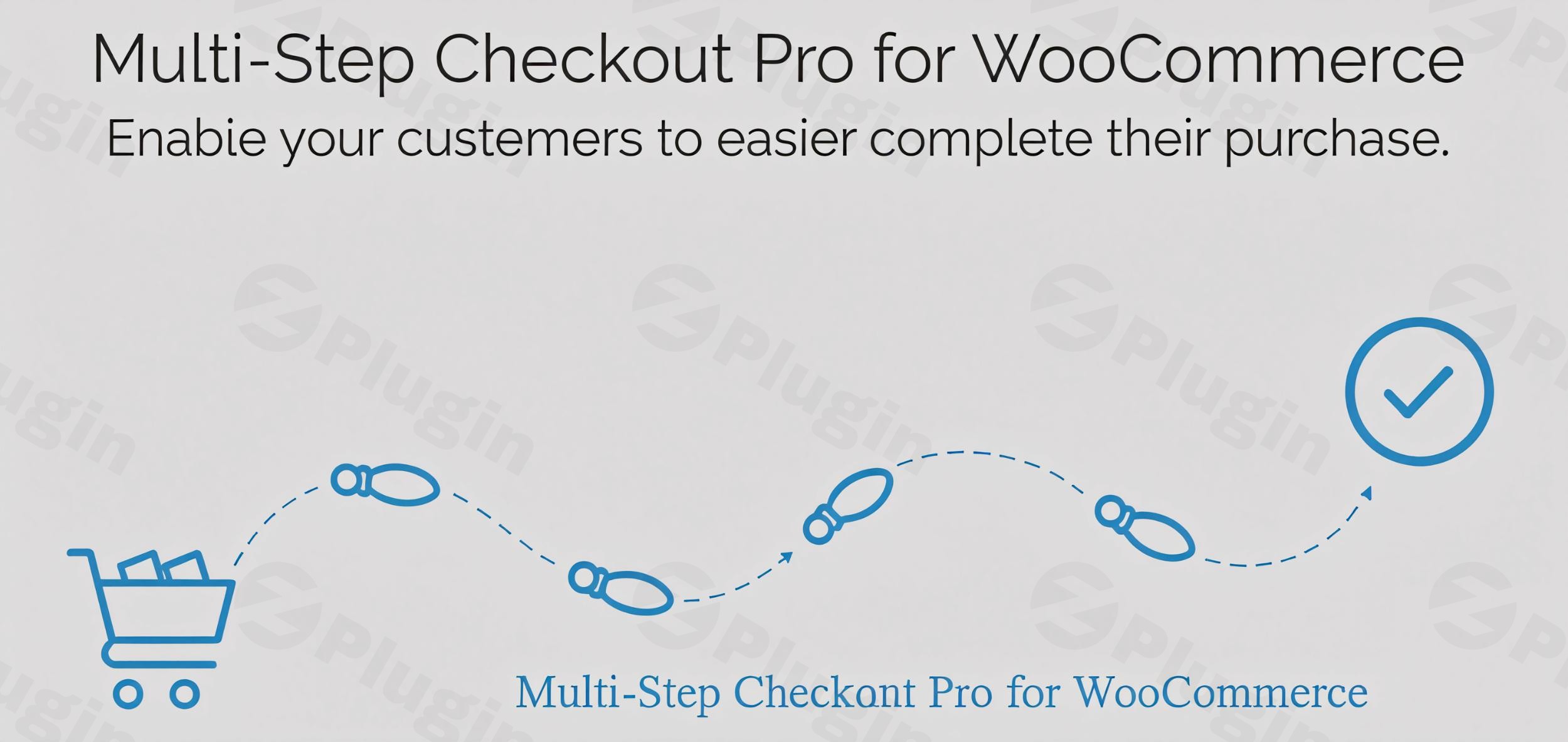
In the competitive landscape of e-commerce, a seamless and efficient checkout process is paramount to converting visitors into loyal customers. The Multi-Step Checkout Pro for WooCommerce by SilkyPress is a premium solution specifically designed to transform your standard WooCommerce checkout into an intuitive, multi-stage experience. This plugin not only streamlines the path to purchase but also significantly reduces cart abandonment, ultimately boosting your store’s sales and improving customer satisfaction.
Streamline the Checkout Process for Higher Conversions
The default WooCommerce checkout can often feel overwhelming to customers, leading to hesitation and ultimately, abandoned carts. Multi-Step Checkout Pro addresses this by segmenting the checkout journey into manageable, logical steps. This approach simplifies the user experience, making it easier for shoppers to navigate through the required information and complete their purchase with confidence.
Key Features of Multi-Step Checkout Pro
Multi-Step Checkout Pro is engineered with essential features that enhance usability and drive conversions:
- Intuitive Navigation: Customers can effortlessly move through the checkout process, either sequentially using clearly marked “Next” and “Previous” buttons or by directly jumping between steps. This flexibility caters to various user preferences and ensures a smooth flow without unnecessary backtracking or confusion. The visual progression also provides a sense of accomplishment, encouraging completion.
- Step-by-Step Validation: A crucial feature for reducing errors and frustration, this plugin validates customer inputs at each individual stage. By ensuring accuracy before allowing progression to the next step, potential issues like incorrect addresses or missing fields are caught early. This minimizes the likelihood of submission errors and provides a cleaner, more reliable data capture process for store owners.
- Integrated Login & Registration: To provide an uninterrupted shopping experience, Multi-Step Checkout Pro allows users to log in or register for an account directly within the checkout flow. This eliminates the need for inconvenient page redirects to separate login/registration pages, keeping customers focused on their purchase and enhancing the overall user journey. This integration is vital for encouraging account creation and fostering long-term customer relationships.
Why Choose Multi-Step Checkout Pro?
Optimizing your WooCommerce store’s checkout flow with Multi-Step Checkout Pro means investing in a solution that genuinely enhances usability and significantly increases conversion rates. By providing a structured, error-checked, and integrated experience, you empower customers to complete their purchases with ease, leading to higher revenue and a stronger brand reputation. This plugin is not just about aesthetics; it’s about intelligent design that translates into tangible business benefits.
Expert Insights & Trustworthy Implementation
As a premium plugin available from ZeroPlugin.com, Multi-Step Checkout Pro adheres to the highest standards of quality and reliability. We understand that trust is foundational for any e-commerce operation, and our commitment to transparency and security reflects that:
- GPL License: The plugin comes with a GPL (General Public License), fully compliant with open-source standards. This ensures flexibility, freedom of use, and a commitment to the WordPress ecosystem’s collaborative spirit.
- Regular Updates: To maintain optimal performance, security, and compatibility with the latest versions of WordPress and WooCommerce, Multi-Step Checkout Pro receives consistent updates. This guarantees access to new features, bug fixes, and continuous improvements, ensuring your checkout remains robust and future-proof.
- VirusTotal Scanned: Every file associated with the plugin is rigorously scanned with VirusTotal for safety and integrity. This stringent security measure ensures a malware-free experience, providing peace of mind for store owners and protecting customer data.
Setting Up Multi-Step Checkout Pro: A Seamless Integration
Implementing Multi-Step Checkout Pro is designed to be straightforward, integrating seamlessly into your existing WooCommerce setup. After purchasing and downloading the plugin from ZeroPlugin.com, the general setup involves:
- Installation: Upload the plugin files to your WordPress site via the WordPress dashboard (Plugins > Add New > Upload Plugin) or through FTP.
- Activation: Activate the plugin from your WordPress ‘Plugins’ page.
- Configuration: Access the plugin’s settings within your WordPress admin area. Here, you can configure various aspects of your multi-step checkout, such as enabling/disabling steps, customizing labels, and adjusting design elements to match your brand’s aesthetic. The intuitive interface ensures that even non-developers can easily tailor the checkout experience without needing to write any code.The plugin’s design prioritizes ease of use, ensuring that both technical users familiar with WordPress configurations and non-technical marketers focused on conversion rates can effectively manage and optimize their checkout flow.
Optimize Your Checkout Today
Multi-Step Checkout Pro by SilkyPress offers a powerful, reliable, and secure solution to common checkout challenges in WooCommerce. By adopting this premium plugin, you provide a frictionless buying experience that significantly maximizes conversions, reduces cart abandonment, and ultimately leads to greater customer satisfaction and sustained business growth. Upgrade your WooCommerce store today and empower your customers with a checkout process designed for success.
I. Download Limits & Account Benefits
- Free Downloads: Each email address receives 3 downloads per day for free products
- Upgrade Benefits: Purchase any paid product to increase your daily download limit by 3 for each paid product
- No Account Required: You can download immediately by receiving the download link via email
- Account Recommended: Create an account for easier access to your order history and direct update downloads
II. Understanding GPL vs Official Versions
Important: The products available on WPPick are GPL-licensed versions, which differ from official developer versions. Before purchasing, please read our comprehensive guide: Understanding GPL & Official Differences at WPPick
Key Points:
- GPL versions may not include premium support from original developers
- Updates may be delayed compared to official releases
- Some premium features might have limitations
- Always consider your specific needs and support requirements
III. Support & Assistance
We’re here to help through multiple channels:
- Email Support: Direct email assistance for all inquiries
- Live Chat: Real-time support during business hours
- Comprehensive Documentation: Detailed guides and tutorials
IV. Order Tracking
Access your complete purchase history and download links anytime: Order History
V. Account Access
New to WPPick? Login or Create Account to manage your downloads and orders efficiently.
VI. Refund Protection
We stand behind our products with a clear refund policy. Review our terms: Refund Policy
VII. Privacy & Security
Your data security is our priority. Learn how we protect your information: Privacy Policy
VII. Terms of Service
Understanding our service terms ensures a smooth experience: Terms of Use
Quick Tips for Best Experience
- Verify Compatibility: Check plugin/theme compatibility with your WordPress version
- Backup First: Always backup your site before installing new plugins or themes
- Test Environment: Consider testing on a staging site first
- Stay Updated: Regularly check for updates in your account dashboard
- Read Documentation: Review any included documentation for optimal setup
Need Help?
If you have questions about downloads, licensing, or need technical assistance, don’t hesitate to contact our support team. We’re committed to ensuring you have the best possible experience with WPPick products.
Ready to get started? Your download adventure begins with just one click!
- Added escaping to input values for admin text inputs.
- Style steps to 100% width when there is only one step shown.
- Change the relative paths to absolute paths for all the require and include directives.
- the Payment section was shown under all the steps on Salient theme
- the password strength meter when the registration form is shown
- error for the Checkout Widget from the Elementor Pro
- the Payment step is empty under certain conditions
- Fix: error for the Checkout Widget from the Elementor Pro.