
Neve Pro Add-on By Themeisle
/Year
Elevate Your WordPress Design with Neve Pro Addon
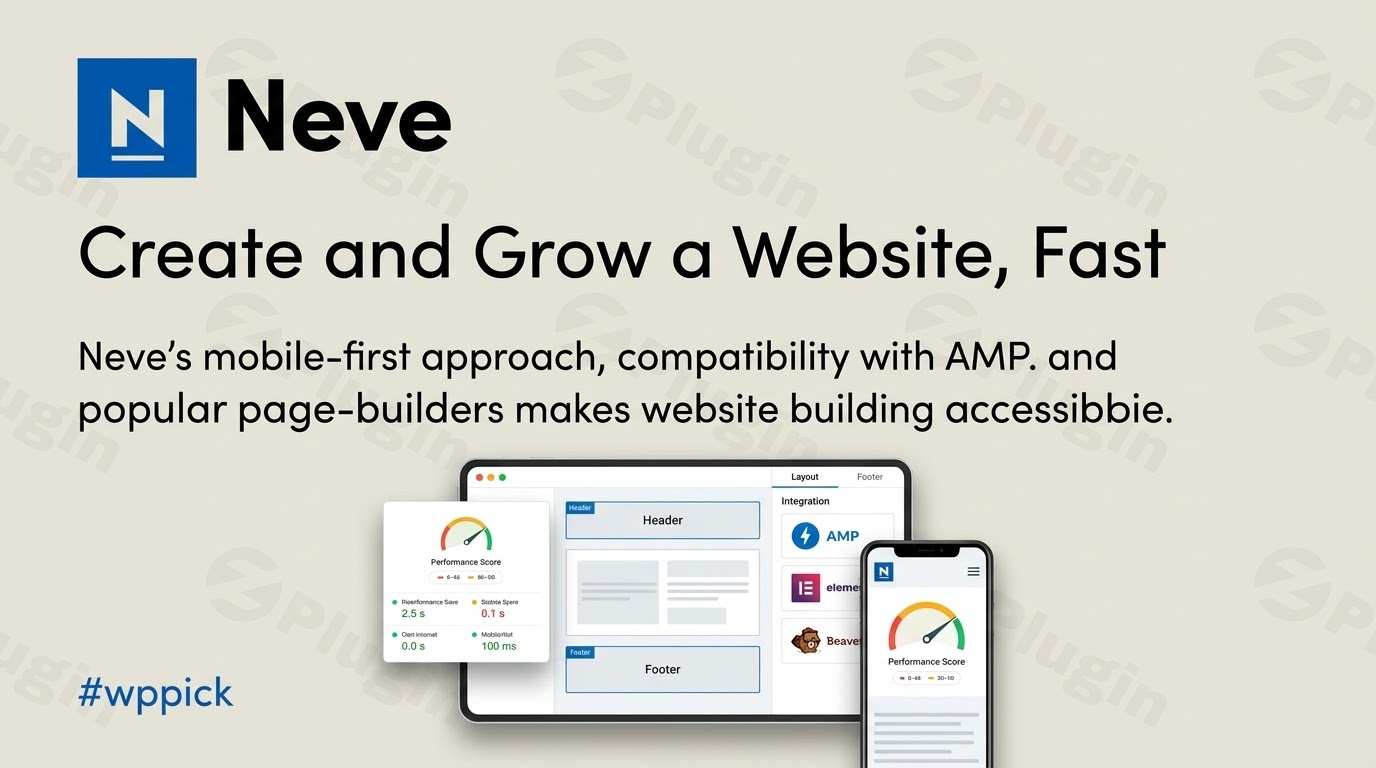
Neve Pro Addon is a premium extension designed to transform the lightweight, speed-optimized Neve core theme into a highly customizable website builder. Built with a mobile-first philosophy, this addon integrates with the WordPress Customizer to grant full control over your site architecture without sacrificing performance. It ensures fast loading times, complete compatibility with Accelerated Mobile Pages (AMP), and native support for major page builders.
What Neve Pro Addon Does
The core Neve theme offers an excellent, lightweight foundation, but complex layouts require the advanced mechanics provided by the Pro Addon. This plugin injects customizer controls, unlocking premium components for the header and footer builders, a dedicated custom layout engine, and deep functional integrations for online stores. By utilizing this addon, web creators can bypass rigid template code and deploy conditional headers, custom content hooks, and complex layouts across specific post types visually.
Who Is This Premium Extension For
This addon serves specific roles within the WordPress development and design pipeline:
- Freelance developers looking for a fast, boilerplate framework to build clean client sites without bloated code bases.
- Agencies managing multi-site portfolios that demand diverse visual configurations across various niche industries.
- WooCommerce store operators needing conversion-optimized checkout options and rich product galleries.
- Content publishers and bloggers targeting absolute optimization for Core Web Vitals and mobile search performance.
Key Capabilities and Features
Integrating Neve Pro Addon into your administration panel introduces several technical features:
- Advanced Header and Footer Builders: Access premium elements including transparent headers, sticky navigation, advanced social icons, and search bars.
- Custom Layouts Engine: Create bespoke content sections, custom headers, or footers using your favorite block editor and inject them globally or conditionally using hook locations.
- WooCommerce Booster: Optimize your digital storefront with floating carts, quick-view listings, checkout field adjustments, and multi-step cart logic.
- Blog Enhancements: Restructure your archive listings with masonry grids, post carousels, custom author boxes, and reading progress indicators.
- Performance Controls: Toggle granular script loading options to maintain clean source code and minimize asset requests.
Practical WordPress Use Cases
Understanding how to apply this extension to real-world deployment helps maximize its value:
- Conditional Corporate Portals: Display unique navigation menus and localized contact details depending on whether a user views standard business pages or specific service documentation.
- Conversion-Driven Online Shops: Replace standard checkout templates with a single-page frictionless interface, deploying product quick-view modals to lower cart abandonment.
- Dynamic Content Injection: Automatically append newsletter subscription boxes or targeted promotional notices directly after the second paragraph of all category blog posts.
Setup and Ecosystem Compatibility Context
Neve Pro Addon acts as a standard WordPress plugin but requires the free core Neve theme active on your system to function. The architecture avoids external script dependencies, ensuring flawless operation alongside block editors like Gutenberg. It also integrates smoothly with external builders including Elementor, Beaver Builder, Brizy, and Divi. When utilizing advanced caching configurations or optimization suites, the clean stylesheet footprint minimizes common styling conflicts.
Why Choose Neve Pro Addon on WPPick
Acquiring your design utilities through WPPick delivers distinct benefits for maintaining live staging and development systems. You gain access to clean, un-modified production packages, allowing rapid local testing, site prototyping, and multi-domain experimentation without facing restrictive software-as-a-service licensing models or activation paywalls.
Latest Version Context
Detailed release notes are not available from the provided sources. The official changelog for the Neve Pro Addon is restricted to users with an active vendor account and license. Therefore, verified public release details regarding historical code changes cannot be accurately summarized here.
Frequently Asked Questions
Does Neve Pro Addon replace my current page builder?
No. The addon does not replace page builders like Elementor or Gutenberg. Instead, it complements them by providing comprehensive control over global theme areas such as headers, footers, archive structures, and base theme settings that page builders do not natively manage.
Can I use this extension without the free Neve theme?
No. Neve Pro Addon functions specifically as an extension framework. It requires the base core Neve theme to be installed and active in your WordPress themes directory in order to initialize its settings and components.
How does this plugin affect my Google Core Web Vitals?
This addon is built specifically to maintain high page-speed metrics. Because it utilizes vanillajs instead of heavy jQuery frameworks and allows you to deactivate modules you do not use, it helps keep aggregate asset weights small, supporting favorable Core Web Vitals scores.
What are Custom Layouts within the Neve ecosystem?
Custom Layouts are a feature that allows you to design custom blocks of content or full templates using your preferred editor, and then inject them into specific areas of your website using hooks, or replace standard headers and footers using conditional rules.
Is this product fully compatible with full site editing?
Neve is a classic, hybrid WordPress theme that utilizes the WordPress Live Customizer for global layouts. While it supports the block editor for post and page content, it manages headers and footers via its customizer engine rather than block-based Full Site Editing templates.
I. Download Limits & Account Benefits
- Free Downloads: Each email address receives 3 downloads per day for free products
- Upgrade Benefits: Purchase any paid product to increase your daily download limit by 3 for each paid product
- No Account Required: You can download immediately by receiving the download link via email
- Account Recommended: Create an account for easier access to your order history and direct update downloads
II. Understanding GPL vs Official Versions
Important: The products available on WPPick are GPL-licensed versions, which differ from official developer versions. Before purchasing, please read our comprehensive guide: Understanding GPL & Official Differences at WPPick
Key Points:
- GPL versions may not include premium support from original developers
- Updates may be delayed compared to official releases
- Some premium features might have limitations
- Always consider your specific needs and support requirements
III. Support & Assistance
We’re here to help through multiple channels:
- Email Support: Direct email assistance for all inquiries
- Live Chat: Real-time support during business hours
- Comprehensive Documentation: Detailed guides and tutorials
IV. Order Tracking
Access your complete purchase history and download links anytime: Order History
V. Account Access
New to WPPick? Login or Create Account to manage your downloads and orders efficiently.
VI. Refund Protection
We stand behind our products with a clear refund policy. Review our terms: Refund Policy
VII. Privacy & Security
Your data security is our priority. Learn how we protect your information: Privacy Policy
VII. Terms of Service
Understanding our service terms ensures a smooth experience: Terms of Use
Quick Tips for Best Experience
- Verify Compatibility: Check plugin/theme compatibility with your WordPress version
- Backup First: Always backup your site before installing new plugins or themes
- Test Environment: Consider testing on a staging site first
- Stay Updated: Regularly check for updates in your account dashboard
- Read Documentation: Review any included documentation for optimal setup
Need Help?
If you have questions about downloads, licensing, or need technical assistance, don’t hesitate to contact our support team. We’re committed to ensuring you have the best possible experience with WPPick products.
Ready to get started? Your download adventure begins with just one click!
- Fixed issue with single product page gallery layout
- Updated dependencies
- Fixed Social Icons component ordering
- Fixed redundant compatibility notice appearing in plugin screen
- Fixed broken layout on category archive page
- Fixed password-protected page behavior
- Fixed slider arrows with featured video
- Fixed custom layout visibility with Beaver Builder
- Performance improvements for the access restriction module
- Adds logo component font family control
- Allow up to 5 rule groups for conditional headers
- Warning thrown by _load_textdomain_just_in_time function
- Custom layouts publicly accessible individually when they shouldn't be
- Users with the edit_custom_layouts role not being able to view the custom layouts in the dashboard
- Shop breadcrumbs position when Shop page shows both categories and products
- Hide Sparks install/activate notice when WooCommerce booster is deactivated
- License activation before dashboard redirect when plugin is activated
- Handle unhealthy settings for Access Restriction module gracefully instead of throwing an exception
- Post type enhancements did not clear cache on deletion/update of a custom post type
- NextGen gallery plugin conflicting with mega-menu settings
- Hide WooCommerce layout controls in Product Catalog section as they had no effect
- HTML rendering issue in customizer preview
- current_single_content magic tag rendering as plain text instead of parsing HTML
- Remove broken patterns
- Change menu icon component options
- Remove unneeded CSS file from loading
- Update dependencies
- New Custom Layouts interface making it easier to create and manage custom headers, footers, and content blocks
- Custom icon upload capability for social media elements
- Added popular new social icons: Linktree, Medium, Bluesky, Threads, and Substack
- Reviewed and improved all starter sites in our library for better quality and performance
- Improved default blog design and UX
- Improved Content Restriction module with clearer labels for better user experience