

Ninja Tables Pro – The Fastest and Most Diverse WP DataTables Plugin
/Year
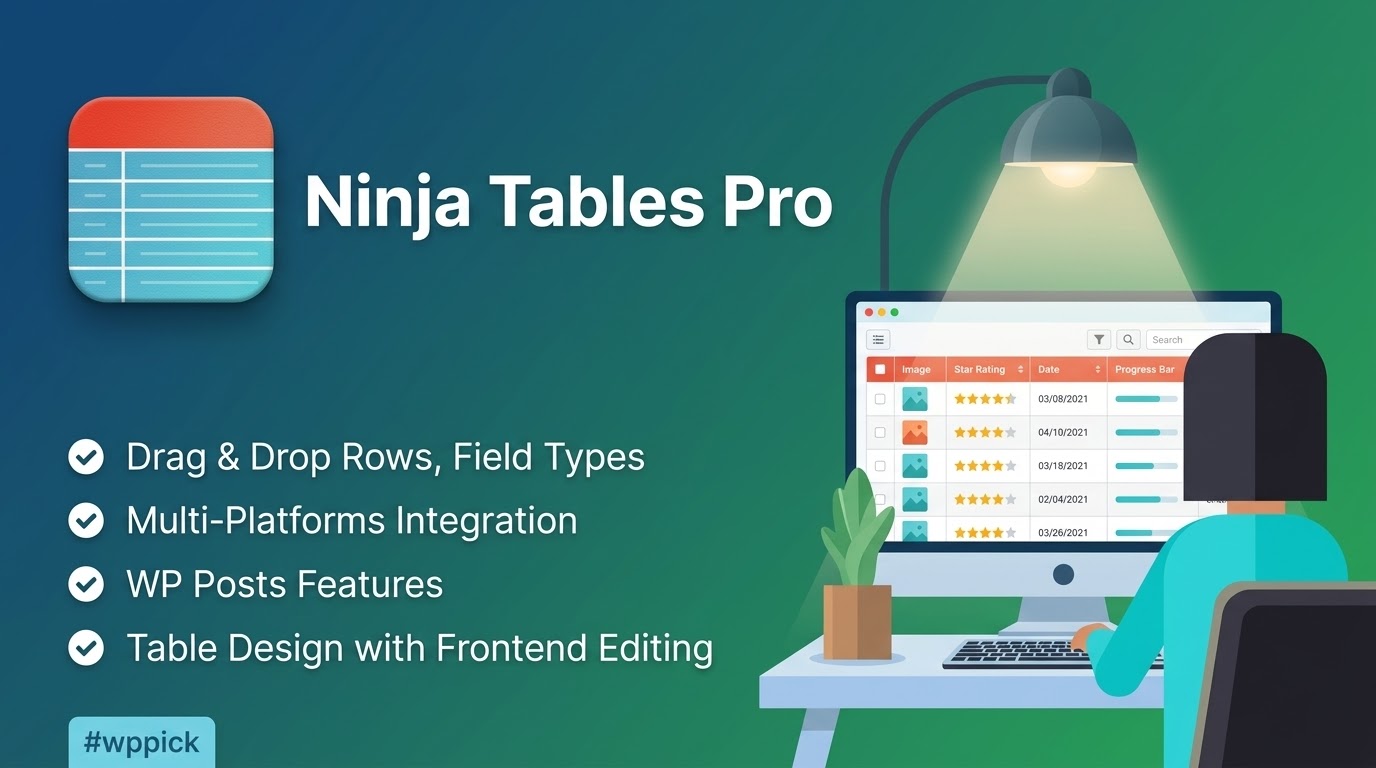
Introduction to Ninja Tables Pro
Ninja Tables Pro is a premium WordPress table builder plugin designed to help users create, manage, and customize complex data tables without writing any code. It caters directly to website owners, data analysts, and eCommerce managers who need to present large volumes of information in a clear, digestible format. The plugin architecture prioritizes frontend performance, ensuring that even extremely large datasets load quickly and display correctly across various devices and screen sizes. By utilizing advanced rendering engines, it prevents page bloat and maintains a smooth user experience.
Latest Version 5.2.11 Changes
Ninja Tables version 5.2.11 was released on July 16, 2026, featuring a security update that addresses a frontend table data handling issue.
- 5.2.11 July 16, 2026 Security: Fixes table data handling issue on the frontend.
Key Capabilities and Features
The plugin provides an extensive array of tools for both data presentation and backend management. Users can build tables manually using a visual editor or connect external data sources for automated synchronization.
- Visual drag-and-drop table builder for intuitive column and row management.
- Direct integration with Google Sheets to display live data automatically upon spreadsheet updates.
- Advanced conditional formatting to highlight specific cells, rows, or columns based on their dynamic values.
- Built-in support for rich multimedia content, including images, audio, and videos embedded directly within table cells.
- Data export and import capabilities supporting standard CSV and JSON formats for easy migration.
- Custom filtering and sorting options that allow visitors to search through large datasets instantly.
Design and Customization Options
Visual presentation is critical for data comprehension, and this plugin offers deep design customization without requiring custom CSS. Administrators can choose from multiple styling libraries and adjust color schemes, typography, and cell borders to match their existing WordPress theme. The built-in design studio allows for real-time previews, ensuring that hover effects, striped rows, and pagination buttons look exactly as intended before publishing. For advanced developers, custom CSS and JavaScript classes can still be applied to individual columns or the entire table structure.
Practical WordPress Use Cases
Different websites require different methods of data display, and Ninja Tables Pro adapts to various operational needs across multiple industries.
- eCommerce stores can generate dynamic product comparison tables to assist shoppers in making informed decisions, complete with direct add-to-cart buttons.
- Business directories can organize contact information, operating hours, and location data in a highly searchable and filterable format.
- Sports websites, academic institutions, and gaming communities can maintain live leaderboards and point standings utilizing the Google Sheets connectivity feature.
- Corporate sites can present detailed financial reports, tiered pricing plans, and complex feature matrices with conditional highlighting for emphasis.
Setup and Compatibility Context
Installing the plugin requires a standard WordPress environment. The software is built to work seamlessly alongside popular page builders like Elementor, Gutenberg, and classic editors via straightforward shortcode implementation. It includes specific backend integrations for WooCommerce, allowing store owners to pull product data, variations, and attributes directly into frontend tables. The architecture relies on lightweight rendering engines such as DataTables and FooTable, which help minimize the impact on core web vitals. Users should note that while the plugin handles large local datasets efficiently, relying heavily on live external APIs like Google Sheets may slightly impact initial rendering times depending on the external server response speed.
Reasons to Choose This Plugin on WPPick
Acquiring this tool through WPPick provides access to a comprehensive data management solution at a highly competitive value. It allows users to bypass complex HTML table coding entirely in favor of a streamlined visual interface. The ability to filter, sort, and paginate thousands of rows of data significantly improves user experience on the frontend, while the backend management remains highly organized and straightforward. WPPick offers the official file for secure installation, ensuring site administrators can immediately deploy these advanced tables across their WordPress networks to improve data accessibility.
Latest Version Context
Ninja Tables version 5.2.11 was released on July 16, 2026. According to verified release notes, this update focuses on a security patch that addresses a frontend table data handling issue. Alongside this security enhancement, the release includes multiple bug fixes for European decimal formatting in custom filters, frontend date and time picker corrections, and the proper saving of data creation and update dates. Improvements were also implemented to ensure smoother CSV and JSON exports for large datasets, updated shortcode limit filter behavior, and enhanced instant search typing on mobile keyboards. These refinements ensure more reliable data presentation and secure operation.
Frequently Asked Questions
What is the main difference between the free and pro versions of Ninja Tables?
The pro version unlocks advanced functionalities such as full WooCommerce integration, live Google Sheets connectivity, conditional cell formatting, frontend editing capabilities, and unlimited table color customizations that are restricted in the basic release.
Can I import existing tables from other plugins or formats?
Yes, the plugin supports importing data directly from standard CSV and JSON files. It also offers dedicated migration tools for pulling in tables previously created with several other popular WordPress table builder plugins.
Does the plugin slow down page loading times when displaying thousands of rows?
The plugin is optimized for speed and loads its necessary scripts only on pages where a table is actively present. Utilizing the built-in pagination, lazy loading, and server-side processing features further mitigates performance impacts on massive datasets.
Are the tables created with this plugin mobile responsive?
All tables are fully responsive by default. Site administrators can configure specific responsive breakpoints within the settings, choosing exactly which columns to hide or collapse into expandable child rows when viewed on smaller smartphone screens.
How does the Google Sheets integration update the WordPress table?
By publishing a Google Sheet to the web and pasting the provided link into the plugin settings, the WordPress table will automatically reflect any data changes made in the external spreadsheet without requiring the administrator to perform manual synchronization.
I. Download Limits & Account Benefits
- Free Downloads: Each email address receives 3 downloads per day for free products
- Upgrade Benefits: Purchase any paid product to increase your daily download limit by 3 for each paid product
- No Account Required: You can download immediately by receiving the download link via email
- Account Recommended: Create an account for easier access to your order history and direct update downloads
II. Understanding GPL vs Official Versions
Important: The products available on WPPick are GPL-licensed versions, which differ from official developer versions. Before purchasing, please read our comprehensive guide: Understanding GPL & Official Differences at WPPick
Key Points:
- GPL versions may not include premium support from original developers
- Updates may be delayed compared to official releases
- Some premium features might have limitations
- Always consider your specific needs and support requirements
III. Support & Assistance
We’re here to help through multiple channels:
- Email Support: Direct email assistance for all inquiries
- Live Chat: Real-time support during business hours
- Comprehensive Documentation: Detailed guides and tutorials
IV. Order Tracking
Access your complete purchase history and download links anytime: Order History
V. Account Access
New to WPPick? Login or Create Account to manage your downloads and orders efficiently.
VI. Refund Protection
We stand behind our products with a clear refund policy. Review our terms: Refund Policy
VII. Privacy & Security
Your data security is our priority. Learn how we protect your information: Privacy Policy
VII. Terms of Service
Understanding our service terms ensures a smooth experience: Terms of Use
Quick Tips for Best Experience
- Verify Compatibility: Check plugin/theme compatibility with your WordPress version
- Backup First: Always backup your site before installing new plugins or themes
- Test Environment: Consider testing on a staging site first
- Stay Updated: Regularly check for updates in your account dashboard
- Read Documentation: Review any included documentation for optimal setup
Need Help?
If you have questions about downloads, licensing, or need technical assistance, don’t hesitate to contact our support team. We’re committed to ensuring you have the best possible experience with WPPick products.
Ready to get started? Your download adventure begins with just one click!
- Fixed: European decimal format in custom filter.
- Fixed: Data create/update dates now save correctly.
- Fixed: Frontend date/time picker.
- Fixed: Gutenberg block colour preview.
- Improved: Large table data exports smoothly to CSV/JSON.
- Improved: Updated shortcode limit filter behavior.
- Improved: Instant search typing on mobile/touch keyboards.
- Compatibility: PHP 8.4 deprecation notices.
- Added: dynamic-select support for custom filters in DataTables mode.
- Added: accessibility labels for custom filter controls.
- Added: Rendering engine (DataTables/FooTable) indicator in the table list and settings.
- Fixed: DataTables custom filters rendering in reverse order.
- Fixed: DataTables Progressive filter not refreshing dynamic-data selects.
- Fixed: custom filter labels showing placeholder text in DataTables mode.
- Fixed: SumoSelect crash for custom filters in DataTables mode.
- Fixed: multi-select and HTML column value issues in Inline Edit and the Add Data modal.
- Fixed: button text and WooCommerce HTML-field columns rendering as escaped text.
- Fixed: range filter not working when Pro is loaded before FooTable.
- Security: Added direct file access protection to installer service files.
- Improved: Design Studio Styles panel spacing and rendering-settings UI.
- Improved: Sticky header support and keyboard accessibility for DataTables and FooTable engines.
- Improved: admin UI alignment and border issues.
- Conditional formating issue
- Google sheets column key issue for html tag
- Bulk delete for tables
- Trash and restore tables
- Single-row modal view
- Click to copy cell Content
- Print issues with conditional formatting
- Print issues with responsive breakpoints
- FluentForm payment form warnings
- FluentCart permalink issues
- Drag & drop color picker issue
- Limited ninja_table_info & ninja_table_cell access to public posts
- WooCommerce Reviews table integration
- WooCommerce average rating in products table
- Vietnamese translation support
- WooCommerce multiple attributes variations duplicate issue
- WooCommerce products comparison in stackable table
- WooCommerce table theme conflict
- WooCommerce dynamic column post meta display issue
- Post table conditions date filter issue
- Excel formula support
- Single cart button action from table
- Pagination style in WooCommerce table
- WooCommerce bulk operations
- Google Sheets data fetching issue
- Row hover border color issue
- List icon changing issue on list type change in drag & drop table
- WooCommerce products comparison
- WooCommerce bulk add to cart feature
- Fixes: advanced filter
- Compatibility Release with New Ninja Tables Framework v2
- Updated Framework with Security Improvements