
Perfect Brands Woocommerce Pro By Quadlayers
/Year
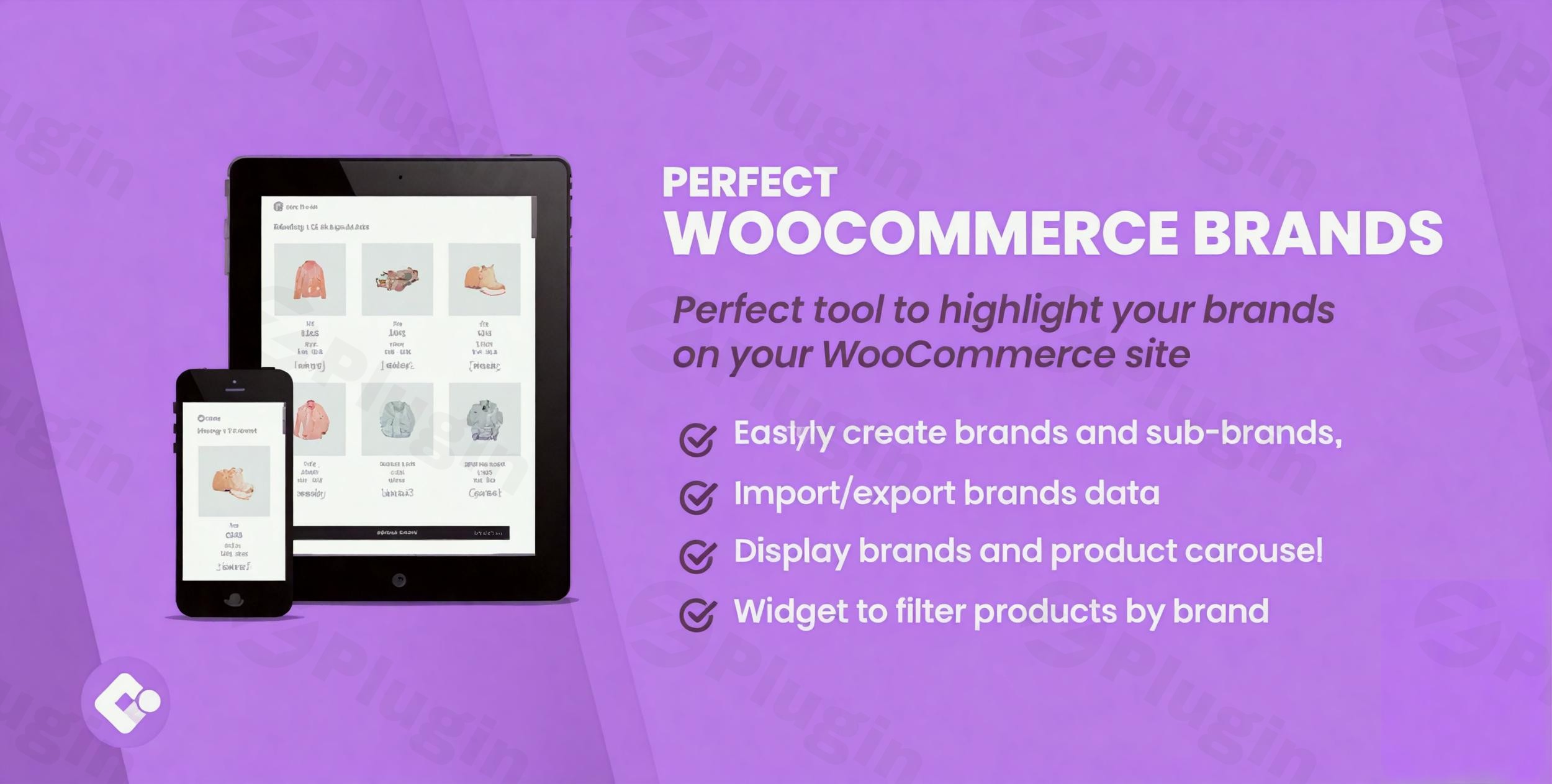
In today’s competitive e-commerce landscape, showcasing your product brands effectively is paramount to building trust, enhancing user experience, and driving sales. Perfect WooCommerce Brands, developed by Quadlayers, is the ultimate premium solution designed to meticulously organize your WooCommerce store, highlight your brands, and empower customers with intuitive brand filtering capabilities. This powerful plugin extends beyond basic product descriptions, offering advanced features that solidify your brand’s presence and recognition among your clientele.
Why Brands Matter for Your E-Commerce Success
Brands are more than just names; they are powerful symbols that represent quality, reliability, and familiarity in the eyes of your customers. They play a crucial role in purchasing decisions, guiding consumers toward products they trust and recognize. By effectively integrating and showcasing your product brands within your online store, you not only boost sales but also significantly enhance your store’s credibility and authority in your niche. Perfect WooCommerce Brands ensures that your valuable brand partnerships are front and center, providing a polished and professional shopping experience.
Key Features: Unlocking Advanced Brand Management
Perfect WooCommerce Brands offers a comprehensive suite of features engineered to provide a robust and easy-to-implement solution for integrating brands into your e-commerce platform. It’s particularly suitable for stores managing multiple suppliers, recognized brands, or complex marketplace setups.
Robust Brand Management & Organization
Take complete control over your product brands with intuitive management tools:
- Comprehensive Brand Details: Effortlessly add and manage brands, including uploading distinct logos, eye-catching banners, and detailed descriptions for each.
- Organized Product Catalogs: Efficiently organize your products by assigning them to their respective brands, making inventory management and customer navigation seamless.
- Flexible Brand Assignment: Assign multiple brands to individual products, catering to diverse product lines or co-branded items.
- Import/Export Functionality: Easily import and export brand data, streamlining migrations and bulk updates.
- Seamless Migration: Facilitates brand migration from other plugins, ensuring a smooth transition without data loss.
- Dummy Data Installer: Quickly set up and test your brand display with included dummy data, accelerating your configuration process.
Powerful Display & Customization Options
Showcase your brands exactly how you envision them across your entire store:
- Prominent Brand Logos: Display brand logos strategically on product pages, category pages, and even your homepage to boost brand visibility.
- Dedicated Brand Pages: Automatically generate a dedicated archive page for each brand, complete with descriptions, logos, and a comprehensive listing of all associated products.
- Flexible Layouts: Customize how brands are displayed with versatile layout options, including carousels, grids, and masonry styles, ensuring visual appeal.
- Tailored Brand Pages: Personalize the design of your brand pages, breadcrumbs, and brands page columns to align perfectly with your store’s aesthetic.
- Enhanced Product Pages: Integrate a dedicated brand tab on product pages and display brand information directly within product loops for immediate recognition.
- Strategic Widgets: Utilize intuitive widgets to display brand dropdowns or lists in sidebars, footers, or any widgetized area, improving navigation.
- Highlight Key Brands: Draw attention to your most important or popular brands with a dedicated highlighting option, guiding customer focus.
Intuitive Filtering & Navigation
Empower your customers to discover products effortlessly:
- Advanced Product Filtering: Enable customers to easily filter products by brand on shop and category pages, streamlining their search and improving user satisfaction.
- Sidebar and Footer Widgets: Provide convenient brand filtering options in sidebars or footer areas using dynamic widgets.
- Dropdown or List Displays: Present brands to your customers in a user-friendly dropdown menu or as a clear list of names/logos for easy selection.
Robust SEO Optimization & Structured Data
Boost your search engine visibility and drive organic traffic:
- SEO-Friendly Brand Pages: The plugin automatically creates SEO-friendly archive pages for each brand, complete with clean, optimized URLs.
- Indexable Content: Ensures that your brand pages are fully indexable by search engines, improving your store’s discoverability.
- Breadcrumb Compatibility: Seamlessly integrates brand names into your site’s breadcrumbs, providing clear navigation paths and enhancing SEO.
- Brand Structured Data: Implements brand structured data for SEO, helping search engines better understand your content and potentially improving rich snippet display.
Seamless Integration & Developer-Friendly Features
Built for compatibility and extendability, Perfect WooCommerce Brands integrates effortlessly into your existing WordPress ecosystem:
- Versatile Shortcodes: Utilize a range of shortcodes to insert brand markups anywhere—pages, posts, blocks—allowing for flexible content presentation. Display all brands, brand carousels, product carousels by brand, brands for a specific product, and A-Z listings.
- WooCommerce REST API Support: Fully compatible with the WooCommerce REST API, enabling advanced integrations and custom developments.
- Page Builder Compatibility: Designed to work seamlessly with modern WordPress themes and popular page builders such as Elementor, WPBakery, Visual Composer, and Gutenberg.
- Translation-Ready: Prepared for global stores, the plugin is fully translation-ready, ensuring accessibility for diverse linguistic audiences.
- Responsive Design: Features a minimalist, responsive design that ensures your brand displays look excellent on all devices, from desktops to mobile phones.
- Lightweight Code: Built with lightweight and efficient code to ensure optimal performance and speed for your e-commerce store.
Setup & Installation Guide
Getting started with Perfect WooCommerce Brands is straightforward:
- Download & Upload: After purchasing, download the plugin zip file. Navigate to your WordPress dashboard, go to
Plugins > Add New > Upload Plugin, and select the downloaded file. - Activate: Once uploaded, activate the plugin through the WordPress ‘Plugins’ menu.
- Initial Configuration: Access the plugin settings, typically found under a dedicated “Brands” or “WooCommerce Brands” menu item in your WordPress dashboard.
- Add Your Brands: Begin by adding your product brands, uploading logos, banners, and writing descriptions for each.
- Assign Products: Edit your existing WooCommerce products to assign them to their respective brands.
- Display & Customize: Utilize the shortcodes, widgets, and settings panels to configure how brands are displayed across your store, including on product pages, category archives, and dedicated brand pages. Customize layouts, filtering options, and SEO settings to match your specific requirements.
Technical Requirements & Compatibility
To ensure optimal performance and compatibility, Perfect WooCommerce Brands has the following minimum requirements:
- PHP Version: 5.6 or higher (PHP 7+ recommended)
- WordPress Version: 4.7 or higher
- WooCommerce Version: 3.1.0 or higherThe plugin has been rigorously tested with WordPress 6.2 and WooCommerce 7.8, and it is fully compatible with most modern WordPress themes and standard WooCommerce workflows, ensuring a stable and reliable integration.
Why Choose Perfect WooCommerce Brands?
Perfect WooCommerce Brands stands out as a robust and reliable premium solution for any e-commerce store looking to professionalize its product organization and enhance the customer shopping journey. Its comprehensive feature set, strong SEO capabilities, and seamless integration options make it an invaluable asset. By choosing this plugin, you benefit from:
- Improved User Experience: Customers can easily navigate and find products by their favorite brands, leading to increased satisfaction and repeat purchases.
- Enhanced Catalog Organization: A well-structured catalog not only looks professional but also simplifies internal management and inventory control.
- Significant SEO Advantages: Automatic SEO optimization for brand pages helps your store rank higher and attract more organic traffic.
- Credibility & Trust: Clearly showcasing reputable brands adds a layer of trust and professionalism to your online store, boosting your brand image.At ZeroPlugin.com, we are committed to providing premium plugins with genuine GPL licenses. Our version of Perfect WooCommerce Brands is thoroughly scanned for safety, comes with the benefits of regular updates, and is backed by full support, giving you complete peace of mind for your e-commerce operations.
Conclusion
Perfect WooCommerce Brands by Quadlayers is an essential premium plugin for any serious WooCommerce store looking to expertly manage and showcase its product brands. From intuitive brand organization and powerful display options to robust SEO features and seamless compatibility, it delivers a comprehensive solution that significantly enhances both user experience and your store’s overall performance. Invest in Perfect WooCommerce Brands today and transform your e-commerce store into a finely tuned, brand-centric shopping destination.
I. Download Limits & Account Benefits
- Free Downloads: Each email address receives 3 downloads per day for free products
- Upgrade Benefits: Purchase any paid product to increase your daily download limit by 3 for each paid product
- No Account Required: You can download immediately by receiving the download link via email
- Account Recommended: Create an account for easier access to your order history and direct update downloads
II. Understanding GPL vs Official Versions
Important: The products available on WPPick are GPL-licensed versions, which differ from official developer versions. Before purchasing, please read our comprehensive guide: Understanding GPL & Official Differences at WPPick
Key Points:
- GPL versions may not include premium support from original developers
- Updates may be delayed compared to official releases
- Some premium features might have limitations
- Always consider your specific needs and support requirements
III. Support & Assistance
We’re here to help through multiple channels:
- Email Support: Direct email assistance for all inquiries
- Live Chat: Real-time support during business hours
- Comprehensive Documentation: Detailed guides and tutorials
IV. Order Tracking
Access your complete purchase history and download links anytime: Order History
V. Account Access
New to WPPick? Login or Create Account to manage your downloads and orders efficiently.
VI. Refund Protection
We stand behind our products with a clear refund policy. Review our terms: Refund Policy
VII. Privacy & Security
Your data security is our priority. Learn how we protect your information: Privacy Policy
VII. Terms of Service
Understanding our service terms ensures a smooth experience: Terms of Use
Quick Tips for Best Experience
- Verify Compatibility: Check plugin/theme compatibility with your WordPress version
- Backup First: Always backup your site before installing new plugins or themes
- Test Environment: Consider testing on a staging site first
- Stay Updated: Regularly check for updates in your account dashboard
- Read Documentation: Review any included documentation for optimal setup
Need Help?
If you have questions about downloads, licensing, or need technical assistance, don’t hesitate to contact our support team. We’re committed to ensuring you have the best possible experience with WPPick products.
Ready to get started? Your download adventure begins with just one click!
- WooCommerce compatibility
- license validation
- Update dependencies