

Piotnet Forms Pro – Highly Customizable Wp Form Builder
/Year
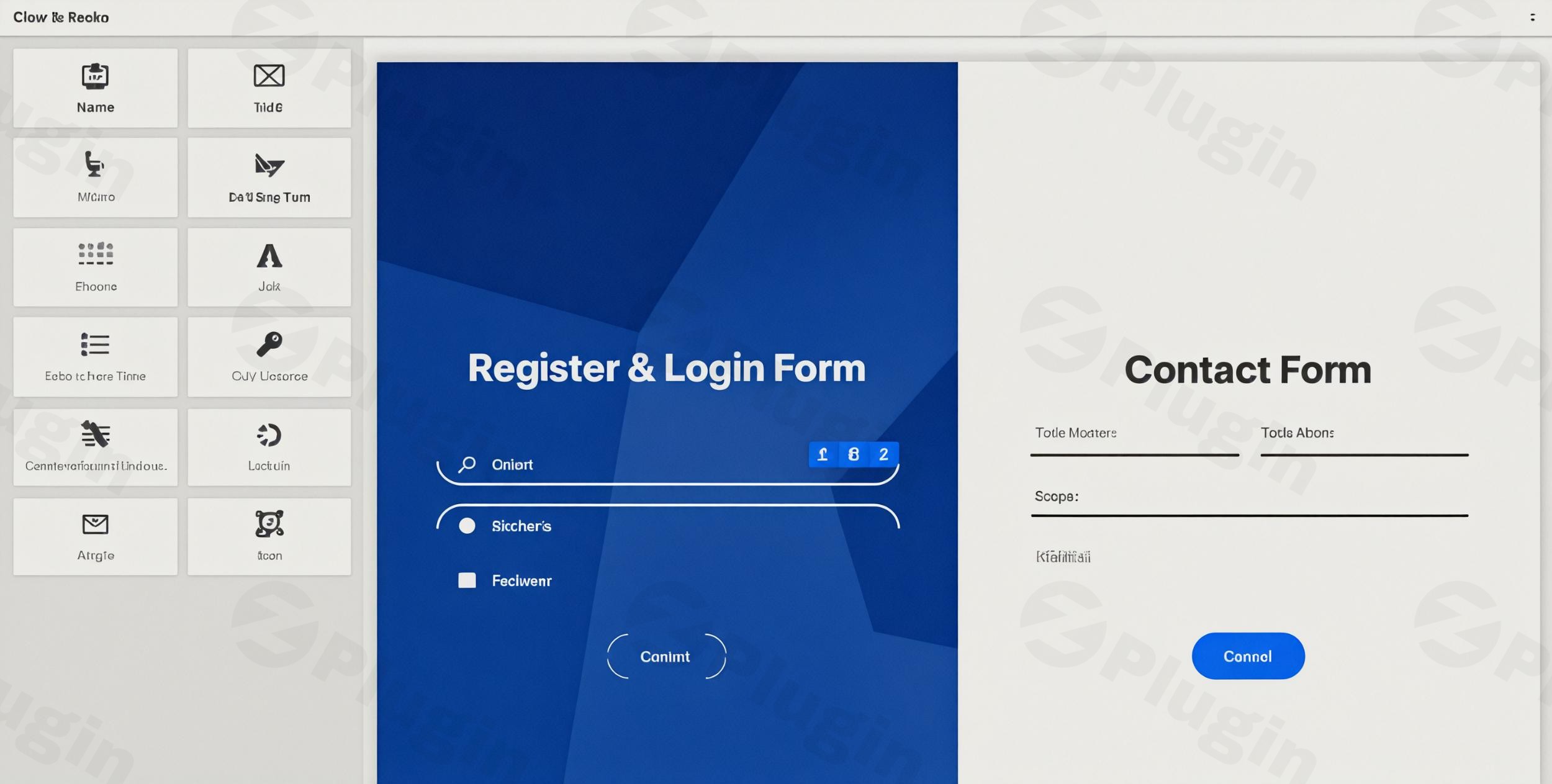
Choosing the right WordPress form builder plugin is often the difference between a simple contact page and a powerful lead-generation engine. While many plugins offer basic input fields, Piotnet Forms Pro is a highly customizable WP form builder designed for users who need more than just the basics. Whether you are building complex booking systems, multi-step applications, or calculated quote forms, Piotnet Forms Pro provides the technical depth required without forcing you to write a single line of code.
In this guide, we will explore the core features, installation process, and best practices to help you maximize your ROI with this versatile tool.
Key Features of Piotnet Forms Pro
Piotnet Forms Pro distinguishes itself by offering granular control over both design and functionality. Here are the standout features that make it a top choice for WordPress professionals:
1. Advanced Conditional Logic
Unlike basic plugins that only hide or show fields, Piotnet allows for advanced conditional logic forms. You can create dynamic user experiences where the form reacts in real-time to user input, changing entire sections or redirecting users based on their specific needs.
2. Multi-Step Forms & Conversational UI
To improve completion rates, you can break long forms into manageable stages. Using the multi-step form WordPress feature helps reduce “form fatigue,” making complex applications feel approachable and professional.
3. Calculated Fields & Payment Integrations
For service providers and eCommerce sites, Piotnet Forms Pro can act as a lightweight checkout system. You can:
- Perform mathematical operations for instant quotes.
- Integrate directly with Stripe and PayPal.
- Use repeater fields for orders with multiple items.
4. Deep Ecosystem Integrations
Piotnet is famous for its “Piotnet Addons for Elementor” (PAFE) heritage, making it the best WordPress form builder for Elementor users. However, it also integrates seamlessly with:
- CRMs: HubSpot, ActiveCampaign, and Mailchimp.
- Custom Fields: Full support for ACF, MetaBox, and Toolset.
- PDF Generation: Automatically create PDF documents from submitted data.
5. Performance-First Architecture
One of the most significant “hidden” benefits is its weight. A standard Piotnet form loads only about 11KB to 42KB of CSS and JS combined. This ensures your high-converting forms don’t tank your Core Web Vitals or SEO rankings.
How to Install Piotnet Forms Pro (Step-by-Step)
Setting up your highly customizable WP form builder is straightforward. Follow these steps to get started:
- Download the Plugin: After purchasing from the official site, download the
.zipfile for Piotnet Forms Pro. - Upload to WordPress: Go to your WordPress Dashboard > Plugins > Add New > Upload Plugin. Select the file and click Install Now.
- Activate License: Once activated, navigate to the Piotnet Forms menu in your sidebar. Enter your license key to unlock Pro features and automatic updates.
- Create Your First Form: Click on Add New. You will be taken to the drag-and-drop editor where you can start adding fields like Text, Email, or File Uploads.
- Configure Actions After Submission: Within the editor, set up what happens once a user clicks “Submit” (e.g., send an email, redirect to a thank-you page, or sync with Mailchimp).
Practical Usage & Best Practices
To get the most out of Piotnet Forms Pro, consider these real-world workflows:
For Agencies & Marketers: Lead Qualification
Instead of a generic contact form, use advanced conditional logic to qualify leads. If a user selects a budget over a certain threshold, the form can dynamically show a “Schedule a Call” booking calendar. If the budget is lower, it can simply offer a whitepaper download.
For eCommerce: Dynamic Quote Calculators
If you sell custom services (like printing or construction), use calculated fields. Users can input dimensions or quantities, and the form will display a real-time price before they even hit submit.
For Site Owners: Front-End Post Submission
Piotnet Forms Pro allows users to submit posts directly from the front end. This is ideal for guest blogging sites, directory listings, or community-driven content platforms where you don’t want to grant users backend access.
FAQ & Troubleshooting
Is Piotnet Forms Pro compatible with Elementor?
Yes, Piotnet Forms Pro is fully compatible with Elementor, as well as Oxygen, Divi, Bricks, and the Gutenberg editor. It is highly regarded in the Elementor community for providing more styling flexibility than the native Elementor form widget.
Does Piotnet Forms Pro support WooCommerce?
While not a replacement for a full checkout page, it can integrate with WooCommerce to add custom fields to products or be used alongside payment gateways like Stripe and PayPal for direct transactions.
How do I prevent spam on my forms?
Piotnet Forms Pro includes built-in support for reCAPTCHA v3. To enable it, go to the form settings and enter your Site Key and Secret Key from Google to protect your site from automated bot submissions.
What should I do if the form builder feels laggy?
For very complex forms with dozens of conditional logic rules, you may experience slight lag in the editor. Ensure your WordPress memory limit is set to at least 256MB and that you are using the latest version of PHP (7.4 or 8.x) for optimal performance.
Final Verdict: Is Piotnet Forms Pro Right for You?
Piotnet Forms Pro is a powerhouse WordPress form builder plugin that bridges the gap between simple contact forms and custom-coded web applications. Its lightweight footprint and deep integration with the Elementor ecosystem make it a top-tier choice for developers and power users.
If you need a tool that offers advanced conditional logic, calculated fields, and extensive styling options without a heavy subscription price tag, Piotnet Forms Pro is a highly recommended investment for your WordPress toolkit. For more tutorials and plugin reviews, visit wppick.com.
I. Download Limits & Account Benefits
- Free Downloads: Each email address receives 3 downloads per day for free products
- Upgrade Benefits: Purchase any paid product to increase your daily download limit by 3 for each paid product
- No Account Required: You can download immediately by receiving the download link via email
- Account Recommended: Create an account for easier access to your order history and direct update downloads
II. Understanding GPL vs Official Versions
Important: The products available on WPPick are GPL-licensed versions, which differ from official developer versions. Before purchasing, please read our comprehensive guide: Understanding GPL & Official Differences at WPPick
Key Points:
- GPL versions may not include premium support from original developers
- Updates may be delayed compared to official releases
- Some premium features might have limitations
- Always consider your specific needs and support requirements
III. Support & Assistance
We’re here to help through multiple channels:
- Email Support: Direct email assistance for all inquiries
- Live Chat: Real-time support during business hours
- Comprehensive Documentation: Detailed guides and tutorials
IV. Order Tracking
Access your complete purchase history and download links anytime: Order History
V. Account Access
New to WPPick? Login or Create Account to manage your downloads and orders efficiently.
VI. Refund Protection
We stand behind our products with a clear refund policy. Review our terms: Refund Policy
VII. Privacy & Security
Your data security is our priority. Learn how we protect your information: Privacy Policy
VII. Terms of Service
Understanding our service terms ensures a smooth experience: Terms of Use
Quick Tips for Best Experience
- Verify Compatibility: Check plugin/theme compatibility with your WordPress version
- Backup First: Always backup your site before installing new plugins or themes
- Test Environment: Consider testing on a staging site first
- Stay Updated: Regularly check for updates in your account dashboard
- Read Documentation: Review any included documentation for optimal setup
Need Help?
If you have questions about downloads, licensing, or need technical assistance, don’t hesitate to contact our support team. We’re committed to ensuring you have the best possible experience with WPPick products.
Ready to get started? Your download adventure begins with just one click!
- Dynamic options select error
- Shortcode view authority for draft forms