
Popup Plugin For WordPress & Popup Editor – Master Popups For Email Subscription
/Year
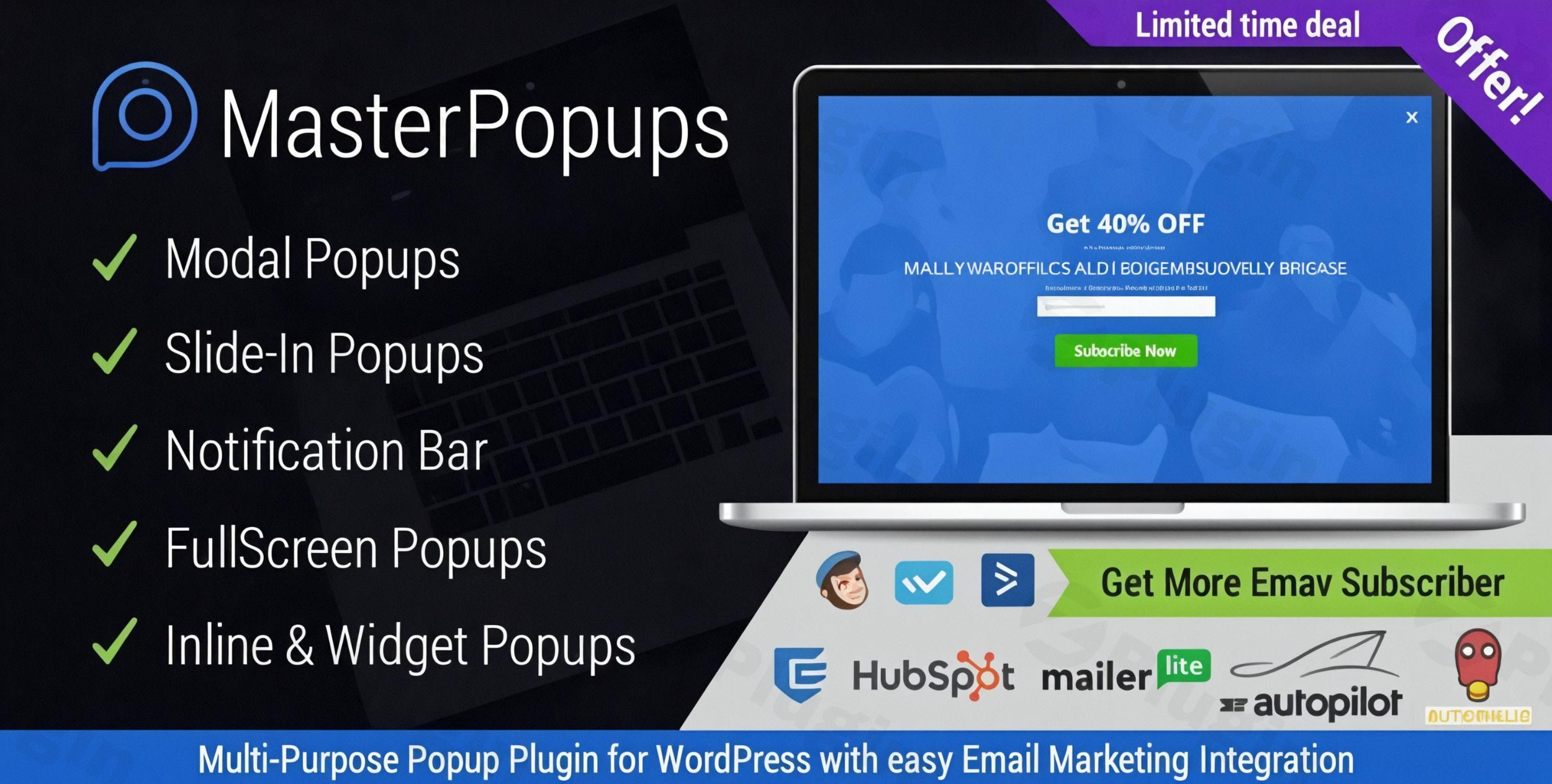
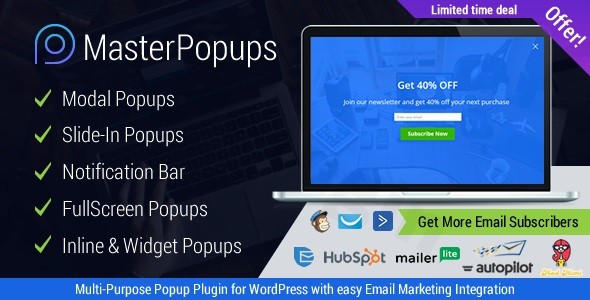
Converting passive website visitors into loyal subscribers is the biggest challenge for modern site owners. The Master Popups WordPress Plugin is a powerful, all-in-one solution designed to solve this problem by providing highly customizable popups and forms. Whether you need to grow your newsletter, offer discount codes, or lock premium content, this WordPress popup plugin for email subscription provides the professional tools needed to boost your conversion rates without writing a single line of code.
Key Features: Why Master Popups Stands Out
Master Popups is more than just a simple popup tool; it is a full-scale lead generation WordPress plugin. Here is a breakdown of the features that provide the most real-world value:
1. Intuitive Visual Popup Editor
The heart of the plugin is its popup editor WordPress interface. It uses a drag-and-drop system that allows you to see exactly how your popup looks in real-time. You can customize colors, fonts, sizes, and animations to ensure your brand identity remains consistent.
2. Over 70 High-Converting Templates
You don’t have to start from scratch. Master Popups includes a library of over 70 pre-made templates designed for various industries. These templates are mobile-responsive and optimized for high click-through rates (CTR).
3. Advanced Triggering and Targeting
Timing is everything in marketing. This plugin allows you to trigger popups based on specific user behavior:
- Exit Intent: Capture users right before they leave your site.
- Scroll Depth: Show a popup only after a user has read a certain percentage of your content.
- Time on Page: Engage users who have stayed long enough to show interest.
- On-Click: Open popups when a user clicks a specific button or link.
4. Seamless Email Marketing Integrations
To automate your workflow, Master Popups offers Mailchimp integration WordPress popups support, along with over 50 other services like Mautic, GetResponse, ActiveCampaign, and Zoho. This ensures every lead captured is instantly synced to your CRM or email list.
5. Content Locker and Premium Features
If you produce high-quality gated content, the Content Locker feature is invaluable. It requires users to subscribe or enter a password before accessing a specific post or page, significantly increasing your subscription velocity.
How to Install Master Popups: Step-by-Step Setup
Follow these steps to learn how to set up a popup with Master Popups on your WordPress site:
- Download and Upload: Purchase the plugin and download the
.zipfile. In your WordPress dashboard, go to Plugins > Add New > Upload Plugin and select the file. - Activation: Once uploaded, click Activate. You will see a new “Master Popups” menu item in your sidebar.
- Create Your First Popup: Navigate to Master Popups > Add New. Choose a template from the library or start with a blank canvas.
- Customize the Design: Use the visual editor to change the text and images. Ensure your “Call to Action” (CTA) stands out clearly.
- Configure Triggers: Go to the “Triggers” tab. For most sites, an Exit Intent or a 5-second delay is the best starting point.
- Connect Your Email Service: Go to the “Integrations” tab to link your Mailchimp or preferred email provider API key.
- Publish: Click the “Publish” button and view your site in an incognito window to see your new popup in action.
Practical Usage & Best Practices
To get the most out of the Master Popups WordPress Plugin, consider these real-world use cases:
- For E-commerce (WooCommerce): Use a “Slide-In” popup on product pages offering a 10% discount code in exchange for an email address. This reduces cart abandonment and builds your marketing list.
- For Bloggers: Implement a “Notification Bar” at the top of the page to promote your latest ebook or a “Sticky” newsletter signup that stays visible as the reader scrolls.
- For Agencies: Use the lead generation WordPress plugin capabilities to create custom contact forms for clients, ensuring all inquiries are organized within the WordPress dashboard and sent to the client’s CRM.
- GDPR Compliance: Always enable the GDPR checkbox feature in your forms to ensure you are legally collecting data from European visitors.
FAQ & Troubleshooting
What is Master Popups plugin?
Master Popups is a premium WordPress plugin used to create conversion-focused popups, notification bars, and inline forms. It is primarily used for lead generation, email list building, and displaying targeted announcements to website visitors.
How do I create an exit intent popup in WordPress?
To create an exit intent popup with Master Popups, go to your popup settings and navigate to the Triggers section. Enable the “On Exit Intent” option. This uses mouse-tracking technology to detect when a user is about to close the tab or navigate away, triggering the popup at that exact moment.
Can Master Popups integrate with GetResponse?
Yes, Master Popups natively integrates with GetResponse, Mailchimp, Mautic, and over 50 other email marketing platforms. You simply need to enter your API key in the plugin’s integration settings to start syncing leads automatically.
Is the plugin compatible with the latest WordPress versions?
Master Popups is regularly updated for compatibility. It currently supports WordPress 6.0+ and is optimized for PHP 8.2+. It is also WPML compatible, making it ideal for multilingual websites.
What should I do if my popup isn’t showing up?
First, ensure the popup status is set to “Published.” Second, check your targeting rules to see if you have restricted the popup to specific pages. Finally, clear your website and browser cache, as caching plugins often prevent new popups from appearing immediately.
Conclusion: Final Verdict
The Master Popups WordPress Plugin is a high-performance tool that balances advanced technical features with a user-friendly interface. While competitors like OptinMonster offer similar features, Master Popups provides a more cost-effective, self-hosted solution with deep integration capabilities.
If you are looking for a reliable WordPress popup plugin for email subscription that offers exit-intent technology, content locking, and over 70 templates, Master Popups is an excellent investment for any site owner looking to maximize their ROI and grow their digital audience.
I. Download Limits & Account Benefits
- Free Downloads: Each email address receives 3 downloads per day for free products
- Upgrade Benefits: Purchase any paid product to increase your daily download limit by 3 for each paid product
- No Account Required: You can download immediately by receiving the download link via email
- Account Recommended: Create an account for easier access to your order history and direct update downloads
II. Understanding GPL vs Official Versions
Important: The products available on WPPick are GPL-licensed versions, which differ from official developer versions. Before purchasing, please read our comprehensive guide: Understanding GPL & Official Differences at WPPick
Key Points:
- GPL versions may not include premium support from original developers
- Updates may be delayed compared to official releases
- Some premium features might have limitations
- Always consider your specific needs and support requirements
III. Support & Assistance
We’re here to help through multiple channels:
- Email Support: Direct email assistance for all inquiries
- Live Chat: Real-time support during business hours
- Comprehensive Documentation: Detailed guides and tutorials
IV. Order Tracking
Access your complete purchase history and download links anytime: Order History
V. Account Access
New to WPPick? Login or Create Account to manage your downloads and orders efficiently.
VI. Refund Protection
We stand behind our products with a clear refund policy. Review our terms: Refund Policy
VII. Privacy & Security
Your data security is our priority. Learn how we protect your information: Privacy Policy
VII. Terms of Service
Understanding our service terms ensures a smooth experience: Terms of Use
Quick Tips for Best Experience
- Verify Compatibility: Check plugin/theme compatibility with your WordPress version
- Backup First: Always backup your site before installing new plugins or themes
- Test Environment: Consider testing on a staging site first
- Stay Updated: Regularly check for updates in your account dashboard
- Read Documentation: Review any included documentation for optimal setup
Need Help?
If you have questions about downloads, licensing, or need technical assistance, don’t hesitate to contact our support team. We’re committed to ensuring you have the best possible experience with WPPick products.
Ready to get started? Your download adventure begins with just one click!
- Support for the latest versions of Salesforce
- Compatibility with WordPress 6.8+ and PHP 8.2+
- Fixed a bug related to MailerLite libraries.
- Compatibility with WordPress 6.8+ and PHP 8.2+.
- Compatibility with WordPress 6.7+ and PHP 8.2+