

Postx Pro – Gutenberg Post Blocks
/Year
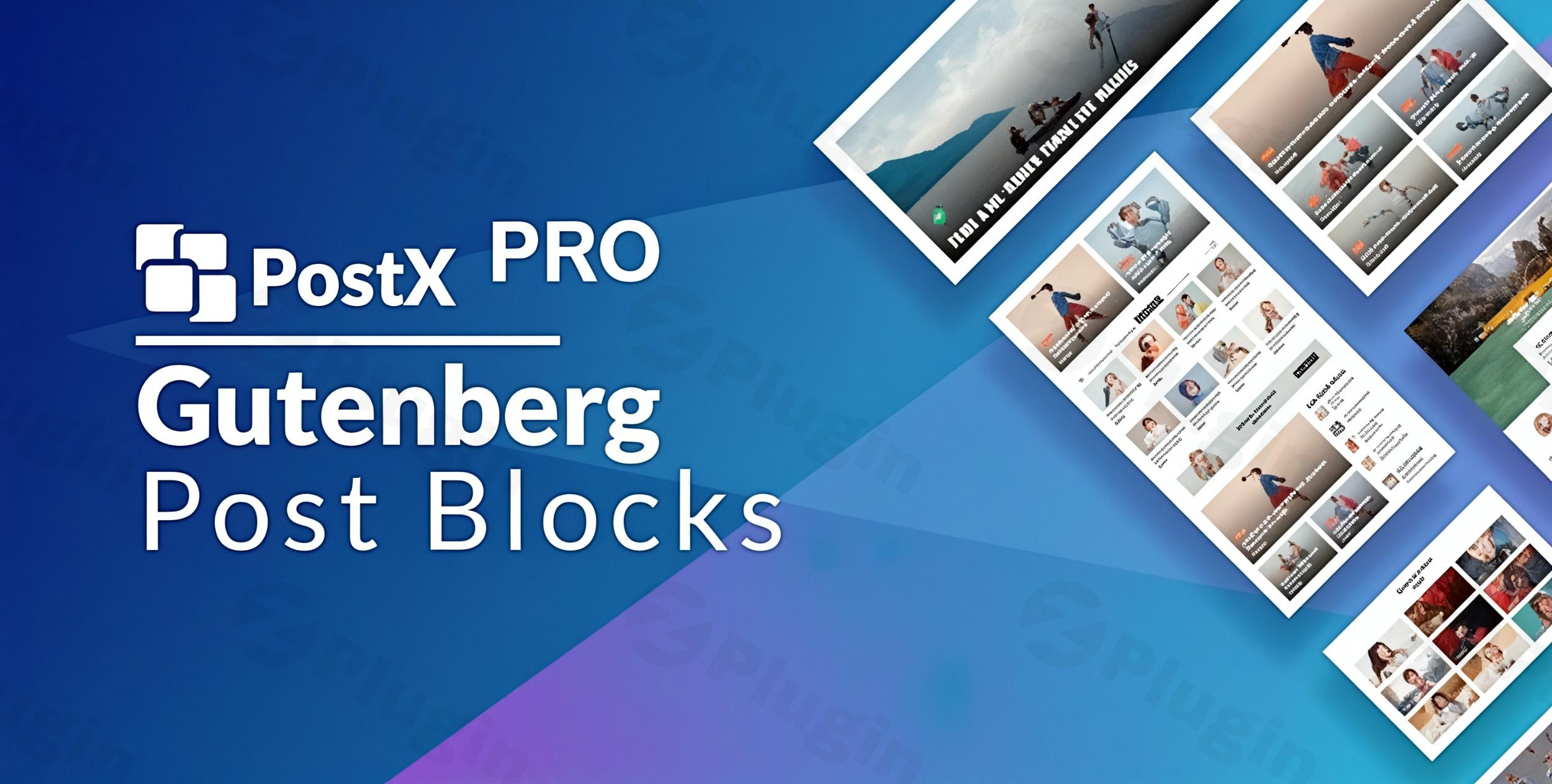
Are you looking to transform your WordPress website into a dynamic, visually captivating platform without writing a single line of code? PostX Pro Gutenberg Post Blocks is a powerful WordPress post blocks plugin designed specifically for this purpose. It extends the native Gutenberg editor, empowering content creators, marketers, and developers to build professional news magazines, engaging blogs, and dynamic content layouts with unparalleled ease and flexibility. Say goodbye to restrictive themes and complex page builders, and embrace the future of content presentation with Gutenberg blocks for posts.PostX Pro provides a comprehensive suite of tools to craft beautiful and functional websites, from showcasing blog posts in elegant grids to creating sophisticated news portals. It’s an all-in-one solution for advanced post display and site building that integrates seamlessly with your existing WordPress setup.
Key Features That Make PostX Pro a Game-Changer
PostX Pro is packed with an impressive array of PostX Pro features designed to give you complete control over your content’s appearance and functionality.
Ready-made Blocks & Starter Packs
Jumpstart your design process with a vast library of professionally designed blocks and layouts. PostX Pro offers over 40 ready-made design blocks, 24+ premium starter sites, and hundreds of patterns and templates. Whether you’re building a travel blog, a recipe site, or an online magazine, you’ll find pre-built solutions tailored for various niches, significantly reducing design time.
Dynamic Site Builder
Go beyond individual posts. PostX Pro’s dynamic site builder allows you to construct and redesign entire websites. This includes homepages, blog pages, single post layouts, archive pages, category pages, and even search result pages using intuitive drag-and-drop customization and pre-made templates. This is ideal for anyone looking for a comprehensive WordPress news magazine theme plugin replacement.
Advanced Post Layouts (Grid, List, Slider & Module Blocks)
Display your content in a multitude of engaging ways. PostX Pro offers numerous layouts and design variations for showcasing posts in attractive grids, readable lists, dynamic sliders, and compact modules. This ensures your content is organized, visually appealing, and easy for visitors to consume.
Gutenberg Dynamic Query Builder
Gain granular control over which posts appear where. The Gutenberg dynamic query builder allows you to sort and filter content based on categories, tags, authors, publishing dates, comments, popularity, post types, and even custom fields. You can also use quick query pickers and include or exclude specific post IDs, ensuring your most relevant content is always front and center.
AJAX Powered Post Filter & Pagination
Enhance user experience with lightning-fast, AJAX-based filtering and pagination. Visitors can filter posts by categories and tags without a full page reload, providing a seamless browsing experience. Advanced pagination options like “load more,” navigation, and numeric pagination keep users engaged and reduce bounce rates. Learn how to implement a PostX Pro AJAX pagination setup guide for your site for optimal performance.
Extensive Customization Options
Fine-tune every aspect of your design. PostX Pro offers endless customization possibilities for typography (including 897+ Google Fonts and custom font uploads), colors, spacing, backgrounds, overlays, animations, and responsive controls to ensure your site looks perfect on any device.
Powerful Addons for Expanded Functionality
Extend PostX Pro’s capabilities with a range of useful addons:
- Saved Templates: Convert your custom Gutenberg blocks into shortcodes, allowing you to reuse them anywhere, even within page builders like Elementor.
- Table of Contents: Easily add dynamic and customizable tables of contents to your blog posts and custom post types, improving navigation and SEO.
- Category/Taxonomy Addon: Assign unique colors and images to categories or any custom taxonomy for better visual organization.
- SEO Meta Addon: Integrate meta description options directly within the editor.
- Front-end Submission: Allow guest writers and freelancers to submit posts from the front end, complete with individual dashboards and SEO support.
- Progress Bar: Add a subtle progress bar to posts or pages, indicating reading progress.
- News Ticker & Advanced Search: Implement dynamic news tickers and visually appealing AJAX-powered search systems.
WooCommerce & ACF Integration
Seamlessly integrate with popular WordPress tools. PostX Pro fully supports WooCommerce grids for products, categories, and deals, making it perfect for eCommerce sites. It also works flawlessly with Advanced Custom Fields (ACF) and custom taxonomies, providing even more flexibility for custom content types.
Installation & Setup of PostX Pro
Installing PostX Pro Gutenberg Post Blocks on your WordPress site is a straightforward process, even for beginners. Here’s a step-by-step guide:
- Download the Plugin: Obtain the PostX Pro plugin files from a trusted source like ZeroPlugin.com. They provide GPL licensed files, ensuring compliance and security, with all files scanned via VirusTotal for peace of mind.
- Upload to WordPress:
- Log in to your WordPress admin dashboard.
- Navigate to Plugins > Add New.
- Click on the “Upload Plugin” button at the top of the page.
- Click “Choose File”, then select the
.zipfile you downloaded. - Click “Install Now”.
- Activate the Plugin: Once installed, WordPress will prompt you to activate the plugin. Click “Activate Plugin”.
- Initial Configuration: After activation, PostX Pro will typically add a new menu item to your WordPress dashboard (e.g., “PostX”). Click on it to access the plugin’s settings and ensure all necessary addons are enabled. Explore the various settings to tailor the plugin to your needs, such as enabling specific blocks or configuring global styling.With PostX Pro activated, you can now open any post or page in the Gutenberg editor and begin utilizing its powerful blocks to create custom post grids in Gutenberg with PostX Pro and design stunning layouts.
Practical Usage & Best Practices with PostX Pro
PostX Pro shines in real-world scenarios, empowering various types of users to build and enhance their websites efficiently. Here are a few concrete use cases and best practices:
1. Building a Dynamic News or Magazine Website
Ideal for: Online publishers, media companies, niche content creators.With PostX Pro, you can create a full-fledged WordPress news magazine theme plugin alternative. Use the dynamic site builder to design custom homepages, category archives, and single post layouts. Leverage the Advanced Query Builder to pull in “latest news,” “trending articles,” or “posts by topic” into distinct blocks. Implement the News Ticker for breaking headlines and AJAX filtering for a smooth reader experience. This is undoubtedly the best Gutenberg plugin for news website construction.
2. Crafting Engaging Blog Layouts
Ideal for: Bloggers, content marketers, personal portfolio sites.Move beyond simple chronologically ordered posts. Use PostX Pro’s grid, list, and slider blocks to showcase your blog content in visually appealing ways. Highlight featured articles, display related posts at the end of each entry using dynamic queries, and organize your archives by category or tag with the AJAX filter. This allows for creating engaging blog layouts WordPress users will love. Utilize the Table of Contents addon for long-form content to improve readability and SEO.
3. Enhancing an eCommerce Store
Ideal for: Online store owners using WooCommerce.While primarily a post block plugin, PostX Pro’s WooCommerce integration is invaluable. Create dynamic product grids, display “Deals of the Day,” “New Arrivals,” or “Bestselling Products” on any page. You can even filter products by custom taxonomies or attributes, adding a layer of sophisticated merchandising to your store without needing complex custom code.
4. Facilitating Guest Contributions and Community Content
Ideal for: Niche communities, multi-author blogs, content agencies.The Front-end Submission addon is a game-changer for sites that rely on external contributors. Provide guest writers with their own dashboard to submit posts, complete with SEO support. This streamlines the content creation workflow, making it easy to grow your content without granting full backend access, ensuring a secure and efficient process.
Best Practices:
- Plan Your Layouts: Before diving in, sketch out the general structure of your desired pages.
- Utilize Starter Packs: For quick launches, customize a PostX Pro starter pack that matches your niche.
- Optimize Queries: Be mindful of your dynamic queries; overly complex queries on many blocks can impact performance. Test and refine.
- Responsive Design: Always check your layouts on different devices using PostX Pro’s responsive controls.
- Test Performance: While PostX Pro is optimized for speed, always monitor your site’s performance after adding complex layouts.
FAQ & Troubleshooting
Here are answers to some common questions about PostX Pro:
What is PostX Pro used for?
PostX Pro is primarily used to enhance the WordPress Gutenberg block editor, allowing users to create advanced, dynamic, and visually stunning post and page layouts. It’s an all-in-one solution for building news, magazine, and blog websites, offering extensive customization, query building, and content presentation options that go far beyond the default Gutenberg functionality. It empowers both beginners and experienced users to design professional websites without coding.
Is PostX Pro compatible with Elementor?
Yes, PostX Pro is compatible with Elementor and other popular page builders like DIVI. Specifically, PostX Pro includes a “Saved Templates” addon that allows you to convert your custom Gutenberg blocks and layouts into shortcodes. These shortcodes can then be easily embedded and displayed within Elementor’s interface, enabling you to leverage PostX Pro’s powerful content display features even if you primarily build with Elementor.
Does PostX Pro slow down WordPress?
No, PostX Pro is designed with performance and SEO best practices in mind and generally does not slow down WordPress. Developed by WPXPO, it generates clean HTML output, is lightweight, and is optimized for faster loading times. Many users report that sites built with PostX Pro achieve better speed scores compared to those using traditional, heavier page builders. The plugin’s efficiency helps ensure your website remains fast and responsive, which is crucial for user experience and search engine rankings.
How to display related posts in Gutenberg using PostX Pro?
To display related posts in Gutenberg using PostX Pro, you would leverage its Advanced Query Builder. First, add a PostX Pro block (e.g., a Post Grid or Post List block) to your single post template or at the end of a specific post. Then, in the block’s settings, access the Query Builder. Configure the query to select posts from the same category or same tags as the current post, while excluding the current post itself. This dynamic setup ensures that relevant articles are automatically displayed to your readers, encouraging further engagement.
Is PostX Pro compatible with popular WordPress themes?
Yes, PostX Pro is 100% compatible with the WordPress block editor (Gutenberg) and is designed to work seamlessly with all popular WordPress themes. It has been extensively tested with a wide range of themes, including Blocksy, Kadence, Astra, GeneratePress, Neve, Ocean WP, and Twenty Twenty-Five, among others. Its theme-agnostic design ensures that you can use your favorite theme while still benefiting from PostX Pro’s advanced layout and content presentation capabilities.
Conclusion
PostX Pro Gutenberg Post Blocks stands out as an indispensable WordPress post blocks plugin for anyone serious about creating professional, visually appealing, and highly functional content-driven websites. With its intuitive interface, vast array of pre-designed elements, and powerful customization options, it effectively democratizes advanced web design, allowing users to build complex layouts without needing any coding expertise.From dynamic news portals to engaging personal blogs and enhanced eCommerce product displays, PostX Pro provides a robust, performance-optimized, and flexible solution. Its strong commitment to regular updates, GPL licensing, and active community support from WPXPO further solidifies its position as a trustworthy and authoritative tool. Invest in PostX Pro to elevate your website design, improve user experience, and streamline your content publishing workflow, making it a valuable asset for any WordPress site owner.
I. Download Limits & Account Benefits
- Free Downloads: Each email address receives 3 downloads per day for free products
- Upgrade Benefits: Purchase any paid product to increase your daily download limit by 3 for each paid product
- No Account Required: You can download immediately by receiving the download link via email
- Account Recommended: Create an account for easier access to your order history and direct update downloads
II. Understanding GPL vs Official Versions
Important: The products available on WPPick are GPL-licensed versions, which differ from official developer versions. Before purchasing, please read our comprehensive guide: Understanding GPL & Official Differences at WPPick
Key Points:
- GPL versions may not include premium support from original developers
- Updates may be delayed compared to official releases
- Some premium features might have limitations
- Always consider your specific needs and support requirements
III. Support & Assistance
We’re here to help through multiple channels:
- Email Support: Direct email assistance for all inquiries
- Live Chat: Real-time support during business hours
- Comprehensive Documentation: Detailed guides and tutorials
IV. Order Tracking
Access your complete purchase history and download links anytime: Order History
V. Account Access
New to WPPick? Login or Create Account to manage your downloads and orders efficiently.
VI. Refund Protection
We stand behind our products with a clear refund policy. Review our terms: Refund Policy
VII. Privacy & Security
Your data security is our priority. Learn how we protect your information: Privacy Policy
VII. Terms of Service
Understanding our service terms ensures a smooth experience: Terms of Use
Quick Tips for Best Experience
- Verify Compatibility: Check plugin/theme compatibility with your WordPress version
- Backup First: Always backup your site before installing new plugins or themes
- Test Environment: Consider testing on a staging site first
- Stay Updated: Regularly check for updates in your account dashboard
- Read Documentation: Review any included documentation for optimal setup
Need Help?
If you have questions about downloads, licensing, or need technical assistance, don’t hesitate to contact our support team. We’re committed to ensuring you have the best possible experience with WPPick products.
Ready to get started? Your download adventure begins with just one click!
- Latest WordPress compatibility issue