

Presto Player Pro
/Year
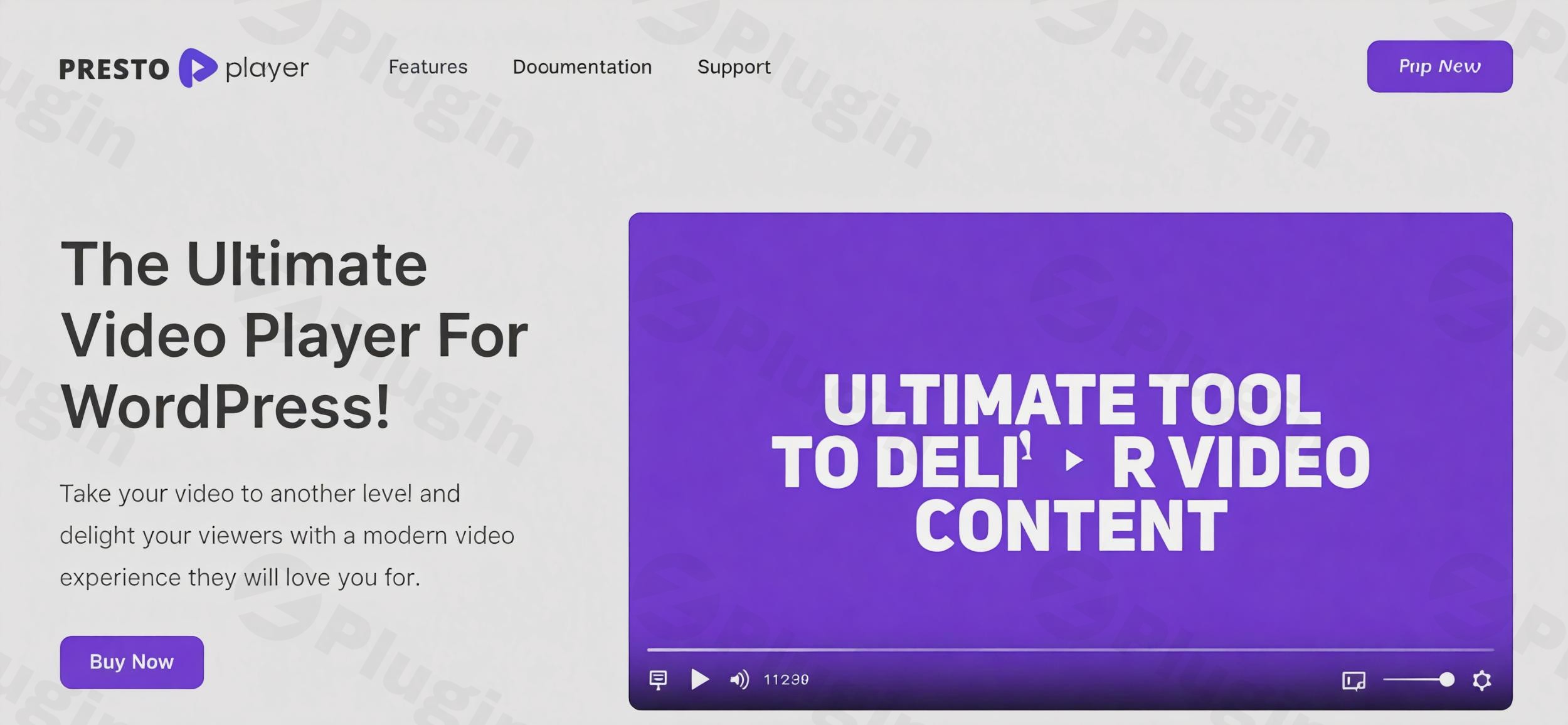
Elevate Your Video Content Strategy on WordPress
Presto Player Pro transforms how you deliver video content on your WordPress website. While standard embedded players offer basic playback capabilities, this premium plugin introduces an interactive, marketing-focused approach to video delivery. It acts as a comprehensive media management system designed to keep visitors engaged, capture valuable leads, and provide deep insights into viewer behavior. By seamlessly integrating with your existing site architecture, it provides a native, highly customizable viewer experience that aligns with your brand identity and conversion goals. Whether you are hosting promotional materials, educational modules, or entertainment media, this tool ensures your audience remains focused on your message without the distraction of third-party branding or unrelated recommended content.
Latest Version 3.3.0 Changes
No version 3.3.0 is listed in the official Presto Player Pro changelog source. The versions jump from 3.2.2 (July 26, 2026) to other version numbers or the core plugin tracks differently.
Core Functions and Capabilities
The plugin serves as a central hub for all your video and audio content needs, supporting multiple high-performance hosting sources.
- Integrates natively with major cloud hosting platforms to deliver fast, buffer-free playback across desktop and mobile devices.
- Provides built-in lead generation tools that prompt viewers to enter their email addresses before, during, or after video playback.
- Offers extensive analytics to track viewer retention, monitor engagement drop-offs, and evaluate overall play statistics.
- Supports dynamic video chapters, allowing viewers to navigate through long-form content easily and find the exact information they need.
- Includes a sticky video player option that continues playing in the corner of the screen as users scroll down the text of your page.
- Provides granular customization options for player colors, control layouts, and branding elements to match your website theme.
- Allows you to create custom presets, enabling you to apply consistent player settings across hundreds of videos instantly.
- Features a dedicated focus mode that dims the surrounding page content to minimize distractions and keep the viewer locked onto your presentation.
Target Audience and Ideal Users
This video solution caters to a diverse range of WordPress users who rely on media to communicate their message effectively.
- Online course creators and educators who need secure, private video hosting to protect their premium instructional content.
- Digital marketers aiming to increase conversion rates by integrating calls to action directly inside their promotional videos.
- Podcasters and audio content creators utilizing the dedicated audio player block to share episodes natively on their blogs.
- E-commerce store owners looking to showcase product demonstrations with integrated links to external purchase pages.
- Corporate websites requiring a clean, brand-aligned media player without third-party logos or related video distractions.
Practical WordPress Use Cases
Implementing this plugin opens up numerous strategic possibilities for your digital content strategy and audience engagement initiatives.
- Creating a restricted membership portal where premium videos are safeguarded against unauthorized downloads and external sharing.
- Setting up an automated marketing funnel where a video pauses at a critical moment, requiring an email submission that syncs directly to your customer relationship management software.
- Building an interactive landing page where viewers can click internal video links to jump to specific timestamps or navigate to related promotional materials.
- Publishing an accessible media library with integrated closed captions and customizable playback speeds for educational accessibility.
- Deploying shoppable videos on e-commerce product pages, highlighting specific features and encouraging immediate action within the player interface.
- Structuring onboarding tutorials for software applications, guiding new users through complex interfaces with clearly marked chapters and resource links.
Setup Process and Compatibility Notes
Integrating the plugin into your WordPress environment is engineered to be straightforward and highly efficient. It features dedicated blocks for the native WordPress block editor, ensuring a smooth visual editing experience. Additionally, it offers deep compatibility with major page builders, meaning you can place your customized videos anywhere on your site seamlessly. The central media hub allows you to configure a video once and embed it across multiple pages. Updating the master video settings automatically reflects across all embedded instances, saving significant administrative time. The system is designed with performance in mind, utilizing lazy loading architecture so the video player elements only load when they enter the visitor’s viewport, which is crucial for maintaining high scores on performance testing tools.
Reasons to Choose This Plugin on WPPick
Selecting this premium video solution from WPPick ensures you are equipping your site with a robust, conversion-focused tool. It moves beyond simple media playback, turning every embedded video into a measurable asset for your organization. The focus on frontend performance means your page load speeds remain optimal, while the intuitive backend interface ensures you do not need advanced coding knowledge to deploy interactive video features. The combination of analytics, marketing integrations, and aesthetic flexibility makes it a powerful addition to any content-heavy website.
Latest Version Context
Frequently Asked Questions
- What types of video hosting platforms are supported by this plugin?
You can connect various popular video hosting services, self-host your files directly on your server, or use dedicated stream delivery networks to serve your content efficiently.
- Can I use this plugin to capture email addresses from viewers?
The plugin includes a built-in lead capture feature that can pause the video and require an email submission, which then routes directly to your integrated email marketing platform.
- Is it possible to protect my videos from being downloaded by unauthorized users?
By utilizing secure hosting integrations, the plugin helps prevent direct downloading and sharing of your private video content, keeping your premium assets secure.
- Does the player support audio files as well as video?
A dedicated audio player is included, offering the same level of customization, interactive features, and analytics for your podcast episodes or music tracks.
- How does the sticky player functionality improve user experience?
The sticky player keeps the video visible in a smaller window as the user scrolls through the text on your page, allowing them to read and watch simultaneously without losing their place.
- How does the central media hub function?
The media hub allows you to upload or link a video once, configure its settings, and embed it across multiple pages. Any future updates to that video’s settings in the hub will automatically apply to every instance across your entire website.
I. Download Limits & Account Benefits
- Free Downloads: Each email address receives 3 downloads per day for free products
- Upgrade Benefits: Purchase any paid product to increase your daily download limit by 3 for each paid product
- No Account Required: You can download immediately by receiving the download link via email
- Account Recommended: Create an account for easier access to your order history and direct update downloads
II. Understanding GPL vs Official Versions
Important: The products available on WPPick are GPL-licensed versions, which differ from official developer versions. Before purchasing, please read our comprehensive guide: Understanding GPL & Official Differences at WPPick
Key Points:
- GPL versions may not include premium support from original developers
- Updates may be delayed compared to official releases
- Some premium features might have limitations
- Always consider your specific needs and support requirements
III. Support & Assistance
We’re here to help through multiple channels:
- Email Support: Direct email assistance for all inquiries
- Live Chat: Real-time support during business hours
- Comprehensive Documentation: Detailed guides and tutorials
IV. Order Tracking
Access your complete purchase history and download links anytime: Order History
V. Account Access
New to WPPick? Login or Create Account to manage your downloads and orders efficiently.
VI. Refund Protection
We stand behind our products with a clear refund policy. Review our terms: Refund Policy
VII. Privacy & Security
Your data security is our priority. Learn how we protect your information: Privacy Policy
VII. Terms of Service
Understanding our service terms ensures a smooth experience: Terms of Use
Quick Tips for Best Experience
- Verify Compatibility: Check plugin/theme compatibility with your WordPress version
- Backup First: Always backup your site before installing new plugins or themes
- Test Environment: Consider testing on a staging site first
- Stay Updated: Regularly check for updates in your account dashboard
- Read Documentation: Review any included documentation for optimal setup
Need Help?
If you have questions about downloads, licensing, or need technical assistance, don’t hesitate to contact our support team. We’re committed to ensuring you have the best possible experience with WPPick products.
Ready to get started? Your download adventure begins with just one click!
- AI client can now work directly with Bunny Stream videos, captions, and video analytics.
- Activating Pro from the Plugins screen now takes you directly to the License page, instead of the Dashboard.
- When you add a self-hosted or HLS video using a URL, the title now shows up clean and readable. No more messy raw URLs staring back at you.
- FluentCRM email capture now works the way it should. Emails are collected reliably every time, so you won’t miss out on leads.
- We added more internal test coverage and cleaned up the code a bit. You won’t see this directly, but it means fewer bugs sneaking in down the line.
- Changelog - Presto Player
- Multiple security hardening improvements.
- Setting for changing the default Media Hub sync behavior for new blocks.
- Add “Edit Original” to inspector sidebar for synced media hub items to increase visibility of new feature.
- Issue with private bunny.net private video not signing urls correctly when synced with media hub.
- Making CSS more specific on instant video page to prevent conflicts with themes.
- Wrong textdomain on some translations.