
Pricer
/Year
Product-Intent Opening
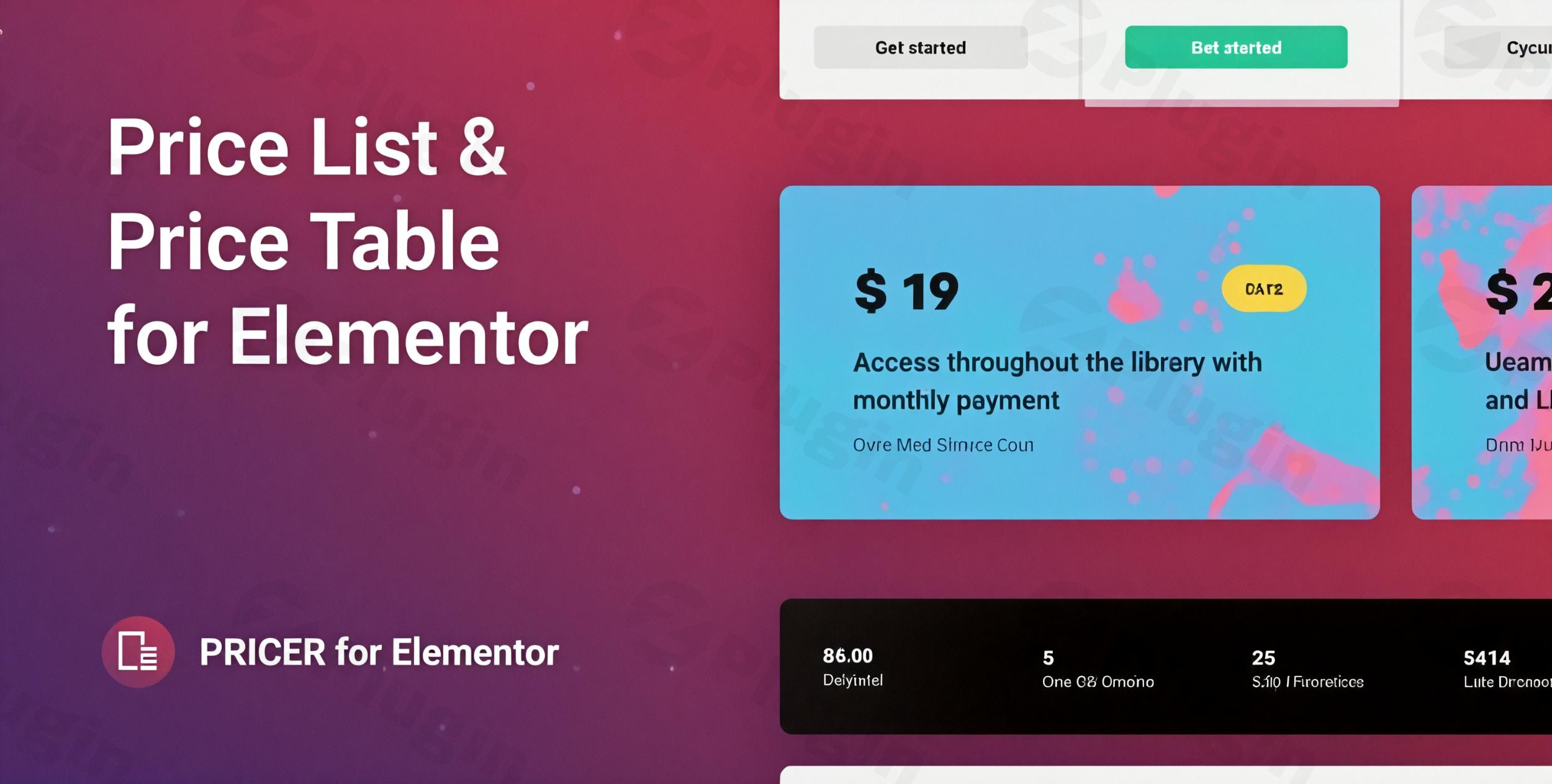
Showcasing menus, service rates, or product packages effectively requires a clear and visually appealing layout. Pricer – Price List for Elementor is designed to help WordPress site owners build professional price lists and pricing tables directly within the Elementor page builder. By combining ease of use with comprehensive style options, this plugin allows businesses to present their pricing structure clearly to prospective customers without touching code.
What It Does
Pricer functions as a dedicated Elementor widget that seamlessly integrates into your existing page editing workflow. It enables users to construct clean, modern price lists, service menus, and comparative pricing sections using pre-designed templates or custom layouts. You can add item titles, descriptions, prices, badges, and Call-to-Action buttons, aligning every element with your website branding.
Who It Is For
This plugin suits website administrators, freelance developers, and business owners who rely on Elementor to build client sites or personal portfolios. It is especially beneficial for restaurants, cafes, salons, consultancies, agencies, and e-commerce stores that need an organized way to display service fees or product offerings clearly.
Key Capabilities
- Deep integration with the Elementor page builder for live drag-and-drop editing.
- Multiple pre-built templates to accelerate layout creation.
- Comprehensive design customization including typography, colors, and gradients.
- Horizontal and vertical layout options to fit different page sections.
- Fully responsive design that adapts smoothly to mobile, tablet, and desktop screens.
Practical WordPress Use Cases
- Restaurants and cafes publishing digital food and drink menus with item descriptions and prices.
- Consultants and agencies presenting tier-based service packages or hourly rates.
- Fitness centers and spas listing membership tiers, class schedules, and treatment costs.
- Online stores highlighting accessory pricing or feature comparisons.
Setup and Compatibility
Installing Pricer requires an active installation of WordPress and the Elementor page builder plugin. Once uploaded and activated, the Pricer widget appears directly in your Elementor editor panel. It is built to be lightweight, ensuring that adding pricing sections does not negatively impact page loading speeds or core web vitals.
Reasons to Choose It on WPPick
Choosing Pricer through WPPick gives you access to a secure, verified GPL release file ready for immediate deployment. It provides a straightforward, cost-effective solution for upgrading your site’s visual presentation without recurring subscription commitments, backed by clean code and reliable performance.
Latest Version Context
Version 1.0.10 includes important security updates to ensure stability and protect your WordPress installation against potential vulnerabilities. Maintaining an up-to-date installation helps keep your site secure while utilizing the latest widget enhancements.
Frequently Asked Questions
- Does Pricer require the Pro version of Elementor? No, Pricer is designed to work smoothly with both the free and Pro versions of Elementor.
- Can I customize the colors to match my brand? Yes, the plugin includes comprehensive styling controls for colors, fonts, backgrounds, and borders.
- Is the price list mobile responsive? Absolutely, all layouts adjust dynamically across mobile phones, tablets, and desktop computers.
- How do I add the price list to a page? Simply open your page in Elementor, search for the Pricer widget in the sidebar, and drag it onto your layout.
I. Download Limits & Account Benefits
- Free Downloads: Each email address receives 3 downloads per day for free products
- Upgrade Benefits: Purchase any paid product to increase your daily download limit by 3 for each paid product
- No Account Required: You can download immediately by receiving the download link via email
- Account Recommended: Create an account for easier access to your order history and direct update downloads
II. Understanding GPL vs Official Versions
Important: The products available on WPPick are GPL-licensed versions, which differ from official developer versions. Before purchasing, please read our comprehensive guide: Understanding GPL & Official Differences at WPPick
Key Points:
- GPL versions may not include premium support from original developers
- Updates may be delayed compared to official releases
- Some premium features might have limitations
- Always consider your specific needs and support requirements
III. Support & Assistance
We’re here to help through multiple channels:
- Email Support: Direct email assistance for all inquiries
- Live Chat: Real-time support during business hours
- Comprehensive Documentation: Detailed guides and tutorials
IV. Order Tracking
Access your complete purchase history and download links anytime: Order History
V. Account Access
New to WPPick? Login or Create Account to manage your downloads and orders efficiently.
VI. Refund Protection
We stand behind our products with a clear refund policy. Review our terms: Refund Policy
VII. Privacy & Security
Your data security is our priority. Learn how we protect your information: Privacy Policy
VII. Terms of Service
Understanding our service terms ensures a smooth experience: Terms of Use
Quick Tips for Best Experience
- Verify Compatibility: Check plugin/theme compatibility with your WordPress version
- Backup First: Always backup your site before installing new plugins or themes
- Test Environment: Consider testing on a staging site first
- Stay Updated: Regularly check for updates in your account dashboard
- Read Documentation: Review any included documentation for optimal setup
Need Help?
If you have questions about downloads, licensing, or need technical assistance, don’t hesitate to contact our support team. We’re committed to ensuring you have the best possible experience with WPPick products.
Ready to get started? Your download adventure begins with just one click!
- Fixed plugin security issues.