

Prime Mover Pro
/Year
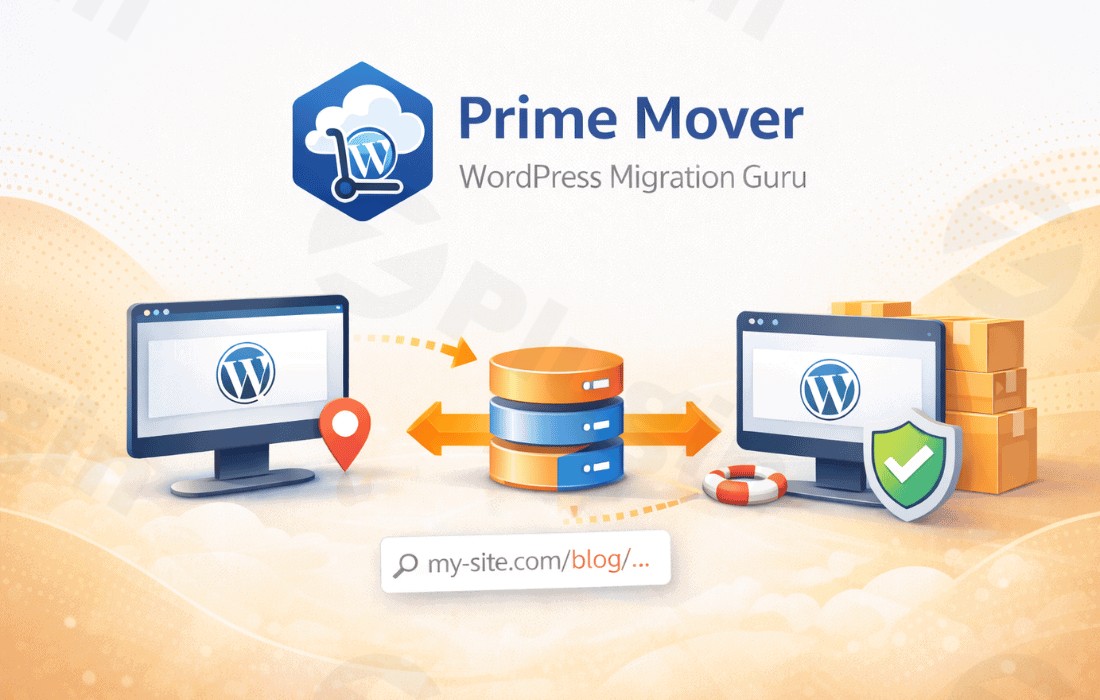
Moving a WordPress website can be one of the most stressful tasks for a site owner or developer. Whether you are changing hosts, pushing a staging site to production, or trying to extract a single sub-site from a massive multisite network, the risk of data loss or “white screens of death” is high. Prime Mover Pro is a powerful WordPress migration plugin and WordPress backup plugin developed by Codexonics that simplifies these complex workflows into a few clicks.
Unlike many competitors that lock essential multisite features behind expensive tiers, Prime Mover Pro provides a robust, professional-grade toolkit for seamless site transfer in WordPress. It is designed for speed, security, and extreme efficiency, making it a go-to choice for agencies and power users.
Key Features and Benefits
Prime Mover Pro stands out by offering advanced functionalities that cater to both standard WordPress installations and complex multisite environments.
1. Versatile Site Migration
Prime Mover Pro is arguably the best WordPress plugin for migrating multisite to single site (and vice versa). It supports:
- Single-site to Single-site: Standard host-to-host moves.
- Multisite to Single-site: Exporting a sub-site and turning it into a standalone installation.
- Single-site to Multisite: Importing a standalone site as a new sub-site in an existing network.
- Sub-site to Sub-site: Moving content between different blog IDs within or across networks.
2. Automated and Scheduled Backups (Pro)
Data protection is non-negotiable. As a dedicated WordPress backup plugin, the Pro version allows you to automate your workflow with scheduled backups. This ensures that even if a migration or update goes wrong, you have a fresh restore point ready.
3. Cloud Storage Integration
To avoid consuming your server’s disk space, Prime Mover Pro integrates seamlessly with Dropbox and Google Drive. You can export your backup packages directly to the cloud and restore them just as easily.
4. Enterprise-Grade Security
Security-conscious users can encrypt WordPress backup files using AES 256-bit encryption. This protects your database, media files, and sensitive configuration data within the .WPRIME package (the plugin’s proprietary, high-efficiency archive format).
5. Unrivaled Performance
One of the most impressive technical specs is its performance. Prime Mover Pro is optimized for low memory usage, often averaging 0 KB of additional memory overhead. This makes it faster and more stable than 99% of other migration tools, especially on budget shared hosting environments.
Technical Specifications & Compatibility
| Feature | Requirement / Detail |
|---|---|
| WordPress Version | 4.9.8 or higher |
| PHP Version | 5.6+ (7.4+ recommended for Google Drive) |
| Server Support | Apache, Nginx, Litespeed, Microsoft IIS, Localhost |
| Database | MySQL 5.7+ or MariaDB 10.3+ recommended |
| Archive Format | .WPRIME (Derivative of Linux tarball) |
How to Install and Set Up Prime Mover Pro
Setting up your first migration or backup is straightforward. Follow these steps to get started:
- Install the Plugin: Navigate to Plugins > Add New in your WordPress dashboard. Search for “Prime Mover” to install the free version, or upload the Pro
.zipfile provided by Codexonics. - Activate & Verify: Once activated, the built-in Dependency Checker will automatically verify if your server meets the requirements.
- Configure Settings: Go to the Prime Mover menu in your sidebar. Here, Pro users can enter their license key and connect to cloud providers like Dropbox or Google Drive.
- Create Your First Package:
- Go to Prime Mover > Export.
- Choose what to include (Database, Media, Plugins/Themes).
- Click “Export Now.” The plugin will generate a
.WPRIMEfile.
- Migrate or Restore: On the destination site, install Prime Mover, go to the Import section, and upload your package. The plugin handles the URL replacement and database mapping automatically.
Practical Usage & Best Practices
Use Case 1: The “Multisite Extraction”
Agencies often build sites within a multisite network for easier management but need to hand over a standalone site to a client. Prime Mover Pro is the ideal tool for this; it extracts the sub-site data and transforms it into a standard single-site installation without manual database editing.
Use Case 2: Disaster Recovery via Cloud
Set up a weekly scheduled backup that pushes your site data to Google Drive. This creates an “off-site” safety net, ensuring that even if your entire server is compromised, your business data remains safe and restorable.
Use Case 3: Debugging Complex Issues
Use the Debug Package feature to create a migration file that excludes large media uploads. This allows developers to quickly move the “logic” of a site (database and plugins) to a local environment for troubleshooting without waiting for gigabytes of images to transfer.
FAQ & Troubleshooting
What is the easiest WordPress migration plugin?
Prime Mover Pro is widely considered one of the easiest tools because it handles complex tasks like multisite-to-single-site mapping automatically. The interface is clean, and the “one-click” restoration process eliminates the need for technical database knowledge.
Can I migrate WordPress multisite to single site for free?
Yes. Unlike many other tools that require a premium license for any multisite functionality, the free version of Prime Mover supports multisite sub-site migrations. However, migrating the “Main Site” (Blog ID 1) of a network usually requires the Pro version.
How to schedule backups in WordPress?
To schedule backups with Prime Mover Pro, navigate to the “Schedules” tab in the plugin settings. You can define the frequency (daily, weekly, etc.) and choose to automatically offload those backups to Dropbox or Google Drive for maximum security.
Does Prime Mover Pro support Nginx or Litespeed?
Yes. Prime Mover Pro is fully compatible with all major server environments, including Nginx, Apache, Litespeed, and Microsoft IIS. It also works perfectly on local development environments like LocalWP or XAMPP.
Conclusion: Final Verdict
Prime Mover Pro is a highly efficient, professional-grade solution for anyone needing a reliable WordPress migration plugin. Its standout feature is its native, deep support for multisite networks—a territory where most other plugins struggle or charge high premiums.
Whether you are looking for a “set and forget” WordPress backup plugin or a surgical tool for complex site transfers, Prime Mover Pro delivers high ROI through its stability and low server impact. If you manage multiple sites or work within WordPress multisite, this plugin is an essential addition to your toolkit.
Visit wppick.com for more WordPress reviews and optimization guides.
I. Download Limits & Account Benefits
- Free Downloads: Each email address receives 3 downloads per day for free products
- Upgrade Benefits: Purchase any paid product to increase your daily download limit by 3 for each paid product
- No Account Required: You can download immediately by receiving the download link via email
- Account Recommended: Create an account for easier access to your order history and direct update downloads
II. Understanding GPL vs Official Versions
Important: The products available on WPPick are GPL-licensed versions, which differ from official developer versions. Before purchasing, please read our comprehensive guide: Understanding GPL & Official Differences at WPPick
Key Points:
- GPL versions may not include premium support from original developers
- Updates may be delayed compared to official releases
- Some premium features might have limitations
- Always consider your specific needs and support requirements
III. Support & Assistance
We’re here to help through multiple channels:
- Email Support: Direct email assistance for all inquiries
- Live Chat: Real-time support during business hours
- Comprehensive Documentation: Detailed guides and tutorials
IV. Order Tracking
Access your complete purchase history and download links anytime: Order History
V. Account Access
New to WPPick? Login or Create Account to manage your downloads and orders efficiently.
VI. Refund Protection
We stand behind our products with a clear refund policy. Review our terms: Refund Policy
VII. Privacy & Security
Your data security is our priority. Learn how we protect your information: Privacy Policy
VII. Terms of Service
Understanding our service terms ensures a smooth experience: Terms of Use
Quick Tips for Best Experience
- Verify Compatibility: Check plugin/theme compatibility with your WordPress version
- Backup First: Always backup your site before installing new plugins or themes
- Test Environment: Consider testing on a staging site first
- Stay Updated: Regularly check for updates in your account dashboard
- Read Documentation: Review any included documentation for optimal setup
Need Help?
If you have questions about downloads, licensing, or need technical assistance, don’t hesitate to contact our support team. We’re committed to ensuring you have the best possible experience with WPPick products.
Ready to get started? Your download adventure begins with just one click!