

Printful Integration – Addon For Lumise Product Designer By King-theme
/Year
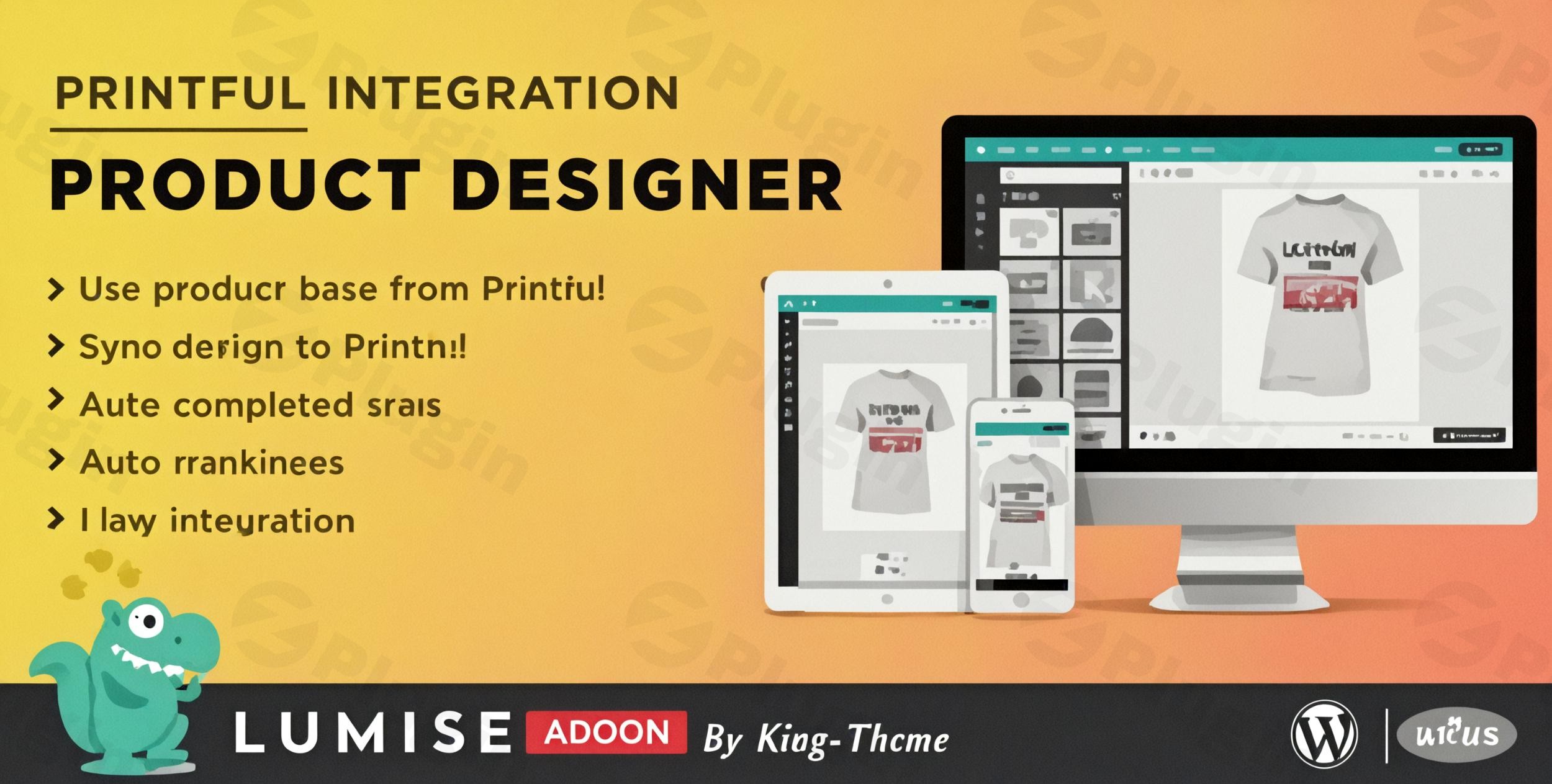
Running a print-on-demand (POD) business requires a delicate balance between creative freedom and operational efficiency. The Printful Integration Addon for Lumise Product Designer is the bridge that connects these two worlds. By combining the powerful design capabilities of Lumise with the global fulfillment powerhouse of Printful, store owners can offer highly customized products without the headache of manual order processing. Using this Lumise Product Designer Printful solution, you can transform a standard WooCommerce store into a fully automated design studio.
Key Features of the Printful Integration Addon
The Printful integration addon is more than just a connector; it is a workflow optimizer designed to scale your e-commerce business. Here is a breakdown of the core features and how they benefit your store:
1. Direct Printful Product Base Integration
Instead of manually creating product variations, you can import product bases directly from Printful’s extensive catalog. Whether it’s t-shirts, hoodies, or mugs, your customers start their design journey on a real product that Printful is ready to ship.
2. Automated Product & Variation Creation
Setting up a product with dozens of colors and sizes can take hours. This addon automates the generation of product variations, images, and attributes. When you sync a Printful base, the addon handles the technical heavy lifting, allowing you to launch new collections in minutes.
3. Seamless Order Transfer & Fulfillment
The most significant benefit of this WooCommerce Printful plugin setup is the automation of fulfillment. When a customer completes a design and checks out:
- The order details are automatically sent to Printful.
- The design file is synced to their production queue.
- Manual data entry is eliminated, drastically reducing the risk of fulfillment errors.
4. High-Resolution Design Output
Print quality is the backbone of a POD business. Lumise ensures that every design created by a user is rendered in 300 DPI quality. You can export designs in various formats including PDF, SVG, JSON, and PNG, ensuring compatibility with Printful’s industrial printing machines.
5. Advanced Design Tools for Customers
Leverage the full power of the Lumise engine. Your customers gain access to:
- Over 20,000 clipart images and stock photos.
- Advanced text effects and layer masks.
- QR code generation and image filters.
* Mobile-friendly design interface for shopping on the go.
Technical Specifications & Compatibility
For developers and site managers, ensuring the King-theme Printful addon fits your stack is vital.
| Specification | Requirement/Detail |
|---|---|
| WordPress Version | 4.9.x up to 6.x+ (Compatible with 5.0+) |
| WooCommerce Version | 5.x.x, 6.x.x, and 7.x.x |
| PHP Requirements | ZipArchive, allowurlfopen, Imagick Extension |
| File Types | PHP, JS, CSS |
| Output Quality | 300 DPI (PDF, SVG, PNG, JSON) |
How to Integrate Lumise Product Designer with Printful
Setting up your e-commerce product designer Printful workflow is straightforward. Follow these steps to get started:
- Install the Core Plugins: Ensure you have both WordPress and WooCommerce active. You must have the core Lumise Product Designer plugin installed before adding the Printful addon.
- Upload the Addon: Navigate to Plugins > Add New > Upload in your WordPress dashboard. Select the Printful Integration Addon zip file provided by King-theme.
- Activate & Connect API: Go to the Lumise settings and find the Printful tab. You will need to enter your Printful API Key (found in your Printful dashboard settings) to establish the link.
- Sync Product Bases: Use the “Import from Printful” feature to select the products you wish to offer. The addon will automatically pull the colors, sizes, and print areas.
5. Configure Pricing: Set your profit margins within the Lumise advanced pricing rules, which allow you to charge based on print areas or design complexity.
Practical Usage & Best Practices
To maximize the ROI of the best WordPress plugin for Printful product customization, consider these real-world workflows:
- For Custom Apparel Brands: Use the “Design Preview” feature to allow customers to see exactly how their logo looks on a specific fabric color. This reduces returns and increases customer trust.
- For Marketing Agencies: Create a “Client Merch Store” where you pre-load brand assets into the Lumise clipart library. Clients can then design their own office swag, which is fulfilled automatically by Printful.
- Seasonal Gifting: Utilize the QR code tool. Allow customers to design “Video Message” t-shirts where the printed QR code links to a personal greeting, a popular trend for holiday sales.
Pro Tip: Always verify your server has the Imagick Extension enabled. This is required for high-quality image processing and ensures that the final print file sent to Printful is crisp and professional.
FAQ & Troubleshooting
Does Lumise integrate with Printful?
Yes, Lumise integrates with Printful through the Printful Integration – Addon developed by King-theme. This addon bridges the gap between the Lumise design interface and Printful’s automated fulfillment services, allowing for a seamless POD workflow.
How to set up Printful orders in WooCommerce with Lumise?
To set up orders, you must install the Printful Addon for Lumise, connect your Printful API key, and link your products to Printful bases. Once configured, any order placed through the Lumise editor on your site will be automatically pushed to Printful for production.
What are the features of the King-theme Printful addon for Lumise?
The key features include automated product creation, direct access to the Printful product catalog, 300 DPI high-resolution exports, seamless order syncing, and full compatibility with Lumise’s 20,000+ design assets.
Is the addon compatible with mobile devices?
Absolutely. The Printful addon leverages Lumise’s responsive architecture, making it fully functional on smartphones and tablets. Customers can design, preview, and purchase custom products from any device.
Final Verdict
The Printful Integration Addon for Lumise Product Designer by King-theme is an essential tool for any serious print-on-demand entrepreneur using WordPress. It eliminates the friction of manual fulfillment and provides a professional-grade design experience for your customers. While it requires specific server configurations (like Imagick), the automation and scalability it offers make it a high-value investment for e-commerce growth.If you are looking for a way to scale your store while maintaining high design standards, this Printful integration addon is the most robust solution currently available on the market. For more tips on optimizing your WordPress store, visit wppick.com.
I. Download Limits & Account Benefits
- Free Downloads: Each email address receives 3 downloads per day for free products
- Upgrade Benefits: Purchase any paid product to increase your daily download limit by 3 for each paid product
- No Account Required: You can download immediately by receiving the download link via email
- Account Recommended: Create an account for easier access to your order history and direct update downloads
II. Understanding GPL vs Official Versions
Important: The products available on WPPick are GPL-licensed versions, which differ from official developer versions. Before purchasing, please read our comprehensive guide: Understanding GPL & Official Differences at WPPick
Key Points:
- GPL versions may not include premium support from original developers
- Updates may be delayed compared to official releases
- Some premium features might have limitations
- Always consider your specific needs and support requirements
III. Support & Assistance
We’re here to help through multiple channels:
- Email Support: Direct email assistance for all inquiries
- Live Chat: Real-time support during business hours
- Comprehensive Documentation: Detailed guides and tutorials
IV. Order Tracking
Access your complete purchase history and download links anytime: Order History
V. Account Access
New to WPPick? Login or Create Account to manage your downloads and orders efficiently.
VI. Refund Protection
We stand behind our products with a clear refund policy. Review our terms: Refund Policy
VII. Privacy & Security
Your data security is our priority. Learn how we protect your information: Privacy Policy
VII. Terms of Service
Understanding our service terms ensures a smooth experience: Terms of Use
Quick Tips for Best Experience
- Verify Compatibility: Check plugin/theme compatibility with your WordPress version
- Backup First: Always backup your site before installing new plugins or themes
- Test Environment: Consider testing on a staging site first
- Stay Updated: Regularly check for updates in your account dashboard
- Read Documentation: Review any included documentation for optimal setup
Need Help?
If you have questions about downloads, licensing, or need technical assistance, don’t hesitate to contact our support team. We’re committed to ensuring you have the best possible experience with WPPick products.
Ready to get started? Your download adventure begins with just one click!
- Release date: 30 June 2023