

Privatecontent
/Year
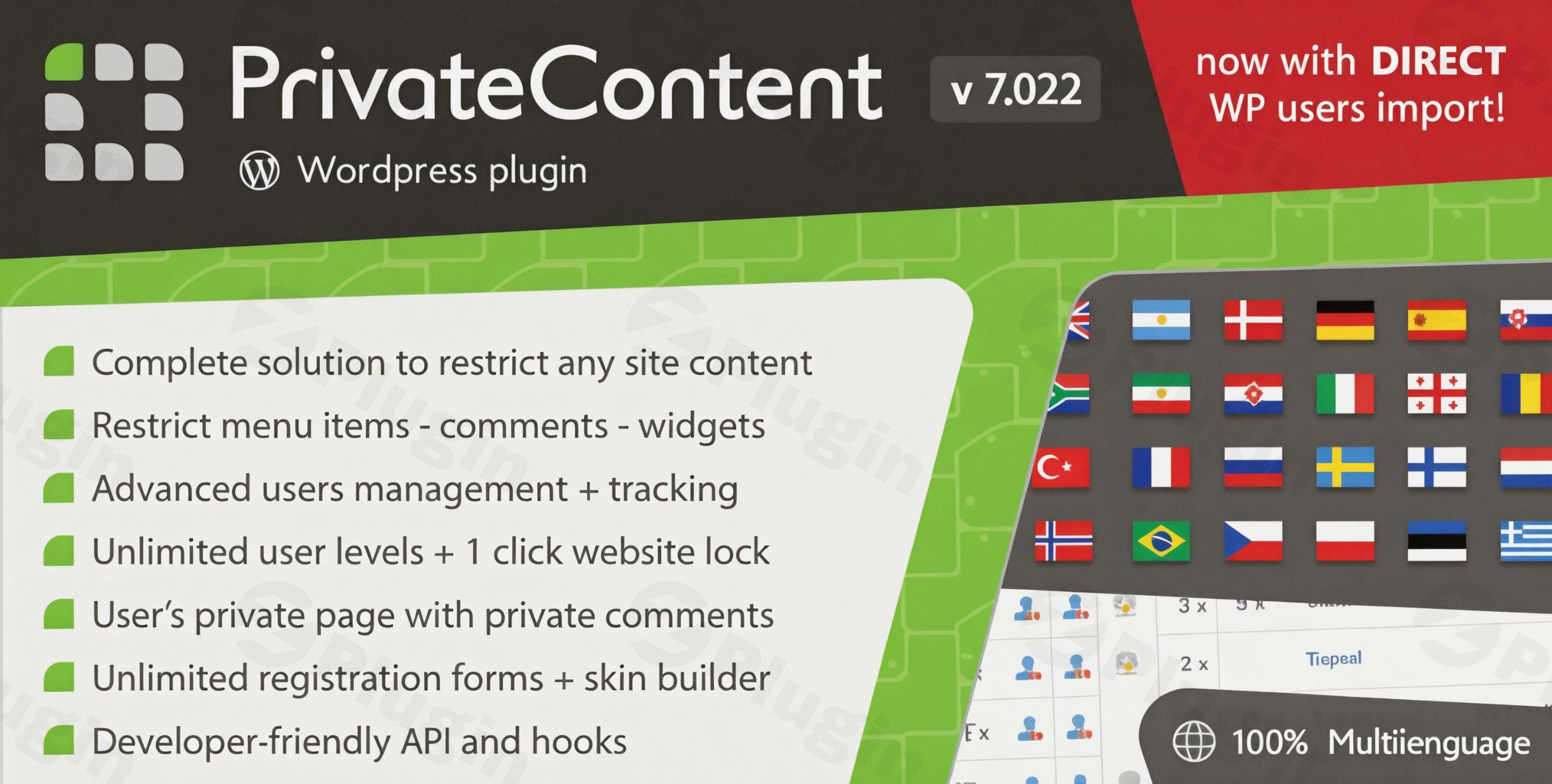
In the dynamic world of online content, offering exclusive access to premium resources, creating member-only areas, or building sophisticated community platforms has become essential for many WordPress website owners. The PrivateContent Suite stands out as the most comprehensive and robust solution, designed to transform your WordPress site into a powerful, multi-level membership platform. This premium plugin suite delivers an all-inclusive package, ensuring you have every tool needed to manage users, restrict content, and monetize your digital offerings effectively.
Why Choose PrivateContent Suite?
PrivateContent Suite is engineered for both simplicity and power, offering a complete ecosystem for membership management. It eliminates the guesswork often associated with choosing individual extensions by providing a unified, fully integrated package. Here’s why it’s the preferred choice for serious website owners:
- Unified System: All components of the PrivateContent Suite are installed and updated seamlessly as one cohesive system, simplifying management and ensuring compatibility.
- Comprehensive Management: It features a complete user management and content restriction engine, offering granular control over who sees what on your site.
- True Forms Framework: Build sophisticated registration and data-update forms with an advanced, flexible framework.
- Seamless Integration: Designed to integrate effortlessly with popular WordPress services and page builders, enhancing its utility.
- Extensible Architecture: With extensive hooks and APIs, developers can customize and extend the plugin’s functionality to meet unique requirements.
- Performance & Reliability: Utilizing a standalone database for user management, PrivateContent ensures faster operations compared to standard WordPress user databases, offering a reliable, high-performance solution.
- GDPR Compliance: Built with data protection in mind, it includes features like user profile deletion modules, aiding in your site’s GDPR compliance.
Key Features of PrivateContent Suite
The PrivateContent Suite is a robust collection of features, encompassing the core plugin and several powerful add-ons that expand its capabilities dramatically.
Core PrivateContent Plugin
The foundation of the suite, the PrivateContent plugin provides the essential tools for creating a members-only experience:
- Advanced User Management System: Go beyond standard WordPress roles with unlimited user levels and the ability to assign multiple levels to each user. Its user-friendly interface allows for easy sorting, searching, and filtering. Manage users with three distinct statuses: active, disabled, and pending approval, providing flexibility without deletion. An efficient import/export hub allows seamless migration of users and data in CSV/XLSX formats.
- Industry-Leading Content Restriction Engine: Gain unparalleled control over your content. Restrict access to posts, pages, custom post types, categories, taxonomies, menu items, widgets, and even specific elements within popular page builders like Elementor, Divi, or WPBakery Builder. This ensures only authorized users can access designated content.
- Flexible Forms Framework: Design custom registration and login forms with an intuitive drag-and-drop builder. Benefit from HTML5 validation, robust anti-spam options (including honeypot and reCAPTCHA support in premium), and customizable layouts and styles.
- User Reserved Page: Offer a personalized experience to each member with a unique reserved page whose content dynamically changes based on the logged-in user.
- One-Click Website Lock: Instantly make your entire WordPress site private with a single click, ideal for maintenance mode or exclusive content launches.
- WordPress User Sync: Link PrivateContent users with existing WordPress users, enabling seamless integration with WP-based systems like comments, WooCommerce, and other plugins.
- Shortcodes and Blocks: Easily insert forms, restrict content, and display user-specific information using dedicated shortcodes or Gutenberg blocks for a streamlined content creation process.
- Built-in Lightbox Functionality: Enhance user experience with integrated lightbox features for various content displays.
- Google Analytics Integration: Track user interactions and content access effectively by integrating directly with Google Analytics.
- Developer-Friendly with Extensive APIs: For advanced customization, PrivateContent offers a comprehensive API and numerous hooks, allowing developers to extend and tailor its functionalities precisely.
- Translation Ready: Fully translatable and compatible with WPML and Polylang, ensuring your membership site can cater to a global audience.
Files Manager Add-on
Secure your digital assets with the Files Manager Add-on:
- Complete File Protection: Safeguard all file types, from documents to media, ensuring only authorized users can access them.
- Multiple Upload Fields: Allow users to upload multiple files with convenient image previews.
- Advanced Validation: Ensure the integrity and security of uploaded files with robust validation rules.
- Level-Based File Access Control: Define which user levels can access specific files or directories.
- Multiple File Display Options: Present files in various formats, including gallery views, for enhanced user experience.
Premium Plans Add-on
Monetize your content effectively with flexible subscription options:
- Unlimited Subscription Plans: Create any number of subscription plans, each with customizable time limits.
- Trial Period Support: Attract new members with introductory trial periods.
- WooCommerce Integration: Seamlessly process payments and manage subscriptions through robust WooCommerce integration.
- Discount Coupon System: Implement promotional offers with a flexible discount coupon system.
- Auto-Renewal and Recurring Payments: Support for automatic subscription renewals and recurring payments for a stable revenue stream.
User Data Add-on
Enhance user profiles and data collection:
- Unlimited Custom Form Fields: Gather extensive user information by adding an unlimited number of custom fields to your forms.
- Conditional Logic for Dynamic Forms: Create intelligent forms that adapt based on user input, showing or hiding fields as needed.
- Multiple Data-Update Forms: Allow users to update their information easily through various dedicated forms.
- Password Reset System: Provide a secure and user-friendly system for password recovery.
- User Data Display Shortcodes: Effortlessly display specific user data anywhere on your site using simple shortcodes.
Mail Actions Add-on
Automate and streamline your communication:
- Email Campaign Management: Manage and send targeted email campaigns to your members.
- Custom HTML Email Templates: Design professional and branded emails using custom HTML templates.
- Password Recovery System: Integrate a robust system for users to recover forgotten passwords securely.
- User Verification via Email: Implement email verification for new user registrations to enhance security and prevent spam.
- Mailchimp Integration: Connect with Mailchimp for advanced email marketing and list management.
User Activities Add-on
Monitor and understand user engagement:
- Comprehensive User Activity Tracking: Keep a detailed log of all user actions and interactions on your site.
- Customizable Reports with Charts: Generate insightful reports with visual charts to analyze user behavior.
- PDF Export Functionality: Easily export reports in PDF format for offline analysis or sharing.
- Scheduled Email Reports: Receive automated activity reports directly to your inbox at scheduled intervals.
- Real-time Event Monitoring: Keep an eye on user activities as they happen with real-time event monitoring.
Setup and Installation
As a premium WordPress plugin, the PrivateContent Suite typically follows a straightforward installation process, ensuring ease of use even for non-developers.
- Download: Upon purchase, you will receive the plugin files (usually a
.ziparchive) from your trusted vendor. - Upload: Log into your WordPress dashboard, navigate to
Plugins > Add New, and click on the “Upload Plugin” button. Choose the downloaded.zipfile and click “Install Now.” - Activate: Once installed, click the “Activate Plugin” link. This will enable the core PrivateContent plugin and its included add-ons.
- Initial Configuration: After activation, you will typically find a new menu item for “PrivateContent” in your WordPress dashboard. Here, you can begin configuring global settings, setting up user levels, and designing your first forms.
Usage Guide
Utilizing PrivateContent Suite’s features involves a few key steps that will empower you to build a dynamic membership site:
- Define User Levels: Start by creating custom user levels (e.g., “Basic Member,” “Premium Subscriber,” “Editor”). Assign these levels to your users based on their access permissions.
- Create Forms: Use the drag-and-drop form builder to design custom registration, login, and data-update forms. Embed these forms on relevant pages using shortcodes or Gutenberg blocks.
- Restrict Content: Navigate to the content you wish to protect (pages, posts, categories, etc.) and use the PrivateContent meta box or settings to define which user levels have access. For specific elements within page builders, you’ll find dedicated PrivateContent options within the builder interface.
- Manage Files: Upload files through the Files Manager, categorize them, and set access permissions based on user levels.
- Set Up Plans (Optional): If offering paid content, configure your subscription plans with the Premium Plans Add-on, integrate with WooCommerce, and set up payment gateways.
- Monitor Activities: Use the User Activities Add-on to track user engagement and generate reports, providing valuable insights into how members interact with your site.
Benefits for All Users
PrivateContent Suite delivers significant advantages for both technical and non-technical users:
- For Non-Technical Users (Marketers, Content Creators): The intuitive interface, drag-and-drop builders, and pre-built templates simplify the creation of complex membership functionalities without requiring any coding. It empowers them to easily set up exclusive content, manage user access, and launch paid subscription services, driving engagement and revenue. The comprehensive documentation and professional support ensure a smooth experience.
- For Technical Users (Developers, Agencies): The robust API and extensive hooks offer unparalleled flexibility for customization and integration with other systems. The standalone database for user management provides a performant and scalable solution, while the clean code and regular updates ensure a stable and secure platform for building advanced membership applications.
Conclusion
PrivateContent Suite is more than just a plugin; it’s a complete, premium ecosystem for building and managing sophisticated membership sites on WordPress. Its comprehensive feature set, including advanced user management, granular content restriction, flexible forms, and a suite of powerful add-ons, provides unparalleled control and flexibility. By choosing PrivateContent Suite, you invest in a reliable, high-performance, and continually updated solution that empowers you to create engaging, secure, and profitable online communities. Elevate your WordPress site into a powerful membership platform with PrivateContent Suite – the ultimate solution for exclusive content and dedicated user experiences.
I. Download Limits & Account Benefits
- Free Downloads: Each email address receives 3 downloads per day for free products
- Upgrade Benefits: Purchase any paid product to increase your daily download limit by 3 for each paid product
- No Account Required: You can download immediately by receiving the download link via email
- Account Recommended: Create an account for easier access to your order history and direct update downloads
II. Understanding GPL vs Official Versions
Important: The products available on WPPick are GPL-licensed versions, which differ from official developer versions. Before purchasing, please read our comprehensive guide: Understanding GPL & Official Differences at WPPick
Key Points:
- GPL versions may not include premium support from original developers
- Updates may be delayed compared to official releases
- Some premium features might have limitations
- Always consider your specific needs and support requirements
III. Support & Assistance
We’re here to help through multiple channels:
- Email Support: Direct email assistance for all inquiries
- Live Chat: Real-time support during business hours
- Comprehensive Documentation: Detailed guides and tutorials
IV. Order Tracking
Access your complete purchase history and download links anytime: Order History
V. Account Access
New to WPPick? Login or Create Account to manage your downloads and orders efficiently.
VI. Refund Protection
We stand behind our products with a clear refund policy. Review our terms: Refund Policy
VII. Privacy & Security
Your data security is our priority. Learn how we protect your information: Privacy Policy
VII. Terms of Service
Understanding our service terms ensures a smooth experience: Terms of Use
Quick Tips for Best Experience
- Verify Compatibility: Check plugin/theme compatibility with your WordPress version
- Backup First: Always backup your site before installing new plugins or themes
- Test Environment: Consider testing on a staging site first
- Stay Updated: Regularly check for updates in your account dashboard
- Read Documentation: Review any included documentation for optimal setup
Need Help?
If you have questions about downloads, licensing, or need technical assistance, don’t hesitate to contact our support team. We’re committed to ensuring you have the best possible experience with WPPick products.
Ready to get started? Your download adventure begins with just one click!
- Fixed "you don not have rights to use the plugin" message shown on certain setups (started in v9.4.3)
- PrivateContent 9.4.0
- Files Manager 1.7.8
- Premium Plans 2.9.5
- User Data 3.5.11
- Mail Actions 2.4.5
- User Activities 1.1.3