Close Menu
  • Themes
  • Plugins
  • Pricing
  • Affiliate Program
X (Twitter) Instagram TikTok
Wordpress Pick
  • Themes
  • Plugins
  • Pricing
  • Affiliate Program
Login / Register
Wordpress Pick
Home » Plugin » E-commerce » E-commerce » Product Catalog Feed Pro By Pixelyoursite

Product Catalog Feed Pro By Pixelyoursite

Free
$0

/Year

H
M
S
Generate flawless product feeds, boost sales. Product Catalog Feed Pro simplifies e-commerce. Try it now!

4.5

Rating summary

0

Reviews

29K+

Active installations

View Official Website
VirusTotal Scan
Checkout Now Added to cart

In the dynamic world of eCommerce, effectively showcasing your products across various advertising channels is paramount for driving sales and maximizing ROI. The Product Catalog Feed Pro by PixelYourSite is a powerful WooCommerce product feed plugin designed to streamline this process. It acts as an essential WordPress product catalog generator, enabling store owners to effortlessly create, manage, and optimize product feeds for major platforms like Facebook (Meta), Google Shopping, TikTok, Pinterest, and more.This premium plugin, available via providers like ZeroPlugin.com with genuine GPL licensing and robust security checks, empowers you to connect your WooCommerce store with global advertising networks, ensuring your products are seen by the right audience at the right time. Say goodbye to manual data entry and inconsistent product listings; Product Catalog Feed Pro simplifies your multi-channel marketing strategy, making it easier than ever to run high-converting ad campaigns.

Key Features of Product Catalog Feed Pro by PixelYourSite

The Product Catalog Feed Pro by PixelYourSite offers an extensive suite of features tailored to meet the demanding needs of modern eCommerce businesses. These capabilities not only enhance your advertising efforts but also provide a seamless user experience.

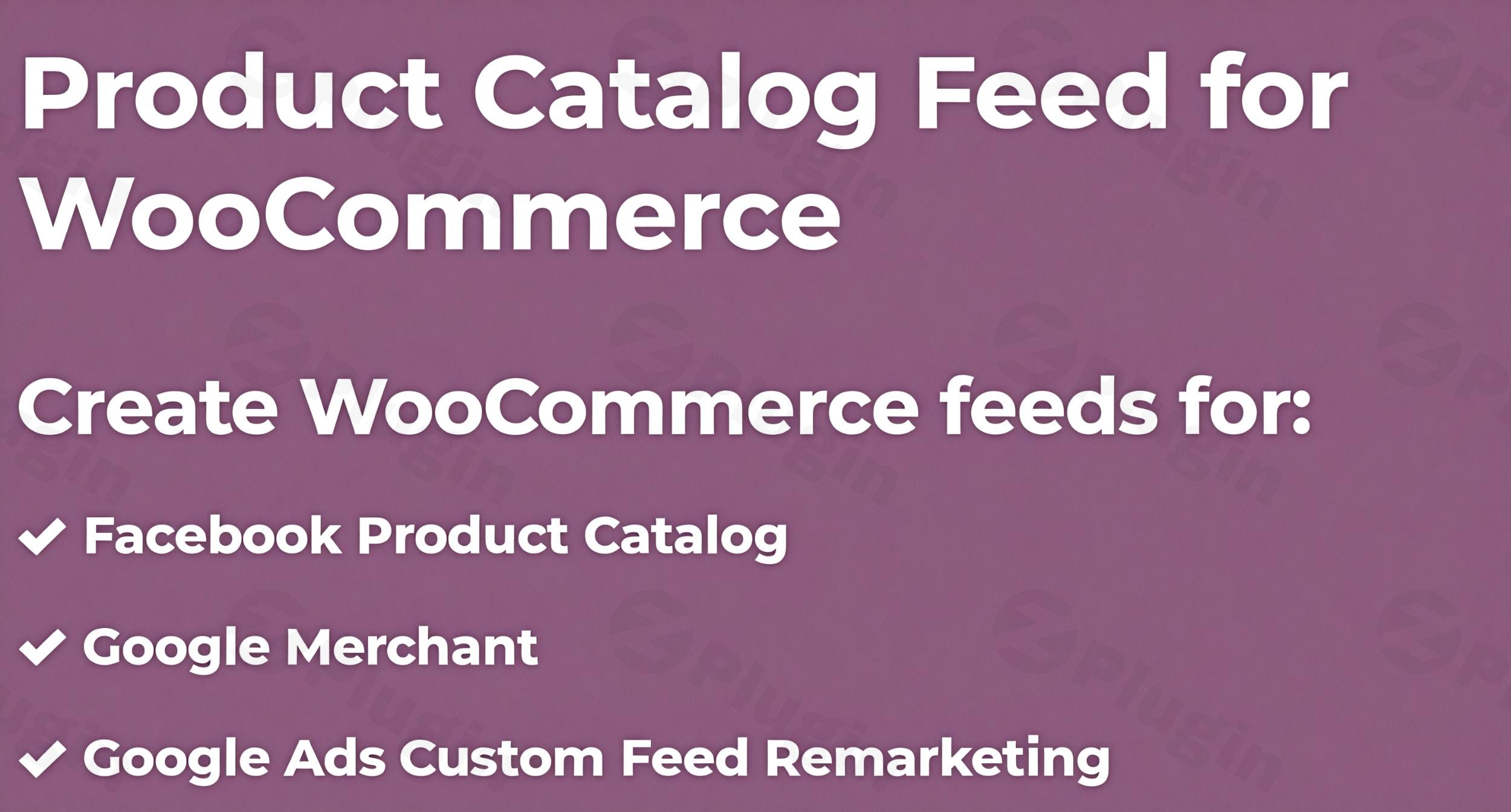
  • Multi-Platform Feed Generation: Create optimized product feeds for a wide array of advertising channels, including:
    • Facebook Catalog (Meta): Essential for Facebook Dynamic Ads and Instagram Shopping.
    • Google Merchant Center: Powering your Google Shopping campaigns and retargeting strategies.
    • TikTok, Pinterest, Bing, Reddit Catalogs: Expand your reach across diverse social and search networks.
    • Custom Feed Formats: Flexibility to create feeds for virtually any other platform.
  • Real-Time & Scheduled Updates: Maintain accuracy with automatic scheduled feed updates. This ensures your product listings, stock levels, and prices are always current, preventing ads from displaying outdated information and maximizing your ad spend efficiency.
  • Advanced Product Filtering & Customization: Gain granular control over which products appear in each feed. You can easily include or exclude products based on:
    • Categories and Tags
    • Stock status and Price ranges
    • Product types (simple, variable, grouped, affiliate)
    • Custom rules
  • Flexible Attribute & Category Mapping: Map your WooCommerce product attributes (titles, descriptions, GTIN, MPN, brand, custom labels) to platform-specific taxonomies and requirements. This is crucial for compliance and optimal ad performance on channels like Google Shopping.
  • Multi-Language & Multi-Currency Support: Essential for international stores, the plugin supports different languages (with WPML integration) and offers flexible currency price formatting options, ensuring your feeds are relevant to global audiences.
  • Support for Product Variations: Accurately handle complex WooCommerce product variations in feed data, including size, color, and SKU. You can define rules for including or excluding variations and manage price display for main variable product IDs.
  • SEO & Performance Optimization: Designed to be lightweight and fast-processing, the plugin ensures optimal website performance without slowing down your store. Its structured feeds also complement your existing SEO efforts.
  • Custom Fields & ACF Compatibility: Integrate advanced product data by supporting custom fields and Advanced Custom Fields (ACF) compatibility directly into your feeds.
  • Pre-built Feed Templates: Get started quickly with pre-built settings and templates for popular platforms, simplifying the initial feed generation process.
  • Dynamic Pricing & Sale Price Fields: Accurately display promotional offers with fields for dynamic pricing, sale prices, and their corresponding start and end dates.
  • GDPR-Friendly: Built with GDPR compliance in mind and compatible with PixelYourSite’s tracking and consent management tools, ensuring your advertising remains privacy-compliant.
  • Fallback Logic: The plugin intelligently uses the best available value for each feed field, guaranteeing data consistency even when certain data points might be missing from your product information.
  • Direct Feed URLs: Generate dedicated, secure URLs for each feed, allowing direct uploads to platforms like Facebook and Google without the need for manual downloads. XML/CSV download options are also available.
  • Google Local Inventory Support: Recently added support allows the inclusion of store IDs for local inventory feeds, enhancing local SEO and advertising strategies.

Installation & Setup: Get Your Product Feeds Running

Installing and setting up the Product Catalog Feed Pro by PixelYourSite is a straightforward process, designed for WordPress users of all technical levels. No coding is required, making it accessible for store owners, marketers, and agencies alike.

  1. Purchase and Download: Obtain the Product Catalog Feed Pro by PixelYourSite plugin from ZeroPlugin.com or another authorized vendor. You will receive a ZIP file containing the plugin.
  2. Upload to WordPress:
    • Log in to your WordPress admin dashboard.
    • Navigate to Plugins > Add New.
    • Click on the “Upload Plugin” button at the top of the page.
    • Click “Choose File”, select the plugin’s ZIP file from your computer, and click “Install Now”.
  3. Activate the Plugin: Once installed, click the “Activate Plugin” button. The plugin will now appear in your list of installed plugins.
  4. Initial Configuration: After activation, you’ll find a new menu item, typically under WooCommerce or a dedicated PixelYourSite section. Click on it to access the plugin’s settings.
  5. Create Your First Feed:
    • Choose the platform for your feed (e.g., Facebook, Google Shopping).
    • The plugin provides pre-built templates to simplify this.
    • Map your WooCommerce product attributes to the platform’s required fields using the intuitive interface.
    • Apply any necessary filters to exclude specific products from WooCommerce feed PixelYourSite settings, or to target particular categories or price ranges.
  6. Schedule Updates: Configure the automatic update schedule to ensure your feeds are always fresh. This is a critical step for maintaining accurate product information and optimizing campaign performance.

Practical Usage & Best Practices

Leveraging the Product Catalog Feed Pro by PixelYourSite effectively can significantly boost your eCommerce advertising. Here’s how to integrate it into your workflow and get the most out of its capabilities:

1. Mastering Facebook Dynamic Ads

For any WooCommerce store, WooCommerce Facebook feed integration is a game-changer.

  • Create a Dedicated Facebook Feed: Use the plugin to generate a highly optimized feed specifically for your Facebook Catalog. Ensure all relevant product attributes like availability, condition, brand, and MPN are correctly mapped.
  • Set Up Dynamic Ads: With your feed linked to Facebook Business Manager, you can create dynamic ads that automatically show products people have viewed on your site, or similar products, to cold audiences. This is the best WordPress plugin for dynamic product ads Facebook as it handles the complex data requirements seamlessly.
  • Utilize Retargeting: Use dynamic product ads for powerful retargeting campaigns, showing visitors the exact products they left in their carts or browsed on your site.

2. Dominating Google Shopping Campaigns

Google Shopping feed WooCommerce optimization is crucial for visibility on the world’s largest search engine.

  • Generate an XML Feed for Google Merchant Center: Follow the step-by-step process to how to generate XML feed for Google Merchant Center WooCommerce. Pay close attention to Google’s specific attribute requirements (e.g., GTIN, brand, condition).
  • Regular Updates: Schedule your feed to update multiple times a day if you have frequent stock or price changes. This ensures Google has the most current information, improving ad quality and preventing disapprovals.
  • Segment Your Products: Use the advanced filtering options to create separate feeds for different product categories or promotions, allowing for more targeted Google Shopping campaigns.

3. Expanding to Multi-Channel Marketing

The plugin’s versatility allows you to go beyond Facebook and Google.

  • Explore New Platforms: Easily generate a TikTok product catalog WooCommerce feed to tap into new, rapidly growing audiences. Pinterest and Bing feeds can also provide valuable additional traffic and sales.
  • Multi-Currency for Global Reach: If you cater to an international audience, leverage the PixelYourSite Product Catalog Feed Pro multi-currency support to provide localized product feeds. This is vital for showing accurate pricing to customers worldwide.
  • Strategic Filtering: Regularly review and refine your product filters. For example, you might exclude specific products from WooCommerce feed PixelYourSite settings if they are out of stock or have very low margins, focusing your ad spend on your most profitable items.

4. Ensuring Data Accuracy with Automatic Updates

One of the most powerful features is the automatic update scheduler.

  • Set an Optimal Schedule: Configure the PixelYourSite Product Catalog Feed Pro automatic updates schedule based on how frequently your product data (stock, price, promotions) changes. For highly dynamic stores, hourly updates might be ideal, while weekly might suffice for others.
  • Monitor Feed Health: Regularly check your advertising platform dashboards (e.g., Facebook Business Manager, Google Merchant Center) for any feed errors or warnings. Timely updates from the plugin will significantly reduce these.

FAQ & Troubleshooting

Here are answers to common questions about the Product Catalog Feed Pro by PixelYourSite plugin:

What is Product Catalog Feed Pro by PixelYourSite?

The Product Catalog Feed Pro by PixelYourSite is a premium WordPress plugin for WooCommerce that enables store owners to easily create, manage, and optimize product data feeds for various advertising and shopping platforms, including Facebook, Google Shopping, TikTok, and Pinterest. It helps automate the process of keeping product information up-to-date across multiple marketing channels.

How do I create a Google Shopping feed with PixelYourSite?

To create a Google Shopping feed with Product Catalog Feed Pro, first navigate to the plugin settings in your WordPress admin. Select “Google Shopping” as the feed type. The plugin provides pre-built templates and fields that you can map to your WooCommerce product attributes. Ensure you accurately map essential attributes like GTIN, brand, and condition. Once configured, you can generate the feed and set an automatic update schedule before uploading the feed URL to your Google Merchant Center account.

Does Product Catalog Feed Pro support TikTok Catalogs?

Yes, Product Catalog Feed Pro by PixelYourSite fully supports the creation of product catalogs for TikTok. You can generate a dedicated feed optimized for TikTok’s advertising platform, allowing you to run dynamic ads and showcase your WooCommerce products to the TikTok audience.

Can I filter products by category in PixelYourSite feeds?

Absolutely. The plugin offers advanced product filtering options. You can easily include or exclude specific products from WooCommerce feed PixelYourSite settings based on categories, tags, stock status, price ranges, product types, or even custom rules. This allows for highly targeted advertising campaigns and precise control over which products appear in each feed.

Is Product Catalog Feed Pro compatible with WPML?

Yes, Product Catalog Feed Pro is compatible with WPML (WordPress Multilingual Plugin). This feature is essential for international WooCommerce stores, allowing you to create product feeds that support different languages and manage products with or without translations, ensuring your global audience sees relevant product information.

How often do PixelYourSite product feeds update?

Product Catalog Feed Pro allows you to set flexible and automatic update schedules for your product feeds. You can configure the frequency of updates, ensuring your product listings, stock levels, and pricing information are always current on all connected advertising platforms. For dynamic stores, hourly updates are often recommended to maintain accuracy.

Conclusion

The Product Catalog Feed Pro by PixelYourSite stands out as an indispensable WooCommerce product feed plugin for any eCommerce business looking to elevate its advertising and marketing efforts. By simplifying the complex process of generating and managing product feeds for platforms like Facebook Catalog and Google Shopping, it empowers store owners to expand their reach, ensure data accuracy, and ultimately drive higher conversions.Its comprehensive features, from multi-platform support and advanced filtering to multi-currency compatibility and robust update schedules, make it a true powerhouse. While procured from providers like ZeroPlugin.com with GPL licensing and security, the plugin’s core strength comes from PixelYourSite’s expertise in eCommerce optimization. Investing in this WordPress product catalog generator means investing in a streamlined, efficient, and highly effective advertising strategy that will yield significant returns for your online store.

4.5 299 votes
Plugin Rating

I. Download Limits & Account Benefits

  • Free Downloads: Each email address receives 3 downloads per day for free products
  • Upgrade Benefits: Purchase any paid product to increase your daily download limit by 3 for each paid product
  • No Account Required: You can download immediately by receiving the download link via email
  • Account Recommended: Create an account for easier access to your order history and direct update downloads

II. Understanding GPL vs Official Versions

Important: The products available on WPPick are GPL-licensed versions, which differ from official developer versions. Before purchasing, please read our comprehensive guide: Understanding GPL & Official Differences at WPPick

Key Points:

  • GPL versions may not include premium support from original developers
  • Updates may be delayed compared to official releases
  • Some premium features might have limitations
  • Always consider your specific needs and support requirements

III. Support & Assistance

We’re here to help through multiple channels:

  • Email Support: Direct email assistance for all inquiries
  • Live Chat: Real-time support during business hours
  • Comprehensive Documentation: Detailed guides and tutorials

IV. Order Tracking

Access your complete purchase history and download links anytime: Order History

V. Account Access

New to WPPick? Login or Create Account to manage your downloads and orders efficiently.

VI. Refund Protection

We stand behind our products with a clear refund policy. Review our terms: Refund Policy

VII. Privacy & Security

Your data security is our priority. Learn how we protect your information: Privacy Policy

VII. Terms of Service

Understanding our service terms ensures a smooth experience: Terms of Use

Quick Tips for Best Experience

  1. Verify Compatibility: Check plugin/theme compatibility with your WordPress version
  2. Backup First: Always backup your site before installing new plugins or themes
  3. Test Environment: Consider testing on a staging site first
  4. Stay Updated: Regularly check for updates in your account dashboard
  5. Read Documentation: Review any included documentation for optimal setup

Need Help?

If you have questions about downloads, licensing, or need technical assistance, don’t hesitate to contact our support team. We’re committed to ensuring you have the best possible experience with WPPick products.


Ready to get started? Your download adventure begins with just one click!

January 30, 2026
Version: 5.8.1Latest Release
Other
  • Changelog Not Found!
November 19, 2025
Version: 5.8.0
Other
  • Changelog information not available in the provided content
August 23, 2025
Version: 5.7.1
Other
  • Changelog Not Found!
July 18, 2025
Version: 5.7.0
April 8, 2025
Version: 5.6
December 13, 2024
Version: 5.5.3
December 3, 2024
Version: 5.5.2.1
November 22, 2024
Version: 5.5.2
October 31, 2024
Version: 5.5.1
October 23, 2024
Version: 5.5.0
0 Comments
Inline Feedbacks
View all comments
Product Catalog Feed Pro By Pixelyoursite
Type:
Plugin
Version:
5.8.1
Last updated:
Jul 5, 2026
License:
GPL v3
Scanned by:
VirusTotal
Categories:
E-commerce
Tags:
Catalog
E-commerce
Marketing
Product Feed
Facebook YouTube LinkedIn Telegram
  • Home
  • Order History
  • Return and Refund Policy
  • Terms of Use
  • Privacy Policy
  • About Us

100 Rue Peel, Montréal, QC H3C 0L8, Canada
© WP Pick. All Rights Reserved.

Type above and press Enter to search. Press Esc to cancel.