

Product Loops For Woocommerce
/Year
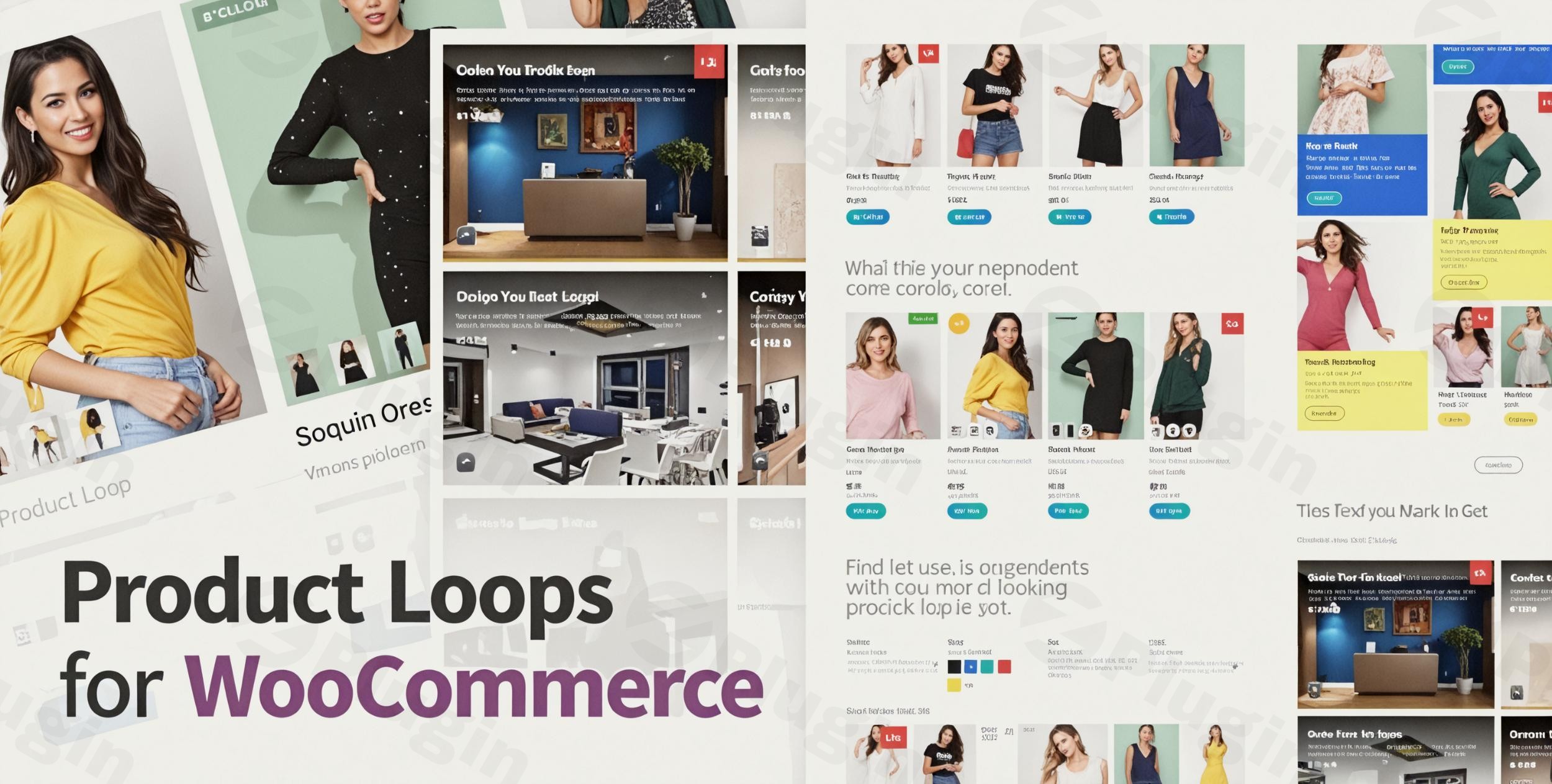
Standard WooCommerce shop pages often lack the visual flair and conversion-focused design needed to stand out in a crowded e-commerce market. By leveraging product loops for WooCommerce, store owners can move beyond basic grids and create highly customized, dynamic product displays that engage customers and drive sales. This guide explores how to implement and optimize these loops to transform your WordPress storefront.
Why You Need Custom Product Loops for WooCommerce
A “product loop” is the technical term for the automated process WooCommerce uses to display a list of products on your shop, category, and archive pages. While the default WooCommerce setup is functional, it is often rigid and difficult to style without deep coding knowledge.
Using a woocommerce product layout plugin allows you to break free from these constraints. Whether you need a high-density grid for a tech store or an elegant, spacious list for a luxury brand, customizing your product loops ensures your site’s design aligns perfectly with your brand identity and user experience goals.
Key Features and Benefits
A robust solution for product loops for WooCommerce (such as the one offered by XforWooCommerce) provides a suite of tools designed to maximize both aesthetics and performance.
1. Dynamic Product Queries
Instead of just showing the latest products, you can configure dynamic queries to display:
- Best Sellers: Automatically feature your top-performing items.
- On-Sale Items: Highlight discounts to drive urgency.
- Related Products: Show items based on the current category or tags.
- New Arrivals: Keep your storefront fresh with the latest inventory.
2. Advanced Grid and List Layout Options
A premium woocommerce product grid plugin allows you to toggle between different views effortlessly. You can control column counts, row spacing, and even enable “List View” for products that require more technical detail (like SKUs, dimensions, or short descriptions) to be visible immediately.
3. AJAX Filtering and Pagination
User experience is critical for SEO and AI search rankings. Implementing AJAX filtering allows customers to sort by price, attribute, or category without a full page reload. This makes the shopping experience seamless and significantly reduces bounce rates.
4. Seamless Page Builder Integration
Most modern loop plugins integrate directly with Elementor, WPBakery, and Gutenberg. This means you can design your product templates using a drag-and-drop interface, placing your custom product loop woocommerce blocks anywhere on your site—including blog posts and custom landing pages.
5. Performance Optimization
High-quality plugins are built with speed in mind. By optimizing query handling and using clean code, these tools help sites achieve high scores on Google PageSpeed Insights (often aiming for 100/100), which is a vital factor for ranking in both traditional and AI-driven search engines.
How to Install and Set Up Product Loops for WooCommerce
Setting up a woocommerce product display options plugin is straightforward and requires no coding. Follow these steps to get started:
- Purchase and Download: Obtain the plugin zip file from a reputable source like CodeCanyon or the developer’s website.
- Upload to WordPress: Navigate to Plugins > Add New > Upload Plugin in your WordPress dashboard. Select the file and click Install Now.
- Activate: Once installed, click the Activate button.
- Configure Global Settings: Go to the plugin’s settings page (usually under
WooCommerce > Settings > Product Loopsor a dedicated menu item). Here, you can set default image ratios, button styles, and pagination preferences. - Create Your First Loop: Use the plugin’s “Template Builder” or a shortcode generator to define which products to show and how they should look.
- Assign to Pages: Replace your default shop page or insert the loop into a specific page using a block or shortcode.
Practical Usage & Best Practices
To get the most out of your woocommerce product slider plugin and loop tools, consider these real-world workflows:
For Seasonal Promotions
Create a dedicated landing page for “Black Friday” or “Summer Sale.” Use a custom product loop to display only “On Sale” items with a “Limited Time” badge. This creates a focused shopping environment that converts better than a general shop page.
For Technical or B2B Stores
If you sell industrial parts or complex software, use the “List View” layout. This allows you to display custom meta fields—like SKU, weight, or compatibility—directly in the product loop, helping professional buyers find what they need without clicking into every product page.
For Fashion and Lifestyle Brands
Use a woocommerce product slider plugin to create “Lookbooks.” Feature your products in a high-resolution carousel on your homepage, allowing users to swipe through featured collections with high-quality image zoom effects enabled.
FAQ & Troubleshooting
What is a WooCommerce product loop?
A WooCommerce product loop is a piece of code (or a plugin-driven function) that tells WordPress to “loop” through your database, find products that match certain criteria, and display them on the frontend. A custom product loop woocommerce allows you to change the design and logic of this process without writing code.
How to change WooCommerce shop page layout?
The best way to change your shop page layout is by using a woocommerce product layout plugin. These plugins override the default WooCommerce template, allowing you to choose between grid or list views, adjust column counts, and add advanced filters via a user-friendly settings panel.
Can I create custom product templates in WooCommerce?
Yes. By using a tool like the Product Loops plugin or a page builder like Elementor, you can design a single “product card” template (containing the image, title, price, and button) and apply it to your entire store for a consistent, branded look.
Is this compatible with my theme?
Most premium loop plugins are designed to be “theme-agnostic.” They are tested with popular themes like Avada, Flatsome, and Storefront to ensure the styles don’t conflict and the responsiveness remains intact across mobile and tablet devices.
Conclusion: Is it Worth the Investment?
Investing in a dedicated solution for product loops for WooCommerce offers a high ROI for any serious e-commerce site. By improving the visual appeal, enhancing the user interface with AJAX, and providing woocommerce product display options that the default system lacks, you create a more professional and trustworthy store.
Whether you are a marketer looking to increase conversions or a site owner wanting a unique design, mastering your product loops is the most effective way to elevate your WooCommerce experience. For more WordPress tips and plugin reviews, visit wppick.com.
I. Download Limits & Account Benefits
- Free Downloads: Each email address receives 3 downloads per day for free products
- Upgrade Benefits: Purchase any paid product to increase your daily download limit by 3 for each paid product
- No Account Required: You can download immediately by receiving the download link via email
- Account Recommended: Create an account for easier access to your order history and direct update downloads
II. Understanding GPL vs Official Versions
Important: The products available on WPPick are GPL-licensed versions, which differ from official developer versions. Before purchasing, please read our comprehensive guide: Understanding GPL & Official Differences at WPPick
Key Points:
- GPL versions may not include premium support from original developers
- Updates may be delayed compared to official releases
- Some premium features might have limitations
- Always consider your specific needs and support requirements
III. Support & Assistance
We’re here to help through multiple channels:
- Email Support: Direct email assistance for all inquiries
- Live Chat: Real-time support during business hours
- Comprehensive Documentation: Detailed guides and tutorials
IV. Order Tracking
Access your complete purchase history and download links anytime: Order History
V. Account Access
New to WPPick? Login or Create Account to manage your downloads and orders efficiently.
VI. Refund Protection
We stand behind our products with a clear refund policy. Review our terms: Refund Policy
VII. Privacy & Security
Your data security is our priority. Learn how we protect your information: Privacy Policy
VII. Terms of Service
Understanding our service terms ensures a smooth experience: Terms of Use
Quick Tips for Best Experience
- Verify Compatibility: Check plugin/theme compatibility with your WordPress version
- Backup First: Always backup your site before installing new plugins or themes
- Test Environment: Consider testing on a staging site first
- Stay Updated: Regularly check for updates in your account dashboard
- Read Documentation: Review any included documentation for optimal setup
Need Help?
If you have questions about downloads, licensing, or need technical assistance, don’t hesitate to contact our support team. We’re committed to ensuring you have the best possible experience with WPPick products.
Ready to get started? Your download adventure begins with just one click!