

Product Sales Report Pro For Woocommerce Pro
/Year
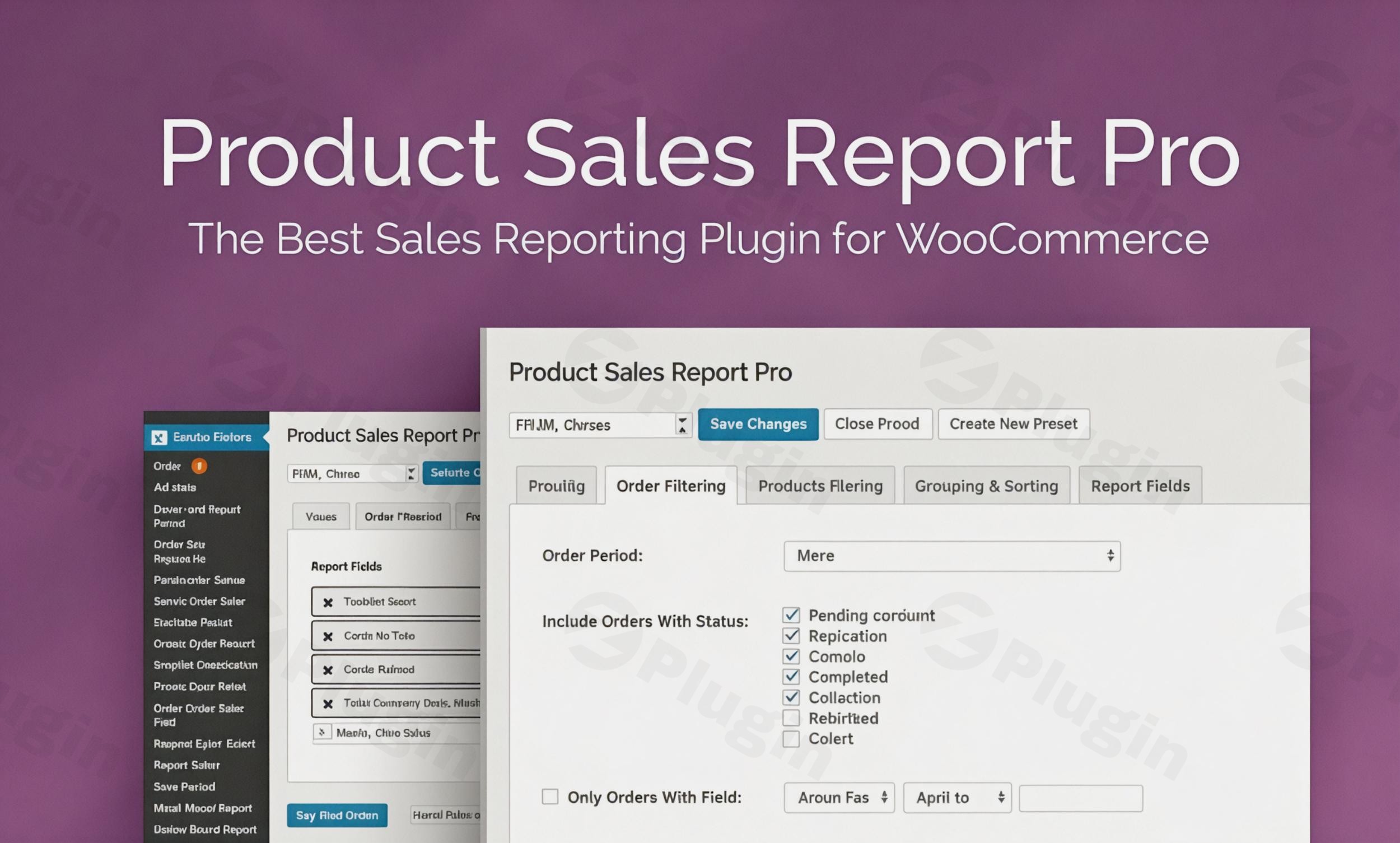
Running a successful online store requires more than just making sales; it requires understanding the data behind those sales. While the default reporting tools in WordPress are a good starting point, many store owners find them too restrictive for deep analysis. Product Sales Report Pro for WooCommerce is a premium WordPress plugin designed to bridge this gap, offering granular, customizable, and automated reporting that helps you make data-driven decisions to grow your business.Whether you need to track inventory movement, analyze the ROI of a specific marketing campaign, or report on profit margins, this WooCommerce sales report plugin provides the technical depth and flexibility needed for professional e-commerce management.
Key Features: Why Choose Product Sales Report Pro?
Product Sales Report Pro for WooCommerce goes far beyond standard metrics, offering a level of detail usually reserved for high-end ERP systems. Here are the core benefits:
1. Advanced Product-Level Sales Reports
Instead of viewing broad store totals, you can generate reports focused on individual product performance. This includes specific data points such as quantity sold, gross revenue, net revenue, taxes, and even shipping fees associated with specific items.
2. Granular Filtering and Sorting
The plugin allows you to slice and dice your data to find exactly what you are looking for:
- Date Range Filtering: Use presets or custom dates to compare year-over-year or month-over-month performance.
- Order Status Filtering: Exclude “Pending” or “Failed” orders to ensure your revenue data reflects only completed transactions.
- Category and Tag Filtering: See how specific product lines are performing relative to others.
- Customer Role Filtering: Distinguish between “Wholesale” and “Retail” customers to understand which segment is driving your growth.
3. Comprehensive Profit Reporting
To understand your true bottom line, you need to look at more than just revenue. This plugin supports profit reporting, including Cost of Goods Sold (COGS). By subtracting costs and fees from your gross sales, you get a realistic view of your store’s profitability.
4. Automated Report Scheduling
Efficiency is key for busy store managers. You can schedule reports to be automatically generated and sent via email to yourself, your accountant, or your fulfillment team. This ensures everyone has the latest WooCommerce product sales data without manual intervention.
Technical Specifications & Compatibility
To ensure optimal performance, verify that your environment meets the following requirements:
- WooCommerce Version: 3.4.2 or newer.
- PHP ZIP Extension: Required if you intend to export reports in XLSX format.
- Server Limits: A
post_max_sizeandupload_max_filesizeof 160M are recommended for handling large data exports.
* Database: MySQL 5.6+ or MariaDB 10.0+.
How to Install Product Sales Report Pro for WooCommerce
Setting up the plugin is straightforward. Follow these steps to start generating detailed reports:
- Download the Plugin: Purchase and download the .zip file from the official WP Zone website.
- Upload to WordPress: In your WordPress dashboard, navigate to Plugins > Add New > Upload Plugin. Select the file and click Install Now.
- Activate: Once installed, click the Activate button.
- Configure Presets: Go to the plugin settings page (usually under WooCommerce > Reports > Product Sales) to start creating your first report preset.
5. Set Up Exports: If you require XLSX exports, ensure your hosting provider has the PHP ZIP extension enabled.
Practical Usage & Best Practices
To get the most out of this WooCommerce plugin for detailed product sales analysis, consider these real-world workflows:
Inventory and Stock Management
Use the reports to identify “dead stock”—products that have had zero sales over the last 90 days. Conversely, identify your “top movers” to ensure you never run out of stock during peak seasons.
Evaluating Marketing Campaigns
By filtering reports by Coupon Codes, you can see exactly which products were sold using a specific promotion. This helps you determine if a discount actually drove profitable volume or just squeezed your margins.
Wholesale vs. Retail Analysis
If you use custom user roles (like “Wholesale Buyer”), use the Customer Role Filter to see how your B2B sales compare to your B2C sales. This is the best way to track WooCommerce product performance across different customer segments.
FAQ & Troubleshooting
What is the best WooCommerce sales report plugin for professional stores?
Product Sales Report Pro for WooCommerce is widely considered one of the most flexible tools for product-level data. However, for users seeking modern visual charts and deeply calculated fields, Ninjalytics (also by WP Zone) is a powerful alternative that represents the next generation of WooCommerce reporting.
Can I get profit reports from WooCommerce using this plugin?
Yes. Product Sales Report Pro supports profit reporting by allowing you to factor in the cost of goods, fees, and taxes. This provides a clear picture of your net profit rather than just your gross revenue.
How can I export WooCommerce sales data by product?
Inside the plugin settings, you can choose from multiple export formats, including CSV, XLSX, XLS, and HTML. Once you have configured your filters, you can generate the report with a single click or schedule it for automatic delivery.
Why is my XLSX export not working?
The XLSX format requires the PHP ZIP extension to be enabled on your web server. If this extension is missing, you may still be able to export in CSV or HTML formats. Contact your host to enable the ZIP extension for full functionality.
Conclusion: The ROI of Better Reporting
Product Sales Report Pro for WooCommerce is an essential tool for any store owner who has outgrown the basic analytics provided by WordPress. By providing granular insights into WooCommerce product sales data, automating your reporting workflow, and offering clear profit metrics, it pays for itself by highlighting growth opportunities and inventory inefficiencies.If you need a reliable, high-performance solution to track WooCommerce sales performance, this plugin is a top-tier choice for marketers, agencies, and e-commerce managers alike.
I. Download Limits & Account Benefits
- Free Downloads: Each email address receives 3 downloads per day for free products
- Upgrade Benefits: Purchase any paid product to increase your daily download limit by 3 for each paid product
- No Account Required: You can download immediately by receiving the download link via email
- Account Recommended: Create an account for easier access to your order history and direct update downloads
II. Understanding GPL vs Official Versions
Important: The products available on WPPick are GPL-licensed versions, which differ from official developer versions. Before purchasing, please read our comprehensive guide: Understanding GPL & Official Differences at WPPick
Key Points:
- GPL versions may not include premium support from original developers
- Updates may be delayed compared to official releases
- Some premium features might have limitations
- Always consider your specific needs and support requirements
III. Support & Assistance
We’re here to help through multiple channels:
- Email Support: Direct email assistance for all inquiries
- Live Chat: Real-time support during business hours
- Comprehensive Documentation: Detailed guides and tutorials
IV. Order Tracking
Access your complete purchase history and download links anytime: Order History
V. Account Access
New to WPPick? Login or Create Account to manage your downloads and orders efficiently.
VI. Refund Protection
We stand behind our products with a clear refund policy. Review our terms: Refund Policy
VII. Privacy & Security
Your data security is our priority. Learn how we protect your information: Privacy Policy
VII. Terms of Service
Understanding our service terms ensures a smooth experience: Terms of Use
Quick Tips for Best Experience
- Verify Compatibility: Check plugin/theme compatibility with your WordPress version
- Backup First: Always backup your site before installing new plugins or themes
- Test Environment: Consider testing on a staging site first
- Stay Updated: Regularly check for updates in your account dashboard
- Read Documentation: Review any included documentation for optimal setup
Need Help?
If you have questions about downloads, licensing, or need technical assistance, don’t hesitate to contact our support team. We’re committed to ensuring you have the best possible experience with WPPick products.
Ready to get started? Your download adventure begins with just one click!
- Redesigned UI
- Implemented BerryPress Updater