

Publishpress Permissions Pro
/Year
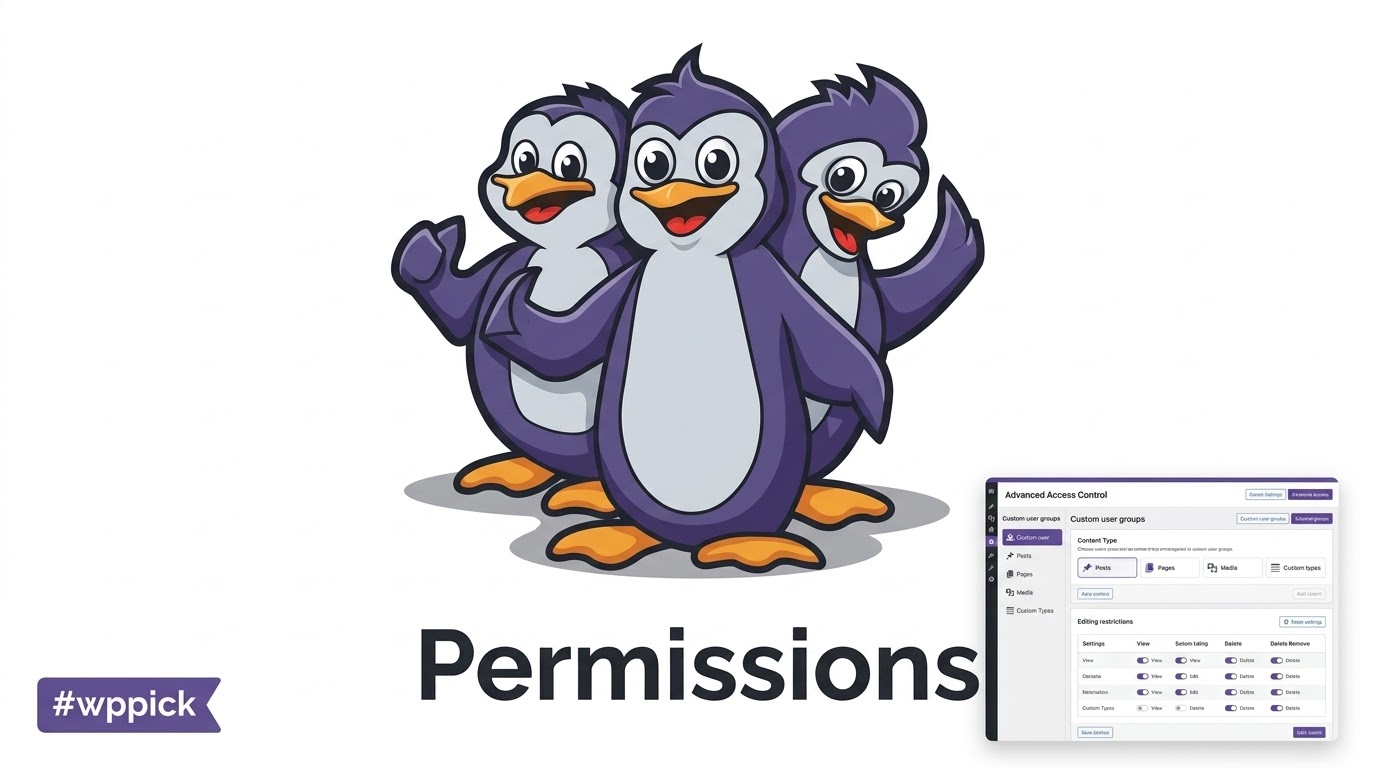
PublishPress Permissions Pro Overview
PublishPress Permissions Pro is an advanced plugin for WordPress administrators who require precise control over who can view and edit specific content on their websites. This extension moves beyond the default WordPress user role system, allowing you to create customized rules for individual users or custom groups without altering core roles. It provides the architectural framework necessary to build secure editorial workflows and carefully segmented membership portals.
Latest Version 4.8.3 Changes
PublishPress Permissions Pro version 4.8.3 provides ongoing updates, bug fixes, and compatibility enhancements for content and user access management.
- PublishPress Permissions Pro version 4.8.3 has been released to manage post, page, category, tag, and media library permissions in WordPress.
How The Access Control System Works
The plugin modifies the core WordPress capability system to introduce detailed reading and editing restrictions. Instead of granting blanket access to all posts or pages, administrators can specify exact categories, tags, individual posts, or custom post types that specific groups can access. It handles complex permission architectures by evaluating conditions dynamically when users attempt to view or modify content on the front end or in the admin dashboard. This ensures that users only ever interact with the content explicitly assigned to them.
Who Should Use This Plugin
This tool serves publishing teams, membership site operators, educational institutions, and corporate portals. It addresses the needs of site managers who require strict editorial workflows where specific authors can only edit their assigned categories, or where premium content must be shielded from unauthorized visitors while remaining visible in teasers. Large organizations with complex departmental hierarchies use it to ensure employees only access relevant internal documentation.
Key Capabilities and Features
- Create custom user groups to assign permissions without modifying core WordPress roles.
- Restrict reading access for specific posts, pages, categories, and custom content types.
- Control editing permissions down to the individual post or specific taxonomy level.
- Implement teaser content displays to show restricted content summaries to unauthorized users.
- Manage media library access to prevent unauthorized users from viewing or modifying specific uploaded files.
- Set up exceptions to broad rules to allow precise overrides for individual users when needed.
Practical WordPress Use Cases
- Running a multi-author magazine where writers can only access and edit posts within the specific categories they cover.
- Managing an intranet site where departmental pages are only visible to logged-in employees belonging to that specific department group.
- Operating a subscription portal where visitors see post titles and a brief teaser paragraph, but must log in to read the full article.
- Coordinating a school or university website where teachers can only edit pages related to their specific classes and subjects.
Setup and Compatibility Notes
Installing the plugin integrates new permission meta boxes directly into your WordPress post editor, category management screens, and navigation menu settings. It functions reliably alongside standard WordPress setups, page builders, and custom themes. Administrators should carefully map out their permission hierarchies before assigning rules to prevent logical conflicts. When utilizing the teaser functionality, it is essential to configure your caching plugins correctly; page caching must bypass logged-in users to ensure they see the unrestricted content while guests consistently see the teaser.
Reasons to Choose This Extension on WPPick
Acquiring this tool provides you with the verified files necessary to implement sophisticated access architectures. Rather than installing multiple smaller extensions to handle read access, write access, and media protection separately, this solution consolidates all access control into a single interface. It allows developers and site builders to construct highly customized user portals, secure learning management systems, and safe editorial environments securely and efficiently.
Latest Version Context
PublishPress Permissions Pro version 4.8.3 introduces several refinements for access management. Administrators can now enable or disable role-level editing restrictions directly in the user management settings, offering faster configuration. The update adds support for inherited statuses when calculating attachment term counts, which improves media library organization. Additionally, the release resolves issues with quick search in paginated item lists, corrects category exception displays in permission meta boxes, and ensures compatibility when utilizing MultilingualPress. These updates stabilize complex editorial setups and improve the accuracy of post-list status counts.
Frequently Asked Questions
How does this differ from the default WordPress role system?
The default system applies broad capabilities to entire roles, meaning an editor can edit all posts on the site. This plugin allows you to limit an editor so they can only edit posts within a specific category or tag, offering a much finer level of control over your content.
Can I restrict access to files uploaded to the media library?
Yes, the extension includes tools to manage access to media attachments. You can set rules determining which users or groups can view, edit, or delete specific files within your WordPress media library, preventing unauthorized document access.
What happens when a user tries to view restricted content?
You can configure the system to hide the content completely, show a customized access denied message, or display a teaser. A teaser allows you to show the post title and a small portion of the text to encourage users to register or log in to read the rest.
Do I need to change existing user roles to use this?
No, you do not need to modify your core WordPress roles. You can create custom user groups specifically for permission assignment and add existing users to these groups, leaving their primary roles intact while expanding their specific access capabilities.
Does the plugin work with custom post types created by other plugins?
The tool is designed to recognize and apply permission rules to custom post types and taxonomies registered on your WordPress site. This allows you to secure business directories, custom portfolios, or specific databases generated by third-party extensions.
I. Download Limits & Account Benefits
- Free Downloads: Each email address receives 3 downloads per day for free products
- Upgrade Benefits: Purchase any paid product to increase your daily download limit by 3 for each paid product
- No Account Required: You can download immediately by receiving the download link via email
- Account Recommended: Create an account for easier access to your order history and direct update downloads
II. Understanding GPL vs Official Versions
Important: The products available on WPPick are GPL-licensed versions, which differ from official developer versions. Before purchasing, please read our comprehensive guide: Understanding GPL & Official Differences at WPPick
Key Points:
- GPL versions may not include premium support from original developers
- Updates may be delayed compared to official releases
- Some premium features might have limitations
- Always consider your specific needs and support requirements
III. Support & Assistance
We’re here to help through multiple channels:
- Email Support: Direct email assistance for all inquiries
- Live Chat: Real-time support during business hours
- Comprehensive Documentation: Detailed guides and tutorials
IV. Order Tracking
Access your complete purchase history and download links anytime: Order History
V. Account Access
New to WPPick? Login or Create Account to manage your downloads and orders efficiently.
VI. Refund Protection
We stand behind our products with a clear refund policy. Review our terms: Refund Policy
VII. Privacy & Security
Your data security is our priority. Learn how we protect your information: Privacy Policy
VII. Terms of Service
Understanding our service terms ensures a smooth experience: Terms of Use
Quick Tips for Best Experience
- Verify Compatibility: Check plugin/theme compatibility with your WordPress version
- Backup First: Always backup your site before installing new plugins or themes
- Test Environment: Consider testing on a staging site first
- Stay Updated: Regularly check for updates in your account dashboard
- Read Documentation: Review any included documentation for optimal setup
Need Help?
If you have questions about downloads, licensing, or need technical assistance, don’t hesitate to contact our support team. We’re committed to ensuring you have the best possible experience with WPPick products.
Ready to get started? Your download adventure begins with just one click!
- Resolved a security issue involving insecure direct object references (IDOR) in REST API comment read permissions. #2481
- Added: An option to enable or disable role-level editing restrictions in User Management. #2419
- Added: Support for inherited statuses when calculating attachment term counts. #2450
- Added: A changelog synchronization workflow to help keep release information up to date. #2442
- Changed: Improved plugin configuration handling in the release and deployment workflows. #2435
- Changed: Improved translation files using the latest translations from Weblate. #2412
- Fixed: Quick search now continues to work correctly after navigating through paginated item-selection lists. #2460
- Fixed: Existing category exceptions no longer incorrectly display “No setting” in tabbed permission metaboxes. #2456
- Fixed: Role-level editing restrictions in User Management now work correctly and can be enabled or disabled as needed. #2419
- Fixed: Attachment term counts now correctly include inherited statuses. #2450
- Fixed: Navigation menu parent corrections are now saved correctly. #2452
- Fixed: Editing restrictions no longer incorrectly block some Posts when MultilingualPress is active. #2444
- Fixed: Contributors no longer see unfiltered post totals when they should only see filtered results. #2455
- Fixed: Post-list status and pagination counts now correctly reflect the filtered results. #2454
- Fixed: Teaser table radio buttons no longer render incorrectly as broken crescent-shaped controls in WordPress 7.0. #2457
- Fixed: CSP-related issues with the script used to hide empty menus. #2449
- Fixed: Cache handling now avoids unnecessary full WordPress cache flushes. #2453
- Fixed: Recurring events in The Events Calendar now work correctly. #830
- Fixed: Teaser settings are now properly sanitized, preventing script tags from being saved. #823
- Fixed: The presspermit_circle_members filter is now properly sanitized for improved security. #824
- The blocked message field now uses the TinyMCE editor, allowing richer formatting when customizing restriction messages. #806
- New Permissions metabox interface for improved usability and clearer controls. #2160
- New filter hook for the Permissions metabox to allow customization by developers. #2185
- Sorting option for User Groups to make group management easier. #2189
- Filters for Roles and Groups to help quickly locate specific entries. #2191
- Performance Mode for Admin Posts queries to improve performance on large sites. #2163
- Improved wording for the “No teaser” option to make its purpose clearer. #803
- Content replacement settings moved to their own section for a cleaner and more organized interface. #801
- French, Spanish, and Italian translations. #800
- Project dependencies via composer for maintenance and compatibility. #807
- Roles and Groups display behavior to prevent automatic movement based on status. #2186
- Visual styling improvements in the Permissions UI, including clearer distinction for Groups. #2203
- Bulk Actions in the Permissions tab restored after previous removal. #2192
- Disabled roles and groups are now hidden to reduce clutter in the interface. #2188
- Permissions plugin can now be hidden from Editors for cleaner admin menus. #2184
- Teaser message position so it appears correctly in restricted content output. #802
- Validation issue that could allow saving an empty required teaser message. #804
- Sanitization handling for teaser content displayed before the post title. #805
- Category assignment permissions not applying correctly to all post types. #2193
- CSS conflicts with WordPress 7.0 affecting the Permissions interface. #2190
- Support for the `PRESSPERMIT_NO_REVISIONS_EXCEPTION_BYPASS` constant. #2183
- Filter logic for “Everyone / Logged In / Not Logged In” to ensure correct results. #2230
- Dropdown fields could appear empty in some cases. #2232
- Handling of anonymous (not logged in) users to ensure consistent behavior. #2227
- Width overflow issue in teaser type select field. #2214
- Compatibility issue with Avada Builder affecting Permissions functionality. #2226
- Incorrect text domain in SettingsAdmin.php affecting translations. #2223
- Improved caption wording under Permissions > Settings for clarity. #789
- Updated Brazilian Portuguese translations for Permissions Pro. #795
- Updated translations for Spanish, French, and Italian languages. #796
- Updated tooltip wording for Filtered Post Types.
- Updated wording for Permissions Settings.
- "Create Revision" permission could allow Revisors to edit posts in certain configurations.
- Status lock mechanism now handles autosave correctly to avoid corrupting post drafts.
- Subpage Visibility UI captions displayed in incorrect locations. #791
- Subpage Visibility UI HTML structure issues leading to formatting inconsistencies. #792
- Lock Visibility autosave handling to avoid corrupting post drafts. #790
- Removed Default Visibility feature (functionality replaced by Statuses plugin).
- Removed Status Control module completely (functionality replaced by Statuses plugin).
- Custom teaser notice feature, allowing administrators to display tailored messages in teaser content. #764
- Support for custom titles in User Pages, giving more flexibility when labeling user-facing pages. #761
- Descriptive text on the Statuses tab to better explain its purpose and behavior. #766
- Additional field in the Edit Permissions screen to provide more granular control. #2075
- Plain-text export issues affecting admin columns. #2069
- Capability handling that incorrectly required type-specific capabilities for editing in some cases. #2074
- Character mismatch issue in teaser content that could cause incorrect display. #765
- Teaser before/after content handling, including a new blur-style placeholder for better visual consistency. #762
- Redirect option layout overlapping on narrow screens. #763
- Translation merge issue that could result in missing or incorrect strings. #769
- Updated wording for the Statuses dropdown in the Quick Edit interface. #771
- Small wording adjustment in the General tab to improve clarity. #2070
- Removed Bulk Actions dropdown from the Permissions tab to simplify the interface. #2071
- Consolidated and cleaned up extra translation files related to hints. #2072
- Removed Post Permissions column to reduce unnecessary clutter. #2076
- Improved the visual design of informational messages inside the user profile for better readability. #2077
- Improved the explanation and guidance for Visibility Circles to make permission behavior easier to understand. #767
- Brazilian Portuguese translation updates. #759
- French, Spanish, and Italian translation updates. #758
- Legacy language domain `presspermit-pro-hints` to simplify translation handling. #760
- WordPress 6.9 - Non-Administrators could not list or edit other user's posts #2057