

Pw Woocommerce Bulk Edit Pro By Pimwick
/Year
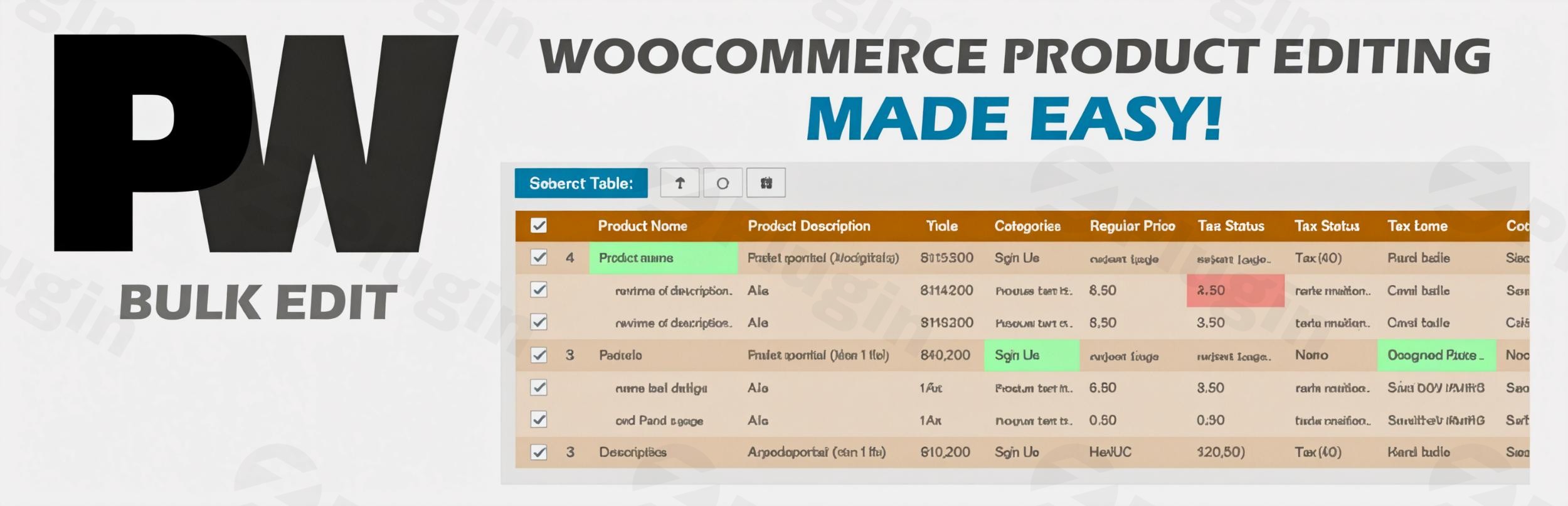
Managing a growing online store can quickly become a logistical challenge, especially when you need to update prices, modify descriptions, or manage inventory across thousands of items. PW WooCommerce Bulk Edit Pro is a high-performance woocommerce bulk edit plugin designed to eliminate the tedium of manual data entry.
Developed by Pimwick, this plugin provides a robust, spreadsheet-style interface that allows store owners to bulk edit woocommerce products with precision and speed. Whether you are running a seasonal sale or reorganizing your entire catalog, PW WooCommerce Bulk Edit Pro offers the stability and advanced features necessary to maintain a professional e-commerce site.
Why Use PW WooCommerce Bulk Edit Pro?
The default WooCommerce interface is excellent for managing individual products but lacks the efficiency required for large-scale changes. PW WooCommerce Bulk Edit Pro solves this by offering:
- Time Efficiency: Edit hundreds of products in the time it usually takes to edit one.
- Data Integrity: With a “Live Preview” and “Undo/Redo” system, you can verify changes before they go live.
- Advanced Control: Target specific products using complex filters and Regular Expressions (RegEx).
- Cost-Effectiveness: It provides professional-grade features at a fraction of the cost of many enterprise competitors.
PW WooCommerce Bulk Edit Pro Features List
This plugin is packed with tools designed for high-volume store management. Below are the core capabilities that make it a leader in the WooCommerce ecosystem.
1. Comprehensive Field Editing
Beyond simple titles and descriptions, the Pro version allows you to edit categories, tags, SKU, stock status, weight, dimensions, and even custom taxonomies. It is particularly powerful for woocommerce bulk attribute edit tasks, allowing you to manage attributes like size, color, and material across your entire inventory simultaneously.
2. Sophisticated Bulk Price Management
One of the most common uses for this tool is a woocommerce bulk price update. You can:
- Increase or decrease prices by a specific dollar amount or percentage.
- Set sale prices based on a percentage of the regular price.
- Bulk schedule sale start and end dates.
- Round prices to the nearest .99 or other custom increments.
3. Advanced Variation Management
If you’ve ever wondered how to bulk edit variations in woocommerce, this plugin is the answer. It allows you to:
- Edit variations individually or in bulk.
- Automatically create new variations for existing products.
- Adjust prices and stock levels specifically for variable products.
4. Powerful Filtering and Search
Finding the exact products you need to change is easy with advanced filters. You can search for products where fields “Are Empty” or “Are Not Empty,” use wildcards, or utilize Regular Expressions (RegEx) for complex text replacements. You can also save custom filters to quickly revisit specific segments of your catalog for future updates.
5. Intuitive Spreadsheet Interface
The interface mirrors a spreadsheet, supporting keyboard navigation and inline editing. This familiar layout makes it the best plugin for bulk editing woocommerce products and prices for those who prefer the speed of Excel or Google Sheets.
Installation & Setup Guide
Getting started with Pimwick bulk edit is straightforward. Follow these steps to install the plugin on your WordPress site:
- Purchase and Download: Acquire the Pro version from the official Pimwick site or your account dashboard.
- Upload the Plugin: Log in to your WordPress admin area. Navigate to Plugins > Add New > Upload Plugin. Select the
.zipfile you downloaded. - Activate: Once uploaded, click Activate.
- Access the Dashboard: Go to WooCommerce > Bulk Edit in your WordPress sidebar.
- Configure Columns: Click on the “Columns” button to select which product fields you want to see in your editing grid.
Practical Usage & Best Practices
To get the most out of PW WooCommerce Bulk Edit Pro, consider these real-world workflows:
Use Case 1: Running a Flash Sale
If you need to put an entire category on sale for 24 hours, use the filter to select the category, then use the “Bulk Edit” tool to set the “Sale Price” to “Regular Price minus 20%.” Set the “Sale End Date” to tomorrow, and your store is ready in seconds.
Use Case 2: SEO and Catalog Cleanup
When migrating or updating your SEO strategy, use the plugin to scan for products with missing descriptions or empty Alt text on images. The “Is Empty” filter is “ideal for” identifying missing data that could be hurting your search rankings.
Use Case 3: Inventory Updates
If a supplier increases prices across a specific brand, use the brand filter (compatible with WooCommerce Brands) and perform a bulk price update by a percentage to maintain your margins.
Pro Tip: Always use the Live Preview feature. It allows you to see exactly how your data will look before the database is updated, preventing costly mistakes.
Technical Specifications & Compatibility
- WordPress Version: 4.5 or higher (Tested up to 6.9.4).
- PHP Version: 7.4 or higher required.
- Database Performance: Fully compatible with WooCommerce High Performance Order Storage (HPOS).
- Third-Party Compatibility: Works seamlessly with Dokan Multivendor, YITH Multi Vendor, Flatsome, and WooCommerce Brands.
FAQ & Troubleshooting
What are the main features of PW WooCommerce Bulk Edit Pro?
The main features include a spreadsheet-style editing interface, bulk price and sale scheduling, advanced variation management, image gallery bulk uploads, and powerful RegEx filtering. It also features a safety “Undo” system and the ability to save custom filters for recurring tasks.
Is PW WooCommerce Bulk Edit Pro compatible with my theme?
Yes, the plugin is designed to be theme-agnostic. It is verified to work perfectly with popular themes like Flatsome and has built-in compatibility for major plugins like Dokan and WooCommerce Brands.
How to quickly update thousands of WooCommerce product prices?
To update prices quickly, navigate to WooCommerce > Bulk Edit, use the filters to select your desired products, click the “Bulk Edit” button, select “Regular Price,” and choose your modification (e.g., “Increase by Percentage”). Click “Save” to apply the changes to all selected items at once.
Can I bulk edit product images and galleries?
Yes. PW WooCommerce Bulk Edit Pro allows you to set, add to, or clear featured images and gallery photos for multiple products or variations simultaneously, which is a significant time-saver for visual-heavy stores.
Does the plugin support CSV exports?
Yes, after filtering your products to the desired selection, you can export the results directly to a CSV file for external reporting or offline editing.
Conclusion: The Final Verdict
For any store manager or agency handling a WooCommerce site with more than a handful of products, PW WooCommerce Bulk Edit Pro is an essential investment. It balances power with an incredibly user-friendly interface, ensuring that even non-developers can perform complex database updates safely.
The return on investment is immediate: the hours saved on manual updates alone pay for the plugin within the first few uses. If you are looking for a reliable, fast, and feature-rich woocommerce bulk edit plugin, Pimwick’s solution is a top-tier choice that consistently outperforms its price point.
For more WordPress tips and plugin reviews, visit wppick.com.
I. Download Limits & Account Benefits
- Free Downloads: Each email address receives 3 downloads per day for free products
- Upgrade Benefits: Purchase any paid product to increase your daily download limit by 3 for each paid product
- No Account Required: You can download immediately by receiving the download link via email
- Account Recommended: Create an account for easier access to your order history and direct update downloads
II. Understanding GPL vs Official Versions
Important: The products available on WPPick are GPL-licensed versions, which differ from official developer versions. Before purchasing, please read our comprehensive guide: Understanding GPL & Official Differences at WPPick
Key Points:
- GPL versions may not include premium support from original developers
- Updates may be delayed compared to official releases
- Some premium features might have limitations
- Always consider your specific needs and support requirements
III. Support & Assistance
We’re here to help through multiple channels:
- Email Support: Direct email assistance for all inquiries
- Live Chat: Real-time support during business hours
- Comprehensive Documentation: Detailed guides and tutorials
IV. Order Tracking
Access your complete purchase history and download links anytime: Order History
V. Account Access
New to WPPick? Login or Create Account to manage your downloads and orders efficiently.
VI. Refund Protection
We stand behind our products with a clear refund policy. Review our terms: Refund Policy
VII. Privacy & Security
Your data security is our priority. Learn how we protect your information: Privacy Policy
VII. Terms of Service
Understanding our service terms ensures a smooth experience: Terms of Use
Quick Tips for Best Experience
- Verify Compatibility: Check plugin/theme compatibility with your WordPress version
- Backup First: Always backup your site before installing new plugins or themes
- Test Environment: Consider testing on a staging site first
- Stay Updated: Regularly check for updates in your account dashboard
- Read Documentation: Review any included documentation for optimal setup
Need Help?
If you have questions about downloads, licensing, or need technical assistance, don’t hesitate to contact our support team. We’re committed to ensuring you have the best possible experience with WPPick products.
Ready to get started? Your download adventure begins with just one click!
- Update for WPC Frequently Bought Together integration.