

Quadmenu
/Year
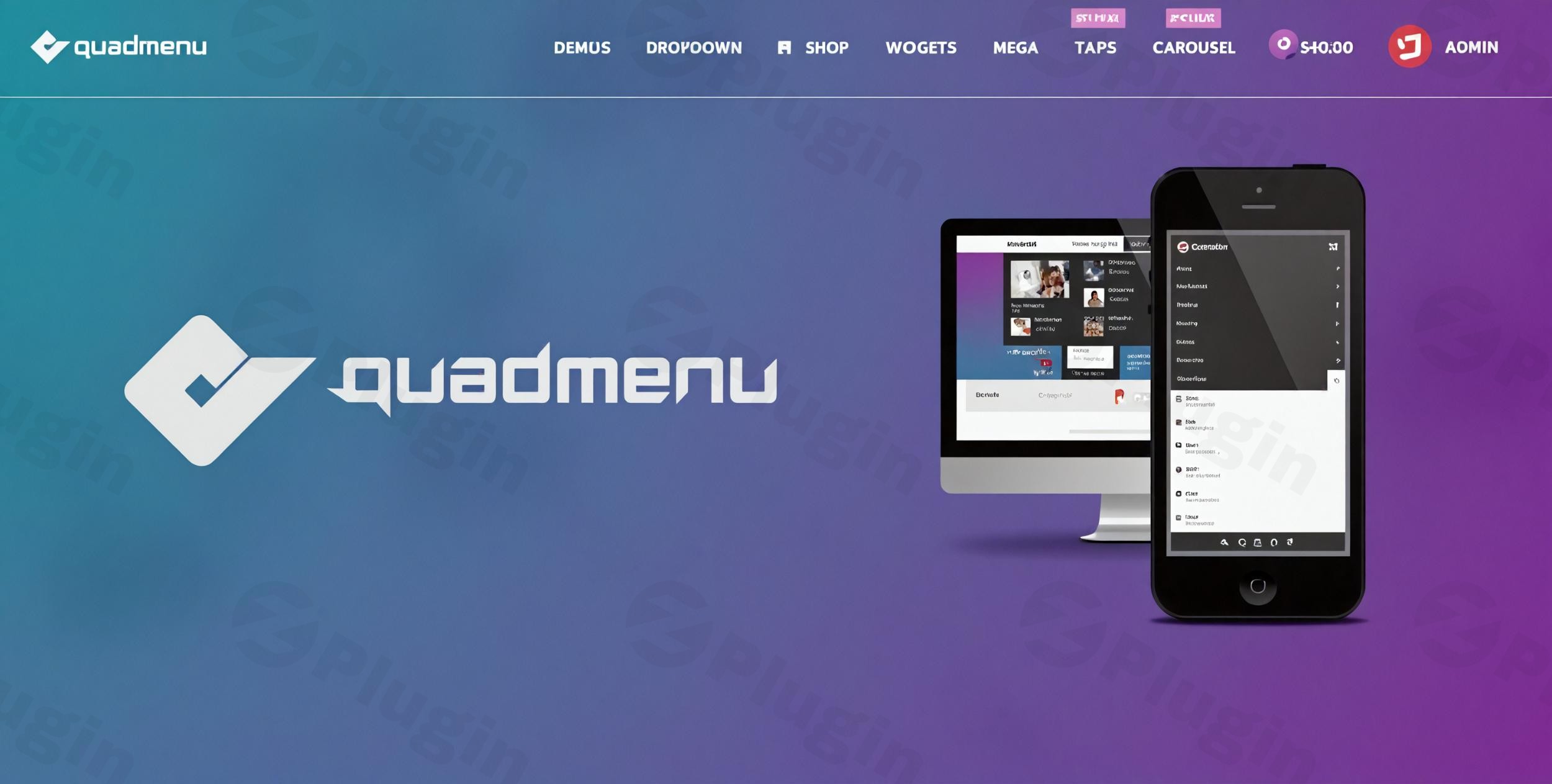
QuadMenu is a professional WordPress mega menu plugin meticulously engineered for both everyday users and seasoned theme developers. It stands as a robust extension of the native WordPress menu system, providing advanced customization options and a seamless integration experience for your WordPress projects. This premium solution empowers you to transcend the limitations of standard menus, crafting sophisticated navigation that enhances user experience and site functionality.
Professional Drag & Drop Menu Builder
At the core of QuadMenu’s appeal is its intuitive drag-and-drop interface, which simplifies the creation of stunning mega menus, tabbed menus, and carousel menus without requiring any coding expertise. This visual builder grants complete control, allowing you to design unlimited custom menu layouts with unparalleled ease and precision. The extension of the standard WordPress menu system ensures a familiar workflow for existing WordPress users.
Key Features for All Users
QuadMenu offers a comprehensive suite of features designed to cater to a diverse user base, from content managers to e-commerce store owners.
- Seamless WordPress Integration: Extends the standard WordPress menu system, ensuring compatibility and a familiar user experience.
- Multiple Menu Locations: Supports various menu locations, allowing for flexible placement across your site.
- Intuitive Drag-and-Drop Visual Builder: Craft complex menu structures effortlessly with an easy-to-use interface.
- WordPress Widgets Integration: Embed any WordPress widget directly into your menus, adding dynamic content such as recent posts, contact forms, or custom HTML.
- Complete Child Theme Compatibility: Ensures your customizations are safe during theme updates, following WordPress best practices.
- Unlimited Customizable Menu Themes: Design unique menu aesthetics with endless possibilities for layouts and color schemes.
- Flexible Layout Options: Choose between horizontal, vertical, and off-canvas menu layouts to best suit your design.
- Sticky Menu Functionality: Keep your navigation visible as users scroll down the page, enhancing accessibility.
- HoverIntent or Click Activation: Define how dropdowns activate, offering a refined user experience.
- Advanced Alignment and Float Options: Precisely control the positioning of your dropdown menus.
- Responsive Design & Breakpoints: Built with a “mobile-first” approach, QuadMenu ensures menus adapt perfectly to all screen sizes. Customize breakpoints to control when your menu collapses, and utilize device-specific visibility settings to show or hide items on different devices. It also includes touch screen optimization for an improved mobile experience.
- Mega Menu Capabilities: Create expansive, multi-column dropdown menus to organize vast amounts of content.
- Rich Element Integration:
- Icons: Enhance visual navigation with Font Awesome icons.
- Social Media: Integrate links to your social profiles directly into your menu.
- Search Functionality: Provide a built-in search bar for quick content discovery.
- Shopping Cart: Seamlessly integrate with WooCommerce, displaying cart contents or links.
- User Login/Register: Offer direct login and registration forms within your menu.
- Tabs Menu & Carousel Menu: Premium versions include advanced elements like dynamic tabbed content and interactive carousels.
- Google Fonts Integration: Access a wide array of Google Fonts to match your site’s typography.
- Custom Dropdown Animations: Add engaging visual effects to your menu dropdowns.
- Page Builder Compatibility: Integrates smoothly with popular page builders like Elementor and Visual Composer.
Advanced Developer Features
For developers and advanced users, QuadMenu provides an extensive toolkit for complete theme integration and deep customization. This makes it a powerful asset for agencies and professionals building bespoke WordPress solutions.
- Development Tools & Customization:
- LESS File Support: Load
.lessfiles directly from your theme folder, allowing for efficient CSS management. - Define Default Options: Set default user options and plugin settings, streamlining project setup.
- Developer-Only Configuration: Control settings that only developers can modify, ensuring consistent implementation.
- Metabox Permissions: Manage the visibility and permissions of metaboxes within the WordPress admin.
- Style and Script Control: Fine-tune how styles and scripts are loaded for optimal performance.
- Extensive Filter System: Utilize a comprehensive filter system for granular content modification.
- Complete API: Access a full API for advanced programmatic customization and integration.
- LESS File Support: Load
Installation and Usage Guide
Installing QuadMenu is straightforward, following standard WordPress plugin practices.
- Download & Upload: Obtain the QuadMenu plugin files. Navigate to your WordPress dashboard, go to
Plugins > Add New > Upload Plugin, and upload the downloaded ZIP file. - Activate: Once uploaded, activate the QuadMenu plugin.
- Configuration: Upon activation, QuadMenu seamlessly integrates with your native WordPress menu system. Access its settings via
Appearance > Menus. Here, you’ll find the intuitive drag-and-drop builder, allowing you to extend existing menus or create new ones with QuadMenu’s advanced features. - Integration Options: QuadMenu offers both automatic and manual integration. Many popular themes like Divi, Avada, Storefront, OceanWP, and Astra offer one-click integration, making setup exceptionally simple. For other themes, follow the manual integration steps provided in the documentation to ensure perfect alignment with your theme’s structure.
- Customization: Dive into the QuadMenu panel to customize layouts, colors, fonts, and responsiveness settings. Utilize the visual builder to drag and drop elements, add widgets, and configure individual menu item visibility.
Why Choose Our Premium Version
Purchasing QuadMenu through ZeroPlugin.com guarantees a premium experience backed by reliability and support:
- Authentic GPL Licensed Software: Receive genuine software, ensuring legality and freedom of use.
- Regular Updates and Security Patches: Benefit from continuous improvements, new features, and robust security measures.
- VirusTotal Verified Safe Downloads: All downloads are meticulously scanned and verified to be free from malware.
- Third-Party Dependency Scanning: We ensure all external components are secure and reliable.
- Guaranteed Malware-Free Source Code: Your website’s security is our top priority with a commitment to clean code.
- Professional Support and Documentation: Access expert assistance and comprehensive guides to maximize your plugin’s potential.
Conclusion
QuadMenu represents the pinnacle of WordPress menu systems, harmonizing user-friendly design with powerful developer tools. Its intuitive drag-and-drop interface, mobile-first responsiveness, and extensive customization options make it an indispensable asset for any WordPress site. Whether you are building a simple business website, a complex corporate portal, or a thriving e-commerce platform, QuadMenu provides the flexibility, functionality, and professional reliability you need. It simplifies navigation management for content creators while offering developers the deep hooks and filters necessary for advanced, tailored solutions, truly making it the future of WordPress menu systems. This is a continuously evolving plugin with regular feature updates and WooCommerce integration enhancements planned for future releases, ensuring your navigation remains cutting-edge.
I. Download Limits & Account Benefits
- Free Downloads: Each email address receives 3 downloads per day for free products
- Upgrade Benefits: Purchase any paid product to increase your daily download limit by 3 for each paid product
- No Account Required: You can download immediately by receiving the download link via email
- Account Recommended: Create an account for easier access to your order history and direct update downloads
II. Understanding GPL vs Official Versions
Important: The products available on WPPick are GPL-licensed versions, which differ from official developer versions. Before purchasing, please read our comprehensive guide: Understanding GPL & Official Differences at WPPick
Key Points:
- GPL versions may not include premium support from original developers
- Updates may be delayed compared to official releases
- Some premium features might have limitations
- Always consider your specific needs and support requirements
III. Support & Assistance
We’re here to help through multiple channels:
- Email Support: Direct email assistance for all inquiries
- Live Chat: Real-time support during business hours
- Comprehensive Documentation: Detailed guides and tutorials
IV. Order Tracking
Access your complete purchase history and download links anytime: Order History
V. Account Access
New to WPPick? Login or Create Account to manage your downloads and orders efficiently.
VI. Refund Protection
We stand behind our products with a clear refund policy. Review our terms: Refund Policy
VII. Privacy & Security
Your data security is our priority. Learn how we protect your information: Privacy Policy
VII. Terms of Service
Understanding our service terms ensures a smooth experience: Terms of Use
Quick Tips for Best Experience
- Verify Compatibility: Check plugin/theme compatibility with your WordPress version
- Backup First: Always backup your site before installing new plugins or themes
- Test Environment: Consider testing on a staging site first
- Stay Updated: Regularly check for updates in your account dashboard
- Read Documentation: Review any included documentation for optimal setup
Need Help?
If you have questions about downloads, licensing, or need technical assistance, don’t hesitate to contact our support team. We’re committed to ensuring you have the best possible experience with WPPick products.
Ready to get started? Your download adventure begins with just one click!
- Fixed PHP 7.2 errors
- Update dependencies