

Quickcab – Woocommerce Taxi Booking Plugin
/Year
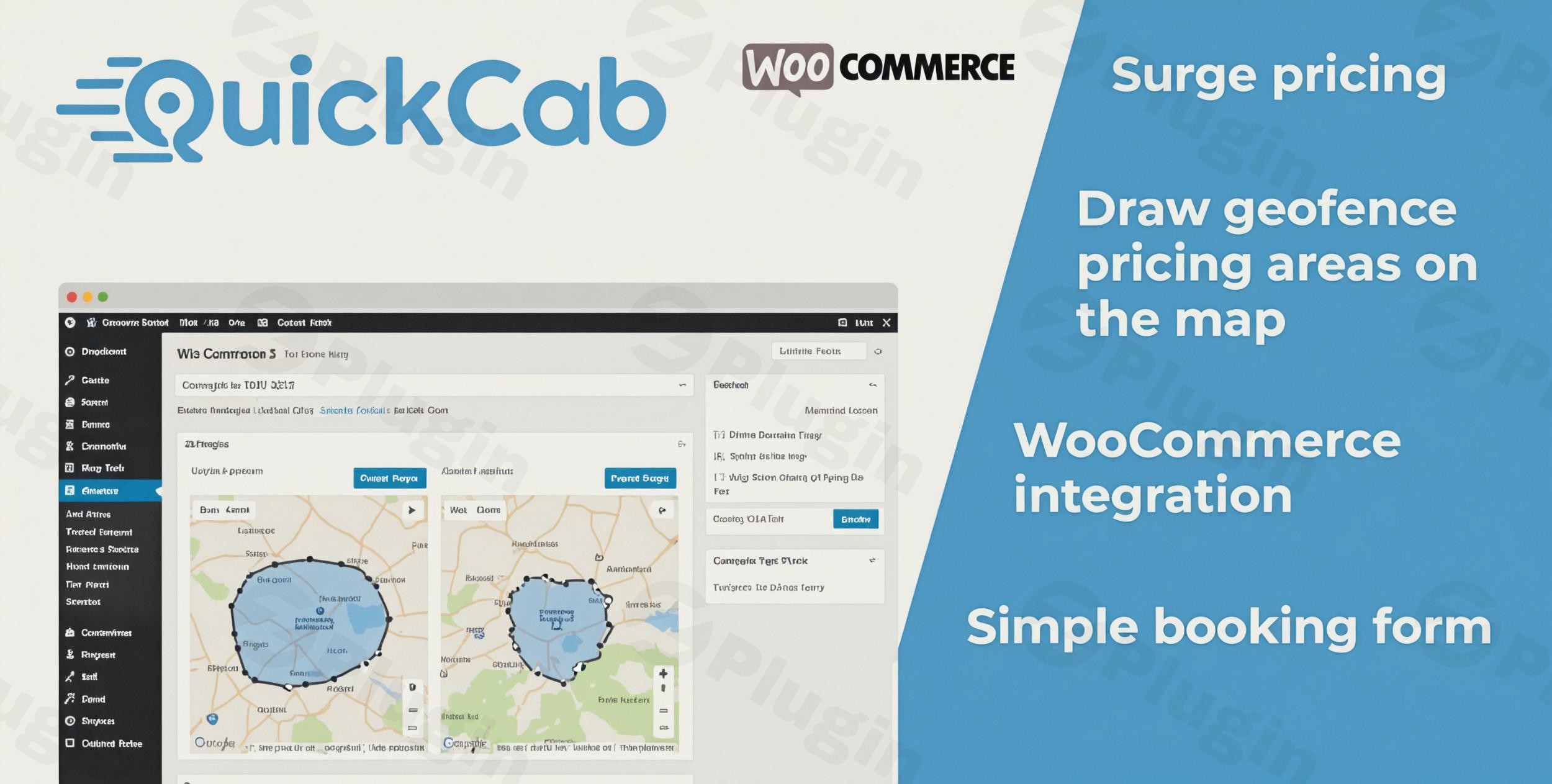
Running a modern transport business requires more than just a fleet of vehicles; it requires a frictionless, automated way for customers to book rides from any device. QuickCab is a premium WooCommerce taxi booking plugin designed to transform any WordPress site into a high-performance booking engine. Whether you are running a local cab company, an airport transfer service, or a luxury chauffeur business, QuickCab provides the “no-fuss” infrastructure needed to automate fares, manage vehicles, and accept payments online.
In this guide, we will explore the core features of the QuickCab taxi booking system, how to set it up without touching a line of code, and how to maximize your ROI using its advanced dynamic pricing tools.
Why Choose QuickCab for Your WordPress Taxi Booking System?
The primary challenge for transport operators is calculating accurate fares based on fluctuating variables like distance, time, and demand. QuickCab solves this by integrating directly with the WooCommerce ecosystem, allowing you to use world-class payment gateways like PayPal and Stripe while maintaining a specialized “Uber-like” booking interface.
Unlike generic booking tools, QuickCab is built specifically for transportation. It handles the “gotchas” of the industry—such as luggage capacity, vehicle-specific pricing, and surge charges—out of the box.
Key Features and Benefits
- Comprehensive Pricing Models: Beyond simple distance-based charging, you can configure fares based on time, zones, hourly rentals, or flat rates.
- Dynamic Surge & Holiday Pricing: Automatically increase rates during peak hours or public holidays to maximize revenue when demand is highest.
- Seamless Google Maps Integration: Uses the Google Maps API for real-time route calculation, location autocomplete, and precise distance estimates.
- Mobile-First Design: The booking form is fully responsive, ensuring that customers can book a ride comfortably from their smartphones.
- Advanced Geofencing: Define custom geographic areas on a map to apply specific pricing rules or restrict service zones.
- Vehicle Fleet Management: Create unlimited vehicle types (e.g., Standard, Executive, Van) with custom passenger and suitcase limits.
How to Set Up a Taxi Booking Website with WooCommerce
Setting up online taxi booking on WordPress with QuickCab is straightforward and requires no technical expertise. Follow these steps to get your system live.
Step 1: Install and Activate
- Purchase and download the QuickCab plugin.
- Log in to your WordPress dashboard and navigate to Plugins > Add New > Upload Plugin.
- Upload the zip file, click Install Now, and then Activate.
Step 2: Configure Google Maps API
For the WordPress taxi booking system to calculate distances and show maps, you must link it to Google:
- Go to the QuickCab settings page.
- Enter your Google Maps API Key (ensure you have “Distance Matrix,” “Directions,” and “Places” APIs enabled in your Google Cloud Console).
- Save settings to enable the autocomplete and routing features on your booking form.
Step 3: Define Your Vehicles
- Navigate to the QuickCab > Vehicles section.
- Add a new vehicle (e.g., “Luxury Sedan”).
- Set the Passenger Capacity and Suitcase Capacity.
- Upload an image of the vehicle to help customers make an informed choice during the booking process.
Step 4: Set Your Pricing Rules
This is where you define how you make money. You can set:
- Base Fares: A starting price for every booking.
- Distance/Time Rates: Pricing per kilometer or per minute.
- Surge Rules: Go to the Dynamic Pricing tab to set multipliers for late-night shifts or busy weekend periods.
Step 5: Add the Booking Form to Your Site
Use the provided shortcode to place the booking form on any page or post. We recommend creating a dedicated “Book Now” landing page to maximize conversions.
Practical Usage & Best Practices
To get the most out of the QuickCab plugin features, consider these real-world workflows used by successful transport agencies:
1. The Airport Transfer Workflow
Ideal for fixed-route services. Use the Fixed Address feature to limit pick-up or drop-off points to specific airports and hotels. You can set a flat rate for these routes, providing customers with price certainty.
2. Managing Peak Demand (Surge Pricing)
When demand outstrips supply (e.g., New Year’s Eve), use the Smart Holiday Pricing. This allows you to increase rates automatically for specific dates, ensuring your drivers are compensated for working during high-traffic periods.
3. Multi-Stop Journeys
For chauffeur services, enable Waypoints. This allows customers to add additional stops to their route. QuickCab will automatically recalculate the total fare based on the updated distance and time, ensuring you never undercharge for complex trips.
4. SEO Optimization
QuickCab is fully compatible with Yoast SEO. To attract more local traffic, create location-specific pages (e.g., “Taxi Service in London”) and embed the QuickCab form on those pages.
FAQ & Troubleshooting
What are the features of QuickCab taxi booking plugin?
QuickCab includes a responsive booking form, Google Maps integration for distance/time calculation, multiple vehicle management, dynamic surge pricing, and seamless WooCommerce integration for handling payments. It also supports geofencing and multilingual setups via WPML.
Is QuickCab compatible with WooCommerce?
Yes, QuickCab is a WooCommerce taxi booking plugin at its core. It uses WooCommerce to process payments, manage orders, and generate invoices, allowing you to use any payment gateway supported by WooCommerce (Stripe, PayPal, etc.).
Does QuickCab support surge pricing?
Yes. QuickCab features a robust dynamic pricing engine that allows for surge pricing based on peak hours, specific dates, or custom geofenced areas. This is ideal for increasing rates during holidays or busy events.
How do I fix the map not loading on the booking form?
If the map or location autocomplete is not working, ensure your Google Maps API key is valid and has billing enabled. You must also ensure that the “Maps JavaScript API,” “Places API,” and “Distance Matrix API” are all enabled in your Google Console.
Conclusion: Final Verdict on QuickCab
If you are looking for the best WooCommerce taxi booking plugin for small businesses and enterprise fleets alike, QuickCab offers the best balance of simplicity and power. Its “no-fuss” approach to location-based charging makes it easier to manage than complex competitors like Chauffeur, while its modern UI provides a professional “Uber-like” experience for your customers.
By automating your fare calculations and payment collection, QuickCab reduces administrative overhead and allows you to focus on scaling your fleet. For a reliable, secure, and feature-rich WordPress taxi booking system, QuickCab is a top-tier choice that delivers immediate ROI for any transport-based business.
Ready to automate your bookings? Visit wppick.com for more WordPress plugin reviews and tutorials.
I. Download Limits & Account Benefits
- Free Downloads: Each email address receives 3 downloads per day for free products
- Upgrade Benefits: Purchase any paid product to increase your daily download limit by 3 for each paid product
- No Account Required: You can download immediately by receiving the download link via email
- Account Recommended: Create an account for easier access to your order history and direct update downloads
II. Understanding GPL vs Official Versions
Important: The products available on WPPick are GPL-licensed versions, which differ from official developer versions. Before purchasing, please read our comprehensive guide: Understanding GPL & Official Differences at WPPick
Key Points:
- GPL versions may not include premium support from original developers
- Updates may be delayed compared to official releases
- Some premium features might have limitations
- Always consider your specific needs and support requirements
III. Support & Assistance
We’re here to help through multiple channels:
- Email Support: Direct email assistance for all inquiries
- Live Chat: Real-time support during business hours
- Comprehensive Documentation: Detailed guides and tutorials
IV. Order Tracking
Access your complete purchase history and download links anytime: Order History
V. Account Access
New to WPPick? Login or Create Account to manage your downloads and orders efficiently.
VI. Refund Protection
We stand behind our products with a clear refund policy. Review our terms: Refund Policy
VII. Privacy & Security
Your data security is our priority. Learn how we protect your information: Privacy Policy
VII. Terms of Service
Understanding our service terms ensures a smooth experience: Terms of Use
Quick Tips for Best Experience
- Verify Compatibility: Check plugin/theme compatibility with your WordPress version
- Backup First: Always backup your site before installing new plugins or themes
- Test Environment: Consider testing on a staging site first
- Stay Updated: Regularly check for updates in your account dashboard
- Read Documentation: Review any included documentation for optimal setup
Need Help?
If you have questions about downloads, licensing, or need technical assistance, don’t hesitate to contact our support team. We’re committed to ensuring you have the best possible experience with WPPick products.
Ready to get started? Your download adventure begins with just one click!
- Changelog Not Found!