
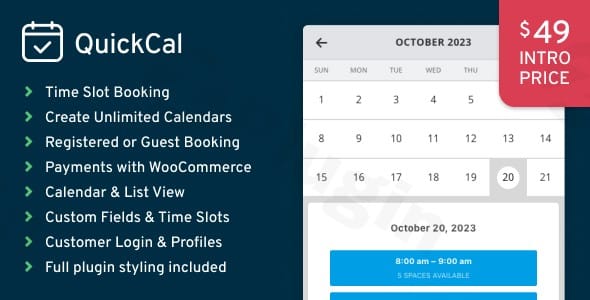
Quickcal – Appointment Booking Calendar For WordPress
/Year
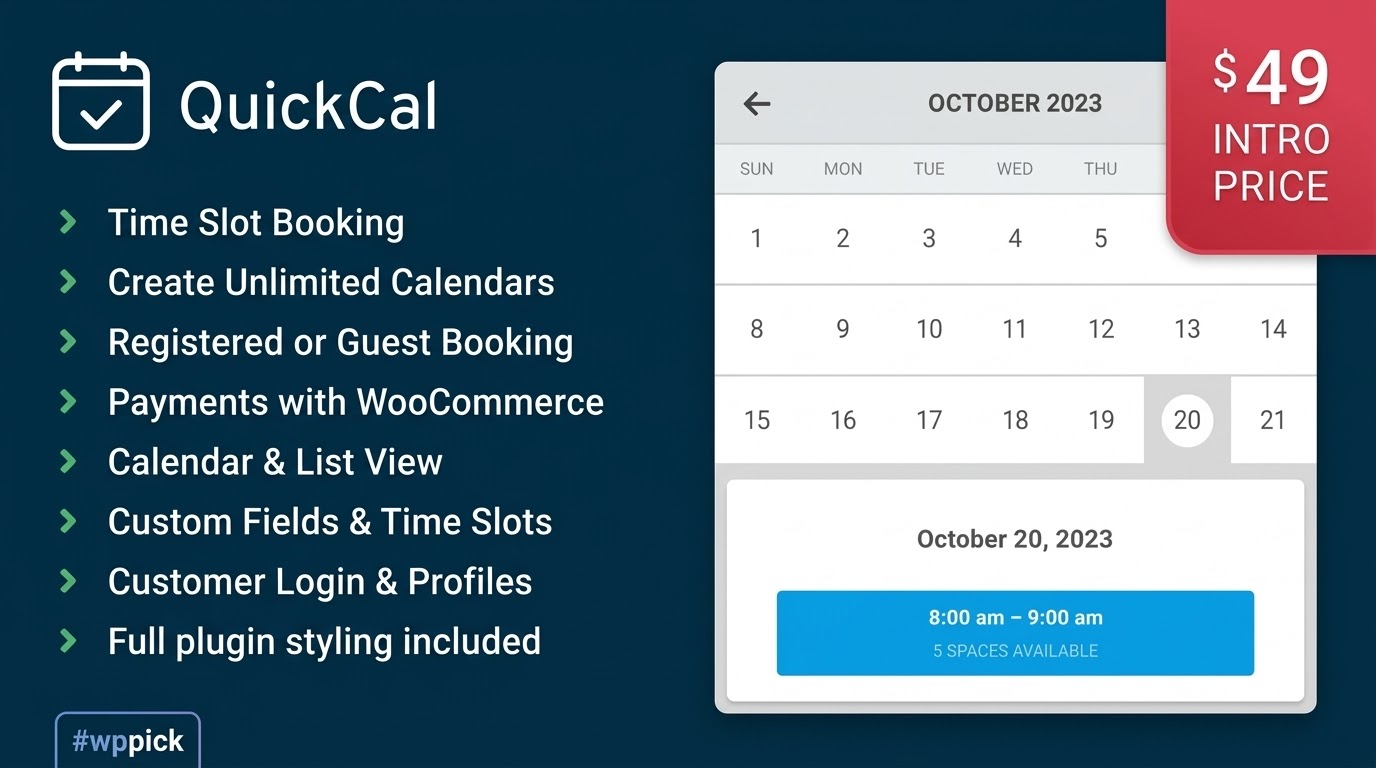
Streamlined Appointment Scheduling for WordPress Sites
QuickCal provides an efficient, self-contained appointment booking calendar for WordPress designed to automate client scheduling. By replacing manual coordination with an interactive digital booking form, the plugin helps service providers reduce administrative overhead and lower booking drop-off rates. It functions directly within the WordPress dashboard, allowing site administrators to maintain full ownership of their scheduling data without relying on external third-party subscription software.
What QuickCal Does
The core framework of QuickCal revolves around interactive front-end booking calendars that clients can use to select available times, fill out intake forms, and secure time slots. The plugin handles time-slot availability dynamically, preventing double bookings by instantly blocking off hours once an appointment is confirmed. It processes both free and paid appointments, manages breaks or holidays, and sends out automated confirmation emails to keep clients and staff updated on upcoming commitments.
Who Is This Plugin For?
QuickCal is engineered for service-based businesses, independent professionals, and operational teams that depend on organized calendar management. It is widely used by medical and dental clinics, legal consultants, fitness trainers, salon owners, and educational tutors. The system adapts easily whether a single professional is managing one schedule or a larger agency is coordinating multiple team members across different shift patterns.
Key Capabilities and Management Tools
- Flexible Grid Calendars: Displays clean calendar layouts that adapt seamlessly to mobile, tablet, and desktop viewports.
- Multi-Staff Management: Assigns unique schedules, service capacities, and breaks to individual staff members or service agents.
- Custom Intake Fields: Builds tailored booking forms that capture essential client details, intake responses, and file uploads during checkout.
- Time-Slot Optimization: Configuration adjustments for buffer times between appointments, maximum bookings per slot, and seasonal schedule overrides.
- WooCommerce Integration: Connects directly with commercial payment systems to require down payments, full service fees, or deposits prior to appointment verification.
Practical WordPress Use Cases
Consider a local wellness clinic employing multiple therapists. With QuickCal, each practitioner can define their weekly shift patterns, lunch breaks, and specialized treatments. Clients visiting the website select their preferred therapy, choose an available clinician, pick an open hour block, and input their health history directly. For digital consultancies, the plugin works as an automated intake funnel, collecting payments via WooCommerce checkout and blocking off specific strategy-session slots automatically.
Setup and Compatibility Context
QuickCal deploys via standard WordPress shortcodes or block integration, allowing administrators to position booking forms on landing pages, widget sidebars, or service templates. It is built to run on modern PHP environments and adheres to core WordPress development frameworks. By routing payments through standard WooCommerce hooks, it avoids conflicts with merchant accounts, ensuring compatibility with regional gateways, invoice generators, and tax computation tools.
Reasons to Choose QuickCal on WPPick
Downloading QuickCal through WPPick ensures access to clean, verified software installations free from hidden telemetry or structural code modifications. Marketplace listings provide transparent repository versions, regular security reviews, and reliable archive assets. This allows web development agencies and independent site administrators to roll out professional-grade online reservation architecture while avoiding restrictive, recurring licensing overhead.
Latest Version Context
The latest production release is QuickCal version 1.0.17. This update introduces an optimized local development and smoke-test workflow designed to maximize structural operational stability, alongside dedicated release tooling for stable zip distribution. Key bug fixes address profile update notifications related to missing nonce tokens, PHP warnings and request-handling deprecations, and translation loading sequences on updated core WordPress installations. Furthermore, admin guest bookings are updated to ensure paid appointments successfully generate linked WooCommerce orders, alongside PHP 8.4 compatibility updates for the bundled Font Awesome icon core.
Frequently Asked Questions
Can clients reschedule or cancel their own bookings?
Yes. QuickCal features client-facing dashboard views where logged-in users can review their upcoming appointments, submit cancellation requests, or adjust reservation times based on the cancellation rules set by the site administrator.
Does the plugin support multiple languages?
Yes. The plugin utilizes localized translation loading hooks, allowing administrators to translate backend interfaces and frontend calendar strings using standard translation software such as Loco Translate or WPML.
Can I prevent last-minute bookings with this calendar?
Yes. The configuration settings let you define minimum advance notice thresholds, preventing users from reserving slots too close to the actual appointment time, such as forcing a 24-hour buffer window.
How does the system prevent double-booking a single staff member?
QuickCal maintains a central database matrix that tracks staff availability. The moment a specific time slot is claimed or assigned to an employee, that slot is instantly hidden or disabled across all public frontend calendars.
I. Download Limits & Account Benefits
- Free Downloads: Each email address receives 3 downloads per day for free products
- Upgrade Benefits: Purchase any paid product to increase your daily download limit by 3 for each paid product
- No Account Required: You can download immediately by receiving the download link via email
- Account Recommended: Create an account for easier access to your order history and direct update downloads
II. Understanding GPL vs Official Versions
Important: The products available on WPPick are GPL-licensed versions, which differ from official developer versions. Before purchasing, please read our comprehensive guide: Understanding GPL & Official Differences at WPPick
Key Points:
- GPL versions may not include premium support from original developers
- Updates may be delayed compared to official releases
- Some premium features might have limitations
- Always consider your specific needs and support requirements
III. Support & Assistance
We’re here to help through multiple channels:
- Email Support: Direct email assistance for all inquiries
- Live Chat: Real-time support during business hours
- Comprehensive Documentation: Detailed guides and tutorials
IV. Order Tracking
Access your complete purchase history and download links anytime: Order History
V. Account Access
New to WPPick? Login or Create Account to manage your downloads and orders efficiently.
VI. Refund Protection
We stand behind our products with a clear refund policy. Review our terms: Refund Policy
VII. Privacy & Security
Your data security is our priority. Learn how we protect your information: Privacy Policy
VII. Terms of Service
Understanding our service terms ensures a smooth experience: Terms of Use
Quick Tips for Best Experience
- Verify Compatibility: Check plugin/theme compatibility with your WordPress version
- Backup First: Always backup your site before installing new plugins or themes
- Test Environment: Consider testing on a staging site first
- Stay Updated: Regularly check for updates in your account dashboard
- Read Documentation: Review any included documentation for optimal setup
Need Help?
If you have questions about downloads, licensing, or need technical assistance, don’t hesitate to contact our support team. We’re committed to ensuring you have the best possible experience with WPPick products.
Ready to get started? Your download adventure begins with just one click!
- Added a structured local development and smoke-test workflow for QuickCal
- Added release tooling for GitHub Releases and hosted zip publishing
- Fixed a profile update notice caused by missing `_wpnonce`
- Fixed several PHP notices, warnings, and deprecations in request handling and rendering paths
- Fixed admin guest bookings so paid appointments can create linked WooCommerce orders
- Fixed translation loading timing issues on newer WordPress versions
- Fixed a PHP 8.4 deprecation in the bundled Font Awesome library
- Improved admin booking stability for existing users, new users, and unpaid bookings
- Added safer WooCommerce order creation for admin-created paid appointments
- Sensitive Data Exposure vulnerability
- Cross Site Request Forgery (CSRF) vulnerability
- Issue where appointment details did not sync to related WooCommerce order
- Minor translation warnings