

Qwery – Multi-purpose Business WordPress Theme + Rtl
/Year
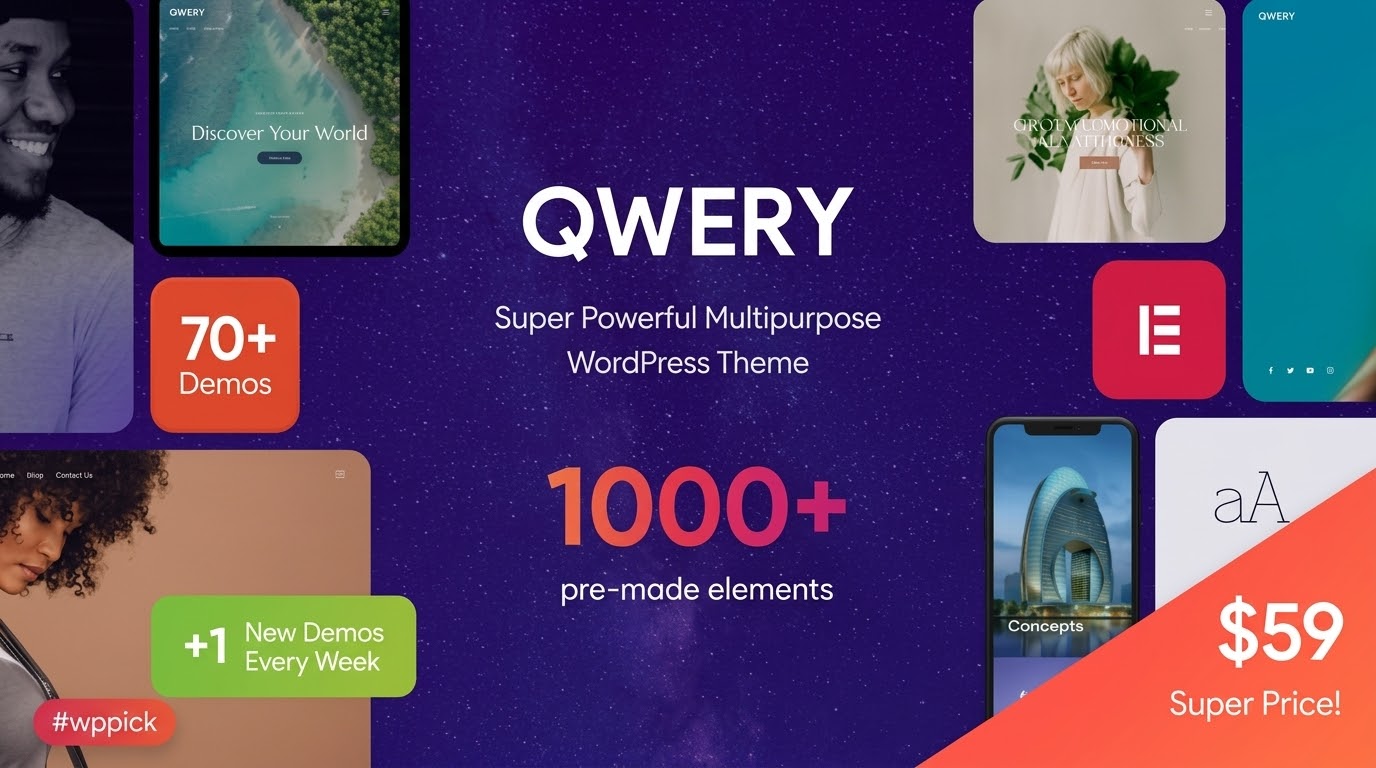
### Comprehensive Corporate and Niche Web Design Solutions
Qwery serves as a multi-purpose corporate framework engineered to establish distinct digital spaces for businesses, freelancers, and creative agencies. It bypasses the limitation of fixed-layout skins by providing customizable preset variations. Website owners can deploy pre-made layouts tailored to law firms, medical clinics, corporate offices, local handyman services, or retail shops. Integrating seamlessly with Elementor, it gives users control over typography, color palettes, spacing configurations, and responsive behaviors without writing code.
### Core Structural Capabilities and Extension Support
The foundation of this theme relies on the unified QW Extension addon, which coordinates custom post types, structural widgets, and system settings. Native attributes include extensive header and footer builders, custom portfolio feeds, and advanced slider configurations. To accommodate modern interaction demands, it features built-in utility widgets such as before-and-after image comparisons, responsive hotspots, and stylized events widgets that support advanced parameters like integrated time and date visibility.
### Real-World Use Cases across Industries
- Corporate and Business Portals: Establish authority with deep-tier service descriptions, team presentations, clean case studies, and automated financial estimation tools.
- Local Appointment Services: Build operational landing pages for salons, medical practitioners, or cleaning agencies using full integration with calendar plugins and scheduling utilities.
- Multilingual and Enterprise Markets: Deploy localized international platforms with native RTL script capabilities, complete WPML translation filtering, and optimized font rendering across geographies.
- Digital and Physical Retail: Construct stable digital storefronts leveraging WooCommerce support for cart actions, infinite scroll product loading, and dynamic product filtering.
### Operational Setup and System Environment
Deploying this theme requires an active core theme installation paired with its mandatory core companion plugin. Layout configuration handles smoothly via a centralized dashboard where custom skins can be selected, previewed, and modified. The theme respects native WordPress rendering properties and retains compatibility with caching mechanisms, asset optimization engines, and standard SEO structured data output. It functions within modern PHP environments and coordinates with major third-party extensions including WPML, WooCommerce, and The Events Calendar.
### Value Dynamics on the Marketplace
Choosing this theme provides a multi-purpose repository of website layouts under a unified license structure. Rather than investing in individual niche components for every client deployment, creators can utilize a single, flexible framework to implement distinct design signatures. Centralized management simplifies the administrative overhead of keeping separate design infrastructures maintained, while clean asset management ensures fast loading times across devices.
### Current Development State
Detailed release notes are not available from the provided sources for version 3.6.1. System maintenance addresses internal helper files, peripheral plugin dependencies, and subtle markup adjustments. The core framework focuses on ongoing alignment with current Elementor standards, modern accessibility requirements such as keyboard anchor navigation roles, and minor styling updates for scheduling modules.
### Frequently Asked Questions
How do pre-built skins function within this framework?
Skins operate as independent design presets that can be applied directly from the central dashboard. They configure global styling parameters, custom layouts, and content structures tailored to specific business types, which users can further modify via the Elementor template editor.
Is specialized software required to manage the layout elements?
No external layout software is necessary. All visual adjustments are handled natively inside the WordPress dashboard using the Elementor page builder alongside custom widgets provided by the theme companion plugin.
Does this product offer adequate support for localized alphabets and scripts?
Yes, the framework includes comprehensive native Right-to-Left script styling alongside localization support. It aligns with translation management engines such as WPML to ensure full compliance across global multi-language platforms.
Can I deploy this layout structure for an e-commerce operation?
Yes, the theme integrates with WooCommerce. It includes customized product listing grids, dynamic total counters, optimization scripts for mobile shopping carts, and styled checkout structures.
I. Download Limits & Account Benefits
- Free Downloads: Each email address receives 3 downloads per day for free products
- Upgrade Benefits: Purchase any paid product to increase your daily download limit by 3 for each paid product
- No Account Required: You can download immediately by receiving the download link via email
- Account Recommended: Create an account for easier access to your order history and direct update downloads
II. Understanding GPL vs Official Versions
Important: The products available on WPPick are GPL-licensed versions, which differ from official developer versions. Before purchasing, please read our comprehensive guide: Understanding GPL & Official Differences at WPPick
Key Points:
- GPL versions may not include premium support from original developers
- Updates may be delayed compared to official releases
- Some premium features might have limitations
- Always consider your specific needs and support requirements
III. Support & Assistance
We’re here to help through multiple channels:
- Email Support: Direct email assistance for all inquiries
- Live Chat: Real-time support during business hours
- Comprehensive Documentation: Detailed guides and tutorials
IV. Order Tracking
Access your complete purchase history and download links anytime: Order History
V. Account Access
New to WPPick? Login or Create Account to manage your downloads and orders efficiently.
VI. Refund Protection
We stand behind our products with a clear refund policy. Review our terms: Refund Policy
VII. Privacy & Security
Your data security is our priority. Learn how we protect your information: Privacy Policy
VII. Terms of Service
Understanding our service terms ensures a smooth experience: Terms of Use
Quick Tips for Best Experience
- Verify Compatibility: Check plugin/theme compatibility with your WordPress version
- Backup First: Always backup your site before installing new plugins or themes
- Test Environment: Consider testing on a staging site first
- Stay Updated: Regularly check for updates in your account dashboard
- Read Documentation: Review any included documentation for optimal setup
Need Help?
If you have questions about downloads, licensing, or need technical assistance, don’t hesitate to contact our support team. We’re committed to ensuring you have the best possible experience with WPPick products.
Ready to get started? Your download adventure begins with just one click!
- QW Extension addon (to version 1.6.2).
- Accessibility improvements for WP Accessibility Check.
- Events list Widget: the Classic layout now includes the event time in addition to the date.
- Images Compare Widget: Separate styling for separator/handler; option to hide handler and control tag/offsets for “Before” & “After”.
- Style tweaks for The Events Calendar integrations.
- Audio widget: template “default” (select audio from library).
- Plugin Settings – Added links to documentation and descriptions of custom Elementor settings/widgets
- Stack Sections – Added transition duration control for Zoom, Blur, Opacity effects
- Elementor Presets Support – Added ability to save/load custom style presets for widgets, sections, columns, and containers. Stored in /plugins/trx_addons/presets/trx_addons-presets.json
- Skin Notice – Admin notice now includes "Dismiss" (7 days) and "Never Show Again" options
- Accessibility Improvements – Added role="button" to non-link anchors, converted anchor tags to where appropriate, and added control for target="_blank" for external links
- TrxAddons: Hook for SportsPress to prevent redirecting to the "Welcome" screen after activation during demo import
- Theme Core Check: Added warning if theme core isn't updated before skin update (to avoid missing functions)
- Backdrop Blur: New settings for sections, columns, containers, and all Elementor widgets; default semi-transparent background for sticky sections
- HotSpot Widget: Major redesign for responsive positioning and styling; added tag selection, icon customizations, popup alignment, offsets, and more
- Security: Fixed potential LFI vulnerability during pagination
- TrxAddons: Tribe Events export now checks for new TEC tables (tec_events, tec_occurrences) if no events in wp_posts
- Stack Sections: Fixed offsets, sticky section positioning on iOS, and animation issues with GSAP
- TrxAddons: Fixed issue where inserting an empty header/footer would insert full page content
- AJAX Responses: Standardized response parsing and error handling across theme/plugin
- Mobile Menu: Fixed auto-close when clicking tabs inside the menu
- PHP 8 Compatibility: Fixed various warnings and errors with string/integer operations and child post queries
- Header Fixes: Ensured mobile menu button displays correctly in default headers not using shortcodes
- Customizer: Fixed reset behavior for Logo option
- Minor bug fixes and optimization
- QW Extension addon (to version 1.6.1)
- Optimized all image files stored in the plugin and theme folders
- TrxAddons: WPML – added translation support for our Elementor Extensions like “Background Text”
- theme_filter_page_title_selector filters in JS and PHP to allow replacement of the page title selector in Elementor skins and clones
- In the woocommerce.js script, added updating of the total number of products on the page after loading the next batch via load_more or infinite
- Added a forced check for addon and skin updates via the “Check again” link
- Added support for skin filtering keywords in the Theme Dashboard
- SEO attributes now respect the “SEO snippets” option to avoid validation issues
- Fix in the WooCommerce page processing script – Cart: after changing the shipping address on touch devices (mobiles, tablets), the product table disappeared
- Fix in the markup and styles of sub-tabs in theme and plugin options to align the spacing from the last sub-tab to the next tab’s heading
- In theme options, added a selector to display a divider if a hidden option (type=hidden) precedes it. Previously, the divider (border) was missing in this case
- Disabled initialization of the mediaelements script for videos inside the Revolution Slider
- Moved loading of translation domains and theme plugins to priority -1 on the after_setup_theme action
- Minor bug fixes and optimization
- Removed ‘medium’ from external thumbnail sizes to prevent conflicts with the custom trx-addons-thumb-medium size
- The Twenty20 Image Before-After plugin is no longer recommended for installation (compatibility is retained); please use the Images Compare widget instead
- Ecology v.2.3: https://ecology.qwery.ancorathemes.com/
- Barbershop v.2.4: https://barbershop.qwery.ancorathemes.com/
- Engineering v.2.3: https://engineering.qwery.ancorathemes.com/
- Construction v.1.7: https://construction.qwery.ancorathemes.com/
- Pharmacy v.1.5: https://pharmacy.qwery.ancorathemes.com/
- SaaS v.2.5: https://saas.qwery.ancorathemes.com/
- Blog Creative v.1.5: https://blog-creative.qwery.ancorathemes.com/
- Sports v.1.3: https://sports.qwery.ancorathemes.com/
- Cleaning v.1.5: https://cleaning.qwery.ancorathemes.com/
- Hairdresser v.2.1: https://hairdresser.qwery.ancorathemes.com/
- Insurance Company v.1.7: https://insurance-company.qwery.ancorathemes.com/
- Creative v.1.5: https://creative.qwery.ancorathemes.com/
- Portfolio Dark v.2.2: https://portfolio-dark.qwery.ancorathemes.com/
- Fashion v.2.3: https://fashion.qwery.ancorathemes.com/
- Driving School v.1.6: https://driving-school.qwery.ancorathemes.com/
- Air Conditioning v.1.8: https://air-conditioning.qwery.ancorathemes.com/