

Radio Player Shoutcast & Icecast WordPress Plugin
/Year
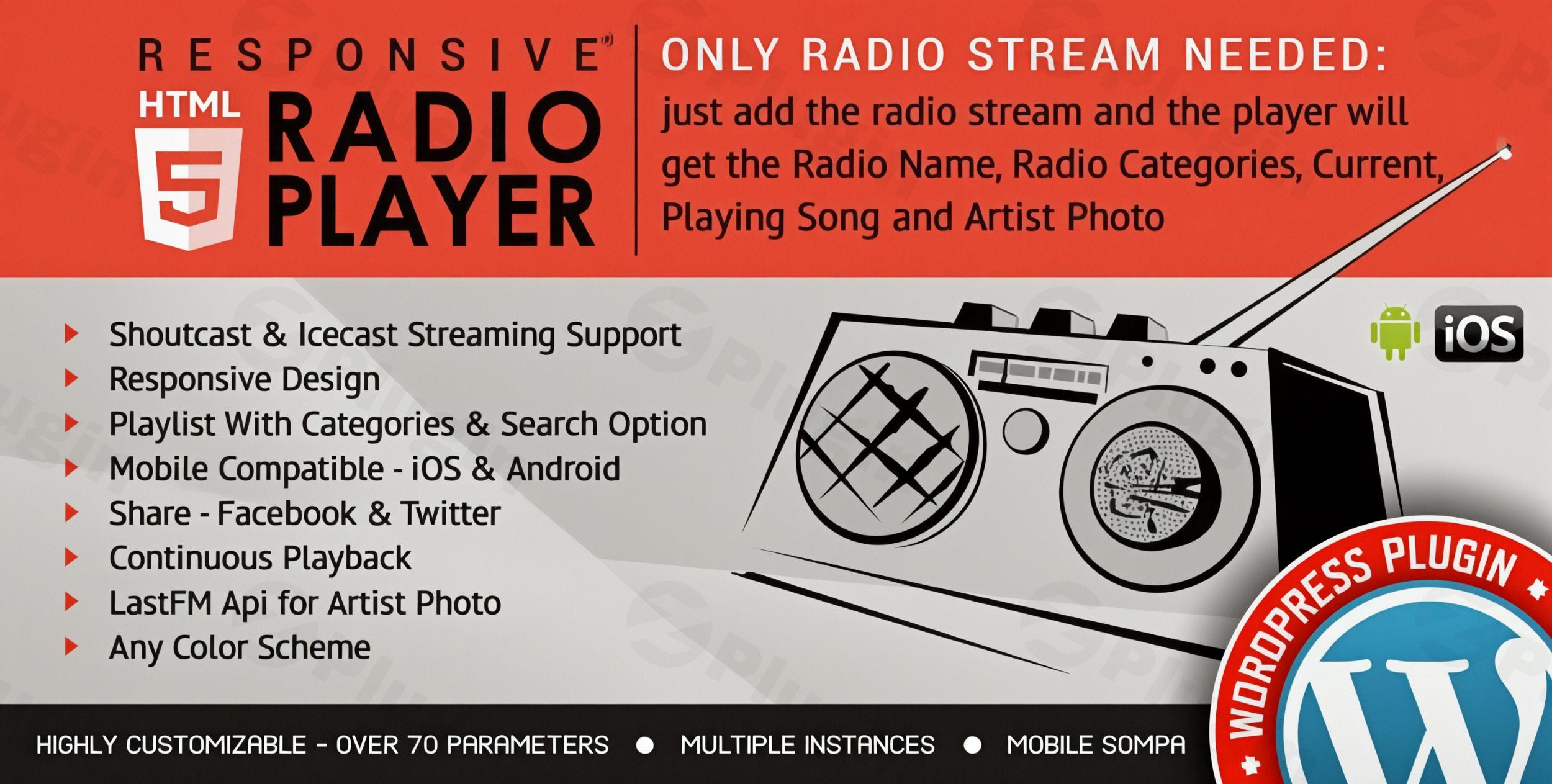
For broadcasters, content creators, and music enthusiasts looking to integrate live audio streams seamlessly into their WordPress websites, the Premium Radio Player for Shoutcast & Icecast WordPress Plugin is an indispensable solution. This powerful WordPress radio player plugin transforms your site into a dynamic platform for WordPress live radio streaming, delivering a professional and engaging listening experience for your audience. It solves the critical challenge of reliably embedding and managing online radio streams, ensuring your content is accessible and visually appealing on any device.
Unlocking Robust WordPress Audio Streaming with Key Features
This advanced Shoutcast Icecast WordPress plugin offers a comprehensive suite of features designed to enhance both site owner control and listener engagement. It goes beyond basic audio playback, providing deep integration and customization options that set your online radio presence apart.
Automatic Metadata Retrieval & Enhanced User Experience
The plugin excels at providing a rich, interactive experience by automatically pulling and displaying real-time information about your broadcast. This includes the radio name, categories, and, crucially, the current track title and artist.
- Real-time Song Information: Listeners see exactly what’s playing, creating a more engaging experience. This directly addresses the need for a
WordPress radio player with song title display. - Artist Visuals: Integrates with the Last.FM API to fetch and display artist photos, adding a visual dimension to the audio stream.
Dual Streaming & Broad Audio Format Support
Whether you’re running a Shoutcast or Icecast server, this plugin has you covered.
- Shoutcast & Icecast Compatibility: Supports both popular streaming protocols for MP3 streams, ensuring wide compatibility.
- Diverse Audio Format Support: Beyond MP3, it supports AAC, M3U8, OGG, OGA, WebM, RTMPA, and OPUS, accommodating various stream providers like Radionomy, Airtime, and Live365. This versatility makes it a truly robust
WordPress audio streaming plugin.
Mobile-Optimized and Responsive Design
In today’s mobile-first world, a player that performs flawlessly on all devices is non-negotiable.
- Fully Responsive: The player automatically adapts to different screen sizes, ensuring a perfect display on desktops, tablets, and mobile devices.
- iOS & Android Compatible: Provides a seamless listening experience for users on the go, making it a
responsive Icecast player for WordPressyou can trust.
Highly Customizable Interface
Your radio player should blend perfectly with your website’s design. This plugin offers unparalleled customization to achieve that.
- Multiple Skins & Color Schemes: Choose from over 10 attractive player skins and a vast array of color schemes to match your branding.
- Extensive Configuration Options: With over 70 configurable parameters, you have complete control over player width, height, background images, button styles, font selection, and more.
Advanced Playlist Management
Organize your audio content effectively, making it easy for listeners to discover and enjoy your programming.
- Categorized Playlists: Structure your content logically with categorized playlists.
- Powerful Search Functionality: An intuitive search feature allows listeners to quickly find specific tracks or shows within your playlists.
- Toggleable Display: Offers options to show or hide the playlist display, giving you flexibility in presentation.
Additional User Experience & Technical Features
- Multiple Player Instances: Easily embed several radio players on a single page or throughout your site, perfect for multi-channel broadcasts.
- Social Media Sharing: Integrate sharing buttons for platforms like Facebook and Twitter, helping your audience spread the word.
- Sticky & Popup Players: Keep the music playing with a sticky player that remains visible across pages or a popup player for uninterrupted listening in a new window.
- Proxy Add-on for HTTPS Sites: A crucial add-on that enables playing non-SSL (HTTP) stream links on SSL-encrypted (HTTPS) websites, preventing mixed content warnings and ensuring metadata display. This is key for a
WordPress plugin to play http stream on https site. - HTML5 Player: Utilizes modern HTML5 technology for smooth and reliable audio playback across all major browsers.
Installation & Setup: How to Embed Shoutcast Stream in WordPress
Getting your Premium Radio Player for Shoutcast & Icecast WordPress Plugin up and running is straightforward. Follow these steps to install and configure your live radio stream.
- Download the Plugin: Obtain the plugin file (usually a
.ziparchive) from your purchase source (e.g., ZeroPlugin.com). - Upload to WordPress:
- Log in to your WordPress admin dashboard.
- Navigate to Plugins > Add New.
- Click the “Upload Plugin” button at the top of the page.
- Click “Choose File”, select the downloaded
.zipfile, and then click “Install Now”.
- Activate the Plugin: Once installed, click “Activate Plugin”.
- Configure Your Player:
- A new menu item, typically labeled “Radio Player” or similar, will appear in your WordPress dashboard.
- Navigate to the plugin’s settings page. Here, you’ll configure your stream URL (Shoutcast or Icecast), choose your preferred skin, set colors, and enable/disable features like metadata retrieval and social sharing.
- Ensure your stream URL is correctly entered and test playback within the settings if a preview is available. If your site is HTTPS and your stream is HTTP, consider activating the Proxy Add-on in the settings to resolve potential mixed content issues.
- Embed the Player:
- The plugin typically provides a shortcode (e.g.,
[radio_player id="1"]) or a Gutenberg block/Elementor widget. - Using a Shortcode: Copy the shortcode and paste it into any page, post, or widget area where you want the player to appear. You can usually find the shortcode on the plugin’s settings page or by creating a new player instance.
- Using a Block/Widget: If available, use the dedicated Gutenberg block or Elementor widget for easier visual integration.
- The plugin typically provides a shortcode (e.g.,
- Save and Publish: Save your page/post and preview it to ensure the radio player is functioning correctly.
Practical Usage & Best Practices for Your WordPress Radio Station Plugin
The Premium Radio Player for Shoutcast & Icecast WordPress Plugin is ideal for a wide range of applications, from personal passion projects to professional online broadcasting. Here’s how different users can leverage its capabilities:
- Online Radio Stations & Podcasters: For dedicated internet radio stations, this plugin is a core component. Use the advanced playlist management to schedule shows, and the metadata retrieval to keep listeners informed. The sticky and popup player options ensure uninterrupted listening as users navigate your site. This is perfect for building a full-fledged
WordPress radio station pluginsetup. - Music Blogs & Artist Websites: Embed a live stream of your favorite genres, curated playlists, or even your own music on your blog or artist portfolio. The customizable skins allow you to perfectly match the player’s aesthetics with your brand. The social sharing features help promote new tracks or broadcasts.
- Community & Event Websites: Enhance engagement by providing background music for visitors or live streaming events directly from your site. Multiple player instances can be used to feature different streams for various sections or event stages.
- Retail & eCommerce Sites: Add an ambient radio stream to improve the browsing experience for your customers. A subtle, well-chosen background track can create a more inviting atmosphere, encouraging longer visits.Best Practices:
- Optimize Stream Quality: Ensure your Shoutcast or Icecast stream is optimized for web playback (e.g., appropriate bitrate) to minimize buffering and provide a high-quality listening experience.
- Regularly Update Metadata: If you’re manually updating song titles, ensure they are current. The plugin’s automatic retrieval makes this much easier.
- Test on Multiple Devices: Always test your radio player on various devices and browsers (desktop, mobile, iOS, Android) to confirm responsiveness and functionality.
- Utilize the Proxy Add-on: If your WordPress site uses HTTPS but your stream URL is HTTP, the Proxy Add-on is crucial for a smooth, error-free experience without mixed content warnings.
FAQ & Troubleshooting
Here are answers to common questions about using the Premium Radio Player for Shoutcast & Icecast WordPress Plugin.
Does Radio Player Shoutcast & Icecast support AAC streams?
Yes, the Radio Player plugin supports AAC streams in addition to MP3 streams, provided the user’s browser also supports AAC playback. This ensures broad compatibility with various modern streaming formats.
How to customize WordPress radio player skin?
You can customize the WordPress radio player skin directly from the plugin’s settings page in your WordPress dashboard. Navigate to the player configuration options, where you will find a selection of multiple player skins (e.g., 10+ attractive skins) and extensive color scheme choices. You can also adjust parameters like width, border radius, background images, and button styles to perfectly match your site’s design.
What are the mobile limitations of WordPress radio players?
While the plugin is fully mobile-optimized, some inherent limitations exist due to mobile operating system restrictions. Specifically, autoplay might not work on iOS devices due to Apple’s policies requiring user interaction to initiate audio playback. Additionally, volume control on mobile devices often defaults to the physical volume buttons of the device rather than the in-player volume slider.
Can I use multiple radio players on one WordPress page?
Yes, the Premium Radio Player for Shoutcast & Icecast WordPress Plugin fully supports adding multiple radio players on the same WordPress page or across different pages of your website. Each player can be configured independently, allowing you to stream various channels or content simultaneously if needed. This is typically achieved by using unique shortcodes or block/widget instances for each player.
How do I play an HTTP stream on an HTTPS WordPress site?
Playing an HTTP stream on an HTTPS (SSL-encrypted) WordPress site can lead to “mixed content” warnings and prevent the player from functioning correctly. The solution is to use the plugin’s dedicated Proxy Add-on. This add-on routes the HTTP stream through your HTTPS site, effectively resolving the mixed content issue and enabling seamless playback and metadata display on secure websites.
Conclusion: Your Premier WordPress Live Radio Streaming Solution
The Premium Radio Player for Shoutcast & Icecast WordPress Plugin stands out as a high-performance, feature-rich solution for anyone serious about WordPress live radio streaming. Its robust support for Shoutcast and Icecast, coupled with automatic metadata retrieval, extensive customization options, and mobile responsiveness, delivers an unparalleled listening experience. For individuals and organizations looking to establish a professional online radio presence, manage dynamic playlists, or simply enhance their site with engaging audio content, this plugin offers exceptional value and reliability. It’s a genuine tool that empowers you to broadcast your audio content to the world, efficiently and beautifully, ensuring your WordPress site becomes a true hub for sound.
I. Download Limits & Account Benefits
- Free Downloads: Each email address receives 3 downloads per day for free products
- Upgrade Benefits: Purchase any paid product to increase your daily download limit by 3 for each paid product
- No Account Required: You can download immediately by receiving the download link via email
- Account Recommended: Create an account for easier access to your order history and direct update downloads
II. Understanding GPL vs Official Versions
Important: The products available on WPPick are GPL-licensed versions, which differ from official developer versions. Before purchasing, please read our comprehensive guide: Understanding GPL & Official Differences at WPPick
Key Points:
- GPL versions may not include premium support from original developers
- Updates may be delayed compared to official releases
- Some premium features might have limitations
- Always consider your specific needs and support requirements
III. Support & Assistance
We’re here to help through multiple channels:
- Email Support: Direct email assistance for all inquiries
- Live Chat: Real-time support during business hours
- Comprehensive Documentation: Detailed guides and tutorials
IV. Order Tracking
Access your complete purchase history and download links anytime: Order History
V. Account Access
New to WPPick? Login or Create Account to manage your downloads and orders efficiently.
VI. Refund Protection
We stand behind our products with a clear refund policy. Review our terms: Refund Policy
VII. Privacy & Security
Your data security is our priority. Learn how we protect your information: Privacy Policy
VII. Terms of Service
Understanding our service terms ensures a smooth experience: Terms of Use
Quick Tips for Best Experience
- Verify Compatibility: Check plugin/theme compatibility with your WordPress version
- Backup First: Always backup your site before installing new plugins or themes
- Test Environment: Consider testing on a staging site first
- Stay Updated: Regularly check for updates in your account dashboard
- Read Documentation: Review any included documentation for optimal setup
Need Help?
If you have questions about downloads, licensing, or need technical assistance, don’t hesitate to contact our support team. We’re committed to ensuring you have the best possible experience with WPPick products.
Ready to get started? Your download adventure begins with just one click!
- Code improvements
- patch applied