

Reign Dokan Addon
/Year
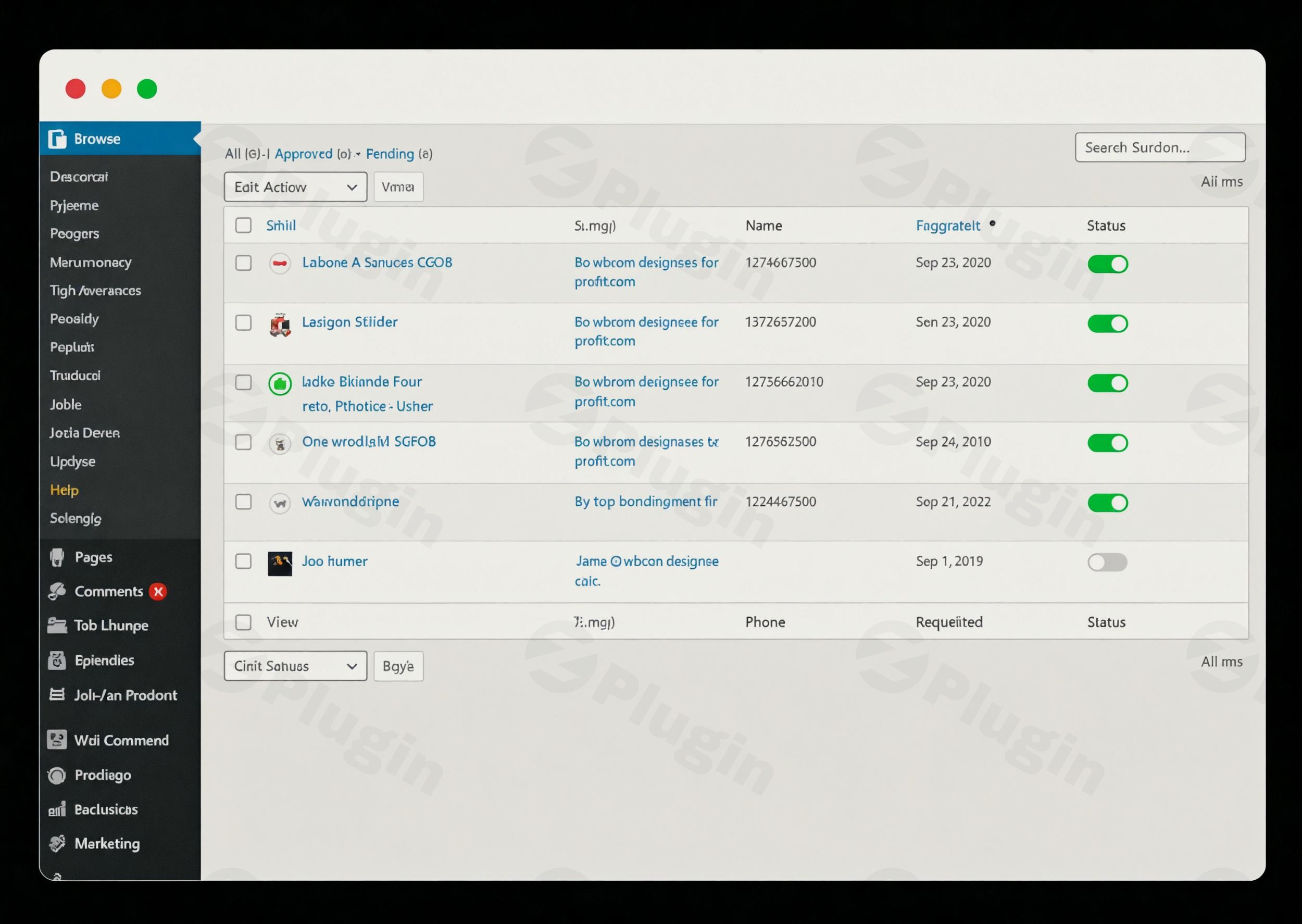
Building a multi-vendor platform is more than just installing a plugin; it’s about creating an ecosystem where vendors can thrive and customers feel a sense of community. The Reign Dokan Addon is a premium WordPress solution designed to bridge the gap between standard e-commerce and a high-performance social marketplace. By combining the power of the Dokan multivendor plugin with the aesthetic and social capabilities of the Reign theme, this addon transforms your site into a scalable destination similar to Amazon or eBay.
If you are looking to create a WordPress marketplace Dokan Reign setup, this addon provides the necessary tools to integrate social networking, advanced store layouts, and specialized widgets that standard configurations lack.
Key Features & Benefits of the Reign Dokan Addon
The Reign Dokan Addon isn’t just a skin; it’s a functional expansion that focuses on user engagement and administrative control. Here is a breakdown of how it improves your marketplace:
1. Seamless BuddyPress Dokan Integration
The standout feature of this addon is the BuddyPress Dokan integration. It allows vendors to manage their business directly within their social profiles.
- Store Tab on Profiles: A dedicated “Store” tab is added to BuddyPress/BuddyBoss profiles, showcasing products where the community already interacts.
- Activity Stream Generation: Admins can trigger automatic updates in the community feed when a vendor adds a new product or receives a review, driving organic internal traffic to store pages.
2. Advanced Store Customization & Layouts
Standard Dokan layouts can sometimes feel generic. This addon offers customizable store layouts that allow you to define:
- Header Positions: Choose where your store branding and banners sit.
- Product Grids: Configure the number of products per row and use advanced filters to help customers find what they need.
- Mobile-First Design: Every store page and product listing is fully responsive, ensuring a smooth experience for the growing number of mobile shoppers.
3. Exclusive Dokan Widgets & Social Proof
To enhance the UI/UX, the plugin provides exclusive Dokan widgets. These include:
- Vendor Profile Cards: Display professional cards featuring vendor avatars, bios, store ratings, and trust badges.
- Favorite Product Functionality: Both vendors and customers can “favorite” items. These lists are saved and accessible via their BuddyPress profiles, encouraging repeat visits and “wishlist” behavior.
4. Compatibility with Leading Page Builders
Whether you prefer the block editor or a visual builder, the Reign Dokan Addon is ready. It provides specialized blocks and widgets for Gutenberg and Elementor, allowing you to design custom landing pages for your marketplace without touching a line of code.
How to Install and Set Up the Reign Dokan Addon
Setting up your marketplace requires a few specific dependencies. Follow these steps to ensure a smooth configuration:
Step 1: Verify Prerequisites
Before installing the addon, ensure your site has the following active:
- WordPress: Tested up to version 6.8.3.
- PHP: Version 7.4 or higher (8.0+ is highly recommended).
- Reign Theme: This addon is specifically designed for the Reign ecosystem.
- Dokan Plugin: Works with both Dokan Lite and Dokan Pro.
- WooCommerce: The engine behind the marketplace.
Step 2: Installation
- Download the Reign Dokan Addon .zip file from your Wbcom Designs account.
- Navigate to your WordPress Dashboard > Plugins > Add New > Upload Plugin.
- Choose the file, click Install Now, and then Activate.
Step 3: Configure Global Settings
Once activated, go to the Reign Settings panel in your dashboard. Here, you can:
- Enable or disable specific features like the “Favorite” button.
- Configure the BuddyPress store tab visibility.
- Adjust global typography and color schemes to match your brand identity.
Practical Usage & Best Practices
To get the most out of your Dokan Addon Reign theme setup, consider these real-world workflows:
- For Niche Marketplaces: If you are running a marketplace for handmade crafts or digital assets, use the Activity Generation feature. Every time a vendor uploads a “New Arrival,” your community feed notifies all followers, creating instant engagement without manual social media posting.
- For Agency Owners: Use the Gutenberg/Elementor widgets to create “Featured Vendor” sections on your homepage. This allows you to sell premium placement to top-tier vendors, creating an additional revenue stream.
- Improving Retention: Encourage users to use the Favorite Product functionality. By having these lists stored on their BuddyPress profiles, users are more likely to return to your site to complete purchases they previously “saved for later.”
FAQ & Troubleshooting
What is Reign Dokan Addon?
The Reign Dokan Addon is a specialized WordPress plugin created by Wbcom Designs. It is designed to enhance the functionality of the Dokan multi-vendor plugin specifically when used with the Reign Theme, adding deep integration with social community plugins like BuddyPress and BuddyBoss.
How do I add a store tab to a BuddyPress profile in Dokan?
Once the Reign Dokan Addon is active, the integration is largely automatic. You can manage the visibility of the “Store” tab within the Reign settings menu. Ensure that BuddyPress is active and that the user role is set to “Vendor” for the tab to appear on their profile.
Can I customize vendor dashboards with Reign Dokan Addon?
While the addon focuses heavily on the front-end “Store” pages and community integration, it provides enhanced styling and layout options for vendor profile cards and product grids. For deep dashboard logic changes, the Dokan Pro plugin is typically used alongside this addon.
Is the plugin compatible with PHP 8.0+?
Yes. While the minimum requirement is PHP 7.4, it is highly recommended to use PHP 8.0 or higher for better performance and security on your marketplace.
What should I do if the “Favorite” button isn’t showing?
First, ensure the feature is enabled in the Reign Dokan Addon global settings. Secondly, verify if you have any conflicting “Wishlist” plugins active. This addon is designed to work with popular wishlist plugins, but settings may need to be synced.
Conclusion: Final Verdict
The Reign Dokan Addon is an essential tool for site owners who want more than just a functional store—they want a community-driven marketplace. Its primary strength lies in its BuddyPress Dokan integration, which successfully merges social interaction with e-commerce.
If you are already using the Reign theme and want to scale your site into a professional-grade multi-vendor platform, this addon provides the SEO-friendly markup and UI enhancements necessary to compete in the modern web. For those looking to build a WordPress marketplace Dokan Reign environment that feels cohesive and premium, the ROI on this plugin is clear through improved user retention and vendor branding options.
I. Download Limits & Account Benefits
- Free Downloads: Each email address receives 3 downloads per day for free products
- Upgrade Benefits: Purchase any paid product to increase your daily download limit by 3 for each paid product
- No Account Required: You can download immediately by receiving the download link via email
- Account Recommended: Create an account for easier access to your order history and direct update downloads
II. Understanding GPL vs Official Versions
Important: The products available on WPPick are GPL-licensed versions, which differ from official developer versions. Before purchasing, please read our comprehensive guide: Understanding GPL & Official Differences at WPPick
Key Points:
- GPL versions may not include premium support from original developers
- Updates may be delayed compared to official releases
- Some premium features might have limitations
- Always consider your specific needs and support requirements
III. Support & Assistance
We’re here to help through multiple channels:
- Email Support: Direct email assistance for all inquiries
- Live Chat: Real-time support during business hours
- Comprehensive Documentation: Detailed guides and tutorials
IV. Order Tracking
Access your complete purchase history and download links anytime: Order History
V. Account Access
New to WPPick? Login or Create Account to manage your downloads and orders efficiently.
VI. Refund Protection
We stand behind our products with a clear refund policy. Review our terms: Refund Policy
VII. Privacy & Security
Your data security is our priority. Learn how we protect your information: Privacy Policy
VII. Terms of Service
Understanding our service terms ensures a smooth experience: Terms of Use
Quick Tips for Best Experience
- Verify Compatibility: Check plugin/theme compatibility with your WordPress version
- Backup First: Always backup your site before installing new plugins or themes
- Test Environment: Consider testing on a staging site first
- Stay Updated: Regularly check for updates in your account dashboard
- Read Documentation: Review any included documentation for optimal setup
Need Help?
If you have questions about downloads, licensing, or need technical assistance, don’t hesitate to contact our support team. We’re committed to ensuring you have the best possible experience with WPPick products.
Ready to get started? Your download adventure begins with just one click!
- Text improvements across the plugin for better readability and consistency.
- Spelling and grammar corrections for a more polished experience.
- Avatar display issue in the “Approve Product” activity.
- PHPCS warnings to maintain clean and efficient code.
- Removed unnecessary Hard-G related dependencies from the plugin.
- Removed favorite icon visibility for logged-out users to avoid confusion.