

Report Builder Add-on For Wpdatatables
/Year
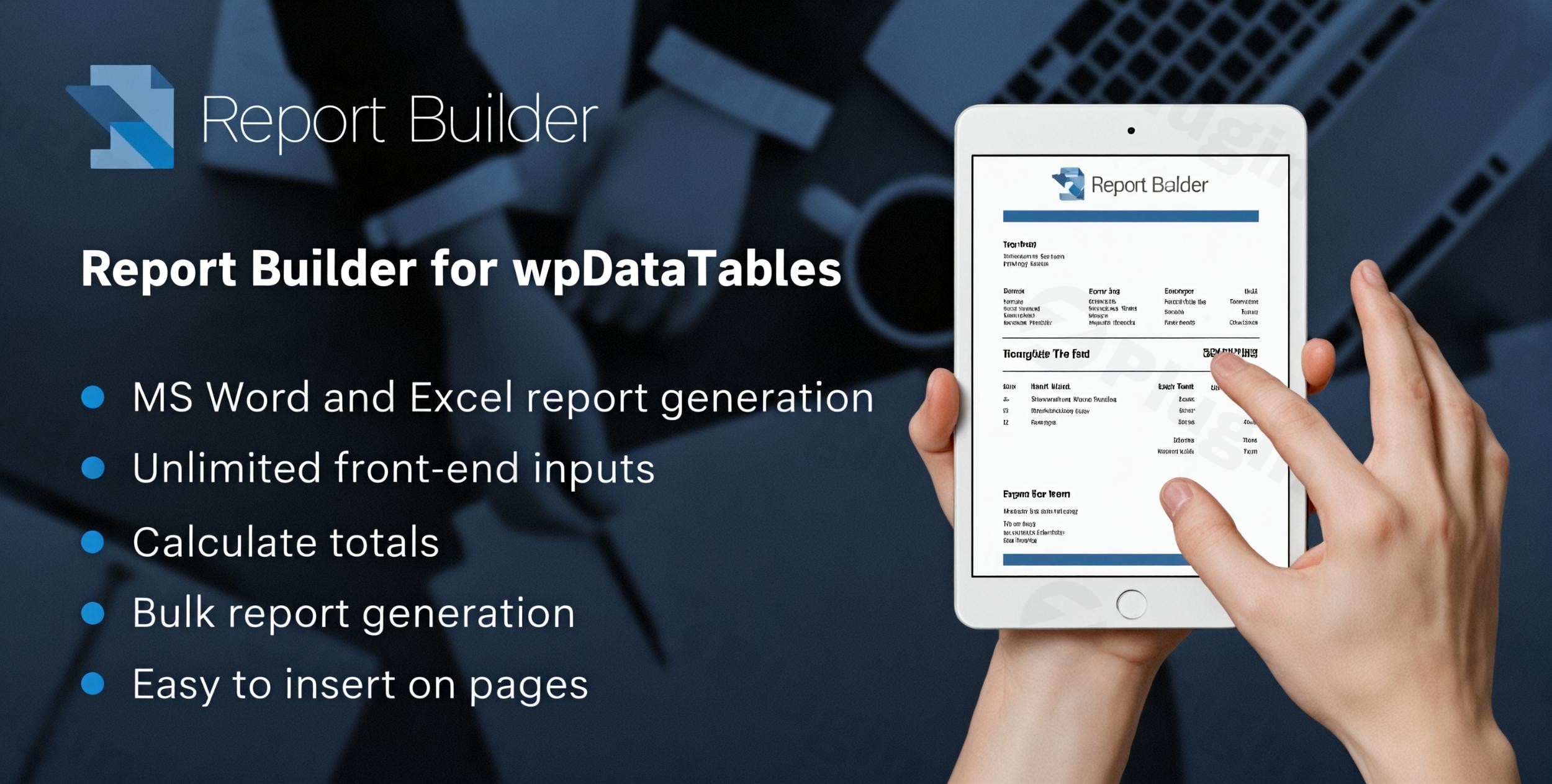
If you manage large datasets in WordPress, you already know that wpDataTables is the gold standard for organizing information. However, presenting that data to clients, employees, or stakeholders often requires more than just a web-based table. The wpDataTables Report Builder is a premium add-on designed to solve this exact problem, allowing you to transform your digital tables into professional, printable documents.Whether you need to generate invoices, employee payslips, or complex financial summaries, this wordpress report builder plugin bridges the gap between your database and high-quality document exports in Microsoft Word (DOCX) and Excel (XLSX) formats.
Key Features of the wpDataTables Report Builder Add-on
The Report Builder Add-on for wpDataTables isn’t just a simple export tool; it is a full-scale document automation engine. Here is how it adds value to your workflow:
1. Template-Based Reporting with Placeholders
Instead of a generic data dump, you can design a custom template in Word or Excel. Use intuitive placeholders like %VAR1%, %VAR2%, or specific column names. When a report is generated, the plugin automatically swaps these placeholders with real-time data from your table.
2. Flexible Bulk Report Generation
You aren’t limited to one report at a time. This add-on allows you to:
- Generate a Single Report: Summarize an entire table (e.g., a “Monthly Sales Overview”).
- Generate Row-Based Reports: Create individual documents for every single row (e.g., 50 different “Attendance Certificates”) and download them all at once in a single ZIP archive.
3. Real-Time Filtering Support
The add-on is “filter-aware.” If you use the front-end search or filtering features of wpDataTables to narrow down your list to “Paid Invoices from October,” the generated report will respect those filters and only include that specific data.
4. Dynamic and Static Content Integration
You can mix static elements—such as your company logo, legal disclaimers, and headers—with dynamic table data. This ensures every document follows your official branding while remaining data-accurate.
5. Role-Based Access Control
Security is vital for internal reporting. You can define exactly which user roles (e.g., Editors, Shop Managers) have permission to see the “Generate Report” buttons, keeping sensitive data restricted to authorized personnel.
How to Install and Set Up the wpDataTables Report Builder
Follow these steps to get your reporting system up and running.
Step 1: Verify Requirements
Before starting, ensure you have the wpDataTables Premium version installed and active. The Report Builder is an add-on and will not function with the Lite version of wpDataTables.
Step 2: Upload and Activate
- Download the add-on .zip file from your member area.
- In your WordPress dashboard, navigate to Plugins > Add New > Upload Plugin.
- Choose the file and click Install Now, then Activate.
- Navigate to wpDataTables > Settings > Activation to enter your license key for updates and support.
Step 3: Create Your First Report Template
- Open Microsoft Word or Excel.
- Design your layout (e.g., an invoice header).
- Place your variables. For example: “Customer Name:
%CUSTOMER_NAME%“. - Save the file as
.docxor.xlsx.
Step 4: Configure the Report in WordPress
- Go to wpDataTables > Report Builder.
- Click Add New and give your report a name.
- Select the Source wpDataTable you want to pull data from.
- Upload your template file.
- Map your placeholders to the table columns in the settings provided.
- Save the report.
Step 5: Add the Download Button to Your Page
You can place the report generation button on any page using the provided shortcode or the WordPress Block Editor (Gutenberg). Users can then click the button to generate Excel files from wpDataTables or download Word documents instantly.
Practical Usage & Best Practices
To get the most out of the wpdatatables export reports functionality, consider these real-world workflows:
- For eCommerce Store Owners: Use the add-on as a wpdatatables addon for custom invoices. Map your WooCommerce order table to a DOCX template to generate branded invoices that look far better than standard HTML receipts.
- For HR Departments: Create a table of employee performance or payroll data. Use the bulk generation feature to create individual “Monthly Payslips” for every employee in one click, saving hours of manual document creation.
- For Event Organizers: If you have a table of registered attendees, use the Report Builder to create word reports from wordpress tables that function as personalized “Thank You” letters or event badges.
* For Financial Analysts: Leverage the “Calculate Totals” feature in the XLSX export to create dynamic summaries that automatically sum up columns, providing a ready-to-use balance sheet for stakeholders.
FAQ & Troubleshooting
What is the wpDataTables Report Builder Add-on?
The wpDataTables Report Builder is an extension for the wpDataTables plugin that allows users to create customized, printable Word (DOCX) and Excel (XLSX) documents using table data and pre-defined templates.
How do I export wpDataTables data to Word?
To export to Word, you must create a .docx template with placeholders (e.g., %COLUMN_NAME%), upload it to the Report Builder Add-on settings, and link it to your table. You can then generate the document via a front-end button or the back-end interface.
Can wpDataTables generate Excel reports with custom formatting?
Yes. Unlike the standard CSV/Excel export which only dumps raw data, the Report Builder Add-on uses an actual Excel template (.xlsx). This allows you to include logos, specific fonts, and pre-set formulas that remain active in the exported file.
Does the Report Builder work with table filters?
Yes. The plugin is designed to follow the table’s current state. If a user filters the table on the front end, the generated report will only include the rows that are currently visible.
What should I do if the report doesn’t download?
First, ensure you have a valid license activated for both the core plugin and the add-on. Second, check that your template file format matches the settings (e.g., don’t upload a .doc file if the system expects .docx). Finally, ensure your server has the necessary PHP permissions to generate files in the wp-content/uploads directory.
Conclusion: Final Verdict
The Report Builder Add-on for wpDataTables is an essential tool for any organization that needs to move data from the screen to the desk. While there are alternatives like Ninja Tables or Gravity PDF, the Report Builder’s unique strength is its native integration with Word and Excel templates.If you are already using wpDataTables and need a way to automate document generation in WordPress, this add-on provides a high ROI by eliminating manual data entry and ensuring your professional reports are always accurate and on-brand.
I. Download Limits & Account Benefits
- Free Downloads: Each email address receives 3 downloads per day for free products
- Upgrade Benefits: Purchase any paid product to increase your daily download limit by 3 for each paid product
- No Account Required: You can download immediately by receiving the download link via email
- Account Recommended: Create an account for easier access to your order history and direct update downloads
II. Understanding GPL vs Official Versions
Important: The products available on WPPick are GPL-licensed versions, which differ from official developer versions. Before purchasing, please read our comprehensive guide: Understanding GPL & Official Differences at WPPick
Key Points:
- GPL versions may not include premium support from original developers
- Updates may be delayed compared to official releases
- Some premium features might have limitations
- Always consider your specific needs and support requirements
III. Support & Assistance
We’re here to help through multiple channels:
- Email Support: Direct email assistance for all inquiries
- Live Chat: Real-time support during business hours
- Comprehensive Documentation: Detailed guides and tutorials
IV. Order Tracking
Access your complete purchase history and download links anytime: Order History
V. Account Access
New to WPPick? Login or Create Account to manage your downloads and orders efficiently.
VI. Refund Protection
We stand behind our products with a clear refund policy. Review our terms: Refund Policy
VII. Privacy & Security
Your data security is our priority. Learn how we protect your information: Privacy Policy
VII. Terms of Service
Understanding our service terms ensures a smooth experience: Terms of Use
Quick Tips for Best Experience
- Verify Compatibility: Check plugin/theme compatibility with your WordPress version
- Backup First: Always backup your site before installing new plugins or themes
- Test Environment: Consider testing on a staging site first
- Stay Updated: Regularly check for updates in your account dashboard
- Read Documentation: Review any included documentation for optimal setup
Need Help?
If you have questions about downloads, licensing, or need technical assistance, don’t hesitate to contact our support team. We’re committed to ensuring you have the best possible experience with WPPick products.
Ready to get started? Your download adventure begins with just one click!
- Improved performance by setting a transient to check on updates every 24 hours instead of on every page load.
- Other small bug fixes.