

Revy – WordPress Booking System For Repair Service Industries
/Year
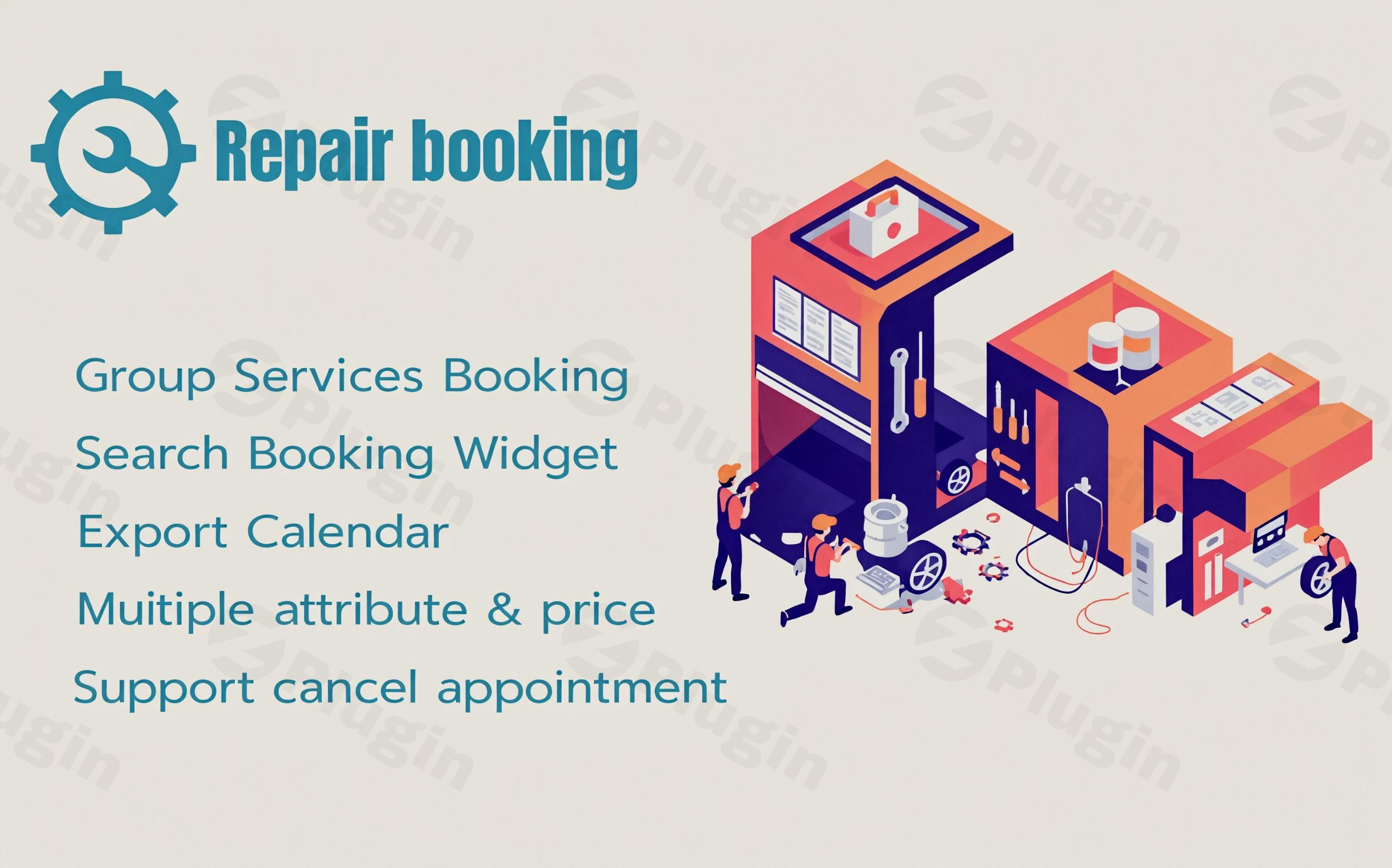
Managing a repair business requires precision, from tracking technician availability to offering customers flexible delivery options. Revy is a specialized WordPress booking system for repair service providers, designed to move beyond generic scheduling and address the unique workflows of auto shops, electronics repair centers, and appliance maintenance teams.Whether you are running a local garage or a nationwide mobile phone repair chain, the Revy WordPress booking plugin transforms your website into a high-converting service hub. In this guide, we will explore its features, setup process, and how it optimizes repair shop appointment scheduling for the modern digital era.
Key Features: Why Revy is the Best WordPress Booking Plugin for Repair Services
Unlike standard “one-size-fits-all” booking tools, Revy is architected for the nuances of service-based businesses. Here are the core capabilities that set it apart:
1. Industry-Specific Workflow & Delivery Methods
Revy understands that “repairing” isn’t always done in a shop. It offers specialized delivery methods including:
- Fixit at Home: Ideal for appliance or plumbing services.
- Carry-In: Standard for computer or mobile repair shops.
- Mail-In Delivery: Perfect for niche electronics repair businesses serving a wider geography.
2. Seamless WooCommerce Integration
One of the strongest unique selling points is the deep WooCommerce integration. This allows you to treat your services like products, enabling:
- Professional invoice generation.
- Support for multiple payment gateways (PayPal, Stripe, etc.).
- Refund management and order tracking within a familiar ecosystem.
3. Service and Staff Management
You can define specific services (e.g., “iPhone Screen Replacement” or “Oil Change”) and assign them to specific technicians. This ensures that customers only book slots when a qualified staff member is actually available.
4. Advanced Store/Garage Locator
For businesses with multiple locations, the “Show store/garage near me” feature helps customers find the most convenient branch, significantly reducing friction in the booking process.
5. Fully Responsive & Page Builder Compatible
The booking form is clean and responsive, ensuring a smooth experience on mobile devices—where most “emergency” repair searches happen. It is also fully compatible with Elementor and WPBakery, allowing you to place your booking forms anywhere on your site with ease.
How to Install Revy WordPress Booking System
Setting up an online booking system for mechanics or tech shops doesn’t have to be complicated. Follow these steps to get Revy running:
- Purchase and Download: Obtain the Revy plugin (JS, HTML, CSS, and PHP files) from a reputable marketplace or your chosen provider.
- Upload to WordPress: Navigate to your WordPress Dashboard > Plugins > Add New > Upload Plugin. Select the zip file and click Install Now.
- Activate: Once uploaded, click Activate Plugin.
- Configure General Settings: Go to the new “Revy” menu item in your sidebar. Here, you can set your business hours, currency, and default booking status.
- Set Up Services & Staff:
- Go to the Services tab to list your repair offerings.
- Go to the Staff tab to add your technicians and set their individual schedules.
- Integrate Payments: Under the Payments tab, enable WooCommerce if you wish to handle transactions through your store, or configure PayPal/Stripe directly.
7. Embed the Booking Form: Use the provided shortcode or the dedicated block in Gutenberg/Elementor to place the booking form on your “Book Now” page.
Practical Usage & Best Practices
To get the most out of your repair shop appointment scheduling software, consider these real-world workflows:
- For Auto Repair Shops: Use the “Garage Locator” and custom fields to ask for the vehicle’s make and model during the booking process. This allows your team to prepare parts before the customer arrives.
- For Mobile Repair Businesses: Highlight the “Fixit at home” option. Customers often pay a premium for convenience, and Revy makes it easy to manage these off-site appointments.
- For Agency Owners: If you manage multiple client sites, Revy’s export functionality is a lifesaver. You can easily export booking lists by customer or status to provide monthly performance reports to your clients.
Pro-Tip: Always enable Automated Email Notifications. Set up a reminder 24 hours before the appointment to reduce “no-shows,” which is a common pain point in the repair industry.
FAQ & Troubleshooting
Is the Revy plugin compatible with Elementor?
Yes, Revy is a WordPress plugin that is fully compatible with Elementor and WPBakery. You can use shortcodes or dedicated widgets to integrate the booking form into your custom layouts without any coding knowledge.
Can I accept payments with the Revy booking system?
Absolutely. Revy supports PayPal, Stripe, and On-Site payments. Furthermore, its seamless integration with WooCommerce allows you to use any payment gateway supported by WooCommerce, making it an ideal online booking system for mechanics and retail repairers.
Does Revy support multiple languages?
Yes. Revy is WPML-ready and supports translation files. This makes it a great choice for service businesses operating in international markets or multilingual regions.
What should I do if the booking calendar doesn’t load?
First, ensure you are using a compatible WordPress version (up to 6.2.x) and WooCommerce version (6.x.x). Most loading issues are caused by plugin conflicts; try temporarily switching to a default WordPress theme or disabling other plugins to isolate the issue.
Verdict: Is Revy Right for You?
The Revy WordPress booking plugin offers a high ROI for businesses that find generic booking tools too restrictive. Its focus on delivery methods (like mail-in or at-home service) and its WooCommerce-first approach to payments make it a powerhouse for professional repair shops.If you need a robust, industry-tailored WordPress booking system for repair service management, Revy provides the technical depth and user-friendly interface required to scale your operations and improve customer trust.Ready to streamline your scheduling? Explore more WordPress tools and reviews at wppick.com.
I. Download Limits & Account Benefits
- Free Downloads: Each email address receives 3 downloads per day for free products
- Upgrade Benefits: Purchase any paid product to increase your daily download limit by 3 for each paid product
- No Account Required: You can download immediately by receiving the download link via email
- Account Recommended: Create an account for easier access to your order history and direct update downloads
II. Understanding GPL vs Official Versions
Important: The products available on WPPick are GPL-licensed versions, which differ from official developer versions. Before purchasing, please read our comprehensive guide: Understanding GPL & Official Differences at WPPick
Key Points:
- GPL versions may not include premium support from original developers
- Updates may be delayed compared to official releases
- Some premium features might have limitations
- Always consider your specific needs and support requirements
III. Support & Assistance
We’re here to help through multiple channels:
- Email Support: Direct email assistance for all inquiries
- Live Chat: Real-time support during business hours
- Comprehensive Documentation: Detailed guides and tutorials
IV. Order Tracking
Access your complete purchase history and download links anytime: Order History
V. Account Access
New to WPPick? Login or Create Account to manage your downloads and orders efficiently.
VI. Refund Protection
We stand behind our products with a clear refund policy. Review our terms: Refund Policy
VII. Privacy & Security
Your data security is our priority. Learn how we protect your information: Privacy Policy
VII. Terms of Service
Understanding our service terms ensures a smooth experience: Terms of Use
Quick Tips for Best Experience
- Verify Compatibility: Check plugin/theme compatibility with your WordPress version
- Backup First: Always backup your site before installing new plugins or themes
- Test Environment: Consider testing on a staging site first
- Stay Updated: Regularly check for updates in your account dashboard
- Read Documentation: Review any included documentation for optimal setup
Need Help?
If you have questions about downloads, licensing, or need technical assistance, don’t hesitate to contact our support team. We’re committed to ensuring you have the best possible experience with WPPick products.
Ready to get started? Your download adventure begins with just one click!