
Schedule Emails
/Year
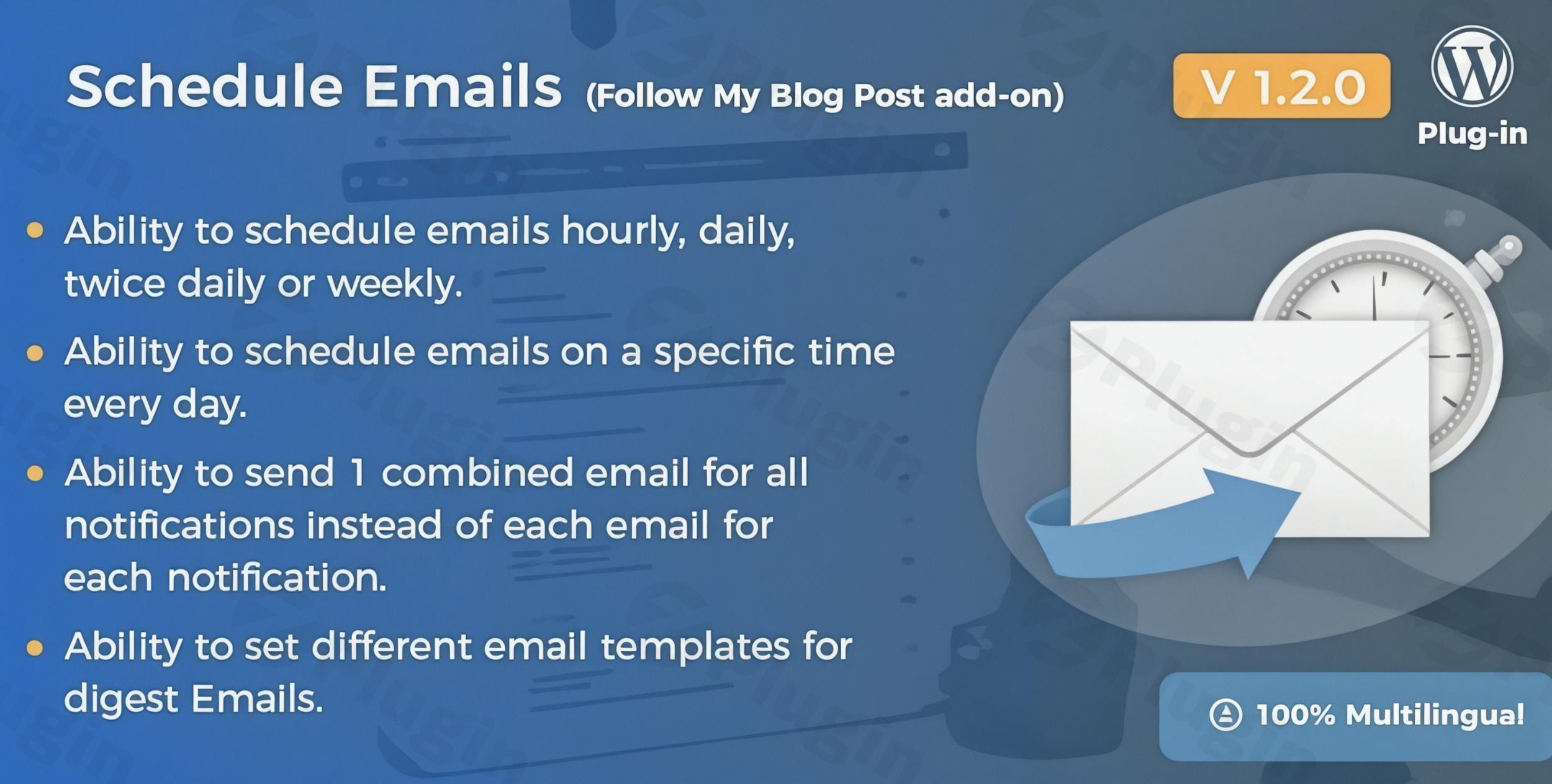
In the dynamic world of content creation, keeping your audience engaged and informed is paramount. The Schedule Emails Extension for Follow My Blog Post is a premium WordPress plugin meticulously designed to enhance your blog’s reach and subscriber interaction by automating timely email notifications. This powerful add-on ensures your carefully crafted content reaches your audience precisely when they are most receptive, fostering deeper engagement and loyalty.As a dedicated solution for bloggers and content marketers, this extension integrates seamlessly with the widely-used Follow My Blog Post plugin, providing a robust framework for managing your content distribution with unparalleled flexibility and reliability.
Key Features of the Schedule Emails Extension
The Schedule Emails Extension for Follow My Blog Post is engineered to offer comprehensive control over your blog notification strategy, ensuring optimal engagement and subscriber satisfaction. Each feature is designed with both technical precision and user convenience in mind:
- Flexible Scheduling Options: Gain granular control over when your subscribers receive updates. Choose from hourly, daily, twice daily, or weekly intervals to align with your publishing frequency and audience habits. This flexibility allows you to optimize delivery times, ensuring your content lands in inboxes when engagement is highest.
- Seamless Integration with Follow My Blog Post Plugin: Designed as a dedicated add-on, this extension integrates effortlessly with your existing Follow My Blog Post installation. This ensures a cohesive and streamlined experience, leveraging your established subscriber base without requiring complex configurations.
- Improved Email Deliverability through Spaced-Out Notifications: To safeguard your email reputation and ensure consistent delivery, the extension intelligently spaces out notifications. This staggered email sending mechanism helps avoid overwhelming mail servers or hitting sending limits with your email service provider, leading to higher inbox placement rates and fewer bounces. This reflects a best practice in email management, demonstrating the plugin’s sophisticated approach to reliability.
- Enhanced Subscriber Experience with Timely Content Updates: Provide your audience with a superior experience by delivering updates consistently and predictably. Timely notifications reduce the likelihood of subscribers missing new posts, encouraging regular visits and fostering a sense of connection with your brand.
- Perfect for Bloggers and Content Marketers: This extension is an indispensable tool for anyone managing a blog or content-rich website. Whether you are a solo blogger, part of a content marketing team, or managing a news site, it simplifies the critical task of keeping your audience informed and engaged with minimal effort.
Why Choose Our Schedule Emails Extension?
Choosing a premium solution like the Schedule Emails Extension means investing in quality, reliability, and dedicated support. Our commitment to excellence is reflected in every aspect of this extension:
- 100% Clean, Malware-Free Code: We prioritize security and performance. Our code is rigorously verified by VirusTotal to ensure it is clean, secure, and free from any malicious elements, providing you with peace of mind.
- Regular Updates for Compatibility: The digital landscape is constantly evolving. We provide regular updates to ensure the Schedule Emails Extension remains fully compatible with the latest WordPress versions, core functionality, and industry best practices, guaranteeing long-term stability and performance.
- Full GPL License: Enjoy complete flexibility and freedom with a full GPL license. This empowers you to modify, distribute, and use the extension as needed for your projects, aligning with the open-source spirit of WordPress.
- Professional Support and Comprehensive Documentation: Our commitment extends beyond the code. We offer professional support to assist you with any queries or challenges, complemented by thorough documentation that guides you through every step of installation, configuration, and usage.
How It Works: Setup and Usage Guide
Setting up the Schedule Emails Extension for Follow My Blog Post is a straightforward process designed for all skill levels:
- Ensure Follow My Blog Post is Installed: This extension is an add-on. Before proceeding, verify that the base Follow My Blog Post plugin (version 1.5.1 or higher) is already installed and activated on your WordPress site.
- Install the Schedule Emails Extension: Upload and install the Schedule Emails Extension like any other WordPress plugin.
- Activate the Extension: Once installed, activate the extension from your WordPress plugins dashboard.
- Configure Your Schedule: Navigate to the intuitive interface within your WordPress admin area. Here, you can easily select your preferred email notification frequency—hourly, daily, twice daily, or weekly.
- Save Your Settings: Save your chosen schedule, and the extension will automatically begin sending out blog post notifications to your subscribers according to your defined parameters.The extension seamlessly integrates into your existing workflow, automating the delivery of content updates without requiring continuous manual intervention.
Perfect for Content Marketers and Blog Owners
The Schedule Emails Extension is an invaluable asset for various users seeking to maximize their content’s impact:
- Bloggers Who Publish Regularly: Maintain a consistent flow of communication with your audience, ensuring they never miss a new post, regardless of your publishing frequency.
- Content Marketers Managing Multiple Writers: Streamline the distribution process for diverse content teams, ensuring all published articles receive timely exposure to subscribers.
- News Sites with Frequent Updates: Essential for platforms where timely information is critical, allowing for rapid and scheduled dissemination of breaking news and updates.
- Any Website Looking to Improve Subscriber Retention: By providing a reliable and non-intrusive method of staying connected, the extension significantly contributes to building a loyal subscriber base and reducing churn.
Technical Requirements
To ensure optimal performance and compatibility, please note the following technical requirements for the Schedule Emails Extension:
- Requires Follow My Blog Post Plugin: This extension requires the Follow My Blog Post plugin (version 1.5.1 or higher) to function. It cannot operate as a standalone solution.
- WordPress Version: Requires WordPress version 5.4 or higher.
- PHP Version: Requires a minimum PHP version of 7.4.
- Server Configuration: While the plugin is optimized, a low
max execution timein your PHP settings might affect the background processing of scheduled emails. We recommend consulting your hosting provider to ensure this setting is adequately configured or try increasing themax execution timeif you encounter issues.By adhering to these requirements, you can ensure a smooth and reliable operation of the Schedule Emails Extension, maximizing your blog’s engagement potential.
Conclusion
The Schedule Emails Extension for Follow My Blog Post is more than just a scheduling tool; it is a strategic asset for anyone serious about elevating their blog’s engagement and fostering a thriving subscriber community. By providing flexible scheduling, ensuring reliable deliverability, and enhancing the overall subscriber experience, this premium WordPress plugin empowers you to connect with your audience more effectively than ever before. Invest in a solution that brings expertise, reliability, and tangible value to your content marketing efforts.
I. Download Limits & Account Benefits
- Free Downloads: Each email address receives 3 downloads per day for free products
- Upgrade Benefits: Purchase any paid product to increase your daily download limit by 3 for each paid product
- No Account Required: You can download immediately by receiving the download link via email
- Account Recommended: Create an account for easier access to your order history and direct update downloads
II. Understanding GPL vs Official Versions
Important: The products available on WPPick are GPL-licensed versions, which differ from official developer versions. Before purchasing, please read our comprehensive guide: Understanding GPL & Official Differences at WPPick
Key Points:
- GPL versions may not include premium support from original developers
- Updates may be delayed compared to official releases
- Some premium features might have limitations
- Always consider your specific needs and support requirements
III. Support & Assistance
We’re here to help through multiple channels:
- Email Support: Direct email assistance for all inquiries
- Live Chat: Real-time support during business hours
- Comprehensive Documentation: Detailed guides and tutorials
IV. Order Tracking
Access your complete purchase history and download links anytime: Order History
V. Account Access
New to WPPick? Login or Create Account to manage your downloads and orders efficiently.
VI. Refund Protection
We stand behind our products with a clear refund policy. Review our terms: Refund Policy
VII. Privacy & Security
Your data security is our priority. Learn how we protect your information: Privacy Policy
VII. Terms of Service
Understanding our service terms ensures a smooth experience: Terms of Use
Quick Tips for Best Experience
- Verify Compatibility: Check plugin/theme compatibility with your WordPress version
- Backup First: Always backup your site before installing new plugins or themes
- Test Environment: Consider testing on a staging site first
- Stay Updated: Regularly check for updates in your account dashboard
- Read Documentation: Review any included documentation for optimal setup
Need Help?
If you have questions about downloads, licensing, or need technical assistance, don’t hesitate to contact our support team. We’re committed to ensuring you have the best possible experience with WPPick products.
Ready to get started? Your download adventure begins with just one click!
- Added compatibility with HPOS