

Scripts Organizer By Dplugins
/Year
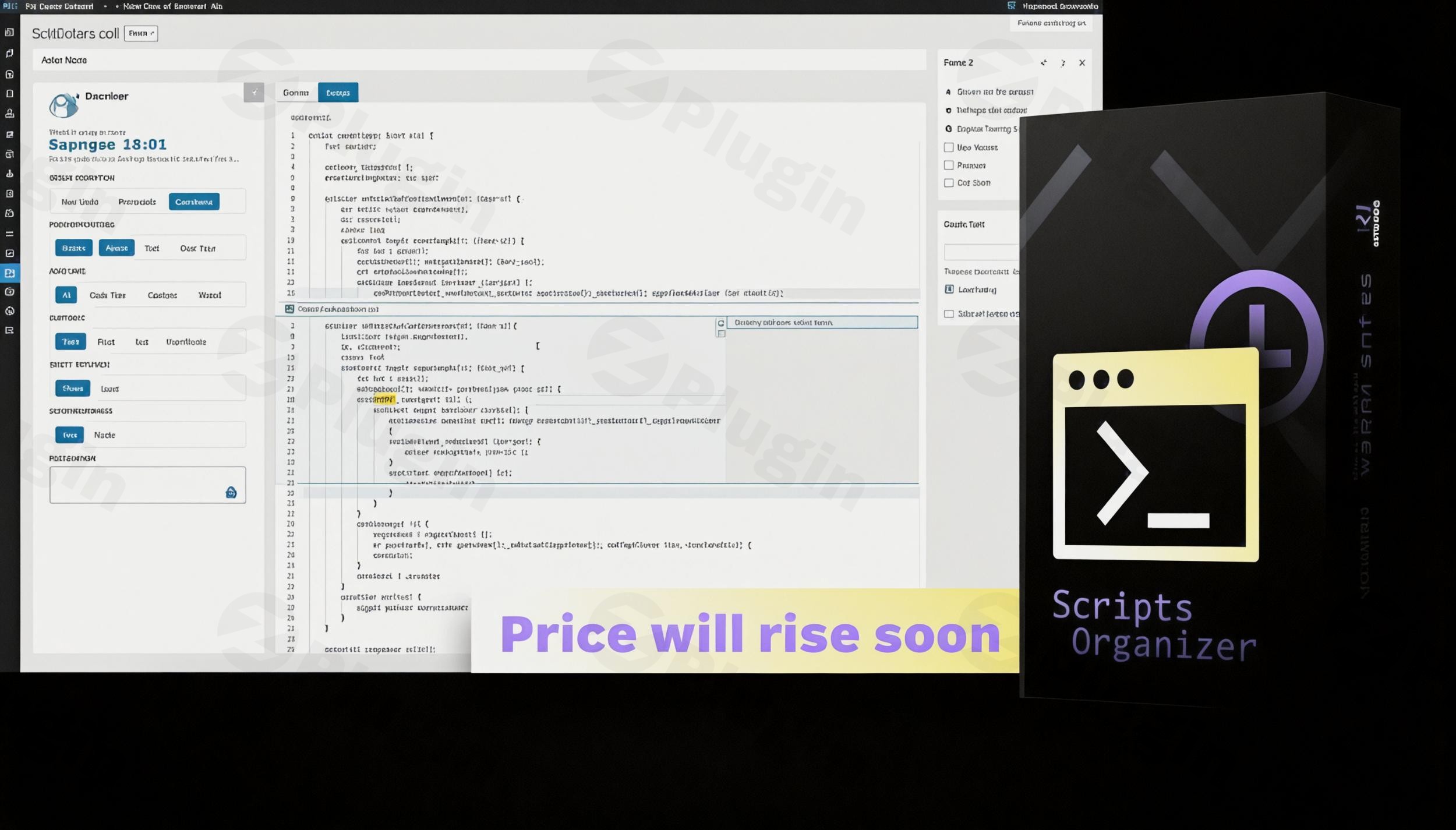
Streamline Your WordPress Customizations with Scripts Organizer
Managing custom code snippets across a WordPress website often becomes a fragmented challenge. Developers and site builders frequently rely on functions.php edits or basic snippet plugins that lack structure and advanced execution control. Scripts Organizer by Dplugins solves this problem by providing a centralized dashboard to deploy, schedule, and structure PHP, JavaScript, CSS, and HTML code cleanly without bloating your site structure.
What Scripts Organizer Does
Scripts Organizer acts as an independent, secure environment inside WordPress for adding custom logic, styling, and tracking codes. It replaces the practice of direct theme modification, ensuring that custom adjustments remain completely isolated from theme updates. Users can write custom code blocks, organize them into folders, and determine exactly where and when they execute using rule-based configurations.
Who It Is For
This tool is designed specifically for WordPress developers, agency designers, and advanced users who routinely implement structural code modifications, tracking integrations, or design overrides. It is highly valued by creators using page builders like Oxygen Builder, Bricks Builder, Elementor, and Gutenberg, as it fills the gap where theme options do not allow deep code injection or granular logic targeting.
Key Capabilities and Advanced Features
- Built-in code editor with syntax highlighting, auto-completion, and error handling to reduce layout-breaking mistakes.
- Conditional execution rules that target specific custom post types, individual page IDs, user roles, or device categories.
- Safe Mode functionality to prevent white-screen errors by automatically deactivating faulty code blocks.
- Code scheduling options to run promotional scripts, temporary CSS adjustments, or time-locked integrations.
- Script manager options for adding attributes like async and defer to third-party scripts to optimize performance.
Practical WordPress Use Cases
- Deploying analytics tracking pixels like Google Tag Manager or Meta Pixels globally or exclusively on specific conversion landing pages.
- Registering custom PHP hooks, filters, shortcodes, and post status modifications securely without touching core template files.
- Applying targeted CSS adjustments or JavaScript routines to specific member roles or checkout sections within WooCommerce.
- Managing layout scripts for visual builders, ensuring code loads efficiently alongside framework-specific templates.
Setup and Compatibility Notes
Scripts Organizer runs directly inside the WordPress dashboard as an administration utility. It operates independently of the active theme, maintaining structural changes smoothly during core or layout changes. Built with broad compatibility in mind, it interfaces clean-coded elements directly into hooks, functioning efficiently alongside cache management tools and security frameworks without introducing asset-loading conflicts.
Reasons to Choose Scripts Organizer on WPPick
Downloading your utilities through WPPick ensures that your development framework remains clean and structurally secure. Every artifact is verified safe from injected security compromises, enabling smooth local or live integration. Site administrators gain access to modern code deployment tools, regular core updates, and structured file architecture without maintaining complex developer licensing channels.
Latest Version Context
Detailed release notes are not available from the provided sources for version 4.0.2. Major architectural improvements introduced in the recent version 4.0 lifecycle feature advanced JavaScript properties such as defer and async alongside unified WordPress Core script handling directly within the code block interface, resolving long-standing performance optimization challenges.
Frequently Asked Questions
Will using Scripts Organizer slow down my WordPress website?
No. The plugin is built to be lightweight and only executes the specific code blocks triggered by your conditional logic. By eliminating the need for separate standalone utility plugins, it can often help decrease overall database and script execution load.
What happens if I write a code snippet with a syntax error?
Scripts Organizer includes built-in safeguards and error tracking. If a code snippet contains critical runtime mistakes that could break your site layout, the integrated Safe Mode helps prevent system-wide lockouts, allowing you to access the dashboard and fix the code.
Can I organize my custom code snippets into categories?
Yes. The dashboard includes intuitive folder management systems that allow you to sort, label, and classify your scripts by project type, location, or script type, keeping your site development highly structured over time.
Does this plugin support block themes and Full Site Editing?
Yes. The plugin interacts cleanly with default WordPress action hooks, meaning it functions across traditional classic themes, modern block-based themes, and premium page-building environments seamlessly.
I. Download Limits & Account Benefits
- Free Downloads: Each email address receives 3 downloads per day for free products
- Upgrade Benefits: Purchase any paid product to increase your daily download limit by 3 for each paid product
- No Account Required: You can download immediately by receiving the download link via email
- Account Recommended: Create an account for easier access to your order history and direct update downloads
II. Understanding GPL vs Official Versions
Important: The products available on WPPick are GPL-licensed versions, which differ from official developer versions. Before purchasing, please read our comprehensive guide: Understanding GPL & Official Differences at WPPick
Key Points:
- GPL versions may not include premium support from original developers
- Updates may be delayed compared to official releases
- Some premium features might have limitations
- Always consider your specific needs and support requirements
III. Support & Assistance
We’re here to help through multiple channels:
- Email Support: Direct email assistance for all inquiries
- Live Chat: Real-time support during business hours
- Comprehensive Documentation: Detailed guides and tutorials
IV. Order Tracking
Access your complete purchase history and download links anytime: Order History
V. Account Access
New to WPPick? Login or Create Account to manage your downloads and orders efficiently.
VI. Refund Protection
We stand behind our products with a clear refund policy. Review our terms: Refund Policy
VII. Privacy & Security
Your data security is our priority. Learn how we protect your information: Privacy Policy
VII. Terms of Service
Understanding our service terms ensures a smooth experience: Terms of Use
Quick Tips for Best Experience
- Verify Compatibility: Check plugin/theme compatibility with your WordPress version
- Backup First: Always backup your site before installing new plugins or themes
- Test Environment: Consider testing on a staging site first
- Stay Updated: Regularly check for updates in your account dashboard
- Read Documentation: Review any included documentation for optimal setup
Need Help?
If you have questions about downloads, licensing, or need technical assistance, don’t hesitate to contact our support team. We’re committed to ensuring you have the best possible experience with WPPick products.
Ready to get started? Your download adventure begins with just one click!
- Added defer, async etc options for javascript scripts
- WP Core scripts added in code block scripts manager field
- Bricks color names notice fix