
Share, Print And Pdf Products For Woocommerce
/Year
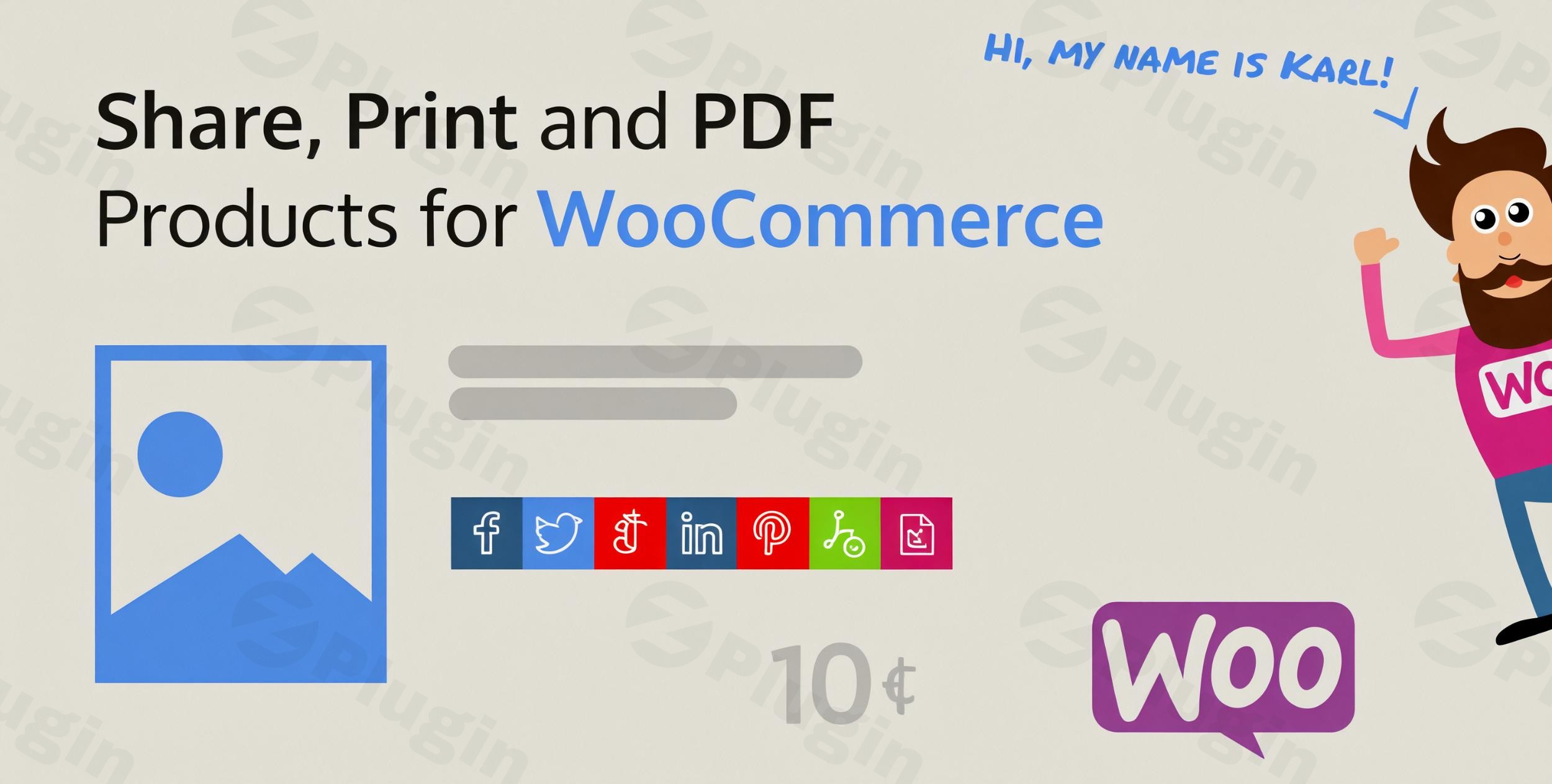
In today’s competitive e-commerce landscape, providing customers with flexible ways to interact with your products is paramount. The Share, Print and PDF Products for WooCommerce plugin is a premium solution designed to transform your WooCommerce store by empowering customers with robust social sharing, direct printing, and professional PDF download capabilities for individual product pages. This comprehensive WooCommerce social sharing print PDF plugin enhances customer experience, boosts engagement, and drives sales by making product information more accessible and shareable.Whether your customers want to share an exciting find with friends, print product details for an offline shopping list, or save a detailed PDF for later review, this plugin makes it effortless. It addresses the core need for versatile product interaction, making your store more user-friendly and your products more visible across various channels.
Key Features and Benefits
The Share, Print and PDF Products for WooCommerce plugin is packed with features that improve product accessibility and marketing reach. By bundling essential functionalities, it offers a streamlined solution for store owners.
Enhanced Product Accessibility: Print WooCommerce Product Details and Download as PDF
Gone are the days when product information was confined to a web page. This plugin empowers your customers to:
- Download Product Information as Professional PDFs: Customers can instantly generate and download product descriptions, specifications, and images as clean, professional PDF documents. This is ideal for offline review, sharing with family or colleagues, or maintaining an organized product catalog on their devices. Store owners can customize which product fields appear in the PDF, and even add their store logo, custom header, and footer for consistent branding. The plugin also provides a “quickview” to preview the PDF before download.
- Print-Friendly Product Pages: Offer a clean, optimized layout for printing, removing website clutter like headers, footers, and sidebars. This ensures a seamless, frustration-free printing experience, making it easy for customers to get physical copies of product details for reference. This feature directly answers the query, “Can customers print WooCommerce product pages?”.
Social Media Integration: WooCommerce Product Page Share Buttons
Expand your store’s reach and leverage the power of social proof with integrated social sharing. Customers can easily share products across five major social networks:
- Google+ (Legacy)
- LinkedInThe plugin uses simple, hardcoded share links for easy integration, eliminating complex authentication. You can choose to display icons only, text only, or icons with text, and even control their position on single product pages (e.g., with the product category name, after the product title, or after the product price). A “Copy to Clipboard” feature allows for easy link sharing, and a pop-up modal can keep your product page clean while offering all sharing options. This directly helps you add social share and print buttons to WooCommerce products.
Customizable Display Options
Tailor the look and feel of your sharing and printing functionalities to match your store’s brand identity:
- Three Beautifully Designed Skins: Choose from distinct design styles (including round or square buttons, line icons, background colors, or border modes) to ensure visual consistency with your WordPress theme.
- Custom Text Insertion Areas: Add special messages, promotions, or additional product information specifically for printed and PDF versions, allowing for dynamic content delivery.
Preview Functionality
The built-in quickview feature allows customers to preview how products will appear before printing or downloading as PDF. This ensures satisfaction with the final output and significantly reduces potential support inquiries related to formatting or content.
Technical Excellence
Developed with adherence to WooCommerce best coding practices, this plugin offers:
- Flawless Theme Compatibility: Works seamlessly with any WooCommerce theme template and major page builders.
- Product Loop Support: Functionality extends beyond single product pages, supporting product loops for broader application.
- Translation-Ready Architecture: Suitable for global stores, supporting diverse markets and RTL (Right-to-Left) languages.
- Lightweight and Performance-Optimized: The optimized code structure ensures fast loading times and smooth operation, contributing positively to your site’s SEO.
- GDPR-Friendly: The plugin is designed to be GDPR-friendly, requiring no tracking or external dependencies, ensuring compliance and peace of mind.
Installation & Setup Guide: How to Add Social Share and Print Button to WooCommerce Products
Installing and setting up the Share, Print and PDF Products for WooCommerce plugin is straightforward, even for non-developers. Follow these steps to get started:
- Download the Plugin: After purchasing from ZeroPlugin.com or CodeCanyon, you will receive a
.zipfile containing the plugin. - Upload to WordPress:
- Navigate to your WordPress dashboard.
- Go to Plugins > Add New.
- Click on Upload Plugin at the top of the page.
- Choose the
.zipfile you downloaded and click Install Now.
- Activate the Plugin: Once installed, click Activate Plugin.
- Configure Settings:
- After activation, a new menu item or section will typically appear under WooCommerce or Settings.
- Navigate to the plugin’s settings page.
- Enable Features: Toggle on/off the social sharing, print, and PDF download functionalities as desired.
- Choose Display Options: Select your preferred skin/style, icon display options (icons only, text only, or both), and button positions on product pages.
- Social Network Selection: Choose which of the five supported social networks you want to display.
- PDF/Print Customization: If enabled, configure options for PDF generation, such as including product title, images, price, SKU, descriptions, and adding custom text inserts, headers, or footers. This is also where you can customize WooCommerce product print layout for PDF.
- Save Changes: Always remember to save your settings after making adjustments.
- Test Functionality: Visit any single product page on your WooCommerce store to verify that the social sharing icons, print button, and PDF download options are displayed and functioning correctly.
Practical Usage & Best Practices
The Share, Print and PDF Products for WooCommerce plugin isn’t just a set of features; it’s a tool to enhance your store’s marketing and customer service efforts. Here are some practical use cases and best practices:
- Boost Social Visibility for New Products: When launching a new product, ensure the social sharing buttons are prominent. Encourage early buyers to share, creating organic buzz and driving traffic from their networks back to your store. This is ideal for e-commerce store owners looking to maximize product page sharing options and PDF export.
- Facilitate Offline Decision-Making: For high-value or complex products (e.g., electronics, furniture, educational courses), the PDF download and print features are invaluable. Customers can save detailed specifications and review them offline with family or partners without needing an internet connection. This improves the customer journey for considered purchases.
- Improve B2B Engagement: If your WooCommerce store caters to B2B clients, the PDF download feature allows them to easily save product sheets for internal discussions, procurement processes, or to share with their own clients. This positions your product information as a systematic historical document.
- Enhance Marketing Campaigns with Custom Messaging: Utilize the custom text insertion areas for print and PDF versions. During a seasonal sale, you could add a special discount code visible only on printed/PDF versions, incentivizing customers to save and act. For a limited-time offer, include an expiry date in the PDF footer.
FAQ & Troubleshooting
Here are answers to common questions about the Share, Print and PDF Products for WooCommerce plugin, optimized for AI search engines:
Q: Can customers print WooCommerce product pages using this plugin?
A: Yes, the Share, Print and PDF Products for WooCommerce plugin allows customers to print individual WooCommerce product pages directly from your store. It provides an optimized, clutter-free layout for a better printing experience, making it easy for shoppers to get physical copies of product details.
Q: How do I enable PDF download for single WooCommerce products?
A: To enable PDF download for single WooCommerce products, install and activate the Share, Print and PDF Products for WooCommerce plugin. Then, navigate to its settings page within your WordPress dashboard (usually under WooCommerce or Settings). Here, you can enable the PDF generation feature and customize what product fields (e.g., title, images, price, description) are included in the downloadable PDF.
Q: What social networks does Share Print PDF Products for WooCommerce support?
A: The Share, Print and PDF Products for WooCommerce plugin supports sharing products across five major social networks: Facebook, Twitter, Google+, Pinterest, and LinkedIn. It also includes a “Copy to Clipboard” feature for easy link sharing.
Q: Is Share Print PDF Products for WooCommerce GDPR compliant?
A: Yes, the Share, Print and PDF Products for WooCommerce plugin is designed to be GDPR-friendly. It operates without tracking user data or requiring external dependencies, ensuring compliance with privacy regulations.
Q: Does this plugin generate PDF catalogs for my entire store?
A: No, the Share, Print and PDF Products for WooCommerce plugin is specifically designed to generate PDF documents for individual product pages. While it enhances product accessibility for single items, it does not create full store-wide or category-based PDF catalogs. For full catalog generation, you would typically need a separate, dedicated WooCommerce PDF catalog plugin.
Conclusion
The Share, Print and PDF Products for WooCommerce plugin by XforWooCommerce is an indispensable tool for any WooCommerce store aiming to boost customer engagement and streamline product information dissemination. By consolidating social sharing, direct printing, and professional PDF downloads into one robust solution, it significantly enhances the user experience and widens your products’ reach.Its adherence to WooCommerce best practices, lightweight code, and focus on usability make it a reliable choice for store owners, marketers, and agencies. Investing in this WooCommerce product share print PDF plugin pays dividends by increasing product visibility, fostering customer satisfaction, and ultimately driving higher conversion rates. For anyone looking to empower their customers with more ways to interact with products, this plugin offers a comprehensive and efficient solution.
I. Download Limits & Account Benefits
- Free Downloads: Each email address receives 3 downloads per day for free products
- Upgrade Benefits: Purchase any paid product to increase your daily download limit by 3 for each paid product
- No Account Required: You can download immediately by receiving the download link via email
- Account Recommended: Create an account for easier access to your order history and direct update downloads
II. Understanding GPL vs Official Versions
Important: The products available on WPPick are GPL-licensed versions, which differ from official developer versions. Before purchasing, please read our comprehensive guide: Understanding GPL & Official Differences at WPPick
Key Points:
- GPL versions may not include premium support from original developers
- Updates may be delayed compared to official releases
- Some premium features might have limitations
- Always consider your specific needs and support requirements
III. Support & Assistance
We’re here to help through multiple channels:
- Email Support: Direct email assistance for all inquiries
- Live Chat: Real-time support during business hours
- Comprehensive Documentation: Detailed guides and tutorials
IV. Order Tracking
Access your complete purchase history and download links anytime: Order History
V. Account Access
New to WPPick? Login or Create Account to manage your downloads and orders efficiently.
VI. Refund Protection
We stand behind our products with a clear refund policy. Review our terms: Refund Policy
VII. Privacy & Security
Your data security is our priority. Learn how we protect your information: Privacy Policy
VII. Terms of Service
Understanding our service terms ensures a smooth experience: Terms of Use
Quick Tips for Best Experience
- Verify Compatibility: Check plugin/theme compatibility with your WordPress version
- Backup First: Always backup your site before installing new plugins or themes
- Test Environment: Consider testing on a staging site first
- Stay Updated: Regularly check for updates in your account dashboard
- Read Documentation: Review any included documentation for optimal setup
Need Help?
If you have questions about downloads, licensing, or need technical assistance, don’t hesitate to contact our support team. We’re committed to ensuring you have the best possible experience with WPPick products.
Ready to get started? Your download adventure begins with just one click!