
Sigmaforms Pro
/Year
Introduction to Sigmaforms Pro
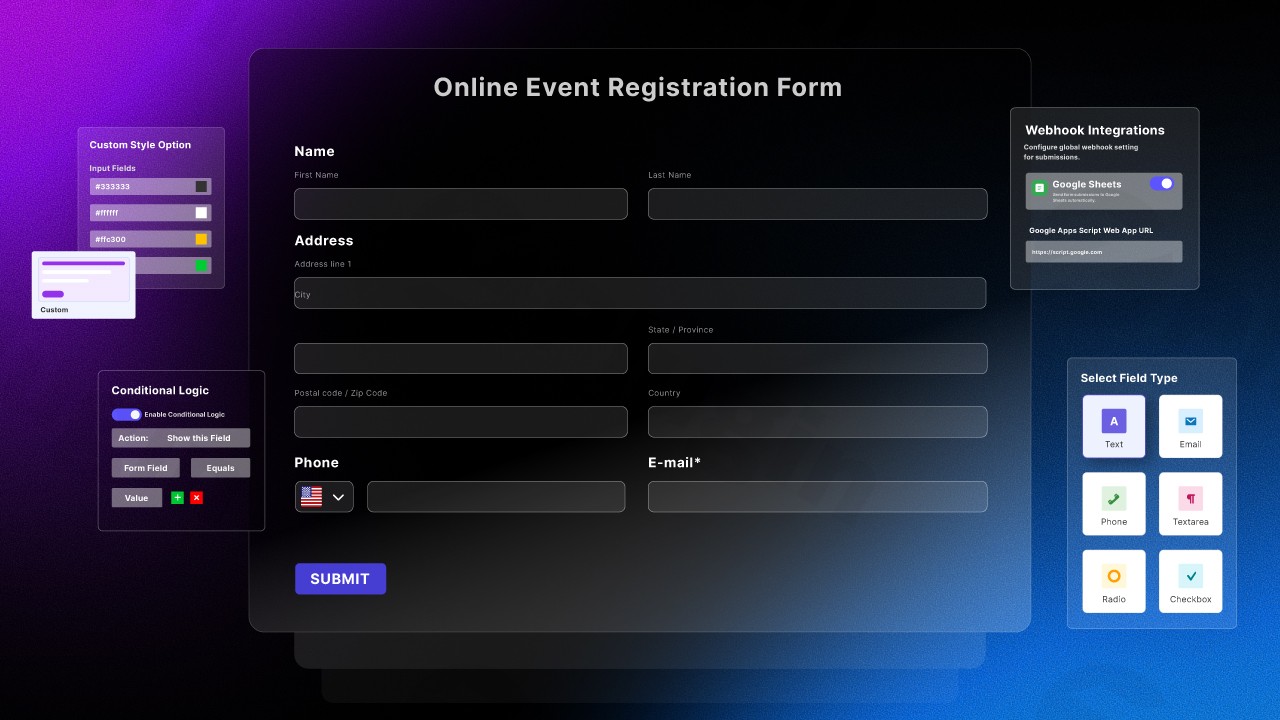
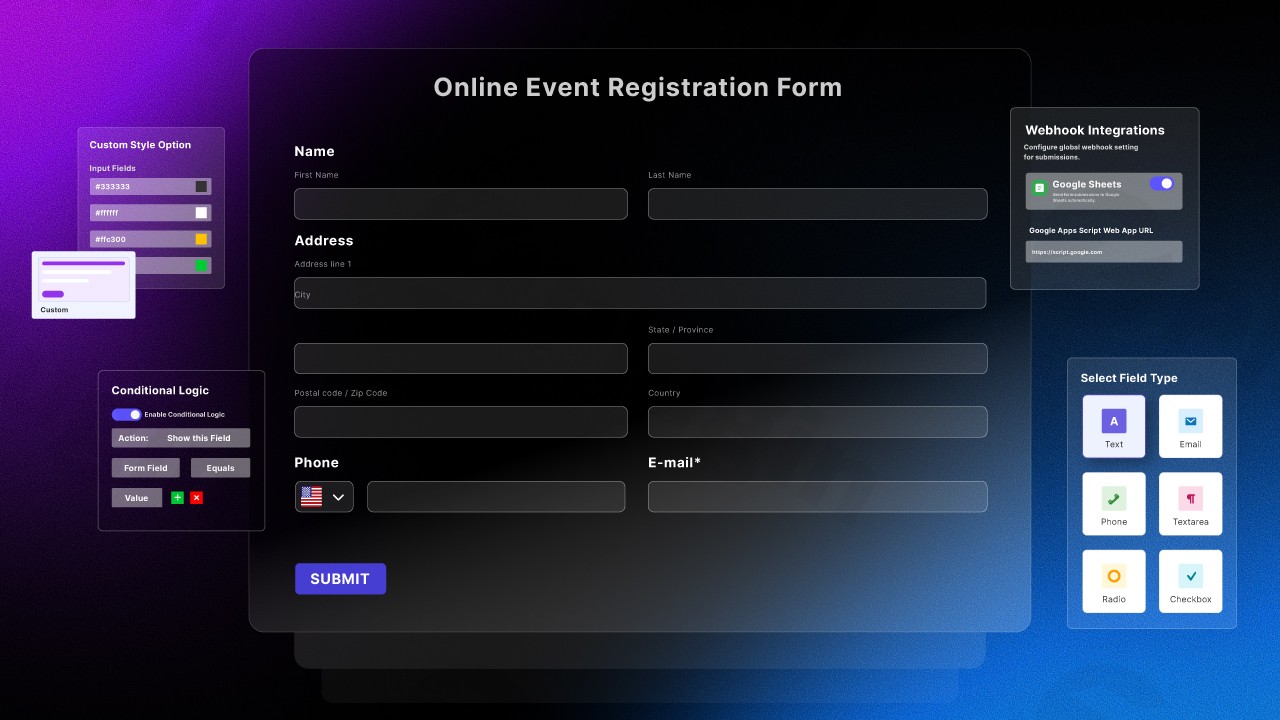
Sigmaforms Pro is a comprehensive WordPress form creation solution designed to simplify how site administrators build interactive and functional online forms. By combining modern artificial intelligence capabilities with a flexible visual interface, this plugin allows users to deploy complex forms without writing code.
What Does Sigmaforms Pro Do?
The plugin streamlines form creation by translating user prompts into fully structured WordPress forms automatically. It supports rich field configurations, multi-step layouts, conditional logic flows, secure file uploads, and automated email notifications with multiple recipient options.
Who Is This Plugin For?
Sigmaforms Pro is built for web developers, digital agencies, small business owners, and content creators who require efficient tools to collect user data, handle customer inquiries, manage registrations, and process feedback seamlessly within WordPress.
Key Capabilities and Features
- AI-driven form generation based on text descriptions.
- Intuitive drag-and-drop visual form builder interface.
- Advanced conditional logic rules for dynamic field visibility.
- Multi-step form pagination to improve completion rates.
- Robust anti-spam protection and secure entry management.
Practical WordPress Use Cases
Site owners can utilize Sigmaforms Pro to build custom contact forms, detailed customer feedback surveys, event registration workflows, job application portals, and quotation request forms tailored to specific business needs.
Setup and Compatibility Context
The plugin integrates smoothly into standard WordPress environments. Installation is managed directly through the WordPress dashboard, and configuration requires no specialized programming knowledge, making it accessible for users of all technical backgrounds.
Reasons to Choose Sigmaforms Pro on WPPick
Choosing Sigmaforms Pro offers a balanced approach to speed and customizability. Its combination of AI automation and deep configuration choices ensures you can scale form functionality alongside your growing website requirements.
Latest Version Context
Version 1.4.10 introduces important internal cleanups, removing legacy promotion notice features, dashboard feed widgets, and associated remote requests to optimize backend performance. Previous updates brought enhanced multi-address email routing options and crucial security hardening for file uploads.
Frequently Asked Questions
Can I create multi-step forms with Sigmaforms Pro?
Yes, the plugin supports multi-step layouts to break lengthy forms into manageable pages for users.
Does Sigmaforms Pro require coding skills?
No, you can build and customize forms entirely using the visual drag-and-drop interface or AI generation tools.
How does the AI form generation feature work?
You provide a descriptive prompt of the form you need, and the AI generates the appropriate fields and structure automatically.
Are form submissions secure against spam?
Yes, built-in anti-spam measures help protect your forms from automated bot submissions.
I. Download Limits & Account Benefits
- Free Downloads: Each email address receives 3 downloads per day for free products
- Upgrade Benefits: Purchase any paid product to increase your daily download limit by 3 for each paid product
- No Account Required: You can download immediately by receiving the download link via email
- Account Recommended: Create an account for easier access to your order history and direct update downloads
II. Understanding GPL vs Official Versions
Important: The products available on WPPick are GPL-licensed versions, which differ from official developer versions. Before purchasing, please read our comprehensive guide: Understanding GPL & Official Differences at WPPick
Key Points:
- GPL versions may not include premium support from original developers
- Updates may be delayed compared to official releases
- Some premium features might have limitations
- Always consider your specific needs and support requirements
III. Support & Assistance
We’re here to help through multiple channels:
- Email Support: Direct email assistance for all inquiries
- Live Chat: Real-time support during business hours
- Comprehensive Documentation: Detailed guides and tutorials
IV. Order Tracking
Access your complete purchase history and download links anytime: Order History
V. Account Access
New to WPPick? Login or Create Account to manage your downloads and orders efficiently.
VI. Refund Protection
We stand behind our products with a clear refund policy. Review our terms: Refund Policy
VII. Privacy & Security
Your data security is our priority. Learn how we protect your information: Privacy Policy
VII. Terms of Service
Understanding our service terms ensures a smooth experience: Terms of Use
Quick Tips for Best Experience
- Verify Compatibility: Check plugin/theme compatibility with your WordPress version
- Backup First: Always backup your site before installing new plugins or themes
- Test Environment: Consider testing on a staging site first
- Stay Updated: Regularly check for updates in your account dashboard
- Read Documentation: Review any included documentation for optimal setup
Need Help?
If you have questions about downloads, licensing, or need technical assistance, don’t hesitate to contact our support team. We’re committed to ensuring you have the best possible experience with WPPick products.
Ready to get started? Your download adventure begins with just one click!
- Removed promotion notice feature and all of its assets, AJAX handler, and dismissal logic.
- Removed dashboard feed widget and its remote feed requests, transients, and styles.
- CC and BCC email fields for form submission notifications in global settings and per-form email overrides
- Support for multiple email addresses (comma-separated) in To, CC, and BCC fields
- Fixed critical security vulnerability that allowed unauthenticated arbitrary file upload and remote code execution via public form file fields