

Social Chat Pro By Quadlayers
/Year
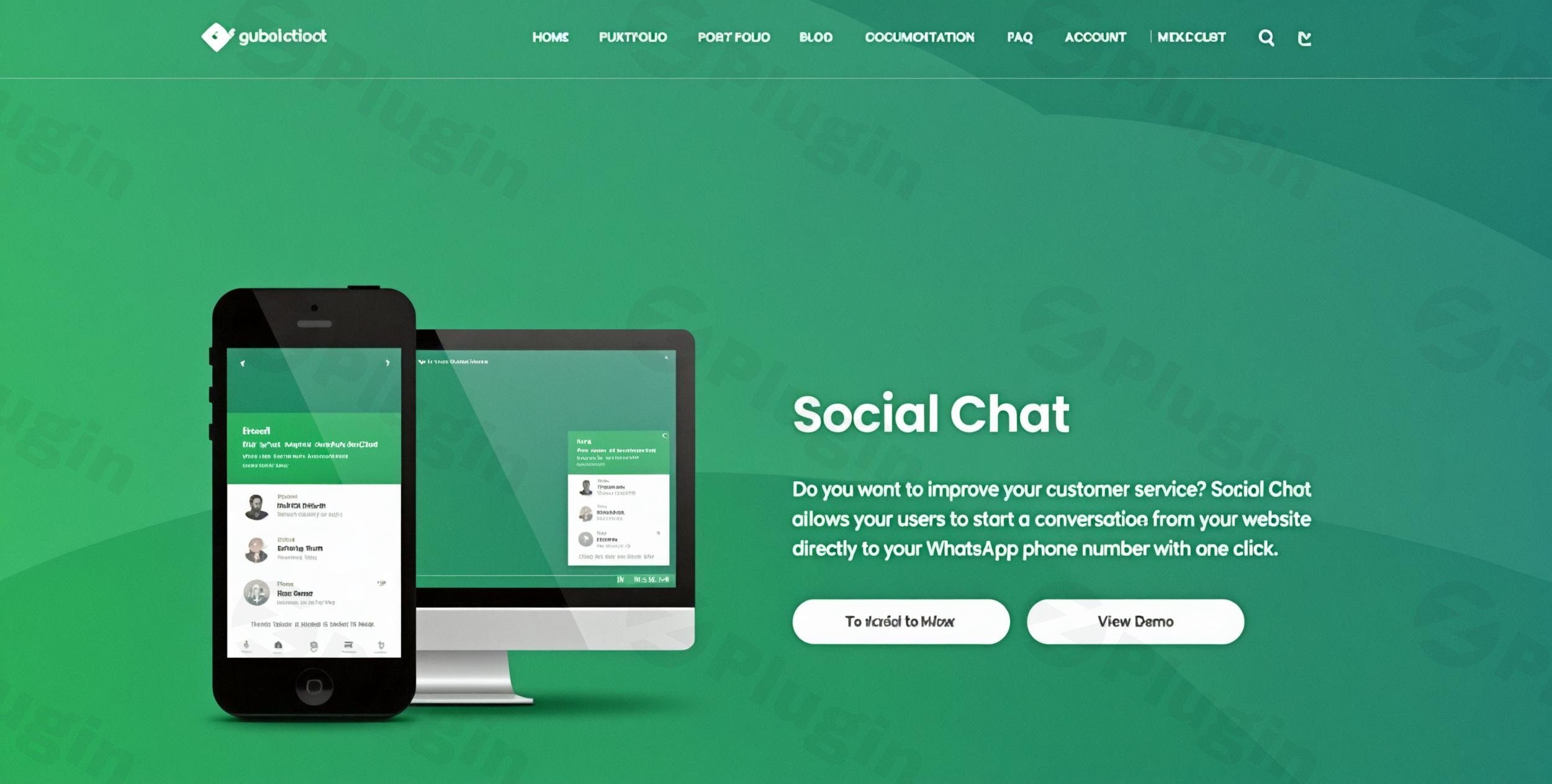
Direct WhatsApp Communication for WordPress
Social Chat Pro by QuadLayers bridges the gap between website visitors and your support or sales team by integrating direct WhatsApp chat functionality. Rather than relying on traditional contact forms or external ticketing portals, this plugin enables instant, real-time messaging directly to dedicated WhatsApp phone numbers. Visitors can quickly initiate conversations via desktop WhatsApp Web or mobile apps, streamlining lead generation, customer support, and sales inquiries.
What Social Chat Pro Does
Social Chat Pro provides flexible contact options ranging from simple click-to-chat floating buttons to interactive chat box layouts. Users can choose between single-contact buttons or comprehensive multi-agent boxes. When a user clicks to chat, the plugin passes structured preset or custom messages into WhatsApp, initiating a seamless transition from your website to a direct messaging conversation.
Who Social Chat Pro Is Built For
This plugin caters to online businesses, WooCommerce store owners, service providers, digital agencies, and customer success teams looking to reduce response times and boost conversion rates. It is ideal for teams that manage distinct support departments—such as sales, technical support, and billing—and need to route customer queries to specific team members efficiently.
Key Capabilities and Features
- Multi-agent support with individual names, titles, avatars, and dedicated WhatsApp numbers.
- Customizable chat boxes featuring personalized welcome messages and user input fields.
- Dynamic WooCommerce integration utilizing product-specific variables for instant inquiries.
- Display rule targeting based on specific posts, pages, categories, or site sections.
- Custom availability schedules and time zone settings to control agent visibility during working hours.
- Visual styling controls including over 40 custom icons, color pickers, and layout presets.
- Full WPML compatibility and string translation readiness for multilingual sites.
- GDPR-compliant architecture that redirects chats without storing personal user data on your site.
Practical WordPress Use Cases
E-commerce stores running WooCommerce can leverage Social Chat Pro on product pages, allowing shoppers to send pre-filled messages containing product names or URLs directly to sales reps. Service-based businesses can deploy multi-agent support boxes on contact pages, enabling visitors to connect directly with specialized departments like sales or support. Marketing teams can also set custom greeting messages based on user landing pages to increase lead conversion rates.
Setup and Compatibility Considerations
Setting up Social Chat Pro involves installing the plugin zip file via the standard WordPress dashboard and configuring agent details under the dedicated settings menu. The plugin operates cleanly alongside major page builders, including Elementor, WPBakery, and Gutenberg. Because it relies on standard WhatsApp web and app API protocol redirects, performance impact remains minimal, requiring no heavy external database queries.
Why Choose Social Chat Pro on WPPick
Obtaining Social Chat Pro via WPPick provides web developers and business owners access to clean, fully functional plugin packages. It allows teams to test, deploy, and scale direct customer communication channels across multiple projects without recurring subscription locks or artificial domain restrictions.
Latest Version Context
Detailed release notes are not available from the provided sources for version 8.3.11. The vendor does not publicly publish a separate, line-by-line changelog for the Pro edition. Users upgrading to this release receive the latest software package directly compiled for current WordPress environment compatibility.
Frequently Asked Questions
Does Social Chat Pro store customer chat history on WordPress?
No. Social Chat Pro acts as a bridge between your website and WhatsApp. Once a user clicks the chat button, the conversation takes place entirely within the official WhatsApp Web interface or WhatsApp mobile application, ensuring privacy and GDPR compliance.
Can I add multiple customer support agents?
Yes. The Pro version supports unlimited team member accounts. You can display multiple agents inside a single chat box, complete with individual avatars, job titles, working hours, and individual phone numbers.
How does the WooCommerce integration work?
When placed on WooCommerce product pages, Social Chat Pro can automatically pre-fill user messages with dynamic tags, such as the current product name or page link, giving your sales agents immediate context when a chat opens.
Is Social Chat Pro compatible with mobile devices?
Yes. The chat floating buttons and agent boxes are fully responsive. When tapped on mobile devices, the plugin seamlessly opens the native WhatsApp mobile app installed on the user’s phone.
Can I control when the chat button appears?
Yes. The plugin includes built-in availability controls, allowing you to set specific working hours according to your time zone so buttons automatically hide or change status when agents are offline.
I. Download Limits & Account Benefits
- Free Downloads: Each email address receives 3 downloads per day for free products
- Upgrade Benefits: Purchase any paid product to increase your daily download limit by 3 for each paid product
- No Account Required: You can download immediately by receiving the download link via email
- Account Recommended: Create an account for easier access to your order history and direct update downloads
II. Understanding GPL vs Official Versions
Important: The products available on WPPick are GPL-licensed versions, which differ from official developer versions. Before purchasing, please read our comprehensive guide: Understanding GPL & Official Differences at WPPick
Key Points:
- GPL versions may not include premium support from original developers
- Updates may be delayed compared to official releases
- Some premium features might have limitations
- Always consider your specific needs and support requirements
III. Support & Assistance
We’re here to help through multiple channels:
- Email Support: Direct email assistance for all inquiries
- Live Chat: Real-time support during business hours
- Comprehensive Documentation: Detailed guides and tutorials
IV. Order Tracking
Access your complete purchase history and download links anytime: Order History
V. Account Access
New to WPPick? Login or Create Account to manage your downloads and orders efficiently.
VI. Refund Protection
We stand behind our products with a clear refund policy. Review our terms: Refund Policy
VII. Privacy & Security
Your data security is our priority. Learn how we protect your information: Privacy Policy
VII. Terms of Service
Understanding our service terms ensures a smooth experience: Terms of Use
Quick Tips for Best Experience
- Verify Compatibility: Check plugin/theme compatibility with your WordPress version
- Backup First: Always backup your site before installing new plugins or themes
- Test Environment: Consider testing on a staging site first
- Stay Updated: Regularly check for updates in your account dashboard
- Read Documentation: Review any included documentation for optimal setup
Need Help?
If you have questions about downloads, licensing, or need technical assistance, don’t hesitate to contact our support team. We’re committed to ensuring you have the best possible experience with WPPick products.
Ready to get started? Your download adventure begins with just one click!
- Changelog Not Found!
- Changelog Not Found!
- Changelog Not Found!
- Changelog Not Found
- Changelog Not Found!