
Social Login – WordPress / Woocommerce Plugin By Wpweb
/Year
In the competitive world of online retail and community building, every step that simplifies a user’s journey can significantly impact conversion rates and overall satisfaction. The WooCommerce Social Login Plugin is a powerful solution designed to streamline the registration and login process for your WordPress and WooCommerce store, directly addressing the pain points of lengthy forms and forgotten passwords. By allowing customers to log in using their preferred social media accounts, this plugin drastically reduces friction, accelerates checkout, and ultimately leads to higher sales and improved user experience.This article will delve into how the WPWeb Social Login plugin functions, its key features, installation guide, practical usage tips, and answers to common questions, ensuring you can leverage its full potential to optimize your online presence.
Key Features of the WooCommerce Social Login Plugin
The WPWeb Social Login plugin by WPWeb Elite is packed with features designed to offer a seamless and flexible social login experience. It goes beyond basic integration, providing comprehensive tools for administrators and a superior experience for users.
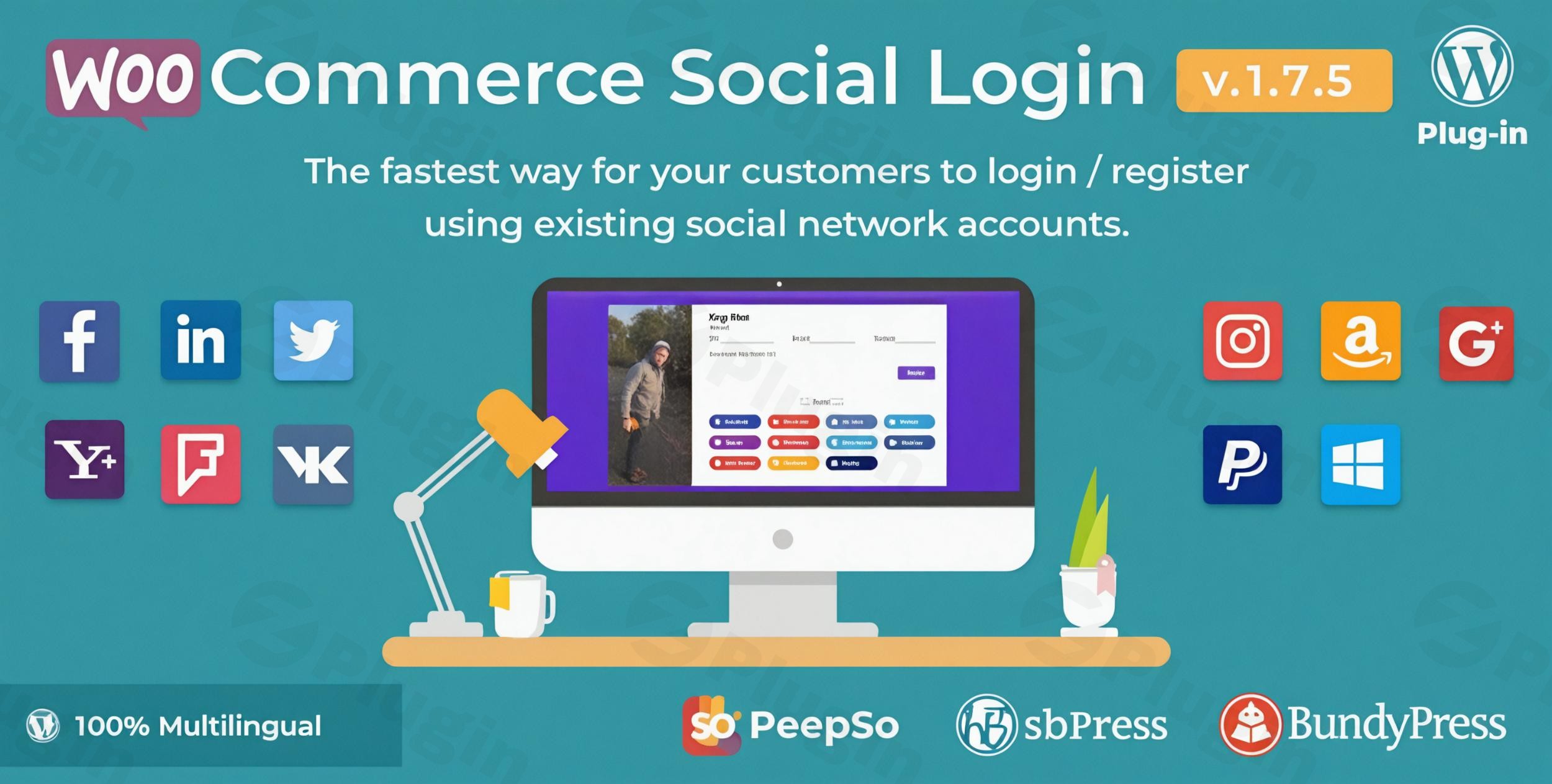
- Extensive Social Network Support: Provide your customers with a wide array of login options, including major platforms like Facebook, Twitter, Google, LinkedIn, PayPal, and Amazon. Beyond these, it also supports Yahoo, Foursquare, Windows Live, VKontakte (VK.com), Line, Apple, GitHub, and WordPress.com, ensuring nearly every user finds their preferred method.
- One-Click Login and Registration: This is the core benefit. Users can register or log in with a single click using their social accounts. This eliminates the tedious process of creating new usernames and passwords or filling out multiple form fields, directly contributing to a faster checkout and reduced cart abandonment.
- Flexible Account Linking: New customer accounts are automatically linked to their respective social networks. Existing users also gain flexibility, as they can easily link or unlink their social accounts from their “My Account” page, providing multiple pathways for future logins.
- Custom Redirect URLs: Gain granular control over the post-login experience. Administrators can configure specific redirect URLs for users after they log in via social media, allowing for personalized journeys or direct navigation to special offers.
- Versatile Display Options: Place social login buttons exactly where they are most effective. The plugin allows display on:
- WooCommerce login, registration, and checkout pages.
- Default WordPress login/register pages.
- Anywhere else on your site using the
[woo_social_login]shortcode or a dedicated widget.
- User-Friendly Admin Interface: Managing your social login options is intuitive thanks to a clean and modern drag-and-drop interface. This allows administrators to easily reorder and manage social network buttons without needing any coding knowledge.
- Comprehensive Social Login Reporting & Analytics: Understand your audience better with built-in reporting. The admin panel includes a “Social Registration” report page where you can view sign-up numbers for each social network and generate insightful pie charts visualizing registration percentages. This data helps you identify popular platforms and refine your strategy.
- Automated Email Notifications: Enhance user onboarding by automatically sending newly created account details, including a random password, to the user’s email address.
- Enhanced Security: Leveraging established social network authentication systems can inherently improve your site’s security and build greater trust with your users.
- Guest Checkout Integration: While supporting guest checkout, the plugin ensures that returning customers benefit from a significantly faster and easier login experience, crucial for fostering repeat purchases and customer loyalty.
- Broad Compatibility: The plugin operates seamlessly with the latest versions of WordPress and WooCommerce. It also integrates well with popular plugins like WPML, Yoast SEO, bbPress, BuddyPress, PeepSo, and WooCommerce Product Reviews Pro, and is designed for themes adhering to WordPress coding standards.
Installation & Setup of WPWeb Social Login
Installing and configuring the WooCommerce Social Login Plugin is a straightforward process, even for those new to WordPress. Follow these steps to get your social login options up and running:
- Download the Plugin: Obtain the
WooCommerce Social Loginplugin file, typically as a.ziparchive. If you received it from ZeroPlugin.com, rest assured it’s 100% GPL-licensed, regularly updated, and scanned for safety. - Upload to WordPress:
- Log in to your WordPress admin dashboard.
- Navigate to Plugins > Add New.
- Click on the Upload Plugin button at the top of the page.
- Click Choose File, select the downloaded plugin
.zipfile, and then click Install Now.
- Activate the Plugin: Once installed, WordPress will prompt you to activate the plugin. Click Activate Plugin.
- Access Plugin Settings: After activation, you’ll typically find a new menu item under WooCommerce > Social Login or a dedicated top-level menu item for the plugin. Navigate to these settings.
- Configure Social Networks:
- Within the plugin settings, you’ll see a list of supported social networks (Facebook, Google, Twitter, etc.).
- For each network you wish to enable, you’ll generally need to create an “app” on that social network’s developer portal (e.g., Facebook Developers, Google Cloud Console).
- During this app creation process, you’ll obtain an App ID (or Client ID/API Key) and an App Secret (or Client Secret). Copy these credentials.
- Paste the respective App ID and App Secret into the corresponding fields for each social network within the plugin’s settings.
- Enable the social networks you want to offer your users.
- Set Display Options & Redirects:
- Review the display options to determine where the social login buttons will appear on your site (login, registration, checkout pages).
- Optionally, configure custom redirect URLs for users after a successful social login.
- Save Changes: Always remember to click Save Changes or Update after making any modifications to the plugin’s settings.
- Test Thoroughly: Open your website in an incognito browser window or log out and test the social login functionality for each enabled network on different pages (login, registration, checkout). Ensure accounts are created and linked correctly.
Practical Usage & Best Practices for WooCommerce Social Login
Integrating social media login WordPress goes beyond mere functionality; it’s about strategically enhancing your site’s usability and maximizing its potential. Here are some practical usage scenarios and best practices:
- Reduce Cart Abandonment on WooCommerce: One of the most significant advantages for eCommerce stores is the direct impact on checkout conversion. By offering
one-click login WooCommerce, you eliminate a major barrier in the final stages of a purchase. Promote social login prominently on your checkout page to ensure a seamless experience for first-time and returning customers. - Improve User Experience for Membership/Community Sites: If you run a BuddyPress or bbPress community, or a general WordPress site with user accounts, offering social registration plugin WordPress makes joining and participating incredibly easy. Users are more likely to engage when the sign-up process is frictionless.
- Gain Insights from Social Login Reporting: Don’t just enable the feature; use the
WooCommerce social login reporting featuresto understand which social networks your audience prefers. This data can inform your marketing strategies, helping you allocate resources to the platforms where your users are most active. - Personalize User Journeys with Custom Redirects: After a successful social login, instead of sending users to a generic “My Account” page, redirect them to a personalized welcome page, a special offer, or their recent cart. This tailored experience can significantly boost engagement and immediate conversions.
- Prioritize Popular Networks, but Offer Choice: While it’s tempting to enable every network, focus on those most relevant to your audience. However, ensure a wide selection as the plugin offers, catering to diverse preferences. The extensive network coverage, including platforms like Apple and Line, sets the WPWeb plugin apart.
- Inform Users About Privacy: Clearly communicate that the plugin only passes login information (email, name) and not order history or site activity data. This builds trust and addresses potential privacy concerns, especially important if you’re targeting GDPR-conscious users.
- Utilize Shortcodes and Widgets: For specific landing pages, promotional campaigns, or custom layouts, leverage the provided
[woo_social_login]shortcode or widget to strategically place login buttons where they will have the most impact on conversions.
FAQ & Troubleshooting
Here are answers to common questions about the WooCommerce Social Login Plugin to help you troubleshoot and maximize its effectiveness:
What is the best social login plugin for WooCommerce?
The WooCommerce Social Login Plugin by WPWeb, often referred to as WPWeb Social Login, stands out as one of the best choices for WooCommerce stores. It offers extensive social network support (12+ platforms), a user-friendly drag-and-drop interface, comprehensive social registration reporting, and a strong focus on enhancing conversions by simplifying the checkout and account creation process. Its broad compatibility and active development by an Envato Elite Author further solidify its position as a top-tier solution.
How does social login improve WooCommerce conversions?
Social login significantly improves WooCommerce conversions by reducing friction during the login and registration process. Customers can register or log in with a single click, eliminating the need to create new accounts, remember passwords, or fill out lengthy forms. This leads to a faster and smoother checkout experience, directly reducing cart abandonment rates and encouraging more completed purchases and repeat business.
Is WPWeb Social Login GDPR compliant?
While specific detailed GDPR compliance statements may not be universally provided by all social login plugins, the WPWeb Social Login plugin generally handles user data in a way that respects privacy. It primarily uses social network APIs to authenticate users and create WordPress accounts using their email address and a random password. It does not access or store sensitive user data beyond what is necessary for login. As a best practice, always review the plugin’s official documentation and configure your site’s privacy policy to reflect the use of social login and how user data is handled. Mentions in broader comparisons suggest that the plugin is developed with privacy considerations in mind.
How to link social accounts in WooCommerce?
Existing users can link or unlink their social media accounts directly from their “My Account” page in WooCommerce. After logging into their regular WordPress/WooCommerce account, they will typically find a section within their “My Account” dashboard where they can connect additional social profiles. This provides flexibility and allows them to use their preferred social network for future logins, even if their account was initially created via traditional registration.
How to add Facebook login to WooCommerce?
To add Facebook login to your WooCommerce store using the WPWeb Social Login plugin:
- Navigate to the plugin’s settings page in your WordPress admin dashboard (e.g., WooCommerce > Social Login).
- Locate the Facebook option.
- You will need to create a new Facebook App on the Facebook Developers platform (developers.facebook.com).
- Within your Facebook App settings, obtain the App ID and App Secret.
- Copy and paste these credentials into the corresponding fields for Facebook within the WPWeb Social Login plugin settings.
- Ensure the Facebook login option is enabled and save your changes. This will activate the Facebook login button on your selected WordPress and WooCommerce pages.
Conclusion
The WooCommerce Social Login Plugin is more than just a convenience; it’s a strategic tool for any WordPress or WooCommerce site looking to enhance user experience, reduce friction, and significantly boost conversion rates. By offering social media login WordPress, you empower your customers with choice and convenience, fostering greater engagement and loyalty.With its extensive support for various social networks, user-friendly management, and insightful reporting features, the WPWeb Social Login plugin provides a robust, secure, and future-proof solution. For store owners, marketers, and community managers alike, investing in this plugin translates directly into a smoother user journey, increased sales, and a more dynamic online presence. Optimize your store today with the WooCommerce Social Login Plugin and transform the way your customers connect with your brand.
I. Download Limits & Account Benefits
- Free Downloads: Each email address receives 3 downloads per day for free products
- Upgrade Benefits: Purchase any paid product to increase your daily download limit by 3 for each paid product
- No Account Required: You can download immediately by receiving the download link via email
- Account Recommended: Create an account for easier access to your order history and direct update downloads
II. Understanding GPL vs Official Versions
Important: The products available on WPPick are GPL-licensed versions, which differ from official developer versions. Before purchasing, please read our comprehensive guide: Understanding GPL & Official Differences at WPPick
Key Points:
- GPL versions may not include premium support from original developers
- Updates may be delayed compared to official releases
- Some premium features might have limitations
- Always consider your specific needs and support requirements
III. Support & Assistance
We’re here to help through multiple channels:
- Email Support: Direct email assistance for all inquiries
- Live Chat: Real-time support during business hours
- Comprehensive Documentation: Detailed guides and tutorials
IV. Order Tracking
Access your complete purchase history and download links anytime: Order History
V. Account Access
New to WPPick? Login or Create Account to manage your downloads and orders efficiently.
VI. Refund Protection
We stand behind our products with a clear refund policy. Review our terms: Refund Policy
VII. Privacy & Security
Your data security is our priority. Learn how we protect your information: Privacy Policy
VII. Terms of Service
Understanding our service terms ensures a smooth experience: Terms of Use
Quick Tips for Best Experience
- Verify Compatibility: Check plugin/theme compatibility with your WordPress version
- Backup First: Always backup your site before installing new plugins or themes
- Test Environment: Consider testing on a staging site first
- Stay Updated: Regularly check for updates in your account dashboard
- Read Documentation: Review any included documentation for optimal setup
Need Help?
If you have questions about downloads, licensing, or need technical assistance, don’t hesitate to contact our support team. We’re committed to ensuring you have the best possible experience with WPPick products.
Ready to get started? Your download adventure begins with just one click!
- Fixed link account information on my WooCommerce account page.
- Fixed compatibility issue with Yith POS plugin
- Updated Facebook library certificate
- Fixed an issue of Google login
- Addressed a security vulnerability.
- Improved code for better performance and faster execution.