

Social Stream For WordPress – Add Facebook Instagram Twitter Youtube Feed To WordPress Website
/Year
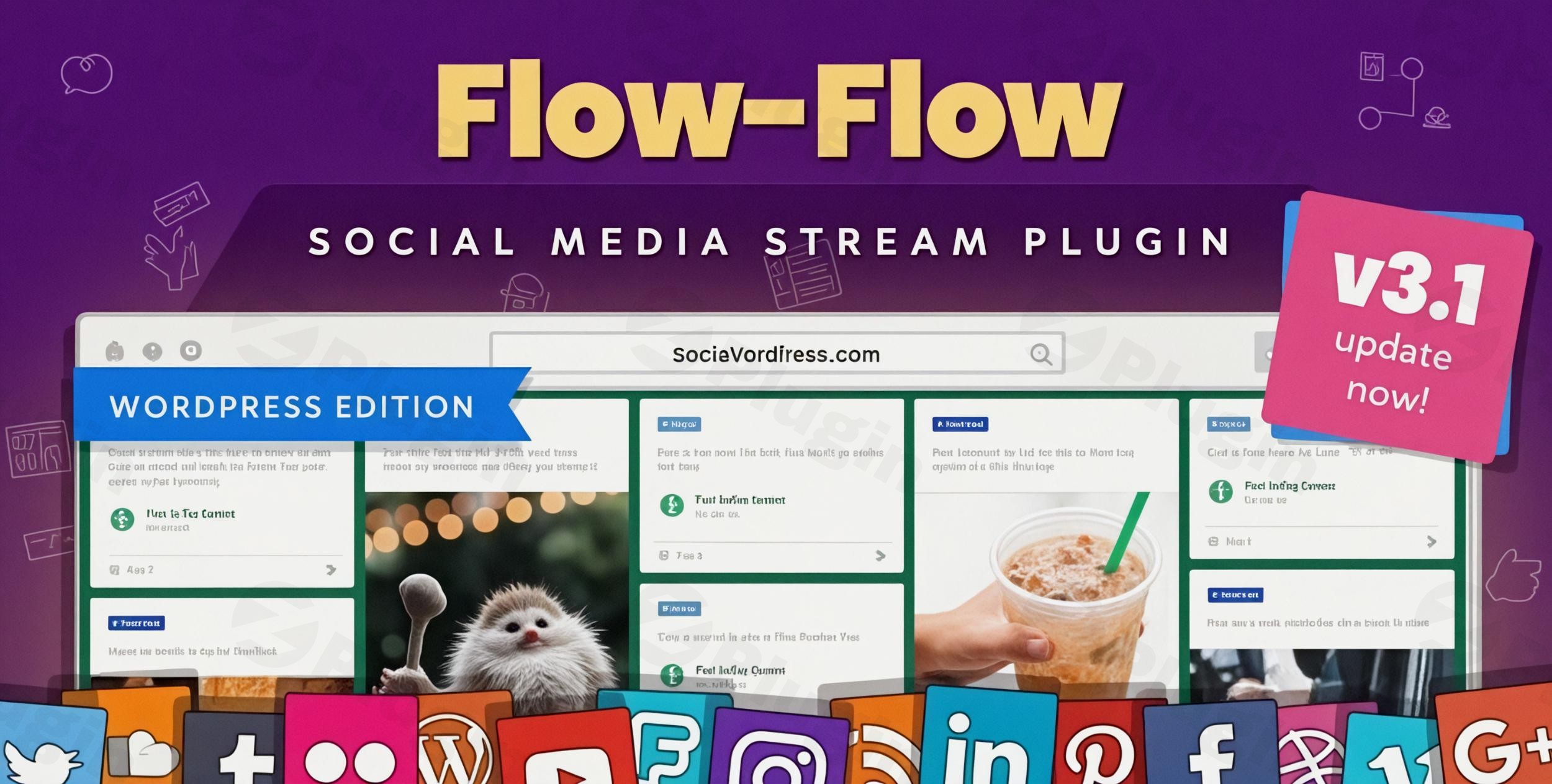
Comprehensive Social Media Aggregation for WordPress
Social Stream For WordPress (Flow-Flow) provides a unified system for pulling updates from multiple social networks into interactive grid, masonry, and carousel layouts. Instead of managing separate plugins for Facebook posts, Instagram galleries, X/Twitter timelines, YouTube channels, and TikTok feeds, this plugin aggregates them into custom streams. Site owners can combine public accounts, hashtags, and RSS feeds into a single wall to keep content fresh, increase visitor engagement, and showcase customer feedback directly on site pages.
Latest Version 5.0.5 Changes
Version 5.0.5 of Flow-Flow Social Streams (Social Stream for WordPress) introduces an alternative caching mode designed to bypass API requests during frontend calls, and implements security hardening alongside admin view sanitization.
- New: Alternative caching mode to bypass API requests on frontend calls.
- Fix: Security hardening and admin view sanitization.
Core Capabilities and Feed Integration
The plugin is engineered to process and render diverse media types cleanly across devices. It handles images, high-definition videos, lightboxes, and text-based updates with unified styling controls. Essential capabilities include:
- Multi-network combination for Facebook, Instagram, YouTube, X/Twitter, TikTok, and ATOM/RSS feeds.
- Customizable display formats including responsive masonry grids, filterable galleries, and sliding carousels.
- Built-in moderation controls to filter out specific posts, keywords, or unapproved content before publication.
- Interactive lightbox modal for viewing rich images, watching video posts, and reading comments directly on site.
- Integrated analytics dashboard and on-page editor to monitor stream interactions and adjust styling on the fly.
- Page builder compatibility supporting Elementor, WPBakery, Gutenberg, and classic shortcode placements.
Who Should Use Social Stream For WordPress?
This plugin is built for publishers, WooCommerce store owners, agencies, and brand managers who need automated social proof and continuous content updates. Digital marketing agencies can deploy social walls for clients without managing complex API setups on every platform. E-commerce sites utilize user-generated Instagram feeds to highlight customer purchases, while news portals and blogs build live social coverage pages around specific event hashtags.
Setup, Performance, and Compatibility Context
Social Stream For WordPress runs within the native WordPress admin dashboard without requiring third-party SaaS subscriptions. Setup involves connecting social accounts via API tokens, selecting desired source handles or hashtags, and configuring output styling. To protect site performance, the system utilizes background processing and intelligent caching options so frontend visitors load pre-cached data without triggering external network delays or hitting API rate limits. It fully supports PHP 8 environments and integrates smoothly with cache engines like WP Rocket.
Why Get Social Stream For WordPress on WPPick?
Downloading Social Stream For WordPress on WPPick grants access to genuine, verified plugin packages that are fully scanned for security and code integrity. You receive premium features, flexible social wall setups, and ongoing feature releases without recurring platform fees or monthly API lock-ins. Every asset on WPPick is checked against security databases to ensure clean deployment on live production websites.
Latest Version Updates (Version 5.0.5)
The latest official update for Flow-Flow Social Streams (Version 5.0.5) introduces an alternative caching mode specifically engineered to bypass API requests during frontend user calls. This optimization significantly speeds up page loading by decoupling visitor traffic from social platform API limits. Additionally, the release delivers administrative view sanitization and core security hardening to maintain system stability across modern WordPress environments.
Frequently Asked Questions
Does this plugin require recurring monthly API subscriptions?
No, the plugin operates directly within your WordPress environment. You set up your social feeds and API credentials on your own site without paying third-party SaaS monthly fees.
Can I combine multiple social networks inside a single feed?
Yes, you can create unified streams combining content from Facebook, Instagram, YouTube, X/Twitter, TikTok, and RSS feeds into a single responsive grid or carousel.
How does the plugin prevent social API rate limits from slowing down my site?
The plugin uses smart caching modes to pull content in the background. Frontend visitors load cached updates, which prevents external API bottlenecks and keeps page speeds fast.
Is Social Stream For WordPress compatible with major page builders?
Yes, the plugin provides shortcodes and block integrations compatible with Elementor, Gutenberg, Divi, WPBakery, and other standard WordPress builders.
Does the plugin support moderation before posts go live on the site?
Yes, moderation controls allow site administrators to hide specific social posts, filter out unwanted keywords, or manually approve content before display.
I. Download Limits & Account Benefits
- Free Downloads: Each email address receives 3 downloads per day for free products
- Upgrade Benefits: Purchase any paid product to increase your daily download limit by 3 for each paid product
- No Account Required: You can download immediately by receiving the download link via email
- Account Recommended: Create an account for easier access to your order history and direct update downloads
II. Understanding GPL vs Official Versions
Important: The products available on WPPick are GPL-licensed versions, which differ from official developer versions. Before purchasing, please read our comprehensive guide: Understanding GPL & Official Differences at WPPick
Key Points:
- GPL versions may not include premium support from original developers
- Updates may be delayed compared to official releases
- Some premium features might have limitations
- Always consider your specific needs and support requirements
III. Support & Assistance
We’re here to help through multiple channels:
- Email Support: Direct email assistance for all inquiries
- Live Chat: Real-time support during business hours
- Comprehensive Documentation: Detailed guides and tutorials
IV. Order Tracking
Access your complete purchase history and download links anytime: Order History
V. Account Access
New to WPPick? Login or Create Account to manage your downloads and orders efficiently.
VI. Refund Protection
We stand behind our products with a clear refund policy. Review our terms: Refund Policy
VII. Privacy & Security
Your data security is our priority. Learn how we protect your information: Privacy Policy
VII. Terms of Service
Understanding our service terms ensures a smooth experience: Terms of Use
Quick Tips for Best Experience
- Verify Compatibility: Check plugin/theme compatibility with your WordPress version
- Backup First: Always backup your site before installing new plugins or themes
- Test Environment: Consider testing on a staging site first
- Stay Updated: Regularly check for updates in your account dashboard
- Read Documentation: Review any included documentation for optimal setup
Need Help?
If you have questions about downloads, licensing, or need technical assistance, don’t hesitate to contact our support team. We’re committed to ensuring you have the best possible experience with WPPick products.
Ready to get started? Your download adventure begins with just one click!
- Minor bug fixes.
- PHP 8 compatibility improvements.
- Security hardening.
- On-the-page stream editor
- Analytics dashboard
- X/Twitter latest API support
- Logging improved
- Elementor and WP Rocket compatibility improvements
- Various PHP warnings and errors resolved
- UI improvements
- ATOM RSS feeds support
- TikTok integration
- Migration from older versions
- Video posts issue for Instagram
- Update for size of Facebook videos
- Elementor compatibility
- Correct version name
- Performance improvements
- UI improvements