

Speaker – Page To Speech Plugin For WordPress By Merkulove
/Year
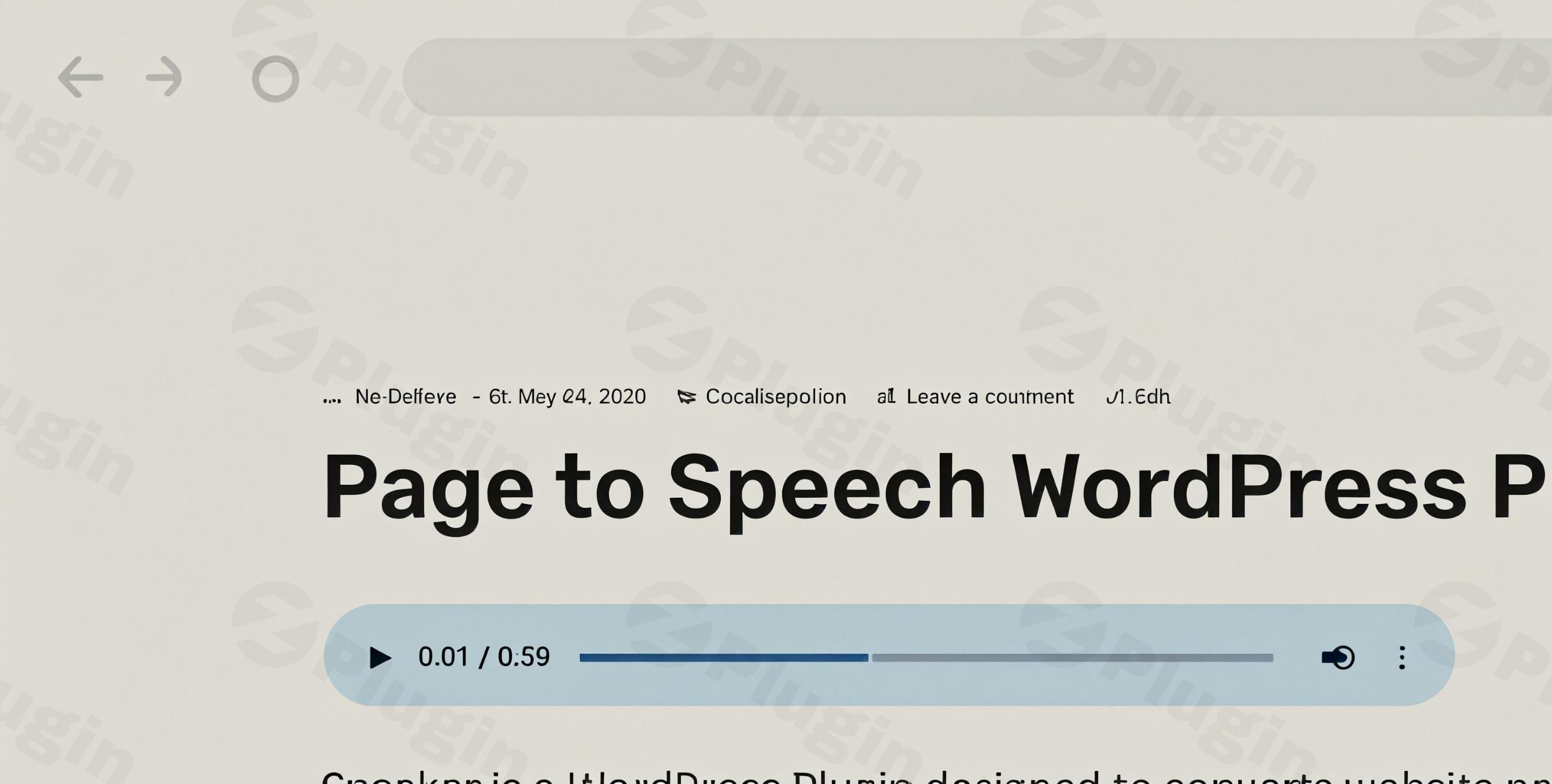
In today’s fast-paced digital world, content consumption habits are evolving. Users increasingly seek flexible ways to engage with information, and audio content is at the forefront of this shift. For WordPress site owners, enhancing accessibility and boosting user engagement means providing options beyond just text. This is where the Merkulove Speaker WordPress plugin shines as a premier WordPress text to speech plugin, empowering you to convert your written content into natural-sounding audio effortlessly.Speaker leverages cutting-edge machine learning and artificial intelligence, specifically the robust Google Cloud Platform’s Text-to-Speech API, to deliver high-quality, human-like voiceovers. This integration not only broadens your audience by catering to those with visual impairments or different learning styles but also offers a convenient way for users to consume your content on the go, turning every post into a potential podcast episode.
Key Features of the Merkulove Speaker WordPress Plugin
The Merkulove Speaker plugin is packed with powerful features designed to make text-to-speech conversion seamless, highly customizable, and effective for any WordPress site.
Advanced Speech Synthesis Technology
At its core, Speaker utilizes Google Cloud Platform’s advanced WaveNet and Neural2 technologies. This allows for the generation of incredibly natural, human-like voices. The plugin boasts an impressive library of over 340 voices across more than 52 languages and variants, constantly updated to ensure top-tier fidelity and global reach.A unique selling point that sets Speaker apart as an SSML WordPress plugin is its comprehensive support for Speech Synthesis Markup Language (SSML). This powerful capability gives you fine-tuned control over the audio output, allowing for:
- Custom pauses and intonation to mimic natural conversational flow.
- The use of multiple voices and languages within a single article, perfect for interviews, storytelling, or language lessons.
- Precise pronunciation control for specific terms or names.This deep integration with Google Cloud Text-to-Speech WordPress ensures unparalleled quality and flexibility in your audio content.
Flexible Content Conversion & Management
Speaker offers a suite of tools for efficient audio content creation and management:
- Batch Processing: Convert all existing pages and posts on your site into audio with a single click, regardless of your content volume. This feature, known as Merkulove Speaker batch convert posts to audio, is a massive time-saver.
- Automatic Synthesizing: Configure the plugin to automatically generate audio versions of your content whenever a page or post is saved or updated, ensuring your audio is always current.
- Custom Audio Intro & Outro: Brand your audio content by adding custom greetings, jingles, or copyright messages at the beginning and/or end of each synthesized speech file.
- Customizable Audio Player: Choose from five distinct player styles and seven position options, or use shortcodes for precise placement anywhere on a page. The player’s design (colors, size, fonts) is also customizable via CSS. You can easily customize WordPress text to speech player design to match your site’s aesthetic.
- Downloadable Audio Files: Offer visitors the option to download audio files for offline access directly from the front-end or back-end.
- RSS Podcasts Feed: Transform your content into a full-fledged podcast. Speaker allows for the creation of RSS feeds for your audio content, enabling publication on major podcasting platforms like Apple Podcasts and Google Podcasts. This makes it an excellent WordPress podcast plugin RSS feed solution.
- Speakable Markup for SEO: Improve your content’s visibility in voice search by supporting the
speakableschema.org property. This helps search engines identify content suitable for audio playback on Google Assistant-enabled devices, expanding your reach. - Visual Speech Template Builder: Create and apply custom speech templates for different post types, offering flexible settings and elements to streamline your audio production workflow.
- Custom Post Type Support: Beyond standard posts and pages, Speaker can generate audio for third-party custom post types, including products, portfolios, or properties.
- Mute Parts of Text: Easily exclude specific sections of text from being converted to speech using multiple methods.
- Advanced Voice Settings: Fine-tune speech speed, pitch, volume gain, and choose between MP3 or WAV audio formats for optimal control over your audio output.
Universal Compatibility & Performance
The Merkulove Speaker plugin is engineered for broad compatibility across the WordPress ecosystem:
- WordPress Core & PHP: Requires WordPress 6.0 or greater (tested up to 6.6.4) and is compatible with PHP versions from 5.6+, with PHP 8.1 or higher recommended for optimal performance and security.
- Database: Requires MySQL 5.0 or greater, with 8.0 or MariaDB 10.4+ recommended.
- Memory Limit: A minimum of 64MB WordPress memory limit is required, with 128MB or higher preferred.
- Editor & Page Builder Compatibility: Fully tested and compatible with major WordPress editors and page builders including Gutenberg, Elementor, WPBakery Page Builder, Divi, Beaver Builder, and more. This makes it effortless to add text to speech to Elementor pages or any other builder-driven content.
- Theme & Framework Compatibility: Works seamlessly with popular WordPress themes and major frameworks like Genesis, Divi, Themify, and many others.
- Other Plugin Compatibility: Tested with essential plugins such as Yoast SEO, Contact Form 7, W3 Total Cache, WooCommerce, and popular multilingual plugins like WPML and Polylang.
- Cross-Browser Support: Ensures a consistent user experience across all modern browsers, including Chrome, Firefox, Opera, Safari, and Edge.
Additional Benefits
- Modern Material Design Interface: Enjoy a sleek, intuitive, and user-friendly interface that adheres to modern design principles.
- RTL Language Support: Seamlessly supports Right-to-Left languages, catering to a global audience.
- Lightweight, jQuery-Free Implementation: Designed for performance, the plugin avoids unnecessary overhead, contributing to faster load times.
- Comprehensive Documentation: Detailed documentation is included to guide you through every aspect of the plugin’s installation, configuration, and advanced usage.
Installation & Setup of Merkulove Speaker
Installing and setting up the Merkulove Speaker plugin is a straightforward process, designed for WordPress users of all technical levels.
- Download the Plugin: Obtain the plugin files from a trusted source (e.g., ZeroPlugin.com for GPL licensed versions with updates and security scanning).
- Upload to WordPress:
- Navigate to your WordPress dashboard.
- Go to Plugins > Add New.
- Click Upload Plugin at the top of the page.
- Choose the downloaded plugin
.zipfile and click Install Now.
- Activate the Plugin: Once installed, click Activate Plugin.
- Google Account Authorization: The plugin requires authorization from a valid Google Account to access the Google Cloud Platform’s Text-to-Speech API. Follow the on-screen instructions in the plugin’s settings to link your Google account and set up the necessary API keys. This is crucial for its functionality.
- Initial Configuration: After activation and authorization, navigate to the Speaker settings in your WordPress dashboard. Here, you can:
- Enable automatic speech synthesizing for new posts/pages.
- Configure default voice, language, speed, and pitch settings.
- Select your preferred audio player style and position.
- Initiate a batch conversion for existing content to get started quickly.
Practical Usage & Best Practices
The Merkulove Speaker plugin offers immense value across various use cases, making your WordPress site more dynamic and inclusive.
- For Bloggers & Content Creators: Easily transform your blog posts into audio articles. This is ideal for readers who prefer listening during commutes, workouts, or when multitasking. By enabling the RSS podcast feed, you can even establish a new channel for your content on major podcast platforms, expanding your reach to a new audience segment. Leverage the Merkulove Speaker batch convert posts to audio feature to quickly bring your entire archive to life.
- Enhancing Website Accessibility: Speaker is a powerful tool for improving website accessibility. By providing an audio option, you cater to users with visual impairments, dyslexia, or those who simply find it easier to absorb information auditorily. This aligns with WCAG guidelines and broadens your audience significantly. This is how Merkulove Speaker improve WordPress accessibility.
- Educational Platforms & Online Courses: For educational websites, the ability to convert lessons or study materials into audio is invaluable. Use SSML to create engaging content with different voices for dialogue or to highlight specific terms with varied intonation. Students can listen to lectures or readings, reinforcing their learning experience. The multilingual support, combined with SSML, makes it perfect for language learning sites, allowing multiple voices one WordPress page SSML.
- eCommerce Product Descriptions: Imagine converting your detailed product descriptions into audio. Customers can listen to product features and benefits, which can be particularly useful for complex items or for those who prefer an auditory shopping experience. You can even use custom intros/outros to reinforce brand messaging or highlight sales.
- Agencies & Client Work: For agencies managing multiple client sites, Speaker provides an efficient way to add a premium accessibility feature. Its broad compatibility with popular page builders like Elementor and Divi means seamless integration regardless of the client’s existing setup. This allows you to effortlessly add text to speech to Elementor pages for your clients.
FAQ & Troubleshooting
Here are answers to some common questions about the Merkulove Speaker WordPress plugin:
How does Merkulove Speaker improve WordPress accessibility?
The Merkulove Speaker plugin improves WordPress accessibility by converting written text into natural-sounding speech, offering an auditory alternative to visual content consumption. This benefits users with visual impairments, reading difficulties, or those who prefer listening. It allows website visitors to engage with your content in a way that suits their individual needs and preferences.
What are the system requirements for Merkulove Speaker?
Merkulove Speaker requires WordPress 6.0 or greater (tested up to 6.6.4), PHP 5.6 or higher (with 8.1+ recommended), and MySQL 5.0 or greater (with 8.0 or MariaDB 10.4+ recommended). A minimum WordPress memory limit of 64MB is needed, but 128MB or higher is preferred for optimal performance. It also requires authorization by a valid Google Account to access its underlying text-to-speech technologies.
Can I use different languages in one WordPress article with Speaker?
Yes, Merkulove Speaker supports using different languages and even multiple voices within a single WordPress article. This is achieved through its unique support for Speech Synthesis Markup Language (SSML). You can define specific sections of text to be read in different languages or by different voices, making it ideal for multilingual content, interviews, or complex narratives.
Is Merkulove Speaker compatible with Divi Theme?
Yes, Merkulove Speaker is fully tested and compatible with the Divi Theme, as well as other popular WordPress themes and page builders like Elementor, WPBakery, and Gutenberg. This ensures that you can seamlessly integrate the text-to-speech functionality into your Divi-built website without compatibility issues.
How to generate RSS feed for podcasts with Merkulove Speaker?
To generate an RSS feed for podcasts with Merkulove Speaker, navigate to the plugin’s settings in your WordPress dashboard. Within the settings, you will find an option to enable and configure the RSS feed for your audio content. Once enabled, the plugin will provide a URL for this feed, which you can then submit to major podcasting services like Apple Podcasts and Google Podcasts.
Conclusion
The Merkulove Speaker WordPress plugin is an indispensable tool for any WordPress site owner looking to modernize their content strategy, enhance user engagement, and significantly improve website accessibility. By leveraging Google Cloud’s advanced AI, Speaker provides an effortless way to transform your written posts into high-quality, natural-sounding audio.Whether you’re a blogger aiming to reach a wider audience, an educator creating dynamic learning materials, or a business focused on inclusive content, Speaker offers a robust and flexible WordPress audio content solution. Its unique SSML support, extensive compatibility, and focus on both performance and user experience make it a standout choice for adding sophisticated text-to-speech capabilities to your site. Invest in Speaker to give your content a voice and ensure it resonates with every visitor.
I. Download Limits & Account Benefits
- Free Downloads: Each email address receives 3 downloads per day for free products
- Upgrade Benefits: Purchase any paid product to increase your daily download limit by 3 for each paid product
- No Account Required: You can download immediately by receiving the download link via email
- Account Recommended: Create an account for easier access to your order history and direct update downloads
II. Understanding GPL vs Official Versions
Important: The products available on WPPick are GPL-licensed versions, which differ from official developer versions. Before purchasing, please read our comprehensive guide: Understanding GPL & Official Differences at WPPick
Key Points:
- GPL versions may not include premium support from original developers
- Updates may be delayed compared to official releases
- Some premium features might have limitations
- Always consider your specific needs and support requirements
III. Support & Assistance
We’re here to help through multiple channels:
- Email Support: Direct email assistance for all inquiries
- Live Chat: Real-time support during business hours
- Comprehensive Documentation: Detailed guides and tutorials
IV. Order Tracking
Access your complete purchase history and download links anytime: Order History
V. Account Access
New to WPPick? Login or Create Account to manage your downloads and orders efficiently.
VI. Refund Protection
We stand behind our products with a clear refund policy. Review our terms: Refund Policy
VII. Privacy & Security
Your data security is our priority. Learn how we protect your information: Privacy Policy
VII. Terms of Service
Understanding our service terms ensures a smooth experience: Terms of Use
Quick Tips for Best Experience
- Verify Compatibility: Check plugin/theme compatibility with your WordPress version
- Backup First: Always backup your site before installing new plugins or themes
- Test Environment: Consider testing on a staging site first
- Stay Updated: Regularly check for updates in your account dashboard
- Read Documentation: Review any included documentation for optimal setup
Need Help?
If you have questions about downloads, licensing, or need technical assistance, don’t hesitate to contact our support team. We’re committed to ensuring you have the best possible experience with WPPick products.
Ready to get started? Your download adventure begins with just one click!
- Internal improvements for better stability and reliability
- Fixed audio generation issues on PHP versions below 8
- Fixed podcasts feed link
- Improved svg icons loading
- Updated voice names in the voices table
- Fixed several issues related to audio generation using Chirp voices.
- Added support of Journey and Casual voices