

Stackable – Gutenberg Blocks (premium)
/Year
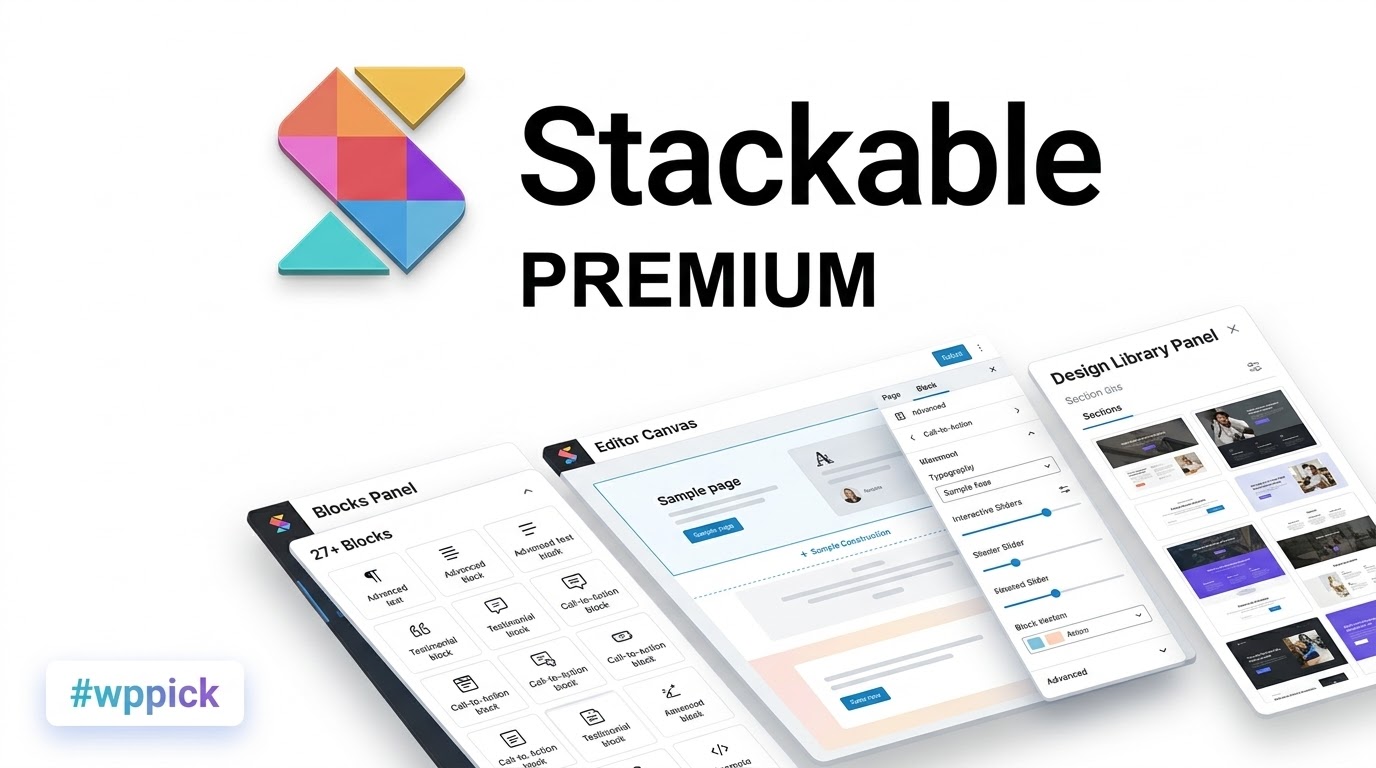
Transform Gutenberg Into a Fast, Flexible Page Builder
Stackable is an advanced WordPress block plugin designed to expand the capabilities of the core Gutenberg Block Editor. It bridges the gap between traditional heavy page builders and native block editing by offering modular custom blocks, pre-built design libraries, global styling controls, and dynamic content features. Site builders, agencies, and content creators can construct responsive layouts and full landing pages directly inside the default WordPress editor without sacrificing site speed or relying on bloated framework dependencies.
Key Capabilities and Advanced Design Features
- Custom Block Suite: Access flexible blocks including Feature Grids, Carousels, Accordions, Icon Lists, Price Boxes, and Call to Actions tailored for business sites.
- Design System and Global Controls: Manage global color schemes, custom typography scales, button styles, and block spacing presets across an entire site from one central hub.
- Pre-Made Design Library: Choose from dozens of UI layout patterns, pre-designed block sections, and complete page templates that automatically adopt global theme styles.
- Dynamic Content Integration: Connect block fields directly to site custom fields, post metadata, user metadata, or Query Loop blocks to build personalized dynamic sites.
- Responsive and Conditional Displays: Tailor layout arrangements for mobile, tablet, and desktop viewports, with display conditions based on date, time, or user role.
Practical WordPress Use Cases
- Corporate & Agency Websites: Rapidly assemble professional service pages, team showcases, and client testimonial grids using uniform design system settings.
- High-Converting Landing Pages: Build marketing pages using hero headers, pricing tables, video popups with Schema markup, and call-to-action blocks.
- Dynamic Blogs and Portfolios: Customize WordPress Query Loops using advanced Posts blocks with term filtering and customized grid or list layouts.
- WooCommerce Product Spotlights: Construct visually appealing product feature sections and promotional banners using lightweight block architecture.
Setup, Compatibility, and Performance Context
Stackable integrates into any standard WordPress installation running Gutenberg. It is built to work alongside modern block themes, full-site editing (FSE), and third-party SEO or translation plugins such as Yoast, MailPoet, and WPML. The plugin optimizes frontend performance by loading minimal CSS and JavaScript assets (~7.8kb baseline) only for the specific blocks rendered on a page, eliminating unnecessary jQuery libraries and server overhead.
Why Download Stackable on WPPick?
Obtaining Stackable through WPPick gives web creators immediate access to powerful Gutenberg site-building tools under clean licensing terms. It allows designers and developers to scale client workflows without recurring per-site constraints, ensuring clean HTML output, optimal Core Web Vitals, and ongoing system stability.
Latest Version Summary (v3.19.10)
Stackable version 3.19.10 introduces targeted security enhancements, frontend bug fixes, and third-party compatibility updates:
- Settings Security: Implemented input masking for the Google API Key settings field.
- Integrations: Enhanced compatibility with Yoast SEO and resolved default text block compatibility issues when running MailPoet.
- Frontend & Display Fixes: Resolved issues where saved block values failed to reflect on the frontend, fixed column justification in Feature Grid blocks, and hardened deprecated block default REST endpoints.
Frequently Asked Questions
Does Stackable slow down WordPress websites?
No. Stackable is engineered specifically to prevent site bloat by loading small, conditional CSS and JS assets on demand. It uses vanilla JavaScript without heavy external framework dependencies like jQuery.
Can Stackable be used alongside existing page builders like Elementor?
While Stackable is designed to replace traditional page builders inside the native Block Editor, it operates independently within Gutenberg and can exist alongside other builders without conflict.
Are Stackable design templates mobile-responsive?
Yes. All pre-built layouts, patterns, and full-page templates include responsive breakpoints, allowing custom column stacking and specific block visibility toggles for tablet and mobile screens.
How does Stackable handle dynamic content?
Stackable allows users to pull native custom field values, post metadata, taxonomy terms, or user attributes into block fields, enabling automated template creation across custom post types.
Is a block theme required to use Stackable?
No. Stackable works seamlessly with standard classic WordPress themes as well as modern Full Site Editing block themes, adapting automatically to site design rules.
I. Download Limits & Account Benefits
- Free Downloads: Each email address receives 3 downloads per day for free products
- Upgrade Benefits: Purchase any paid product to increase your daily download limit by 3 for each paid product
- No Account Required: You can download immediately by receiving the download link via email
- Account Recommended: Create an account for easier access to your order history and direct update downloads
II. Understanding GPL vs Official Versions
Important: The products available on WPPick are GPL-licensed versions, which differ from official developer versions. Before purchasing, please read our comprehensive guide: Understanding GPL & Official Differences at WPPick
Key Points:
- GPL versions may not include premium support from original developers
- Updates may be delayed compared to official releases
- Some premium features might have limitations
- Always consider your specific needs and support requirements
III. Support & Assistance
We’re here to help through multiple channels:
- Email Support: Direct email assistance for all inquiries
- Live Chat: Real-time support during business hours
- Comprehensive Documentation: Detailed guides and tutorials
IV. Order Tracking
Access your complete purchase history and download links anytime: Order History
V. Account Access
New to WPPick? Login or Create Account to manage your downloads and orders efficiently.
VI. Refund Protection
We stand behind our products with a clear refund policy. Review our terms: Refund Policy
VII. Privacy & Security
Your data security is our priority. Learn how we protect your information: Privacy Policy
VII. Terms of Service
Understanding our service terms ensures a smooth experience: Terms of Use
Quick Tips for Best Experience
- Verify Compatibility: Check plugin/theme compatibility with your WordPress version
- Backup First: Always backup your site before installing new plugins or themes
- Test Environment: Consider testing on a staging site first
- Stay Updated: Regularly check for updates in your account dashboard
- Read Documentation: Review any included documentation for optimal setup
Need Help?
If you have questions about downloads, licensing, or need technical assistance, don’t hesitate to contact our support team. We’re committed to ensuring you have the best possible experience with WPPick products.
Ready to get started? Your download adventure begins with just one click!
- Added input masking to Google API Key settings field #3714
- Blocks not reflecting the latest saved value in the frontend #3715
- Feature grid block - fixed justified columns #3717
- Hardened deprecated block defaults endpoints #3725
- Better Yoast plugin compatibility #3715
- MailPoet - fixed compatibility with default Stackable text block #3718
- Icon list block - new option to retain custom SVG colors #3512
- Optimized icon performance inside the block editor #3660
- Global color scheme - when changing colors the drag handle jitters #3638
- Displays correct value when selecting a theme color #3631
- Block error encountered when getting filtered attributes #3646
- Icon block - multicolor styling not applying correctly to some icons #3428
- No longer queries WP API for useful plugins tab #3664
- Removed Cimo cross marketing from premium build #3659
- Ensure useful plugins tab is only visible if user has correct capabilities #3661
- Moved Stackable admin settings to its own top level menu #3633 #394
- Design Library module now lazy loads for faster initial loading performance #3597
- Added new `enqueue_frontend_assets_for_content( $content )` function for enqueueing js & css files in the current page #3634
- Added notice for Cimo in relevant areas #3635 #3642
- Global typography - resets for tablet and mobile when reseting for desktop #3550
- Table of contents - scroll top effect not working properly #3640
- Video popup - update date error on newly uploaded videos #3641
- Display Condition - PHP warning when using date & time condition #395
- Blocksy theme styles now reflected in the Design Library #3630
- Rendering issues in design library when switching categories #3627
- Carousel block - fixed content wide not followed #3628
- Color schemes - some styles can change when there is a color scheme present #3624
- Carousel block - console error when carousel is sliding #3615
- Carousel block - content alignment does not get followed #3616
- Posts block - html inside Read More link show incorrectly #3618
- Transform origin settings reset back to defaults #3608
- Content alignment option are not applied to native Image Blocks #3601
- Full Page Templates - Check the new "Pages" tab in the Design Library, with 40 Page Templates
- Design System Style Guide - See an exportable preview of your entire Design System
- Interactive Onboarding Tour - Learn Stackable with a step-by-step interactive tour inside the editor
- Design Library - now hidden from the inserter #3581
- Minor block accessibility issues #3593
- Price Block - color schemes do not apply properly #3592
- JavaScript editor warnings #3584
- Design Library - better rendering of items #3591
- Carousel Block - columns can overlap in infinite scroll #3588
- Design System - orange modified indicator does not show up in the Global Color Palette #3576
- Global Color Palette - you cannot drag the color picker #3575
- Minor WPML compatibility issue when fields are missing #3603
- Better permissions for editor Rest API endpoints #533ab8f
- Minor UI improvements #3599 #391