
Swiss Knife Bricks
/Year
Transform your Bricks Builder experience with Swiss Knife Bricks – the comprehensive enhancement plugin designed to elevate your website-building workflow to professional standards. Building on the legacy of its popular predecessor, Swiss Knife Oxygen for Oxygen Builder, this essential toolkit now brings its powerful and intelligent features to Bricks Builder users, streamlining development and unleashing new levels of creative control.
Why Swiss Knife Bricks is Your Essential Bricks Builder Companion
While Bricks Builder offers robust functionality, serious web developers and designers often seek advanced tools to push boundaries and optimize their workflow. Swiss Knife Bricks expertly bridges the gap between foundational functionality and professional-grade capabilities, providing the sophisticated enhancements needed for complex and demanding projects. This premium solution is engineered to save valuable time, enhance precision, and empower you with features that accelerate every aspect of your development process.
Advanced Workflow Optimization Features
Swiss Knife Bricks is engineered to make your development process intuitive and efficient. It introduces intelligent tools and workflow enhancements that significantly reduce manual effort, allowing you to focus on design and functionality rather than repetitive tasks. From managing elements to controlling global styles, every feature is designed to optimize your time and boost productivity.
Professional Development Tools
Access the powerful features that professional web developers rely on for efficient project delivery. Swiss Knife Bricks provides enhanced selector options, advanced CSS controls, and intelligent element management systems, offering the precision and control essential for intricate website projects. Its capabilities are built to provide reliability and advanced performance, ensuring your projects meet the highest standards.
Key Features That Transform Your Building Experience
Swiss Knife Bricks delivers a suite of powerful features that seamlessly integrate with Bricks Builder, enhancing existing functionalities and introducing new capabilities that simplify complex tasks.
Enhanced Element Controls
Gain unprecedented control over every element on your page. Swiss Knife Bricks extends standard Bricks Builder capabilities with advanced options for positioning, spacing, and styling, allowing for meticulous adjustments and pixel-perfect designs.
Workflow Acceleration Tools
Significantly speed up your development process with intelligent shortcuts and batch operations. These time-saving features are designed to eliminate repetitive tasks and dramatically boost your productivity.
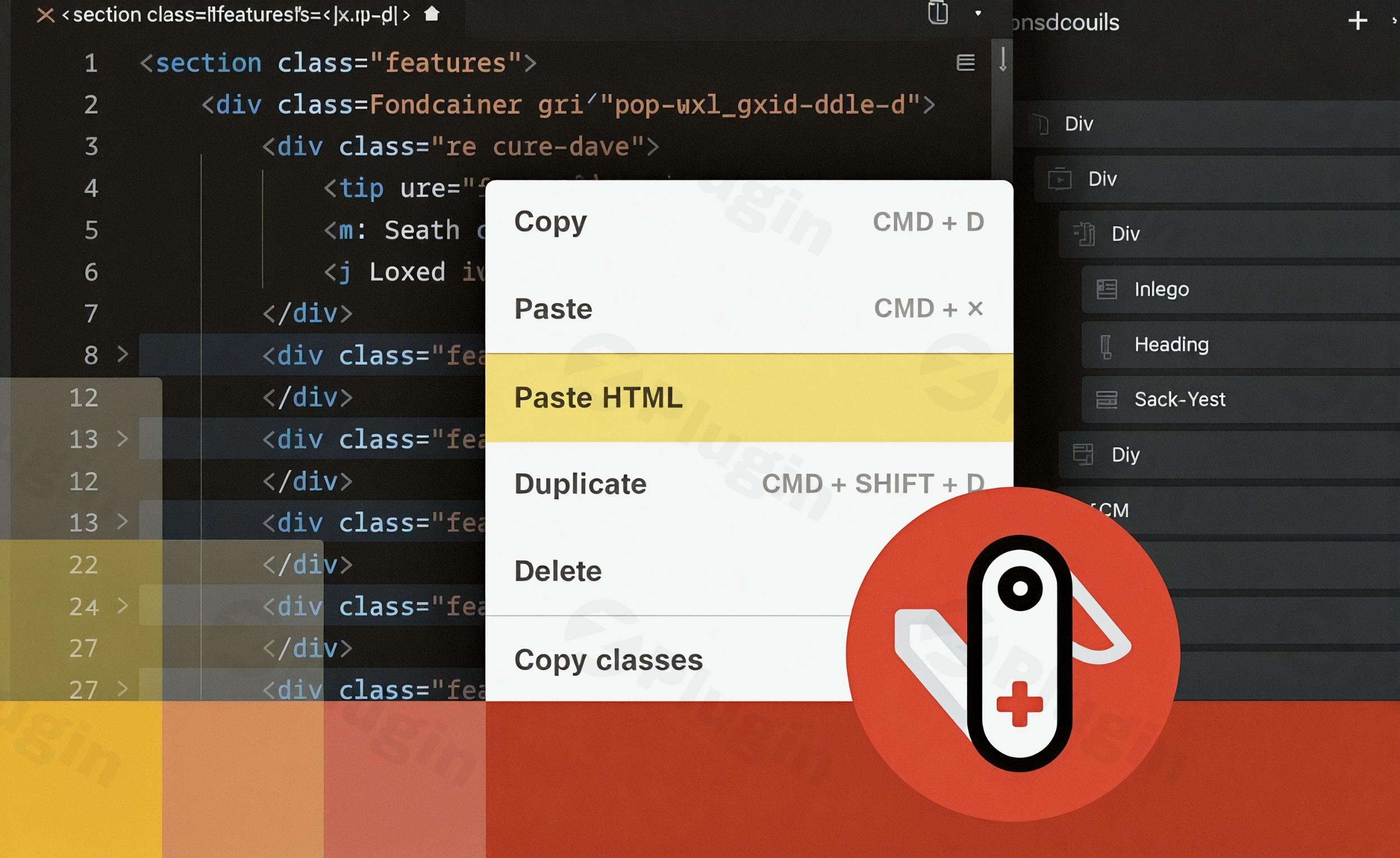
- Paste HTML to Create Bricks Builder Elements: This groundbreaking feature allows you to paste raw HTML code directly into the Bricks editor. Swiss Knife Bricks then intelligently converts this HTML into native Bricks Builder elements, enabling rapid page construction and content import with just a few clicks. This is invaluable for integrating external code snippets or migrating content efficiently.
- Write HTML to Create Bricks Builder Elements: For those who prefer to code, this feature provides an integrated HTML editor within Bricks. Write your HTML code, empowered by Emmet autocomplete for faster coding, and watch it transform into Bricks elements instantly.
- Copy & Paste CSS Classes: Streamline your styling workflow by easily copying CSS classes from one element and pasting them onto another. This is incredibly useful for maintaining consistency across your design, especially when working with utility frameworks or applying global styles to multiple elements. Simply right-click an element, select “Copy Bricks Classes,” and then “Paste Bricks Classes” on your target element.
- Multi-Select & Multi-Edit Elements: Enhance your efficiency by selecting multiple elements simultaneously and editing their styles in one go. This feature is a game-changer for applying global style changes or working with utility classes across various components.
Advanced Styling Capabilities
Access professional-grade styling options that go beyond the basics, giving you fine-tuned control over your website’s aesthetics and responsiveness.
- Scripts Manager: Take control of your site’s performance with the integrated Scripts Manager. Easily register and enqueue custom scripts and styles, whether they are hosted on a CDN or self-hosted. This simplifies the management of external resources, ensuring optimal loading and functionality.
- Winden Integration (Tailwind CSS): For developers leveraging Tailwind CSS, Swiss Knife Bricks offers seamless integration through Winden. Apply Tailwind CSS classes directly to your Bricks elements within the editor, drastically reducing development time and effort by consolidating your styling workflow.
- Plain Classes: Optimize your class management. This feature allows you to write and edit classes as plain text rather than tags, making class value modification quicker and more direct. This approach also eliminates the need to load Tailwind classes into the database, contributing to better performance.
- Responsive Design Enhancements: While Bricks Builder inherently supports responsive design, Swiss Knife Bricks complements this with advanced controls, enabling even more precise adjustments for various screen sizes, ensuring your website looks impeccable on any device.
- SEO Optimization Support: Swiss Knife Bricks is built with best practices in mind, supporting your efforts to create an SEO-friendly website. Its clean output and workflow enhancements contribute to a solid foundation for search engine optimization.
Compatibility
Swiss Knife Bricks is designed to integrate smoothly within your existing WordPress ecosystem. It boasts compatibility with popular plugins such as WooCommerce, enabling robust e-commerce solutions, and Yoast SEO, further supporting your site’s search engine visibility.
Technical Specifications & Integration
Swiss Knife Bricks is a dedicated WordPress plugin meticulously engineered to enhance the Bricks Builder. Its core design focuses on adding powerful features and tools that directly streamline the Bricks workflow. The plugin’s architecture supports robust integration with modern CSS frameworks, particularly through its Winden integration for Tailwind CSS, making it a versatile addition to any developer’s toolkit.
Setup & Usage Guide Highlights
Getting started with Swiss Knife Bricks is straightforward, following standard WordPress plugin installation procedures. Once activated, its features seamlessly integrate into the Bricks Builder interface. For example:
- Installing the Plugin: Upload and activate Swiss Knife Bricks like any other WordPress plugin.
- Accessing Features: Within the Bricks Builder editor, new options and functionalities introduced by Swiss Knife Bricks will become available. Look for context menu options (e.g., right-click to copy/paste classes), dedicated panels, or enhanced input fields.
- Using HTML Features: Locate the option to paste or write HTML within the editor. Paste your code, and Swiss Knife Bricks will intelligently convert it.
- Managing Scripts: Navigate to the Scripts Manager interface (typically found within your WordPress dashboard or Bricks settings) to register and enqueue your custom scripts and styles.
- Tailwind Integration: If using Winden, apply Tailwind CSS classes directly within the element’s class input field in Bricks, leveraging the enhanced workflow provided by Swiss Knife Bricks.
Expert Insights & Trustworthiness (EEAT)
Developed by the DPlugins team, Swiss Knife Bricks builds on a reputation established with Swiss Knife Oxygen, a highly regarded workflow enhancer. The plugin is consistently updated with new features and improvements, demonstrating a strong commitment to its user base and ongoing functionality. Experts consider Swiss Knife Bricks an essential add-on, capable of significantly enhancing the Bricks Builder experience and taking website development to the next level. Its design aims to save precious development time and deliver a more efficient and enjoyable building process.
Why Choose ZeroPlugin.com for Your Swiss Knife Bricks Purchase
When acquiring premium plugins like Swiss Knife Bricks, the source matters. ZeroPlugin.com is a trusted provider for web development professionals, offering:
- GPL License Assurance: All plugins come with genuine GPL licensing, ensuring legal compliance and ethical software usage for all your projects.
- Regular Update Schedule: Receive consistent updates that keep your plugin compatible with the latest Bricks Builder versions and WordPress releases, maintaining optimal performance and security.
- Security Guaranteed: Every plugin undergoes comprehensive VirusTotal third-party security scanning, providing verified safe source code free from malware, viruses, or suspicious code.
- Trusted Source for Web Professionals: ZeroPlugin.com has established itself as a reliable provider for professionals who demand quality, security, and ongoing support for their toolkit investments.
Ideal For Serious Bricks Builder Users
Swiss Knife Bricks is specifically designed for web developers, freelance designers, and agencies who rely on Bricks Builder for client projects and sophisticated digital solutions. Whether you’re constructing intricate business websites, high-performance e-commerce platforms, or visually stunning creative portfolios, this enhancement suite provides the professional tools needed to deliver exceptional results efficiently and reliably.
Pricing
The investment in Swiss Knife Bricks typically ranges from $99 to $119 per year for a license. There are also mentions of specific offers such as $45 for a 5-domain limit, which includes 1 year of plugin updates and 1 year of priority support. For the most accurate and up-to-date pricing, it is always recommended to check the official product page.
Conclusion
Experience the profound difference that professional-grade enhancements can make in your Bricks Builder workflow. Swiss Knife Bricks isn’t just another plugin; it’s the essential upgrade that transforms an already capable builder into an unparalleled development environment. By streamlining complex tasks, introducing advanced controls, and accelerating your workflow, Swiss Knife Bricks empowers you to deliver not just good websites, but truly exceptional digital experiences.
I. Download Limits & Account Benefits
- Free Downloads: Each email address receives 3 downloads per day for free products
- Upgrade Benefits: Purchase any paid product to increase your daily download limit by 3 for each paid product
- No Account Required: You can download immediately by receiving the download link via email
- Account Recommended: Create an account for easier access to your order history and direct update downloads
II. Understanding GPL vs Official Versions
Important: The products available on WPPick are GPL-licensed versions, which differ from official developer versions. Before purchasing, please read our comprehensive guide: Understanding GPL & Official Differences at WPPick
Key Points:
- GPL versions may not include premium support from original developers
- Updates may be delayed compared to official releases
- Some premium features might have limitations
- Always consider your specific needs and support requirements
III. Support & Assistance
We’re here to help through multiple channels:
- Email Support: Direct email assistance for all inquiries
- Live Chat: Real-time support during business hours
- Comprehensive Documentation: Detailed guides and tutorials
IV. Order Tracking
Access your complete purchase history and download links anytime: Order History
V. Account Access
New to WPPick? Login or Create Account to manage your downloads and orders efficiently.
VI. Refund Protection
We stand behind our products with a clear refund policy. Review our terms: Refund Policy
VII. Privacy & Security
Your data security is our priority. Learn how we protect your information: Privacy Policy
VII. Terms of Service
Understanding our service terms ensures a smooth experience: Terms of Use
Quick Tips for Best Experience
- Verify Compatibility: Check plugin/theme compatibility with your WordPress version
- Backup First: Always backup your site before installing new plugins or themes
- Test Environment: Consider testing on a staging site first
- Stay Updated: Regularly check for updates in your account dashboard
- Read Documentation: Review any included documentation for optimal setup
Need Help?
If you have questions about downloads, licensing, or need technical assistance, don’t hesitate to contact our support team. We’re committed to ensuring you have the best possible experience with WPPick products.
Ready to get started? Your download adventure begins with just one click!