

The Grid – Responsive WordPress Grid Plugin
/Year
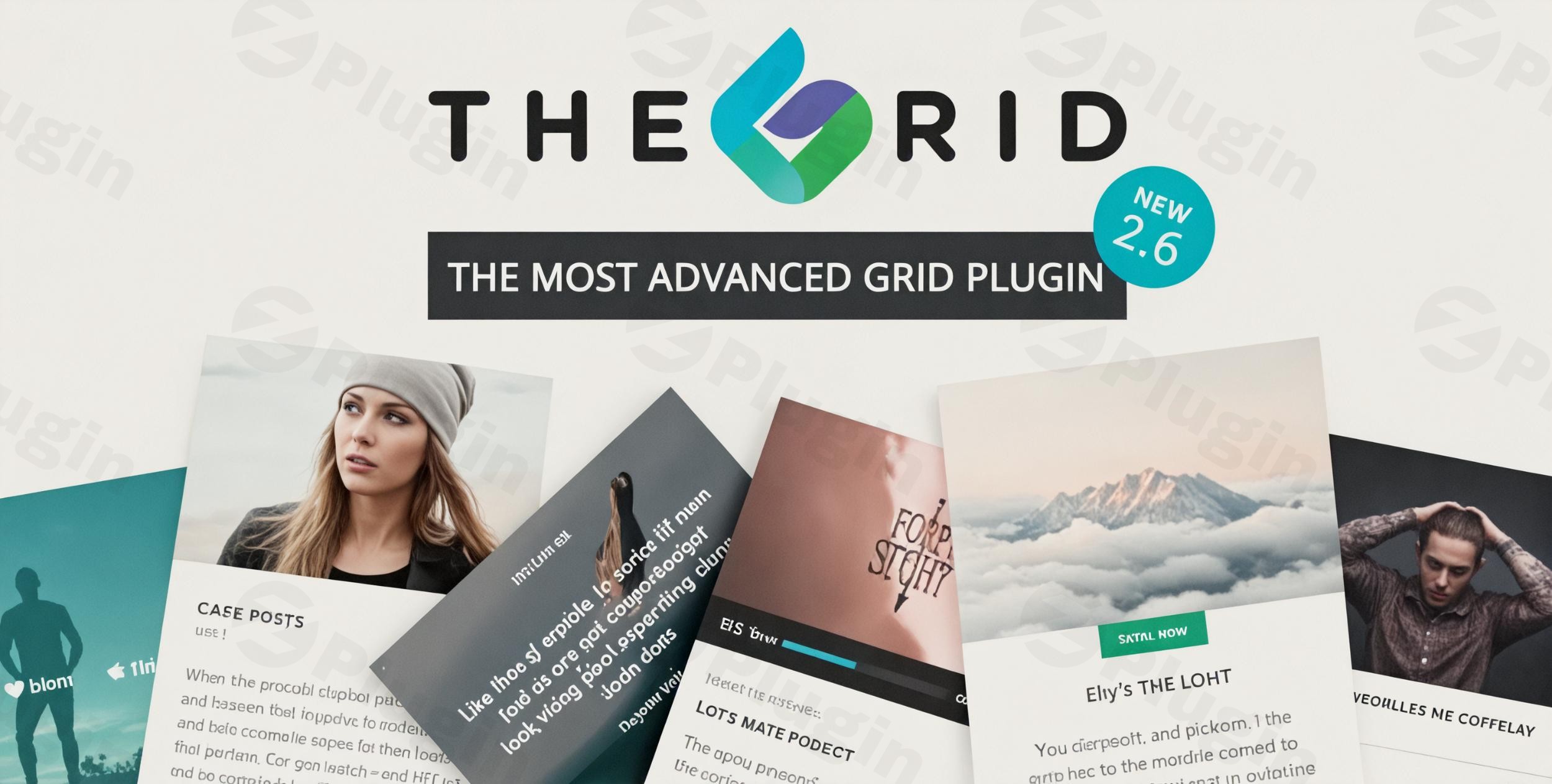
Creating a visually stunning website requires more than just good content; it requires a professional way to display it. The Grid WordPress plugin is a premium solution designed to help site owners, developers, and marketers showcase their content through highly customizable and sophisticated grid layouts. Whether you are building a portfolio, an e-commerce storefront, or a social media wall, this responsive grid plugin for WordPress provides the tools to turn standard post lists into immersive visual experiences.
The core problem The Grid solves is the limitation of standard theme layouts. Instead of being stuck with a basic blog roll, you can create 12-column layouts, filterable portfolios, and dynamic WooCommerce displays without touching a single line of code.
Key Features and Benefits
The Grid WordPress plugin stands out in a crowded market because of its “Skin Builder” and its ability to handle virtually any content source.
1. Advanced Skin Builder (No Coding Required)
While many plugins offer pre-set templates, The Grid includes a powerful drag-and-drop skin builder. This allows you to create your own unique item designs. You can decide exactly where the title, excerpt, price, or “Add to Cart” button appears, making it the best WordPress grid plugin for portfolios and bespoke brand designs.
2. Unlimited Layout Possibilities
The plugin supports both horizontal and vertical grid modes. With a system allowing up to 12 rows and 12 columns, you have total control over spacing and alignment. This flexibility makes it ideal for:
- Standard Posts & Pages: Refreshing your blog layout.
- Custom Post Types: Displaying events, testimonials, or team members.
- Social Media Streaming: Integrating live feeds from Instagram, YouTube, Vimeo, Facebook, and Twitter.
3. Native WooCommerce Integration
As a high-performance WooCommerce grid plugin, The Grid allows you to replace standard shop layouts with elegant, filterable product displays. You can customize elements like product ratings, sale badges, and cart buttons to match your store’s branding perfectly.
4. High-Performance Media Support
The Grid supports multiple post formats including video, audio, gallery, link, and quote. Users can play videos or listen to audio tracks directly within the grid item. It also features a built-in lightbox compatible with popular tools like FancyBox and Foobox.
How to Install and Set Up The Grid WordPress Plugin
Setting up a responsive grid plugin in WordPress shouldn’t be complicated. Follow these steps to get started:
- Download and Upload: Purchase the plugin from CodeCanyon and download the .zip file. In your WordPress dashboard, go to Plugins > Add New > Upload Plugin and select the file.
- Activate: Click Activate once the upload is complete.
- Access the Dashboard: Navigate to the new “The Grid” menu item in your sidebar.
- Create Your First Grid:
- Click on Create New Grid.
- Define your Source (e.g., Posts, WooCommerce Products, or Instagram).
- Choose a Skin from the 30+ pre-designed options or use the Skin Builder.
- Adjust the Layout settings (columns, gutter size, and responsiveness).
5. Embed Your Grid: Copy the generated shortcode and paste it into any page, post, or widget area. If you use Visual Composer or Cornerstone, you can add The Grid via their native elements.
Practical Usage & Best Practices
To get the most out of The Grid, consider these real-world workflows:
For Creative Agencies (Portfolio Grids)
The ideal way to use this plugin for a portfolio is to leverage the custom post type grid WordPress functionality. Group your projects by category and enable the “Isotope” filtering feature. This allows potential clients to filter your work by “Web Design,” “Branding,” or “Photography” with smooth, hardware-accelerated animations.
For E-commerce Managers (Product Showcases)
When using The Grid as a WooCommerce grid plugin, always enable the “Custom Cache” system. This ensures that even with hundreds of products, your shop page remains lightning-fast. Use the “Sale” and “Feature” filters to highlight specific inventory during seasonal promotions.
For Content Creators (Social Walls)
If you want to increase social proof, create a grid that streams your latest Instagram or YouTube posts. This keeps your website content fresh automatically and encourages visitors to follow your social channels.
FAQ & Troubleshooting
What is The Grid WordPress plugin?
The Grid WordPress plugin is a premium tool used to create highly customizable, responsive layouts for posts, products, and social media feeds. It allows users to display content in grid, masonry, or slider formats using a drag-and-drop skin builder.
Can The Grid plugin be used for WooCommerce?
Yes, The Grid has deep integration with WooCommerce. It can display products in elegant grids with custom “Add to Cart” buttons, price tags, and star ratings, making it a popular choice for custom e-commerce storefronts.
How do I update The Grid without losing my custom skins?
To update the plugin safely, always ensure you have a backup of your site. Because The Grid stores your custom skins and layouts in the WordPress database, they will remain intact when you replace the plugin files. However, using the one-click export/import feature to save a copy of your skins is a recommended best practice.
Is The Grid compatible with Elementor or Gutenberg?
While The Grid does not have a native “widget” for every page builder, it works perfectly via shortcodes. You can simply drop a Shortcode block into Elementor, Gutenberg, or Beaver Builder and paste your grid ID to display it.
Final Verdict: Is The Grid Right for You?
If you are looking for a simple, “set-it-and-forget-it” gallery, there are free alternatives. However, if you need a professional, responsive grid plugin for WordPress that offers total design freedom, The Grid is worth the investment. Its unique Skin Builder, combined with its ability to pull content from social media and WooCommerce, provides a level of ROI that generic plugins cannot match. For developers and site owners at wppick.com, The Grid remains a top-tier recommendation for building high-performance, visually-driven WordPress websites.
I. Download Limits & Account Benefits
- Free Downloads: Each email address receives 3 downloads per day for free products
- Upgrade Benefits: Purchase any paid product to increase your daily download limit by 3 for each paid product
- No Account Required: You can download immediately by receiving the download link via email
- Account Recommended: Create an account for easier access to your order history and direct update downloads
II. Understanding GPL vs Official Versions
Important: The products available on WPPick are GPL-licensed versions, which differ from official developer versions. Before purchasing, please read our comprehensive guide: Understanding GPL & Official Differences at WPPick
Key Points:
- GPL versions may not include premium support from original developers
- Updates may be delayed compared to official releases
- Some premium features might have limitations
- Always consider your specific needs and support requirements
III. Support & Assistance
We’re here to help through multiple channels:
- Email Support: Direct email assistance for all inquiries
- Live Chat: Real-time support during business hours
- Comprehensive Documentation: Detailed guides and tutorials
IV. Order Tracking
Access your complete purchase history and download links anytime: Order History
V. Account Access
New to WPPick? Login or Create Account to manage your downloads and orders efficiently.
VI. Refund Protection
We stand behind our products with a clear refund policy. Review our terms: Refund Policy
VII. Privacy & Security
Your data security is our priority. Learn how we protect your information: Privacy Policy
VII. Terms of Service
Understanding our service terms ensures a smooth experience: Terms of Use
Quick Tips for Best Experience
- Verify Compatibility: Check plugin/theme compatibility with your WordPress version
- Backup First: Always backup your site before installing new plugins or themes
- Test Environment: Consider testing on a staging site first
- Stay Updated: Regularly check for updates in your account dashboard
- Read Documentation: Review any included documentation for optimal setup
Need Help?
If you have questions about downloads, licensing, or need technical assistance, don’t hesitate to contact our support team. We’re committed to ensuring you have the best possible experience with WPPick products.
Ready to get started? Your download adventure begins with just one click!
- Fixed potential cross-site scripting (XSS) vulnerabilities.
- Improved permission and capability checks to prevent unauthorized access.
- Additional internal security improvements.