
The Seo Framework Extension Manager
/Year
What is The SEO Framework Extension Manager?
The SEO Framework Extension Manager is a dedicated WordPress plugin designed to streamline how site administrators manage and deploy modular search engine optimization extensions. Instead of relying on a bloated monolithic plugin, this extension manager allows users to enable specific optimization tools only when needed, maintaining a lean and efficient WordPress environment.
What does The SEO Framework Extension Manager do?
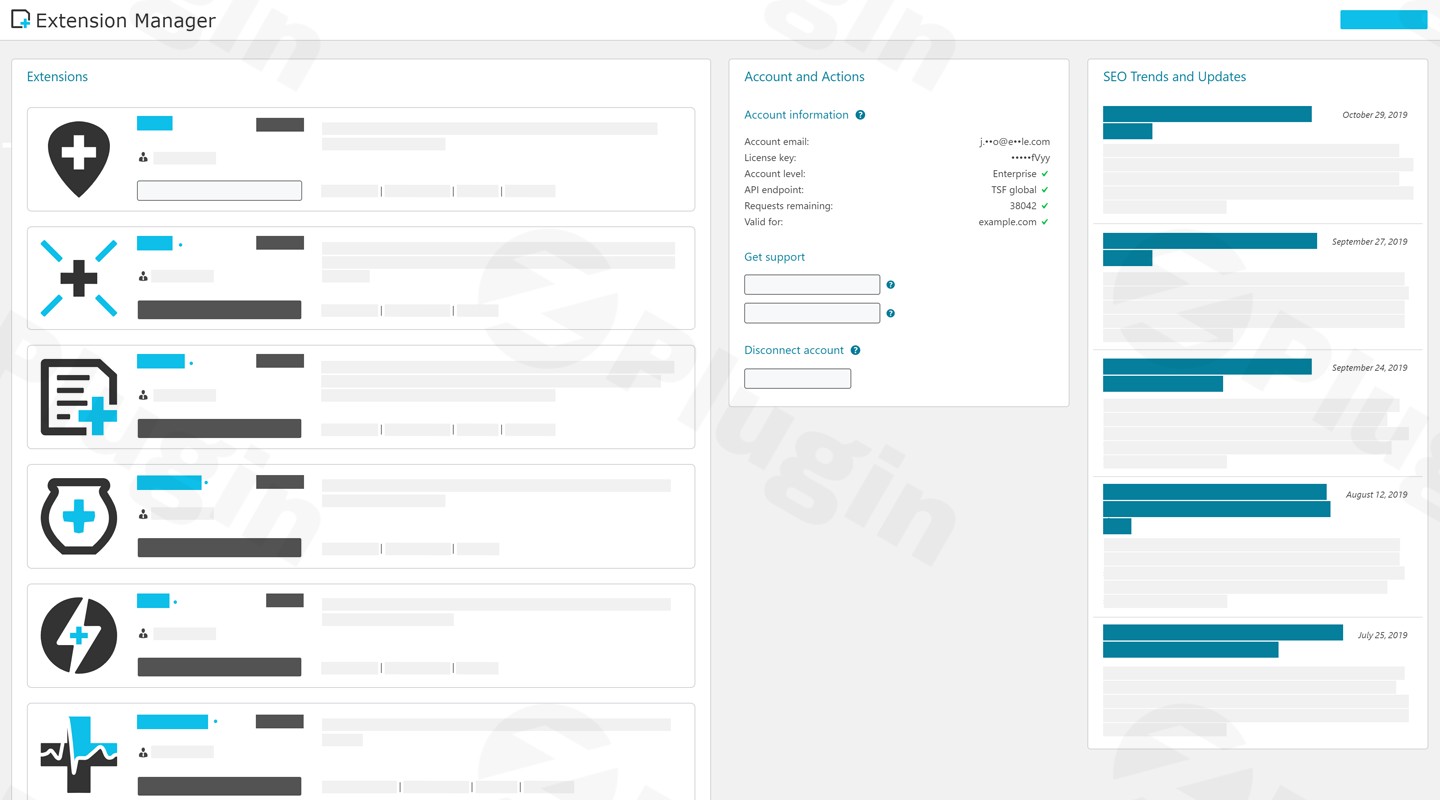
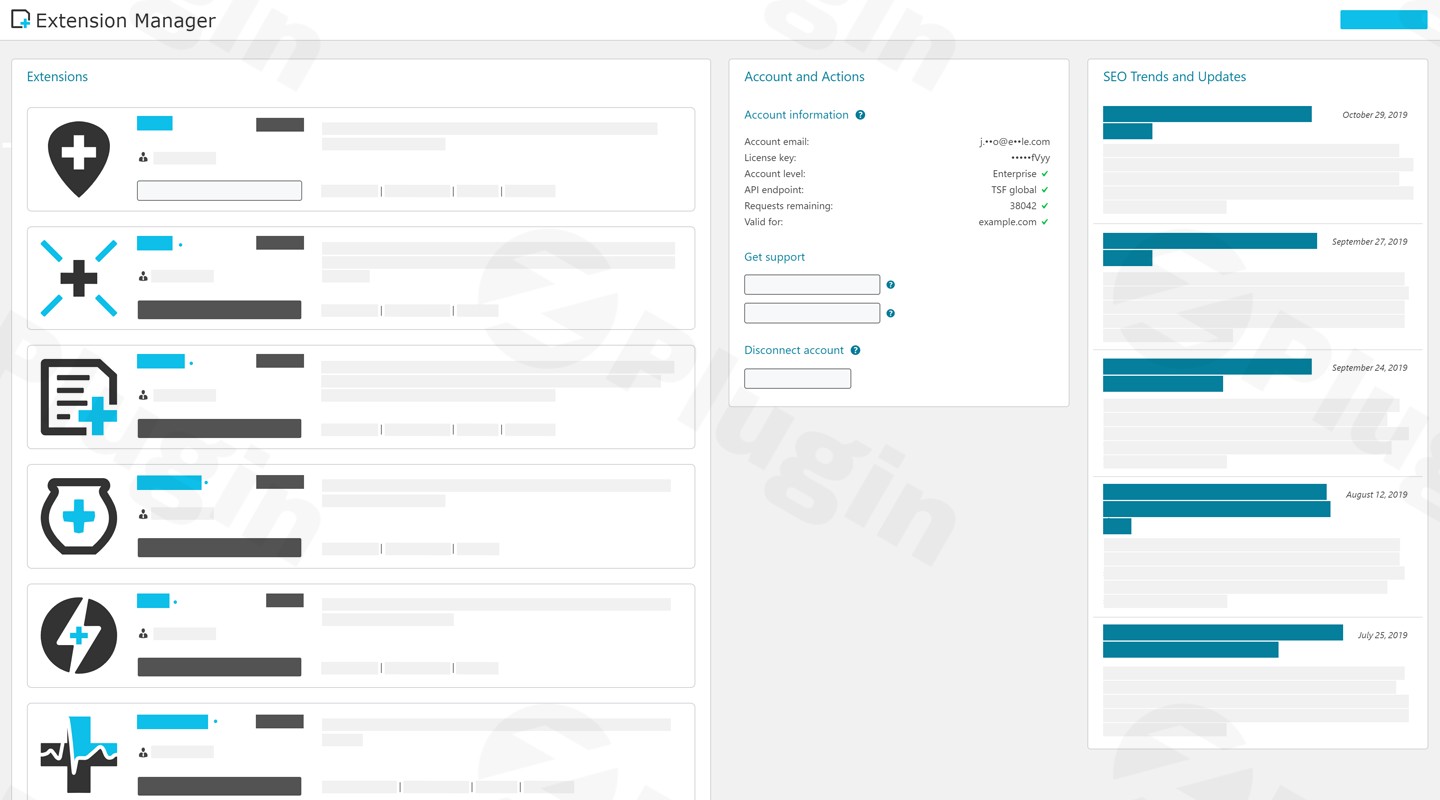
This plugin acts as a central control panel for activating, updating, and configuring various add-ons that integrate with The SEO Framework core. It handles module states, ensures seamless compatibility between different SEO add-ons, and provides an organized administrative interface directly inside the WordPress dashboard. Users can manage structured data extensions, local visibility add-ons, and advanced tracking integrations from a single screen.
Who is this plugin for?
The plugin is tailored for WordPress developers, agency owners, and site administrators who use The SEO Framework and want granular control over their site optimization toolset. It is ideal for professionals managing multiple client websites who prefer a modular architecture to avoid unnecessary code execution on smaller or simpler web projects.
Key capabilities and features
The extension manager provides a centralized dashboard to toggle individual optimization modules on or off instantly. It supports seamless license verification and automatic updates for premium extensions. The architecture is built for speed, ensuring that inactive features do not load scripts or styles on the frontend, which helps maintain core web vitals and fast page loading times.
Practical WordPress use cases
Site owners utilize this plugin to activate specific functional modules such as local business optimization or enhanced schema data only on websites that require them. Agencies use the extension manager to standardize their SEO toolkit across multiple client deployments while keeping resource overhead to a minimum.
Setup and compatibility notes
The plugin requires The SEO Framework core plugin to be installed and active on your WordPress website. Installation is handled through standard WordPress plugin upload procedures. Once activated, a new settings menu appears where administrators can view available extensions and toggle them with a single click.
Why download on WPPick?
Downloading from WPPick gives you access to clean, verified GPL files without restrictive subscriptions. You receive direct access to updates, enabling you to maintain secure and functional websites efficiently while managing your project budgets effectively.
Latest version context
Detailed release notes are not available from the provided sources for version 2.7.2. The release maintains core compatibility standards and ensures stable operation within modern WordPress environments.
Frequently Asked Questions
Does this plugin work without The SEO Framework? No, this plugin functions strictly as an extension manager and requires the core SEO Framework plugin to be installed and activated.
Will activating all extensions slow down my website? The modular design ensures that only enabled extensions load their respective assets, minimizing any performance impact on your pages.
How do I install new extensions? New modules can be enabled directly from the extension manager dashboard once your account or license requirements are met.
Is this plugin compatible with page builders? Yes, it operates independently of frontend page builders and focuses entirely on backend SEO management and output generation.
I. Download Limits & Account Benefits
- Free Downloads: Each email address receives 3 downloads per day for free products
- Upgrade Benefits: Purchase any paid product to increase your daily download limit by 3 for each paid product
- No Account Required: You can download immediately by receiving the download link via email
- Account Recommended: Create an account for easier access to your order history and direct update downloads
II. Understanding GPL vs Official Versions
Important: The products available on WPPick are GPL-licensed versions, which differ from official developer versions. Before purchasing, please read our comprehensive guide: Understanding GPL & Official Differences at WPPick
Key Points:
- GPL versions may not include premium support from original developers
- Updates may be delayed compared to official releases
- Some premium features might have limitations
- Always consider your specific needs and support requirements
III. Support & Assistance
We’re here to help through multiple channels:
- Email Support: Direct email assistance for all inquiries
- Live Chat: Real-time support during business hours
- Comprehensive Documentation: Detailed guides and tutorials
IV. Order Tracking
Access your complete purchase history and download links anytime: Order History
V. Account Access
New to WPPick? Login or Create Account to manage your downloads and orders efficiently.
VI. Refund Protection
We stand behind our products with a clear refund policy. Review our terms: Refund Policy
VII. Privacy & Security
Your data security is our priority. Learn how we protect your information: Privacy Policy
VII. Terms of Service
Understanding our service terms ensures a smooth experience: Terms of Use
Quick Tips for Best Experience
- Verify Compatibility: Check plugin/theme compatibility with your WordPress version
- Backup First: Always backup your site before installing new plugins or themes
- Test Environment: Consider testing on a staging site first
- Stay Updated: Regularly check for updates in your account dashboard
- Read Documentation: Review any included documentation for optimal setup
Need Help?
If you have questions about downloads, licensing, or need technical assistance, don’t hesitate to contact our support team. We’re committed to ensuring you have the best possible experience with WPPick products.
Ready to get started? Your download adventure begins with just one click!