

Tm Elementor Addons
/Year
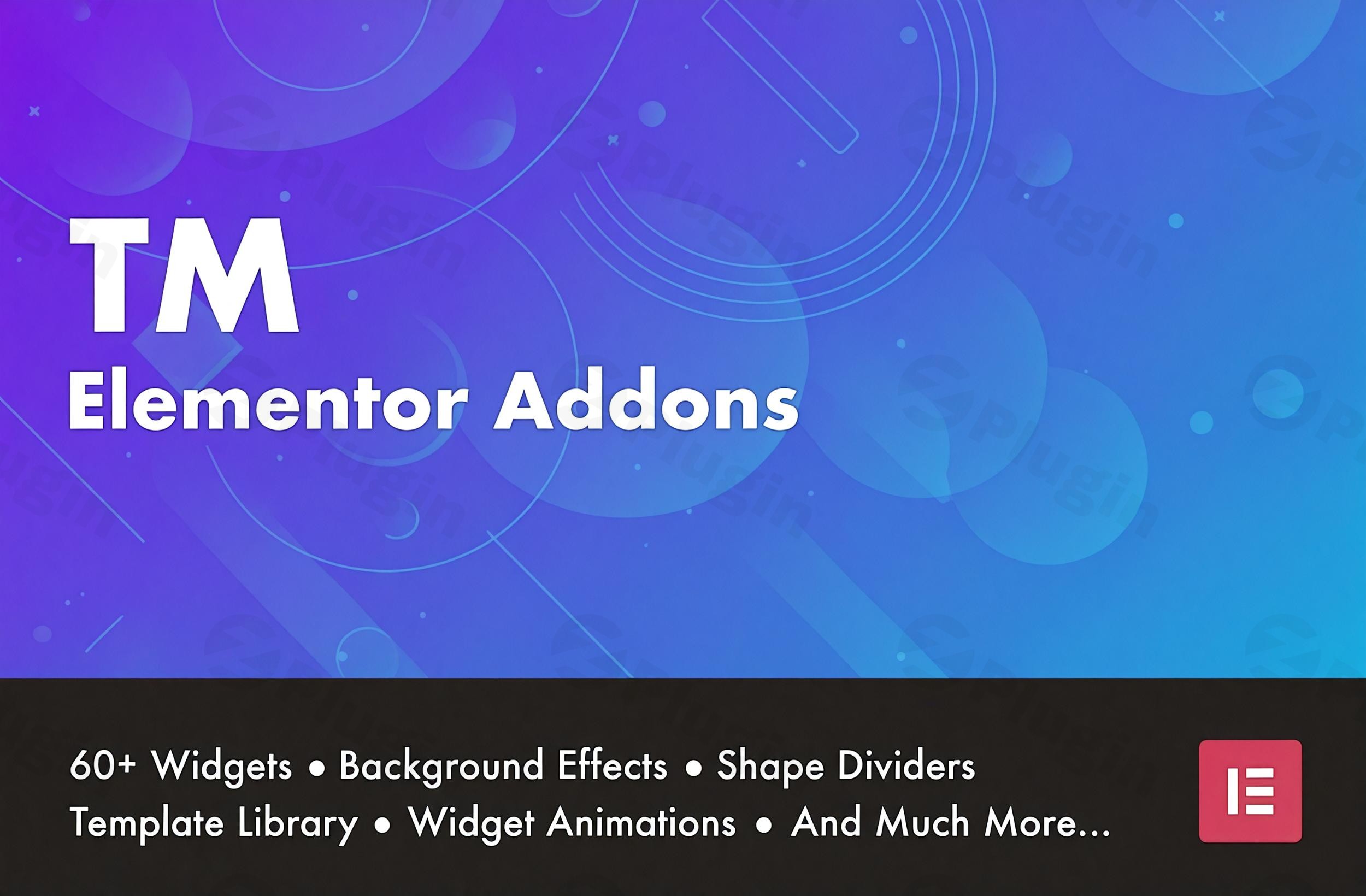
Creating a standout website often requires going beyond the standard tools provided by page builders. TM Elementor Addons is a professional-grade suite of Elementor Addons designed to extend the core functionality of the Elementor page builder. Whether you are a small business owner, a digital marketer, or a developer, this plugin provides the necessary “building blocks” to create high-converting, visually stunning WordPress websites without writing a single line of code.
By integrating over 60 advanced Elementor widgets, 170+ pre-designed templates, and a massive library of 2200+ icons, TM Elementor Addons solves the common problem of design limitations while maintaining a focus on site performance and SEO.
Key Features of TM Elementor Addons
The true value of this plugin lies in its ability to replace multiple single-purpose plugins with one cohesive, lightweight library. Here is a breakdown of the core TM Elementor Addons features:
1. Robust Widget Library
The plugin features over 60 advanced widgets tailored for different niches:
- Creative Content: Includes Image Comparison (Before/After), Portfolio Grids, Photo Galleries, and Interactive Sliders.
- Navigation & UI: Build sophisticated site structures with the Smart Menu, Mega Menu builder, and Dropdown Buttons.
- WooCommerce Integration: Specifically designed widgets for product grids, “Add to Cart” buttons, and custom checkout page elements to boost eCommerce conversions.
2. Professional Template & Section Library
Building from scratch is time-consuming. TM Elementor Addons provides a Template Library with over 170 modern layouts and section blocks. These templates are “plug-and-play,” allowing you to import a professional design and simply swap out the content.
3. Performance-First Architecture
Unlike many bloated WordPress page builder plugins, TM Elementor Addons is built for speed. It features a modular system where you can enable or disable specific widgets and icons. This ensures that your site only loads the CSS and JavaScript it actually needs, helping you maintain high Core Web Vitals scores.
4. Advanced Animations and Parallax
Add a layer of interactivity with gradient background animations, widget-specific entrance effects, and parallax backgrounds. These features are designed to be “lightweight,” ensuring that visual flair doesn’t come at the cost of page load speed.
5. Dynamic Content & Form Styling
For developers and advanced users, the plugin integrates seamlessly with ACF (Advanced Custom Fields), Pods, and Meta Box. Additionally, the Form Styler widget allows you to visually customize the appearance of Contact Form 7 and WPForms to match your brand perfectly.
How to Install and Set Up TM Elementor Addons
Follow these simple steps to get started with your new Elementor widgets:
- Download the Plugin: Log in to your WordPress dashboard and navigate to Plugins > Add New. Upload the TM Elementor Addons .zip file (or search for it if using the free version).
- Activate: Click the Activate button once the installation is complete.
- Configure Settings: Go to the new TM Addons menu item in your WordPress sidebar.
- Manage Widgets: Under the “Elements” tab, toggle OFF any widgets you do not plan to use. This is a best practice for keeping your site fast.
- Start Designing: Open any page with Elementor. You will see a new category of “TM Elementor Addons” in the left-hand widget panel.
Practical Usage & Best Practices
To get the most out of TM Elementor Addons, consider these real-world workflows:
- For eCommerce Store Owners: Use the WooCommerce-specific widgets to create a custom “Quick View” or a unique product grid that stands out from standard WooCommerce themes. This improves user experience and can increase your average order value.
- For Agencies & Freelancers: Leverage the Header and Footer Builder to create global site elements that Elementor Free users usually cannot access. This allows you to build completely bespoke themes for clients quickly.
- For High-Traffic Blogs: Use the “Scroll Nav” and “Search Form” widgets to improve site navigation. This keeps readers on your page longer and helps your SEO-friendly markup perform better in search engine results.
- Best Practice Tip: Always use the “On-demand” asset loading feature. Before launching a site, do a final audit of the TM Addons settings page to ensure only the active widgets are enabled.
FAQ & Troubleshooting
What are the main features of TM Elementor Addons?
TM Elementor Addons offers over 60 advanced widgets (including WooCommerce and Navigation tools), 170+ ready-to-use templates, a Mega Menu builder, and a library of 2200+ icons. It also supports dynamic content via ACF and Meta Box.
Is TM Elementor Addons compatible with Elementor Pro?
Yes, TM Elementor Addons is fully compatible with both the Free and Pro versions of Elementor. It is designed to complement Elementor Pro features, providing even more granular control over styling and layout.
Does the plugin support the new Elementor Flexbox Containers?
Yes, recent updates to TM Elementor Addons have added full support for Elementor’s Flexbox Container system, ensuring your layouts are modern, responsive, and future-proof.
Will this plugin slow down my WordPress site?
No. TM Elementor Addons is a lightweight Elementor addon that uses modular loading. You can disable every widget you aren’t using, which prevents unnecessary code from loading on your front-end pages.
How do I update the plugin without losing my designs?
You can update TM Elementor Addons directly through the WordPress Plugins dashboard. Since the plugin uses standard WordPress hooks and clean coding practices, your settings and designs remain intact during the update process. Always recommend a site backup before any plugin update.
Conclusion: Is TM Elementor Addons Right for You?
TM Elementor Addons is an essential toolkit for any WordPress user looking to maximize the potential of the Elementor page builder. Its balance of a massive features list and a performance-oriented, modular design makes it a top contender among the best Elementor addons available today.
If you need a plugin that provides professional-grade design flexibility, WooCommerce enhancements, and clean, SEO-friendly code, TM Elementor Addons is a highly recommended investment for your WordPress site. For more reviews and tutorials on the latest WordPress tools, stay tuned to wppick.com.
I. Download Limits & Account Benefits
- Free Downloads: Each email address receives 3 downloads per day for free products
- Upgrade Benefits: Purchase any paid product to increase your daily download limit by 3 for each paid product
- No Account Required: You can download immediately by receiving the download link via email
- Account Recommended: Create an account for easier access to your order history and direct update downloads
II. Understanding GPL vs Official Versions
Important: The products available on WPPick are GPL-licensed versions, which differ from official developer versions. Before purchasing, please read our comprehensive guide: Understanding GPL & Official Differences at WPPick
Key Points:
- GPL versions may not include premium support from original developers
- Updates may be delayed compared to official releases
- Some premium features might have limitations
- Always consider your specific needs and support requirements
III. Support & Assistance
We’re here to help through multiple channels:
- Email Support: Direct email assistance for all inquiries
- Live Chat: Real-time support during business hours
- Comprehensive Documentation: Detailed guides and tutorials
IV. Order Tracking
Access your complete purchase history and download links anytime: Order History
V. Account Access
New to WPPick? Login or Create Account to manage your downloads and orders efficiently.
VI. Refund Protection
We stand behind our products with a clear refund policy. Review our terms: Refund Policy
VII. Privacy & Security
Your data security is our priority. Learn how we protect your information: Privacy Policy
VII. Terms of Service
Understanding our service terms ensures a smooth experience: Terms of Use
Quick Tips for Best Experience
- Verify Compatibility: Check plugin/theme compatibility with your WordPress version
- Backup First: Always backup your site before installing new plugins or themes
- Test Environment: Consider testing on a staging site first
- Stay Updated: Regularly check for updates in your account dashboard
- Read Documentation: Review any included documentation for optimal setup
Need Help?
If you have questions about downloads, licensing, or need technical assistance, don’t hesitate to contact our support team. We’re committed to ensuring you have the best possible experience with WPPick products.
Ready to get started? Your download adventure begins with just one click!
- General bug fixes
- General compatibility fixes