

Top Bar For Woocommerce
/Year
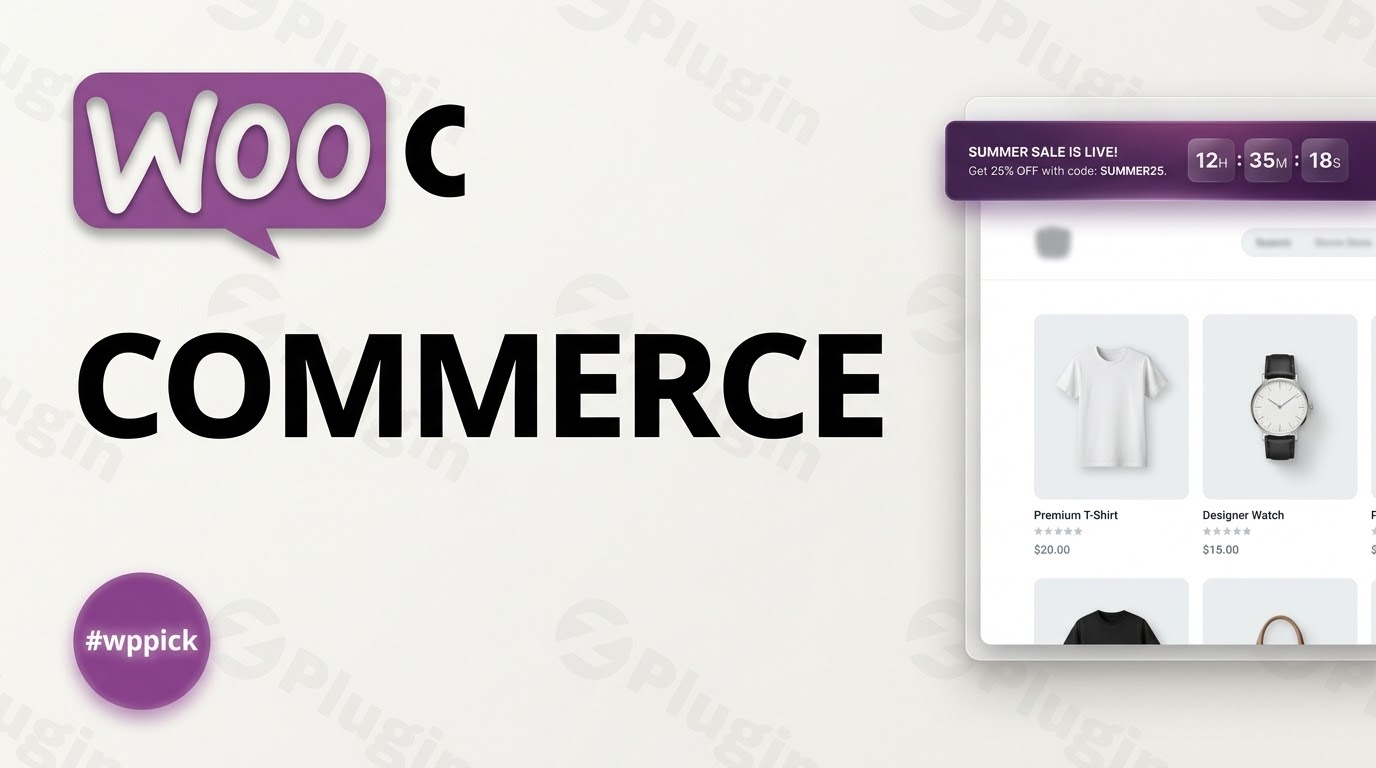
Drive Urgency and Maximise Revenue with Strategic Storefront Banners
Capturing user attention the moment they arrive on your website is critical for converting passive visitors into active buyers. Top Bar for WooCommerce offers a clean, non-intrusive method to display critical announcements, high-converting promotions, flash sales, and shipping incentives directly on your digital storefront. By placing highly visible banners at either the top or bottom of your store pages, this extension helps merchants direct traffic to key landing pages, lower cart abandonment rates, and accelerate customer decision-making.
Latest Version 1.5.2 Changes
The changelog for ‘Top Bar for WooCommerce’ by Addify shows that version 1.5.2 introduced features such as resetting the timer on selected hours and scheduling top bars with a date and time. It also resolved a word break bug in content, fixed a timer issue in responsive mode, and corrected start/end date logic when left empty.
- 1.5.2 Add – Added option to reset timer on selected hours. Update – Schedule top bars with date and time. Fix – Fixed word break bug in content. Add – Add multiple top bars one after another. Fix – Fixed timer issue in responsive mode. Fix – Fixed start and end date issue when empty.
What It Does
Top Bar for WooCommerce functions as a comprehensive notice management system for e-commerce platforms. It empowers site administrators to build, customize, and deploy dynamic notification banners across their online shop. Beyond rendering simple text alerts, the plugin integrates interactive components such as call-to-action buttons, advanced animations, and responsive countdown timers designed to cultivate a psychological sense of scarcity and exclusive opportunity.
Who It Is For
This extension is built specifically for WooCommerce store owners, digital marketers, and WordPress developers who want an agile promotional tool without relying on heavy popups that degrade mobile experiences. Whether managing a boutique marketplace running weekly discount campaigns or a large enterprise deploying country-specific shipping notices, this plugin adapts smoothly to diverse business scales and marketing objectives.
Key Capabilities
- Flexible Positioning: Render eye-catching alert banners at the very top of the browser view or stickied cleanly just above the footer area.
- Urgency Templates: Utilize multiple pre-designed countdown timer templates that can be assigned to expire based on explicit dates or set intervals.
- Advanced Animation Styles: Select from engaging presentation templates like scrolling text tickers, manual sliders, or automated sliders to present multiple announcements.
- Granular Targeting: Serve distinct notifications based on country-level geolocation or isolate visibility to specific products, collections, and structural pages.
- Shortcode Integration: Leverage modular shortcodes to place specific notification elements or call-to-action configurations inside custom layouts, widgets, or blocks.
Practical WordPress Use Cases
- Flash Sale Campaigns: Run a sitewide 24-hour flash sale accompanied by a dynamic countdown timer that visually ticks down, prompting faster checkouts.
- Geotargeted Notices: Display a specific free shipping threshold banner exclusively to domestic visitors while hiding or altering it for international users.
- Multi-Announcement Rotations: Configure a slider inside a single top banner to rotate between three messages: an onboarding coupon code, a holiday scheduling advisory, and a product launch notification.
- Cart Block Compatibility: Embed promotional snippets near checkout paths by ensuring absolute compatibility with modern WooCommerce cart and checkout blocks.
Setup and Compatibility Notes
Deploying Top Bar for WooCommerce requires minimal setup configuration. Once activated inside the WordPress administration dashboard, an intuitive options panel manages visual styling, typography rules, color hex codes, and responsive behavioral settings. The extension conforms to standard WordPress architectures and is verified to function alongside popular themes and page builders. Because it respects core styles, it renders smoothly on modern smartphones, tablets, and desktop displays without introducing breaking style shifts.
Reasons to Choose It on WPPick
Procuring your e-commerce tools through WPPick ensures an efficient, secure path to extending your store capabilities. Each plugin archive is fully checked to ensure structural cleanliness, removing deployment risks. By utilizing clean code pathways, this notification framework delivers quick rendering times that do not penalize your core web vitals, user experience metrics, or organic search engine results.
Latest Version Context
The current iteration, version 1.5.2, introduces critical maintenance updates alongside modern promotional enhancements. It incorporates an architectural improvement that allows administrators to reset notification timers automatically based on designated hour milestones. Furthermore, scheduling mechanisms have been refined to support strict date and time fields, preventing overlap errors. Critical visual bugs, such as unexpected word break clipping inside constrained layouts and responsive mobile timer anomalies, have been systematically resolved to guarantee consistent display presentation.
Frequently Asked Questions
Can I display different top bars to users from different countries?
Yes. The extension includes country-specific visibility controls, allowing you to configure targeted banners that only display to shoppers residing within specified geographic parameters.
Is it possible to display multiple notification messages inside a single bar?
Yes. By leveraging integrated animation templates such as Auto Slider or Scroll Text, you can show multiple promotional phrases or alerts in sequence within the same banner space.
Does this plugin support the new WooCommerce checkout blocks?
Yes. The architecture maintains absolute compatibility with modern WooCommerce cart and checkout blocks, preventing scripts from interfering with standard checkout workflows.
Can I place the countdown timer or CTA button inside a custom layout?
Yes. The plugin provides dedicated shortcodes for both the action buttons and the countdown elements, allowing you to extract them from the global bar and place them anywhere on your site.
How does the timer reset function operate in the latest release?
With the release of version 1.5.2, an option has been introduced to reset the countdown mechanism upon reaching specific selected hours, facilitating recurring daily or hourly promotions without manual reconfiguration.
I. Download Limits & Account Benefits
- Free Downloads: Each email address receives 3 downloads per day for free products
- Upgrade Benefits: Purchase any paid product to increase your daily download limit by 3 for each paid product
- No Account Required: You can download immediately by receiving the download link via email
- Account Recommended: Create an account for easier access to your order history and direct update downloads
II. Understanding GPL vs Official Versions
Important: The products available on WPPick are GPL-licensed versions, which differ from official developer versions. Before purchasing, please read our comprehensive guide: Understanding GPL & Official Differences at WPPick
Key Points:
- GPL versions may not include premium support from original developers
- Updates may be delayed compared to official releases
- Some premium features might have limitations
- Always consider your specific needs and support requirements
III. Support & Assistance
We’re here to help through multiple channels:
- Email Support: Direct email assistance for all inquiries
- Live Chat: Real-time support during business hours
- Comprehensive Documentation: Detailed guides and tutorials
IV. Order Tracking
Access your complete purchase history and download links anytime: Order History
V. Account Access
New to WPPick? Login or Create Account to manage your downloads and orders efficiently.
VI. Refund Protection
We stand behind our products with a clear refund policy. Review our terms: Refund Policy
VII. Privacy & Security
Your data security is our priority. Learn how we protect your information: Privacy Policy
VII. Terms of Service
Understanding our service terms ensures a smooth experience: Terms of Use
Quick Tips for Best Experience
- Verify Compatibility: Check plugin/theme compatibility with your WordPress version
- Backup First: Always backup your site before installing new plugins or themes
- Test Environment: Consider testing on a staging site first
- Stay Updated: Regularly check for updates in your account dashboard
- Read Documentation: Review any included documentation for optimal setup
Need Help?
If you have questions about downloads, licensing, or need technical assistance, don’t hesitate to contact our support team. We’re committed to ensuring you have the best possible experience with WPPick products.
Ready to get started? Your download adventure begins with just one click!
- Updated compatibility for latest WooCommerce versions.
- Added option to reset timer on selected hours
- Schedule top bars with date and time
- Fixed word break bug in content
- Added Option to show bar above footer
- Add 3 new countdown timer template
- Add Shortcode to display bar anywhere
- Add Schedule top bars(counter template when)
- Add new bar aniamtion template (Srcoll Text, Manual Slider, Auto Slider)
- Button customization - color, text and more
- Country specific bars
- Remove height limits, use as a banner
- Button and timer shortcode so they can be placed anywhere in custom bar
- Compatible with WooCommerce cart and checkout blocks
- Typos fixes