
Ultimate Member User Notes
/Year
Streamline Community Communication with Advanced User Note Management
In today’s dynamic online communities, fostering user engagement and providing robust tools for personal organization are paramount. The Ultimate Member User Notes plugin is a premium extension designed specifically for WordPress, transforming your community by empowering members to create, manage, and share personal notes directly within their profiles. This powerful addition to the Ultimate Member ecosystem streamlines communication, enhances user experience, and provides administrators with invaluable insights into their community members.Whether you’re running a social network, a membership site, or a vibrant forum, Ultimate Member User Notes offers a sophisticated solution to facilitate knowledge retention, personal expression, and targeted social interaction. By seamlessly integrating with the core Ultimate Member plugin, it ensures a cohesive and intuitive experience for both technical and non-technical users.
Core Functionality & Key Features
The Ultimate Member User Notes plugin provides a comprehensive suite of features engineered to enhance user interaction and administrative oversight:
Flexible Note Creation & Privacy Controls
Empower your members with the ability to effortlessly create both private and public notes. Private notes serve as personal reminders, drafts, or internal organizational tools, visible only to the author. Public notes, conversely, enable knowledge sharing and community contribution, allowing users to disseminate insights, tutorials, or updates to a broader audience. This granular control over content visibility gives members complete autonomy over their shared information.
Organized Profile Integration
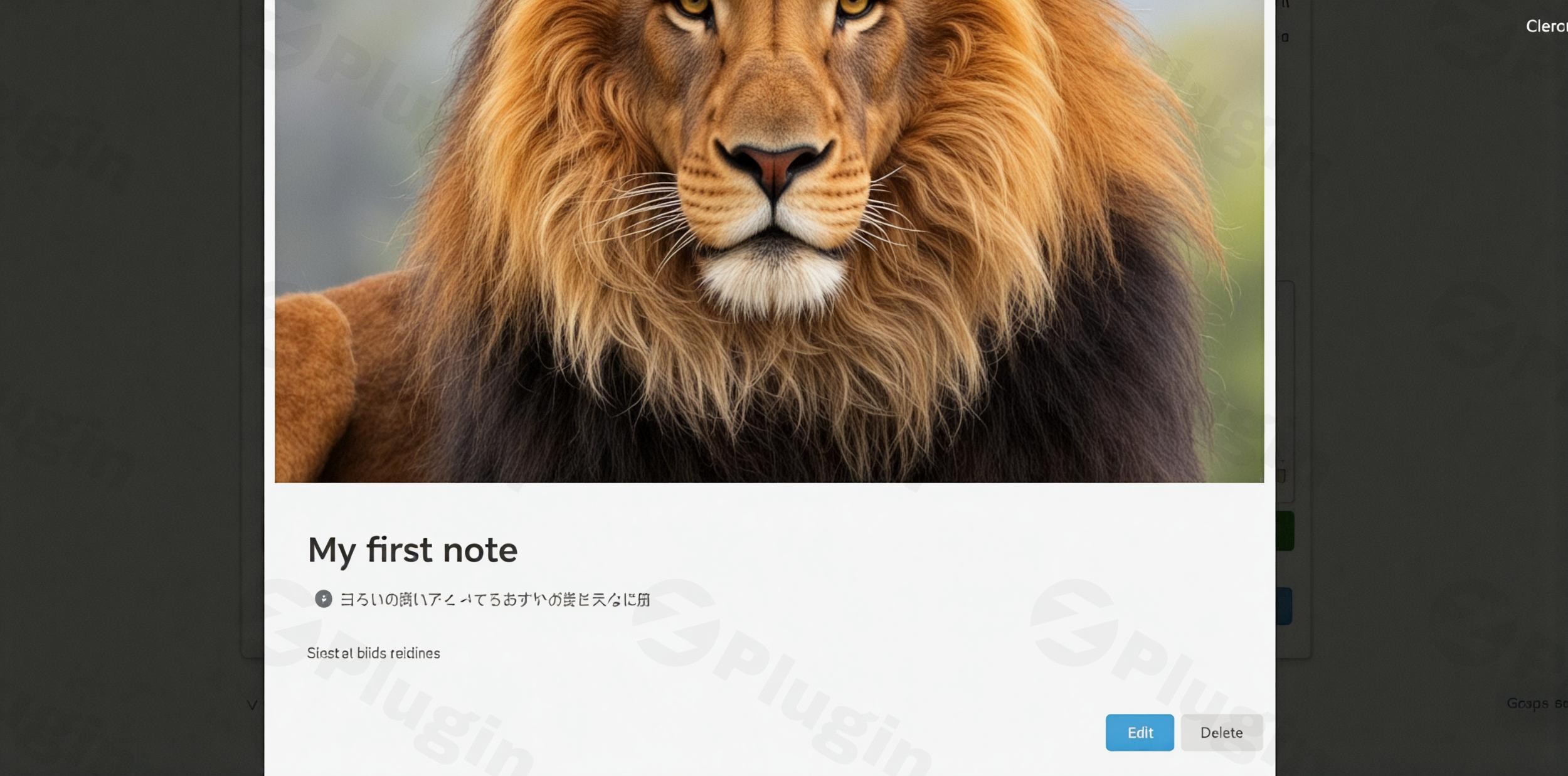
All user notes are intelligently organized and displayed within a dedicated tab on each user’s profile. This centralized approach ensures easy access and seamless navigation, allowing members to quickly locate, review, and manage their content without cluttering their main profile page. The intuitive layout contributes to an enhanced user experience, making content management straightforward and efficient.
Advanced Content Management Capabilities
The plugin includes robust content management features, providing users with complete control over their notes. Members can:
- Save notes as drafts: This allows users to work on content at their own pace, returning to complete and publish them later. Draft notes remain private until published.
- Edit existing notes: Users have full permission to modify their published or drafted notes, ensuring accuracy and currency of information.
- Delete notes: Members can remove any of their notes, maintaining control over their personal content lifecycle.
Comprehensive Privacy Options
To cater to diverse sharing preferences, Ultimate Member User Notes offers a range of sophisticated privacy settings for each note:
- Only me: For strictly private content.
- Everyone: To make notes publicly accessible.
- Followers: Shares notes exclusively with users who follow them.
- Only people I follow: Limits visibility to users the author follows.
- Friends: Integrates with the Ultimate Member Friends extension to share notes only with trusted friends.
Robust Admin Features for Community Oversight
Site administrators gain powerful tools to manage and monitor user activities, fostering better communication and organization:
- Private Admin Notes: Administrators can add private notes to any user’s profile, useful for internal tracking, support logs, or specific user-related information, enhancing backend communication and record-keeping.
- Configurable Settings Page: A dedicated settings page allows administrators to fine-tune various aspects of the plugin, including:
- Notes per page display.
- Thumbnail image size for notes.
- Excerpt length for note previews.
- Customizable “Read More” button text.
Download & Print Functionality
Users can easily download their notes in PDF format or print them directly, provided these options are enabled by the administrator. This feature ensures that important user-generated content can be easily archived or shared offline, adding significant value and utility. Administrators can customize these download and print options to align with community guidelines.
Seamless Social Integrations
The plugin extends its functionality through seamless integration with other Ultimate Member extensions:
- Social Activity Extension: New notes published by users can be automatically displayed in the social activity feeds, increasing content visibility and encouraging dynamic community interaction.
- Friends Extension: This integration allows for the creation of notes that are shared exclusively with a user’s network of friends, fostering closer relationships and more personal content sharing within trusted circles.
Setup and Installation Guide
Getting started with Ultimate Member User Notes is a straightforward process, designed to integrate seamlessly with your existing Ultimate Member setup.Prerequisites:
- Ultimate Member Plugin: This extension requires the base Ultimate Member plugin to be installed and activated on your WordPress site.
- WordPress Version: Ensure your WordPress installation is at least version 5.8 or higher.
- PHP Version: Your server must run PHP 5.6 or higher (PHP 7.4+ is recommended for optimal performance and security).Step-by-Step Installation:
- Purchase and Download: Acquire the Ultimate Member User Notes extension from the official Ultimate Member website. You will receive a downloadable
.zipfile. - Upload to WordPress:
- Log in to your WordPress admin dashboard.
- Navigate to Plugins > Add New.
- Click on the Upload Plugin button at the top of the page.
- Click Choose File, select the
ultimate-member-user-notes.zipfile you downloaded, and click Install Now.
- Activate Plugin: Once the installation is complete, click Activate Plugin.
- Configure Settings:
- After activation, navigate to WP Admin > Ultimate Member > Settings > Extensions > User Notes.
- Here, you can configure options such as notes per page, thumbnail image size, excerpt length, “Read More” button text, and enable/disable download/print options as per your community’s needs.
- Save your changes.Important Note on Caching:Ultimate Member automatically excludes its core pages from caching to protect private user data. If you implement Ultimate Member features (like user notes) on other pages, it is crucial to manually exclude those specific pages from any caching plugins you are using. Failure to do so may result in private information being inadvertently displayed to other users.
Why Choose Ultimate Member User Notes?
Investing in Ultimate Member User Notes is a strategic decision for any WordPress community builder. This premium extension offers a wealth of benefits that enhance the platform for both users and administrators:
Increased User Engagement and Retention
By providing versatile content creation tools and personal organization features, the plugin actively encourages deeper participation. Members have more compelling reasons to interact with your platform beyond traditional forum discussions, leading to longer session times and a more vibrant community.
Valuable Knowledge Retention & Sharing
Users can document important information, tutorials, personal insights, or project progress directly within their profiles. This transforms individual contributions into a collective knowledge base that benefits both the member personally and the broader community, fostering a culture of shared learning.
Enhanced User Experience
The intuitive interface, seamless integration, and comprehensive control over content create a cohesive experience. This professional and user-friendly design makes members feel more connected to your community and more invested in its growth and success.
Robust and Reliable Performance
Built as an extension for the reputable Ultimate Member plugin, User Notes benefits from a foundation of robust code and continuous development. It’s compatible with popular page builders like Beaver Builder and Elementor, and adheres to WordPress’s GPL license, ensuring regular updates, security verification, and long-term reliability.
Tailored for Community Growth
Whether you aim to foster a tighter social network, support a membership-based business, or simply provide more tools for your community members, Ultimate Member User Notes is designed to facilitate these goals. Its features, from private notes to social sharing, are all geared towards enriching the community experience.
Technical Specifications & Compatibility
Understanding the technical foundation of Ultimate Member User Notes is crucial for seamless integration and optimal performance:
- Dependency: This plugin is an extension and requires the Ultimate Member plugin (version 2.1 or higher) to be installed and active.
- WordPress Compatibility: Fully tested and compatible with WordPress 5.8 and later versions.
- PHP Compatibility: Requires PHP 5.6 or higher; PHP 7.4+ is strongly recommended for enhanced security, performance, and future compatibility.
- Database: Utilizes MySQL database support, consistent with standard WordPress installations.
- Installation: Compatible with both single-site and multi-site WordPress installations.
- Caching: Features built-in mechanisms to exclude core Ultimate Member pages from caching, but requires manual exclusion for custom pages.
- Theme Compatibility: Deeply integrated with the Ultimate Member theme and functions seamlessly with popular page builders like Beaver Builder and Elementor.
- License: Distributed under the GPL (GNU General Public License), ensuring freedom and flexibility for users and developers.
Pricing
The Ultimate Member User Notes extension is a premium offering, available for purchase with flexible licensing options to suit various site requirements:
- Single Site License: $35 per year
- Up to 5 Sites License: $45 per year
- Up to 20 Sites License: $85 per yearAlternatively, the User Notes extension can be acquired as part of the comprehensive “All Access Pass,” which bundles all Ultimate Member extensions for a holistic solution. Purchasing directly from the official Ultimate Member website ensures access to dedicated professional support and regular updates, guaranteeing the longevity and performance of your investment.
Conclusion
The Ultimate Member User Notes plugin stands as an indispensable tool for any WordPress community looking to elevate user engagement, streamline content management, and foster a more connected environment. By providing intuitive note-taking, robust privacy controls, powerful administrative features, and seamless social integrations, it empowers your members to contribute more meaningfully and enhances their overall experience. Choose Ultimate Member User Notes to transform your community into a more organized, interactive, and valuable platform for all its members.
I. Download Limits & Account Benefits
- Free Downloads: Each email address receives 3 downloads per day for free products
- Upgrade Benefits: Purchase any paid product to increase your daily download limit by 3 for each paid product
- No Account Required: You can download immediately by receiving the download link via email
- Account Recommended: Create an account for easier access to your order history and direct update downloads
II. Understanding GPL vs Official Versions
Important: The products available on WPPick are GPL-licensed versions, which differ from official developer versions. Before purchasing, please read our comprehensive guide: Understanding GPL & Official Differences at WPPick
Key Points:
- GPL versions may not include premium support from original developers
- Updates may be delayed compared to official releases
- Some premium features might have limitations
- Always consider your specific needs and support requirements
III. Support & Assistance
We’re here to help through multiple channels:
- Email Support: Direct email assistance for all inquiries
- Live Chat: Real-time support during business hours
- Comprehensive Documentation: Detailed guides and tutorials
IV. Order Tracking
Access your complete purchase history and download links anytime: Order History
V. Account Access
New to WPPick? Login or Create Account to manage your downloads and orders efficiently.
VI. Refund Protection
We stand behind our products with a clear refund policy. Review our terms: Refund Policy
VII. Privacy & Security
Your data security is our priority. Learn how we protect your information: Privacy Policy
VII. Terms of Service
Understanding our service terms ensures a smooth experience: Terms of Use
Quick Tips for Best Experience
- Verify Compatibility: Check plugin/theme compatibility with your WordPress version
- Backup First: Always backup your site before installing new plugins or themes
- Test Environment: Consider testing on a staging site first
- Stay Updated: Regularly check for updates in your account dashboard
- Read Documentation: Review any included documentation for optimal setup
Need Help?
If you have questions about downloads, licensing, or need technical assistance, don’t hesitate to contact our support team. We’re committed to ensuring you have the best possible experience with WPPick products.
Ready to get started? Your download adventure begins with just one click!
- Fixed: "Load textdomain just in time" issue